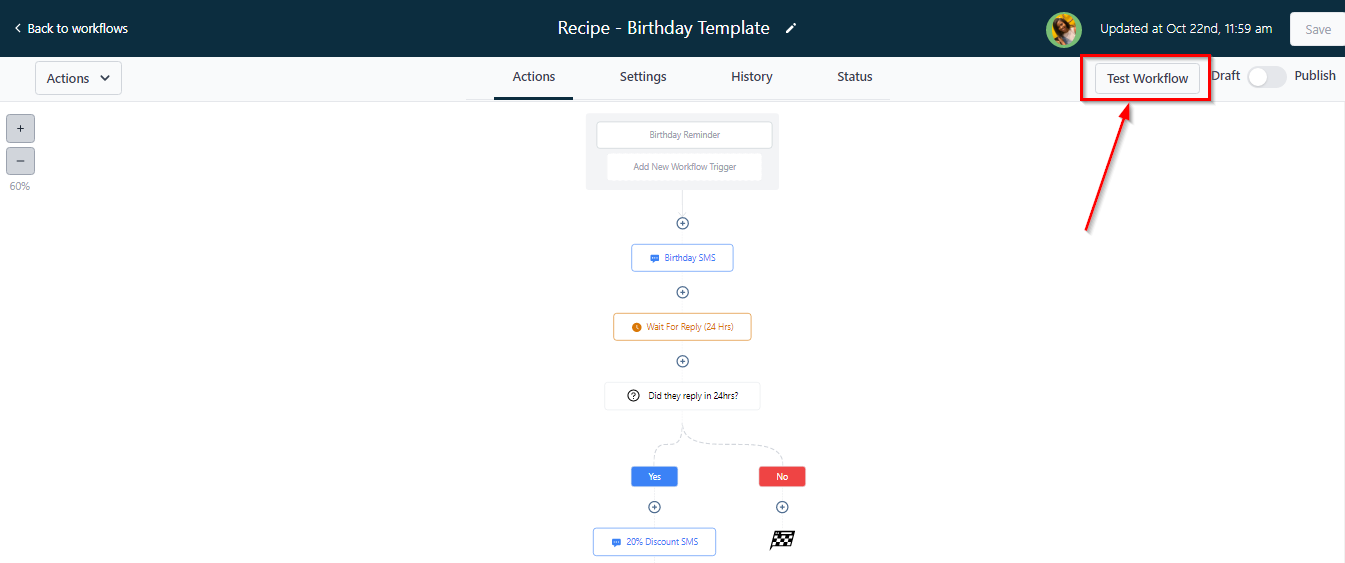
Actions Tab
To learn more about workflows and how to build them, check out the “Workflow Training” section under the “Advanced Training” help center menu! Click here to check out the Workflow Training!
Actions
In this section, workflows are created with actions to trigger them.
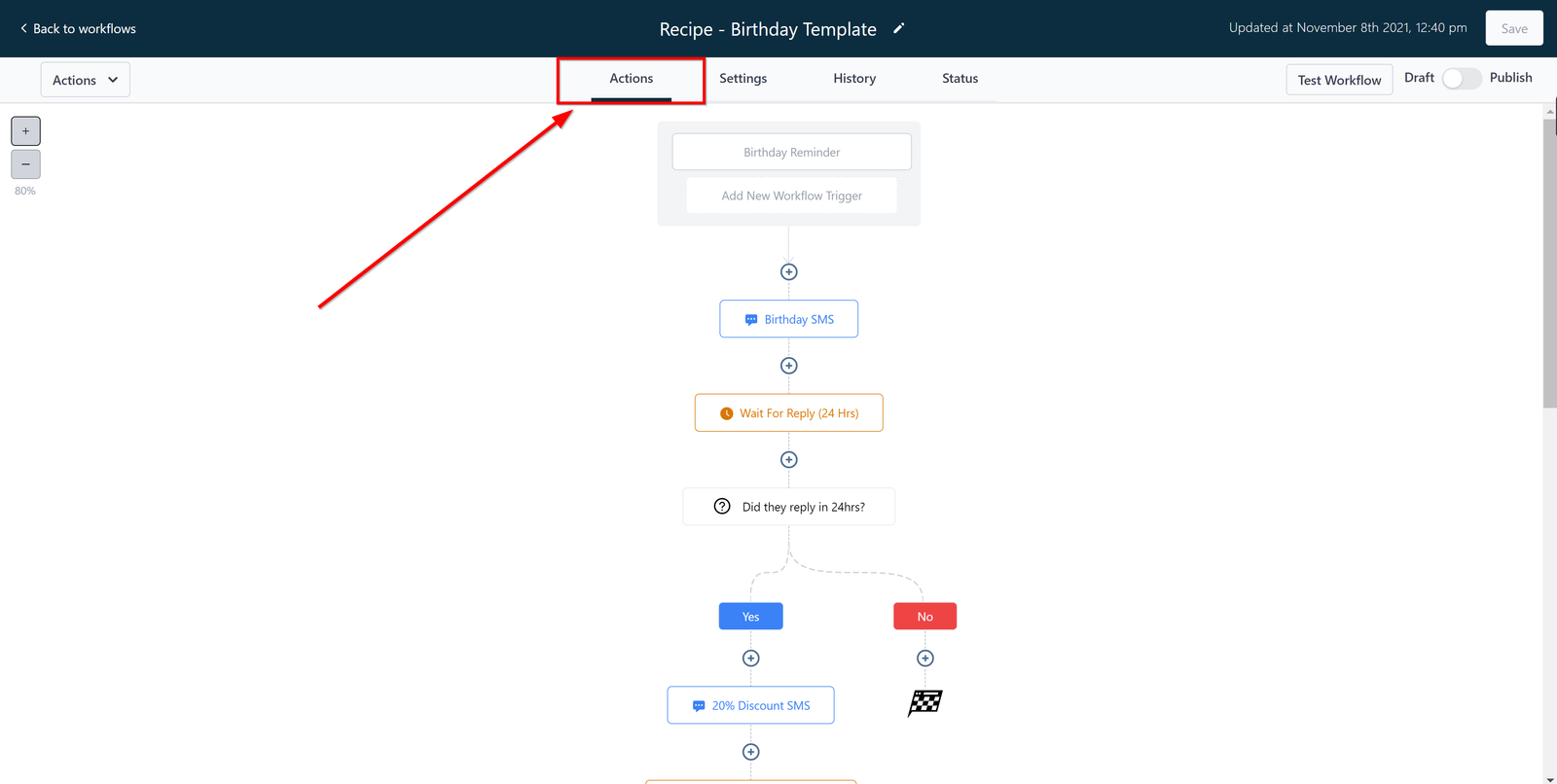
Workflow Name
This is the name given to this workflow
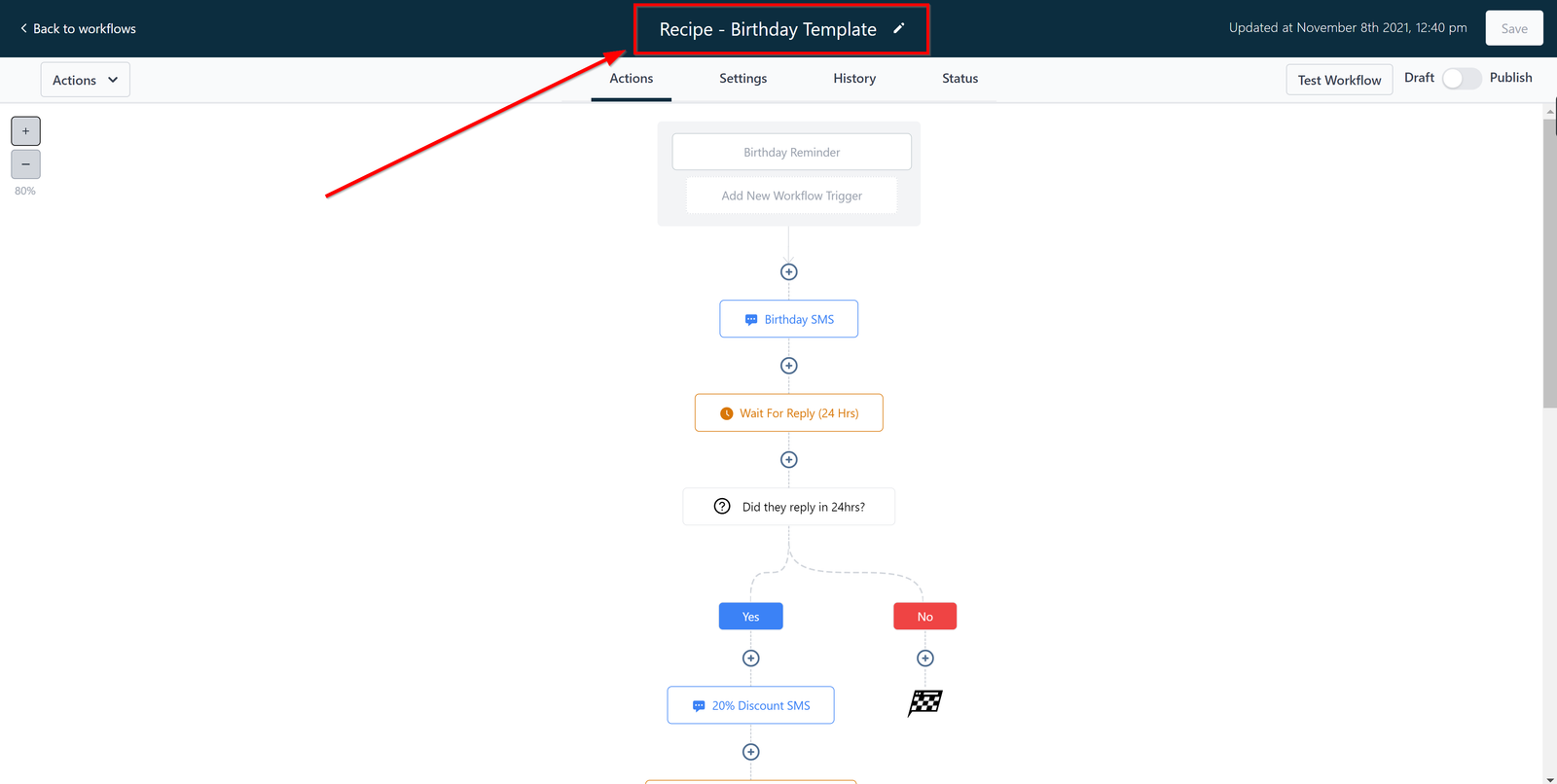
Draft vs publish
Once a workflow is created, it can either be in draft or publish mode. You can toggle this button to activate/deactivate it.
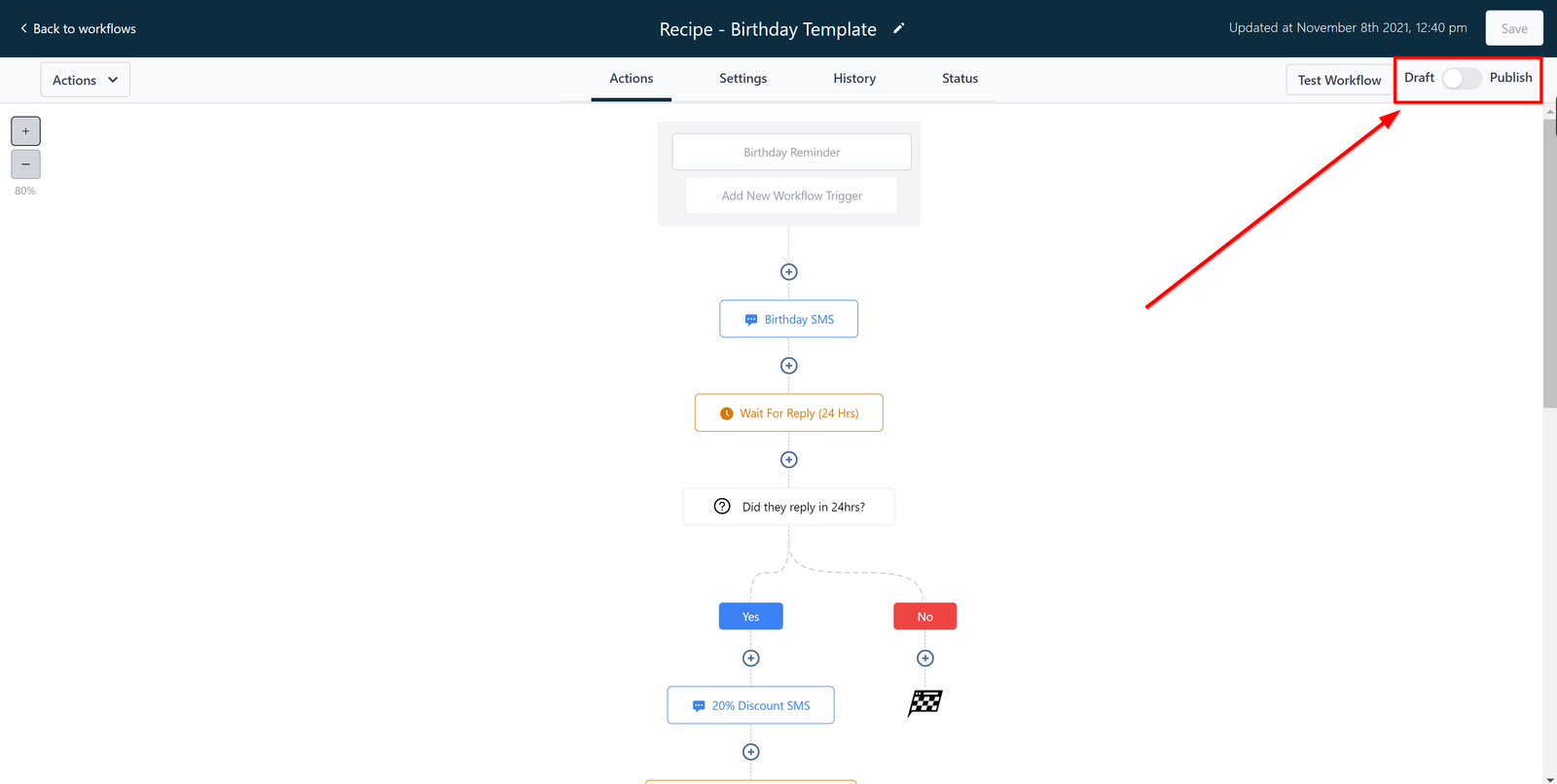
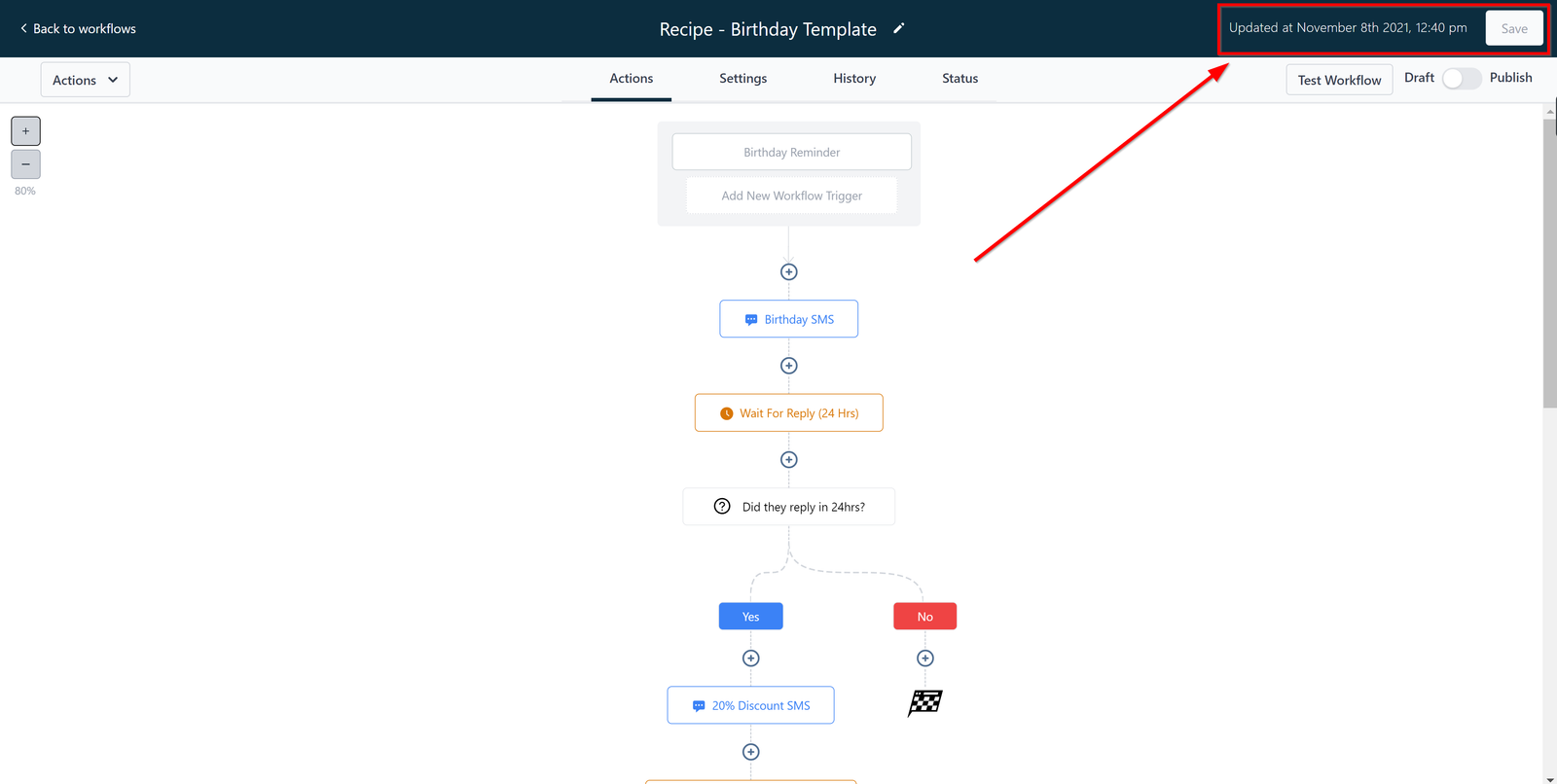
update and save
Once you are all done creating/editing actions or triggers, make sure to save it!
Once you save, the date and time you saved will be updated
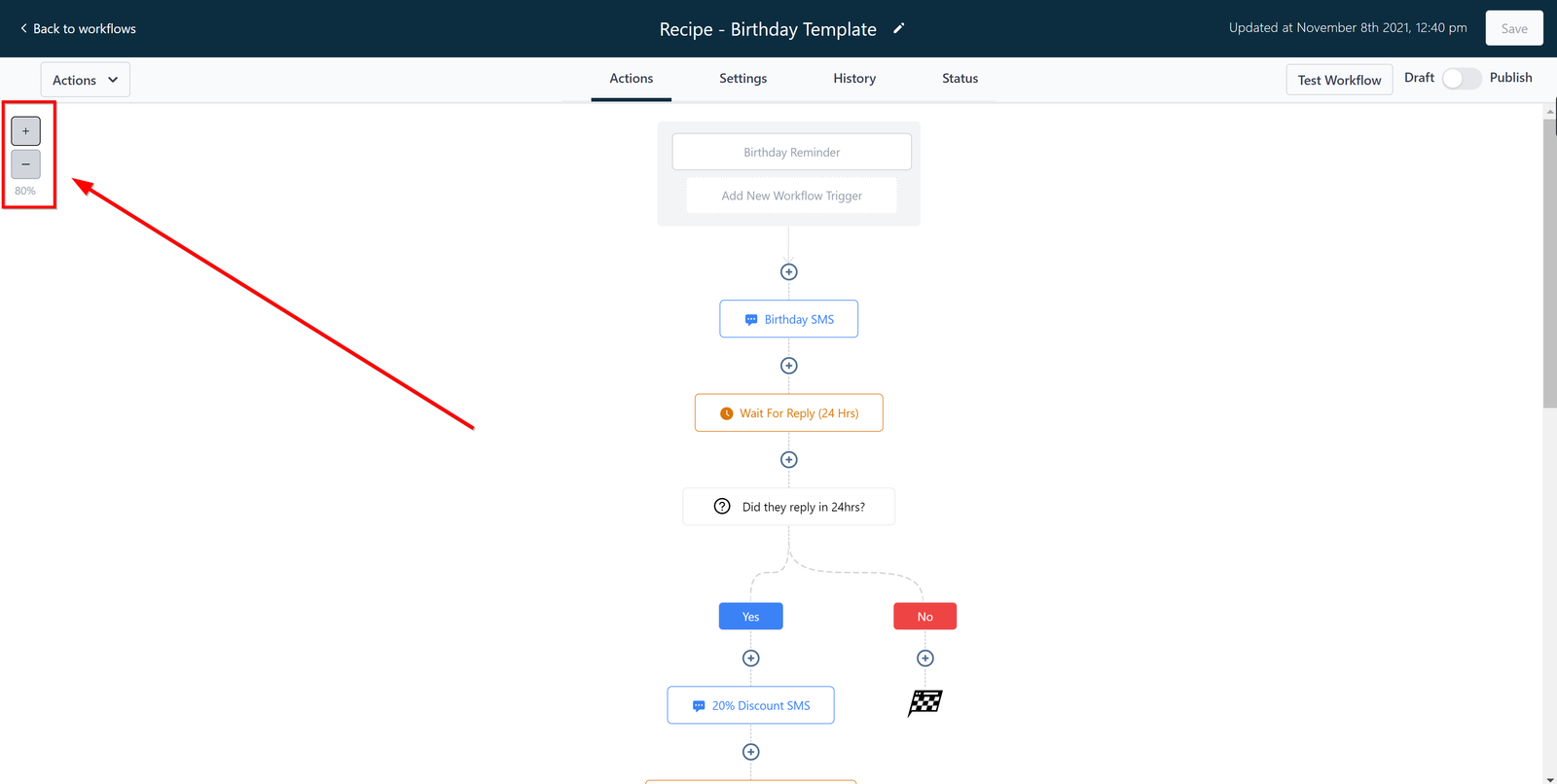
Zoom
Zoom in and out of the workflow or a particular area of the workflow by clicking this icon.
Test Workflow
After creating a workflow, you can test-run it here before publishing it. You can do that by selecting the demo contact and then you run the test!