
Bulk Actions
Whenever you select a contact or a group of contacts from any of your smart lists to perform an action such as adding to a campaign/workflow or sending an SMS/email, your CRM will create a bulk action.
Bulk actions can be monitored and managed in this area.
NOTE: Depending on your user permissions, you may not have access to all of the components.
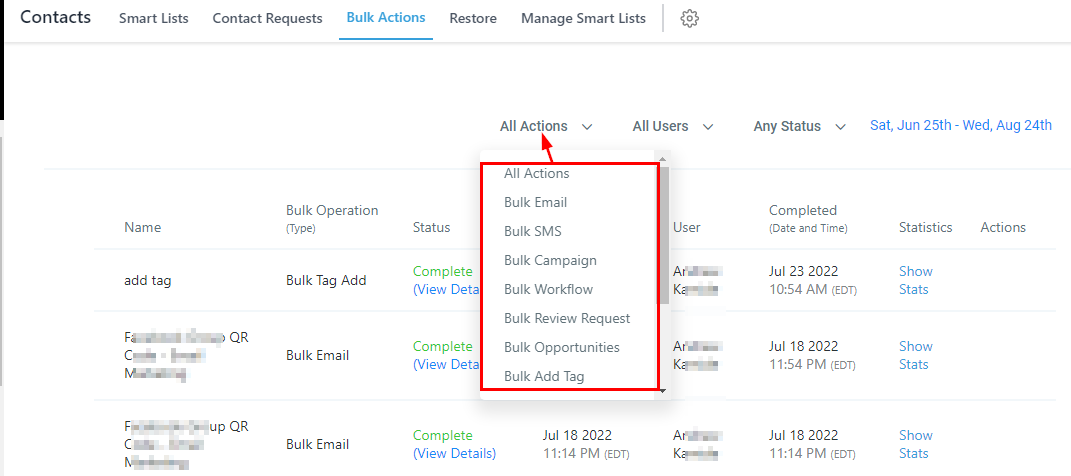
Filter By Bulk Action Type
In order to organize your bulk actions table below, you can filter by specific bulk action types by selecting this drop-down menu.
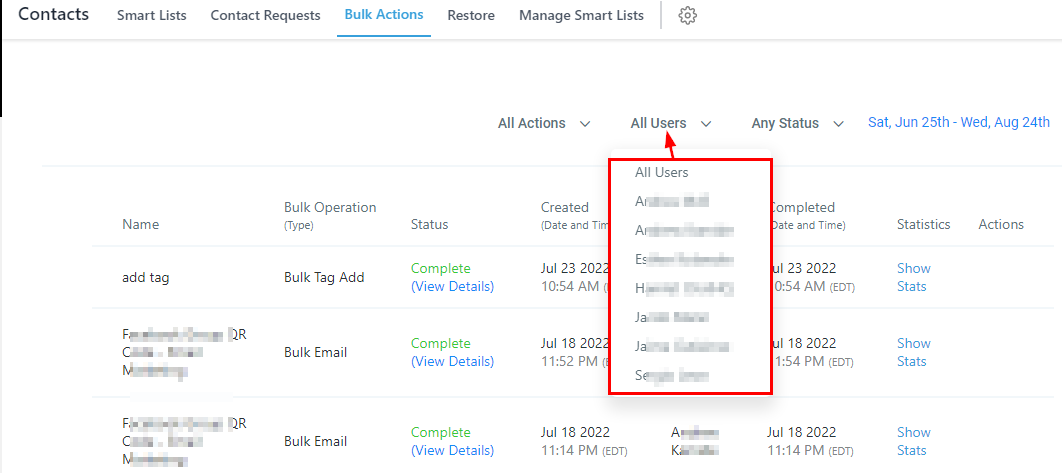
Filter By User
You can also filter by users. When selecting a user, the table will show all bulk actions performed by that user during a selected date range.
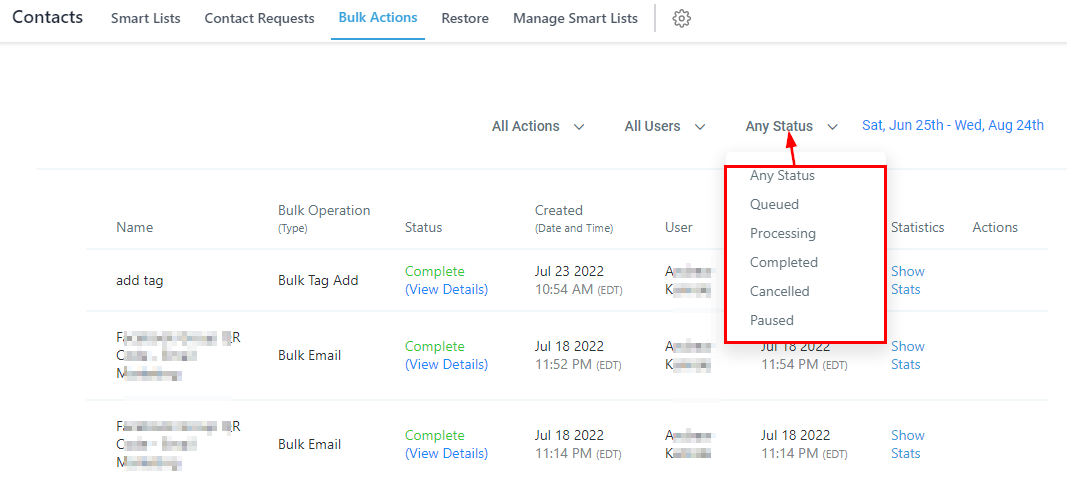
Filter By Status
This drop-down tab will give you the ability to cycle between bulk actions in different stages of delivery.
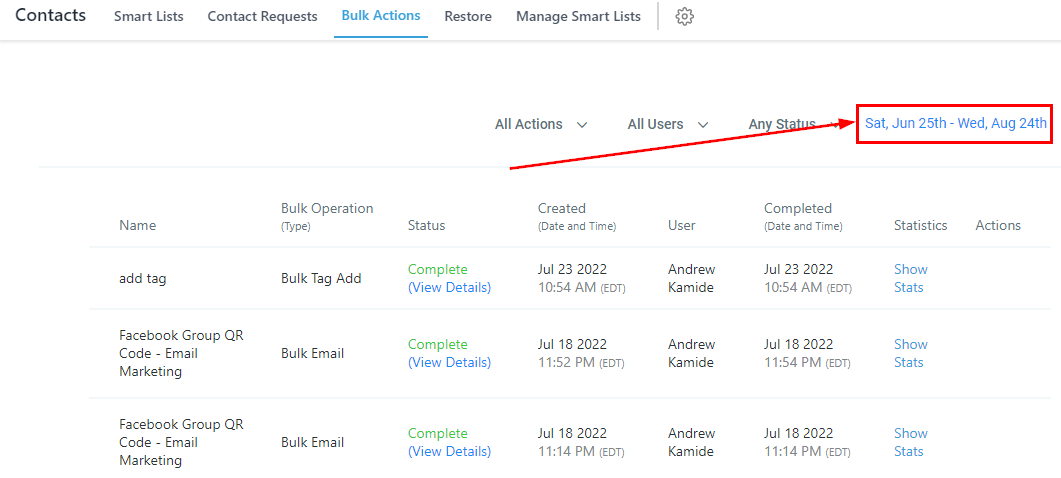
Select Date Range
When filtering your table, make sure to select a specific date range. Use this to select the date ranges.
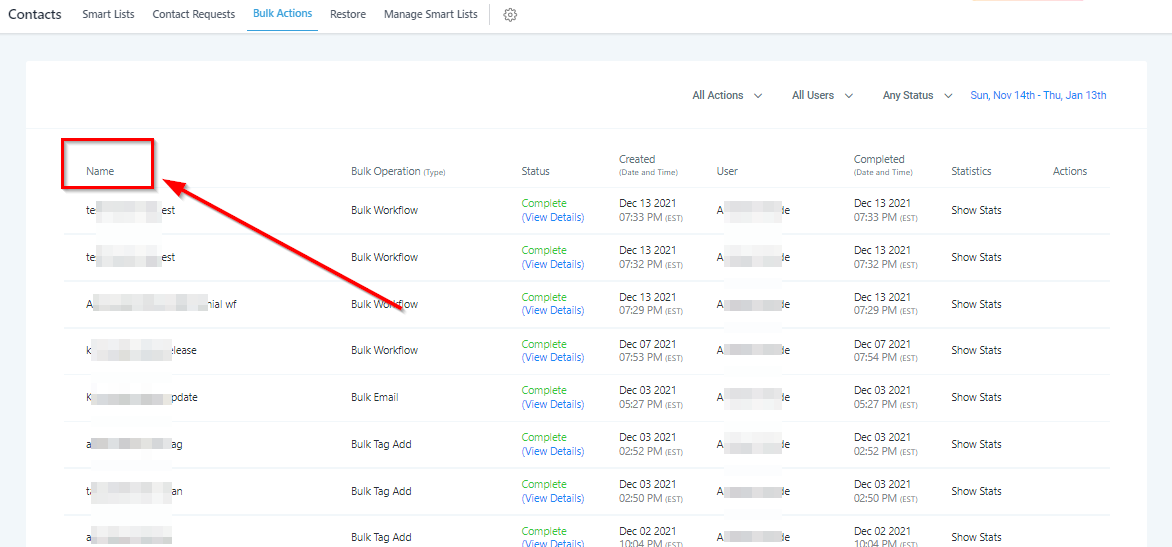
Bulk Action Name
The name of the bulk action is established by the user who creates the bulk action and can be found in this table column.
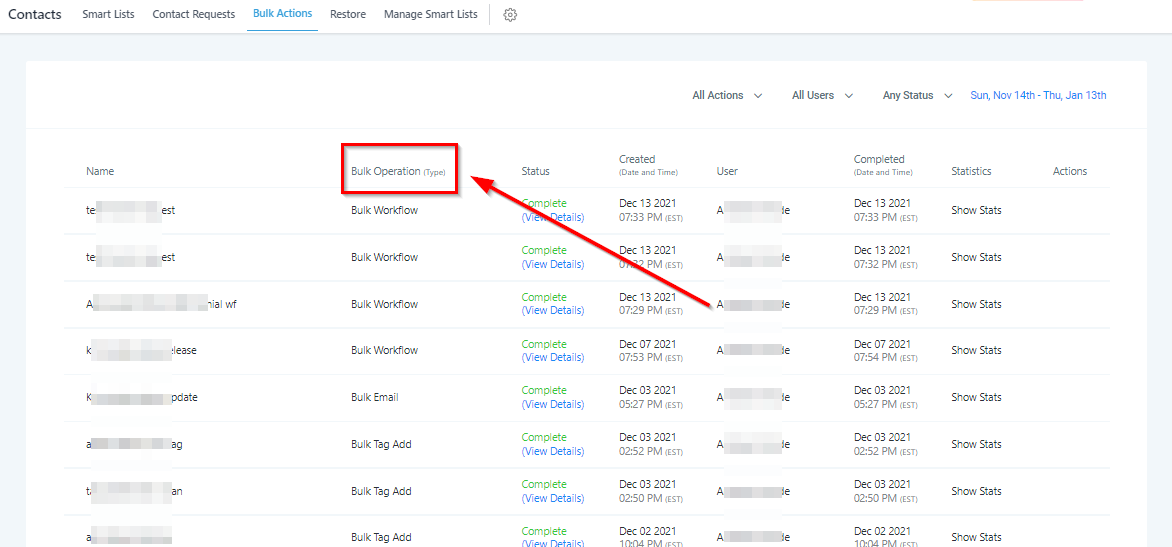
Bulk Action Operation
In this column, you will see the type of bulk action performed, whether that is adding contacts to workflows or sending messages.
Bulk Action Status
Here you will see the status of your bulk actions to see if it is still processing, in progress, complete, or canceled.