
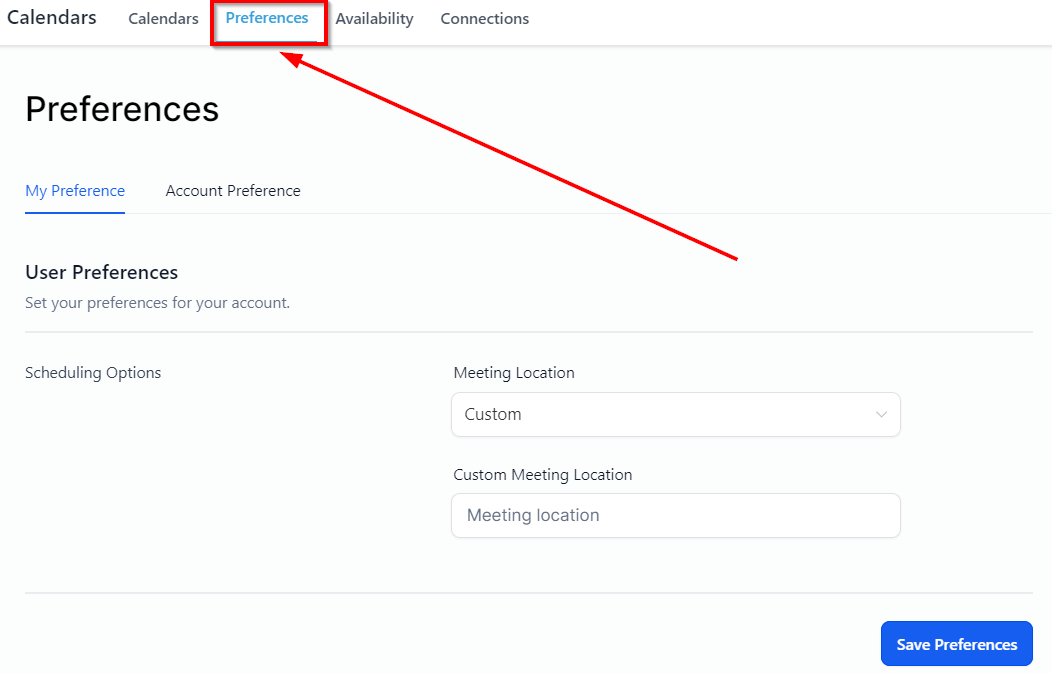
Meeting Location
Calendar preferences give you the ability to change specific parameters around Meeting location, time, and language.
From the dropdown menu, you can select the location for your meeting.
Updating My Preference
User Preference
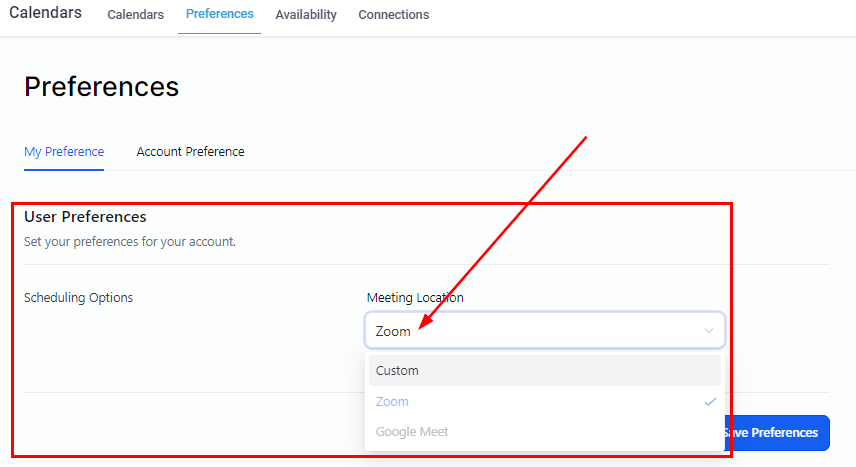
Custom- Lets you choose custom location for your meeting.
Zoom- Choose this if you wish to meet over a zoom.
Google meet- Choose this for a meeting over a Google meet.
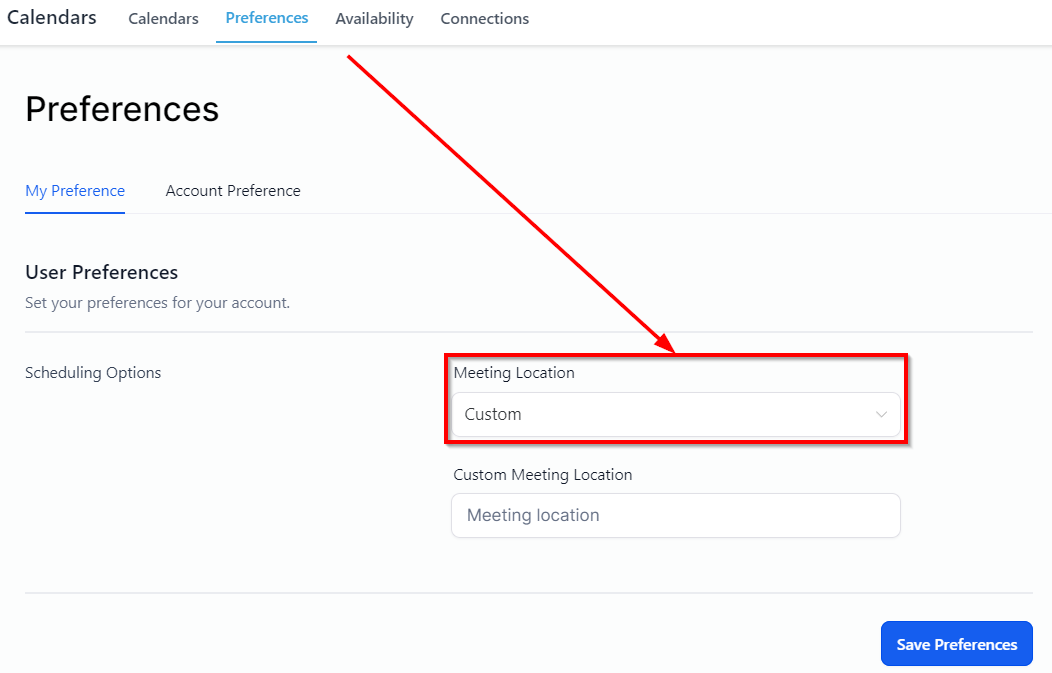
This allows you to set your preferences for your account. here
Scheduling Option
-
Meeting Location ****Select the meeting venue; Zoom Meeting or Google Meet, and connect
Updating Account Preference
In-App preferences
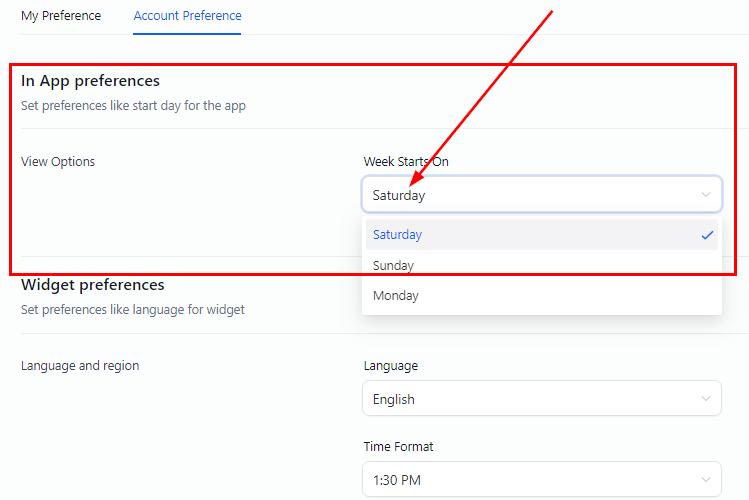
View Option
-
Week Starts on ****Set preferences like the start day for the app. Choose which day you want your calendar week to begin. We suggest Sunday or Monday, but this is entirely up to you.