
The “Call Status Trigger” runs on Outbound and Inbound calls.
The workflow can be triggered by call directions and statuses from this workflow or from another workflow linked to this workflow.
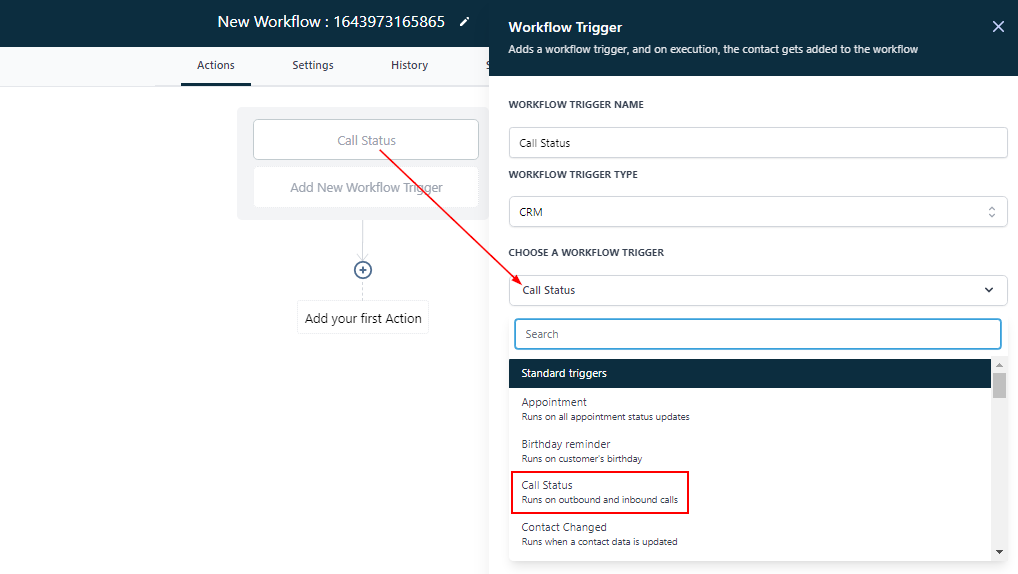
All Filters
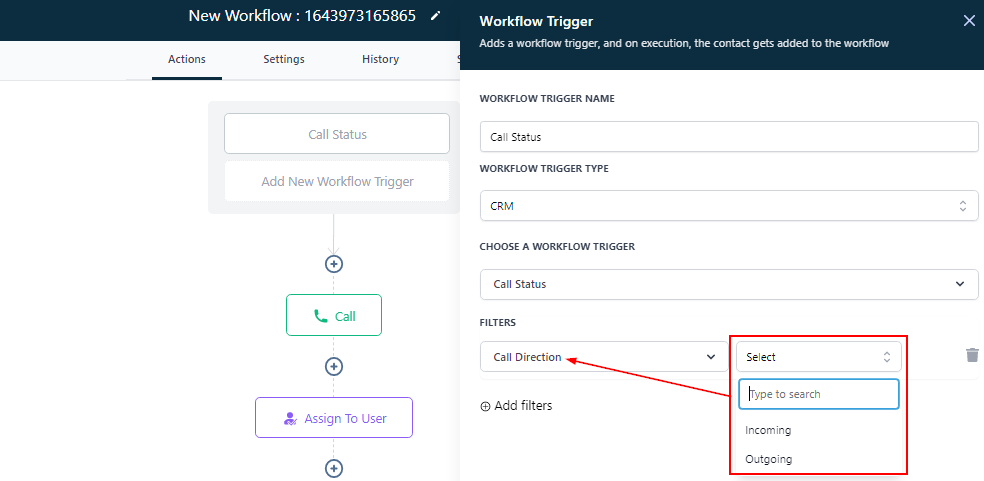
Call Direction
By clicking on this filter, you can select the direction of the call; either as an incoming or outgoing call.
Incoming Call
Selecting the “Incoming” call, the workflow is triggered when a contact (new leads or old contacts) calls the number associated with this account.
Outgoing Call
Selecting the “Outgoing” call can allow you to track all the different call records of your sales team.
Call Status
The system automatically tracks the statuses of every call made and triggers them based on the status of the call:
-
The contact number could either be Busy when the call was made, or
-
The call got Canceled, or
-
You were able to Complete the call (you successfully spoke with the lead/contact), or