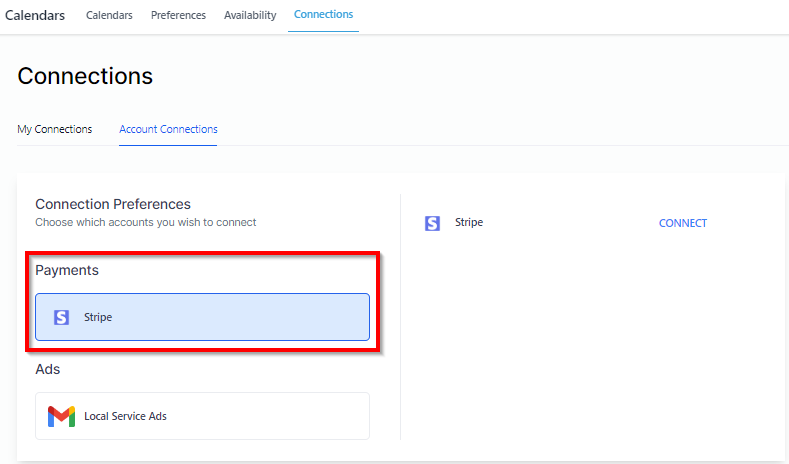
Here you can manage your calendar integrations with google calendar, zoom etc.
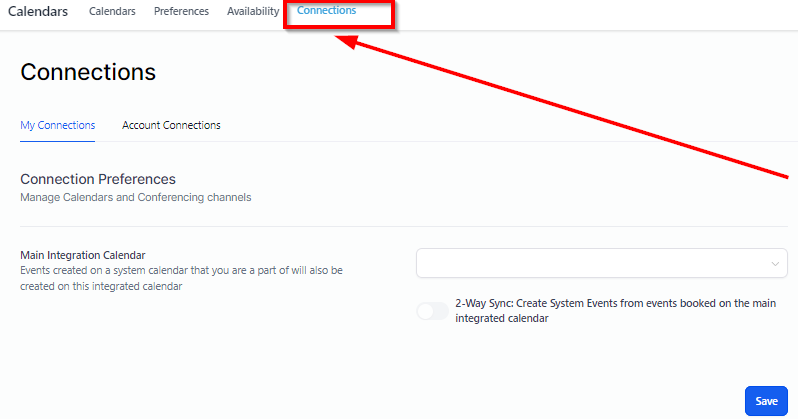
Selecting Main Integration Calendar
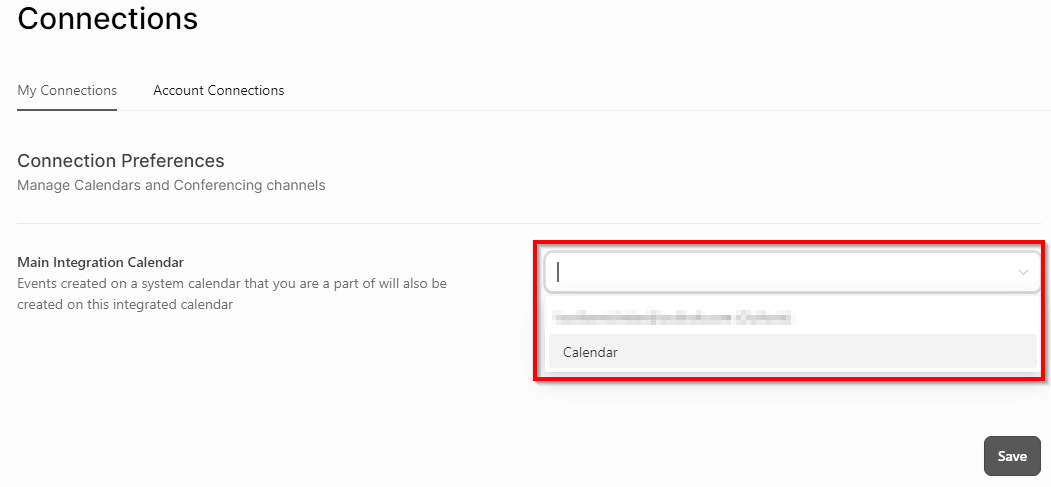
From the dropdown menu here, you can select the main integration calendar. For this, you will first need to connect your calendar with your CRM system for it to appear in the dropdown menu.
Calendars
Here you can view the calendars you have connected to your CRM such as google calendar, Microsoft Calendar.
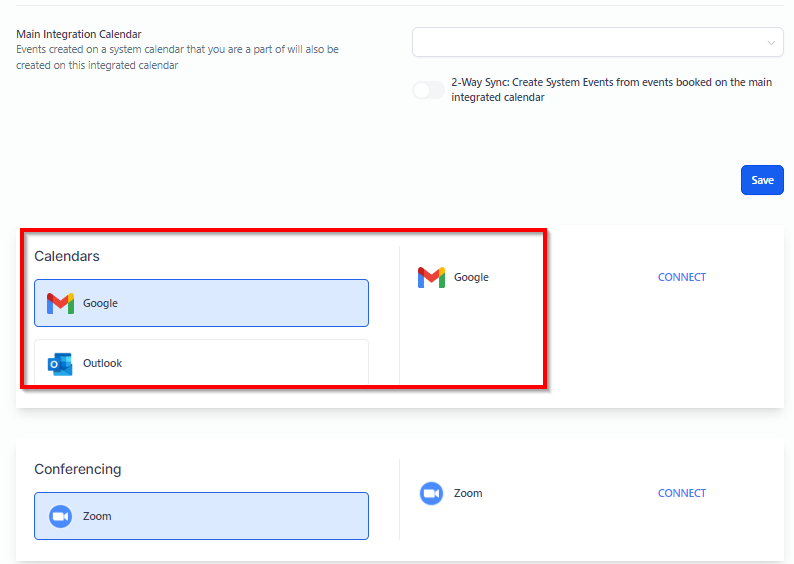
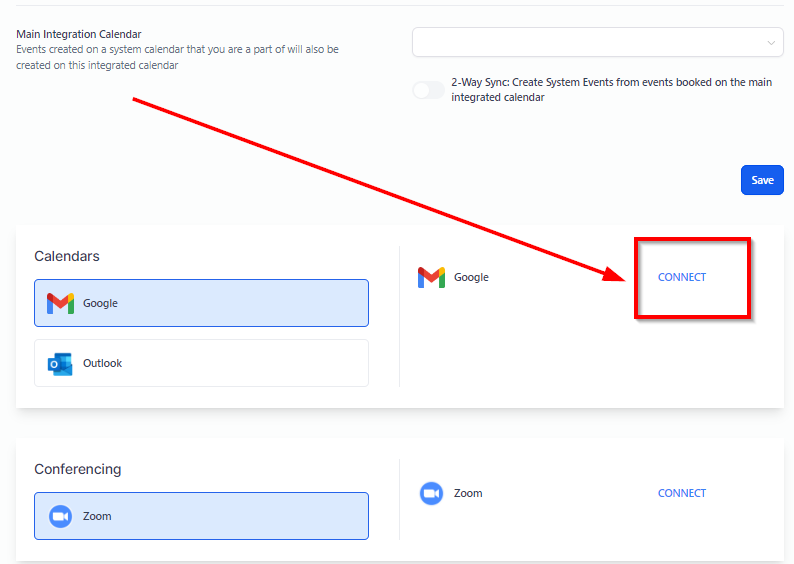
Connect Tab
Connect tab allows you to connect your google account with the CRM in case if you havent connected it already or you would like to connect additional account. After clicking on the “Connect” tab, you will be taken to a integration settings page to complete the process.
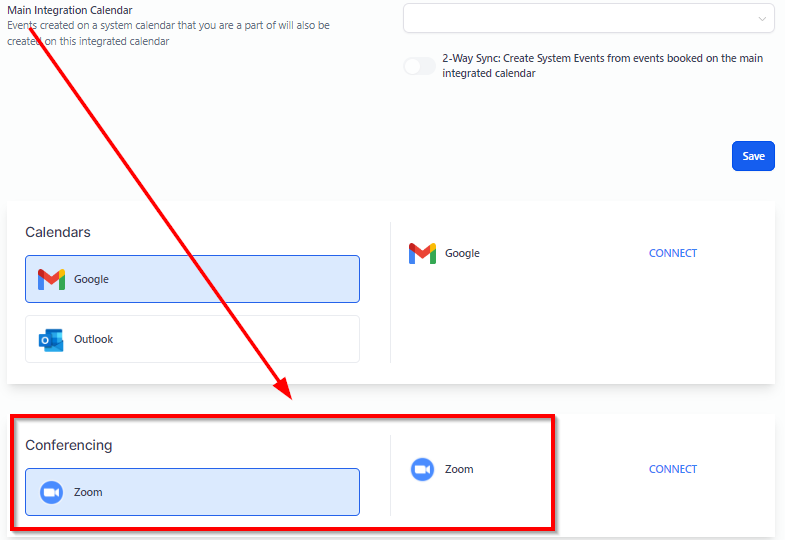
Conferencing
Here you can view and manage conferencing settings for your calendar.
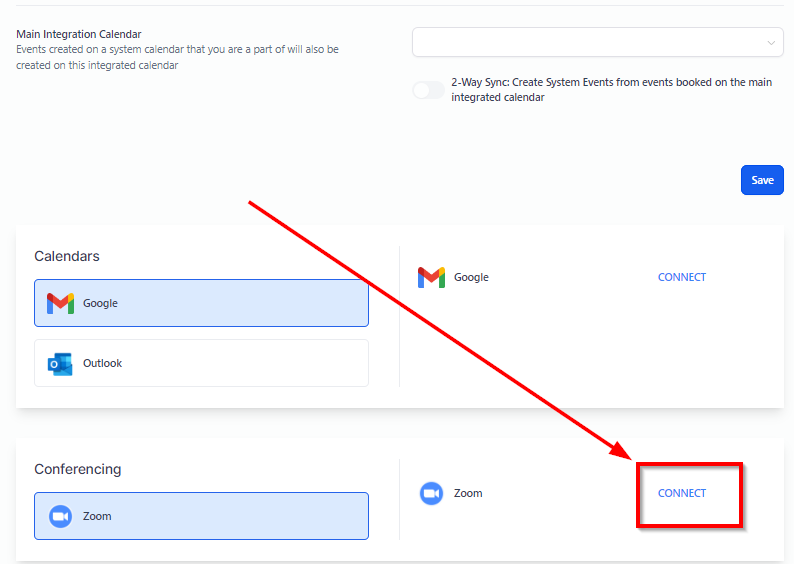
Connect Tab
With “Connect” tab, you can connect the conferencing medium for your CRM . Clicking on the connect tab will open up a zoom website where you can sign in to your zoom account.
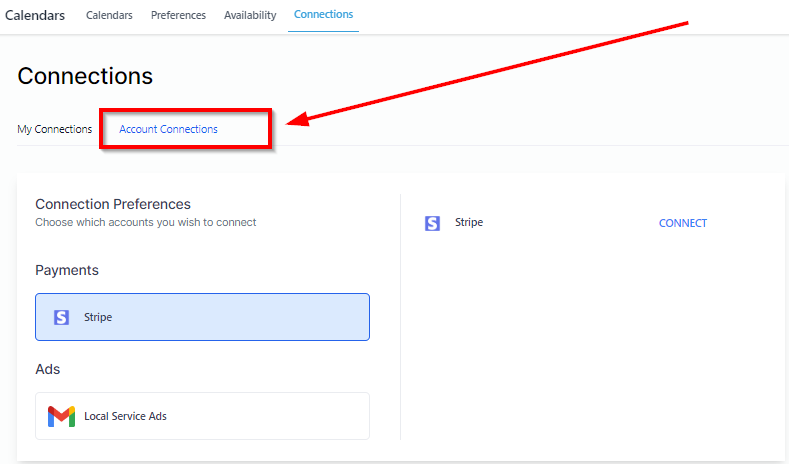
Account Connections
Here you can view and manage your account connections such as stripe conection, google account connection.
Payment Options
To connect your stripe account with your CRM, you will need to click on the stripe payment option.