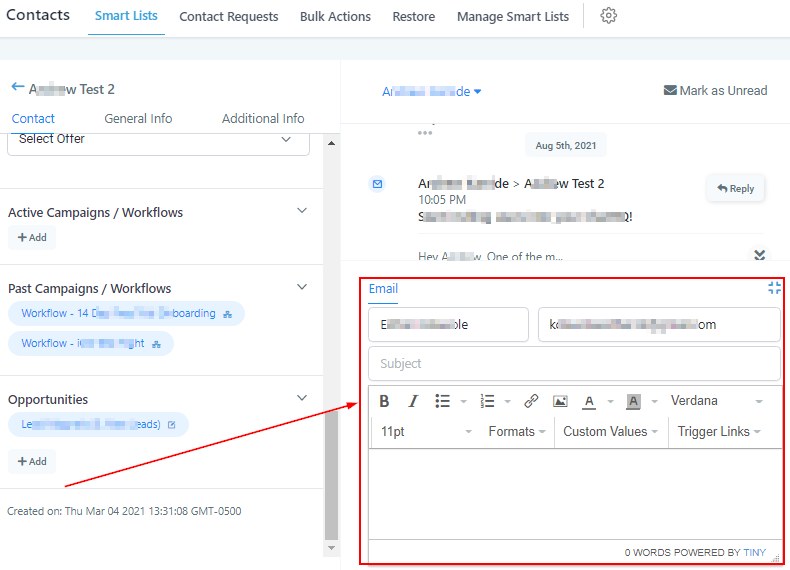
Contact Message Threads
Here you can see your entire message and conversation history with any particular contact. Any and all messages and calls that run through your CRM will show here for the particular contact.
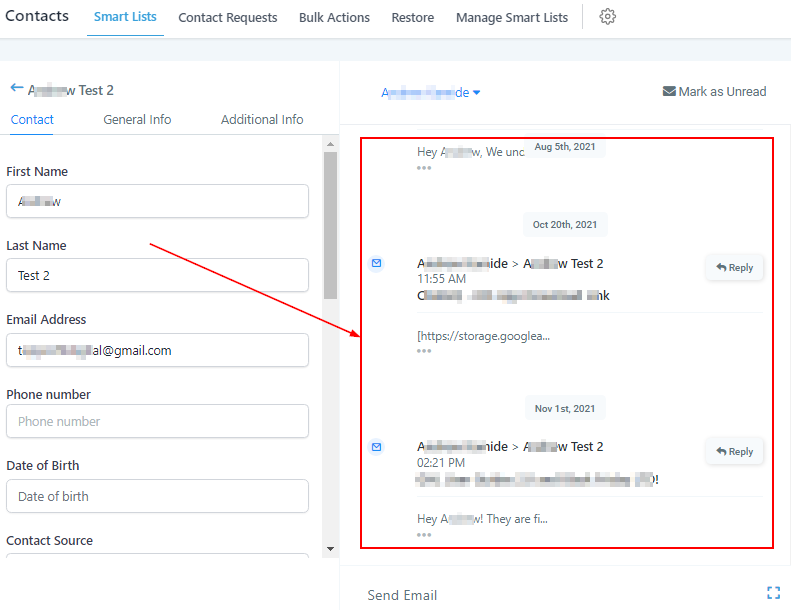
Messaging Header
In the message header, you have a few different options and buttons to choose from.
Call Contact
When clicked, this small phone icon will automatically start a phone call with the contact you’re looking at. This is a quick way to call a contact without having to input a phone number.
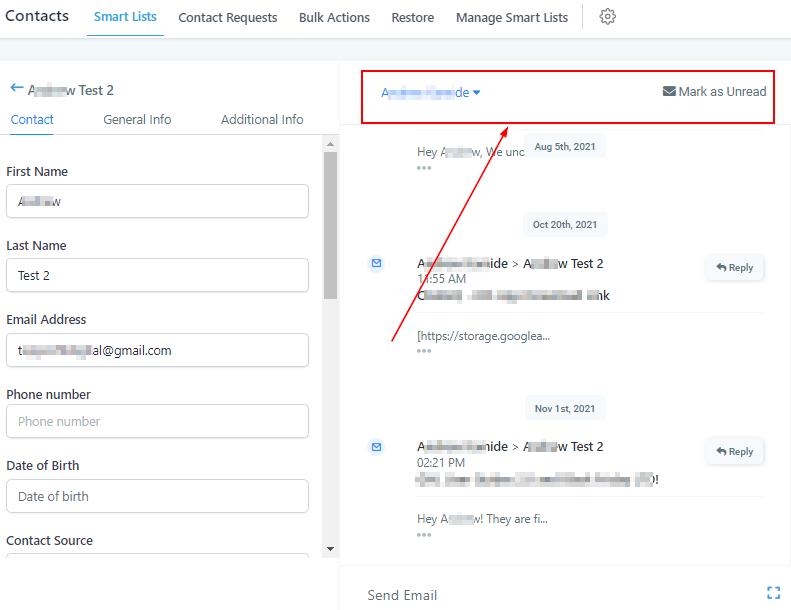
Assign Contact
If you want to assign any particular contact to one of your employees or team members, you can click this button and assign the contact to a registered user in your CRM.
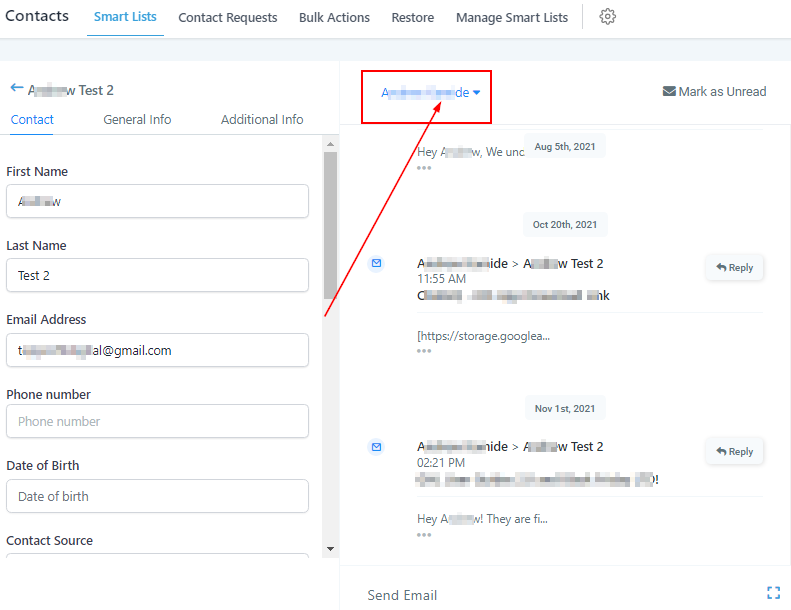
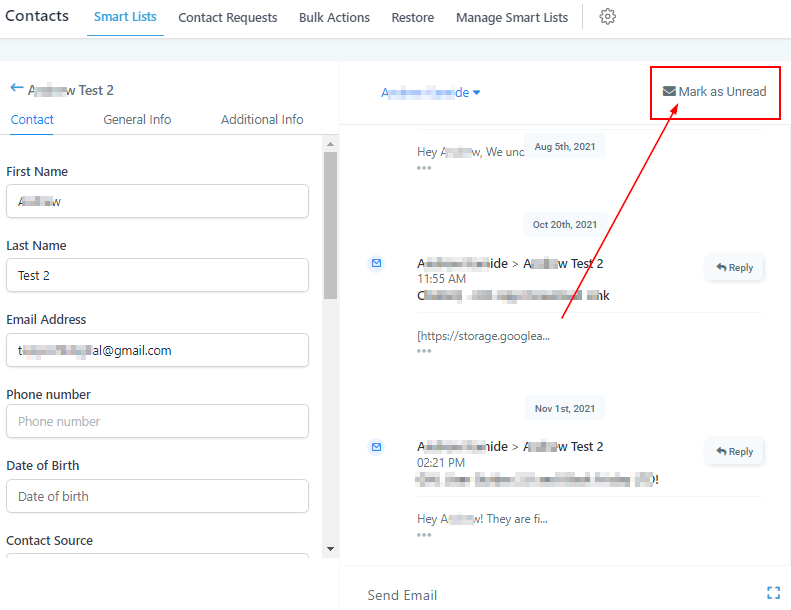
Mark Messages As ‘Read/Unread’
If you would like to mark messages as read or unread, you can simply click this button. This helps keep messages organized or front-of-mind.
Sending Messages
Just like in the conversations section of your CRM, you send messages by first selecting the message type, and then composing the message.