
Delete Contact
In order to delete a single contact or a group of contacts, select the contacts below and use this button.
If you ever need to recover a deleted contact, you can do so by navigating to the “Restore” section in your CRM.
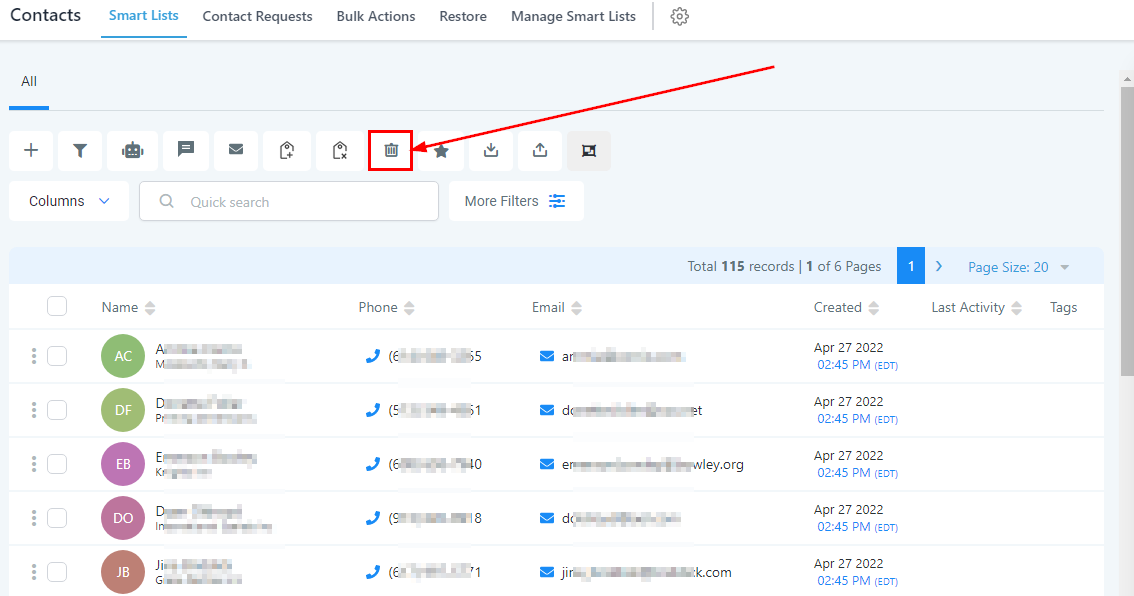
Deleting Contacts
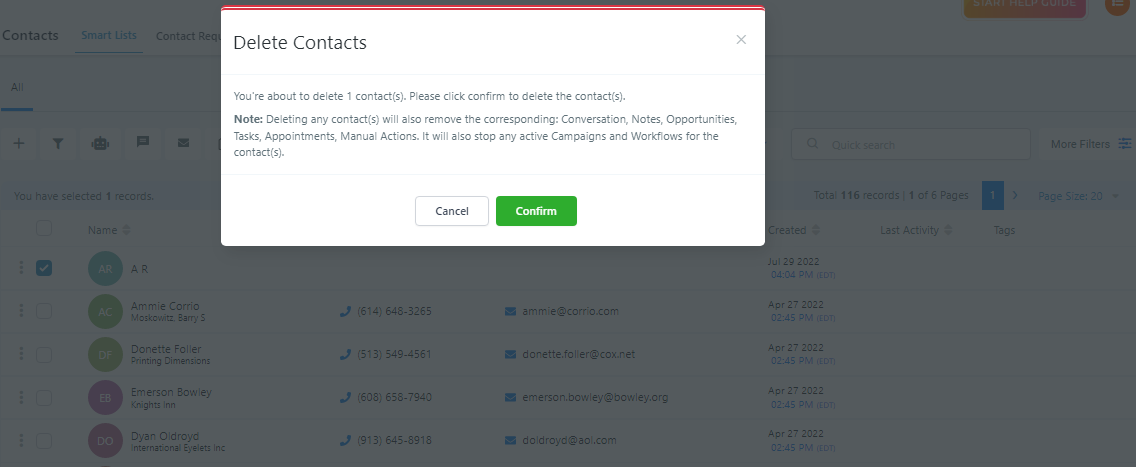
NOTE: Once you click “Confirm” for any contact(s), it will also remove the corresponding: Conversations, Notes, Opportunities, Tasks, Appointments, and Manual Actions the contact(s) has. It will also stop any active Campaigns and Workflow for the contact(s).