Edit Conversation
In order to PUBLISH workflows, you will need to establish a workflow trigger and a workflow action. Without both, you will only be able to save the workflow, not publish it.
This action marks the Conversation as “Read/Unread” and Archive/Unarchive it.
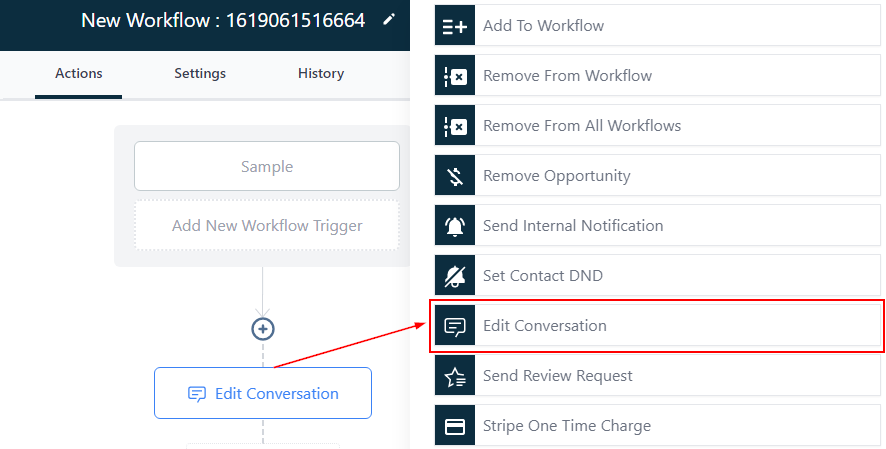
Managing Read Or Unread Chats
You can either mark the conversation with the contact as “Read” or “Unread.”
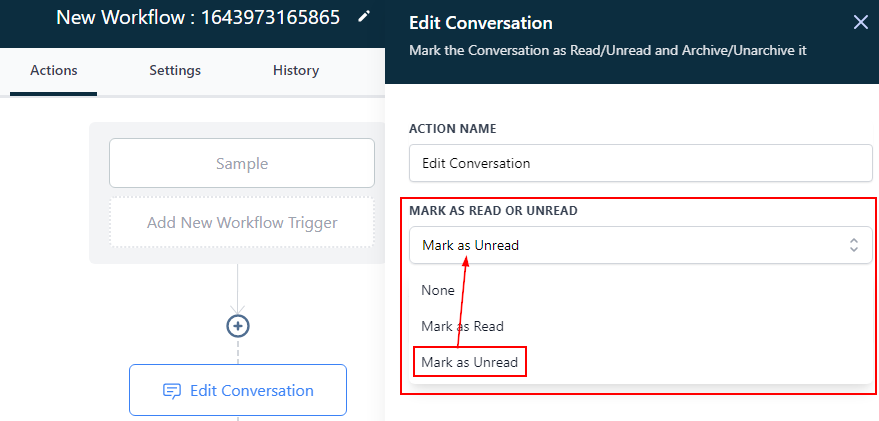
Mark as Unread
Click on “Mark as unread” if you already opened the contact’s chat but need to be reminded of the chat, it returns the notification pop-up back on the chat.
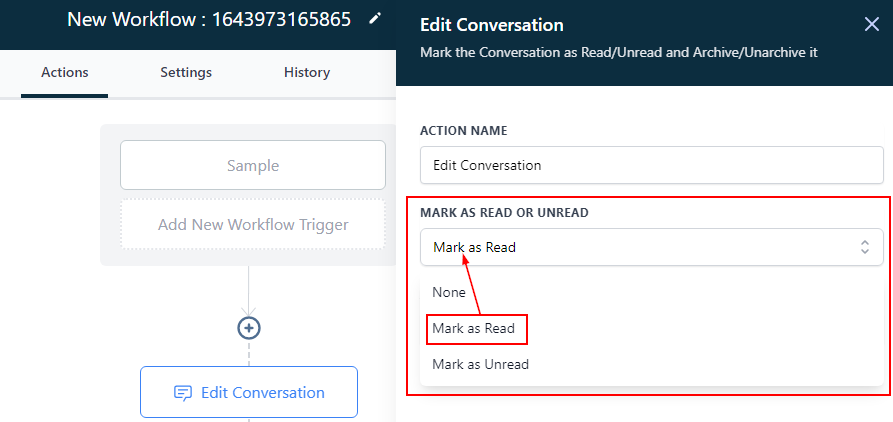
Mark as Read
You can mark a chat as “read” even without opening the chat, especially for conversations you want to skip.
Managing Archive Or Unarchive Chats
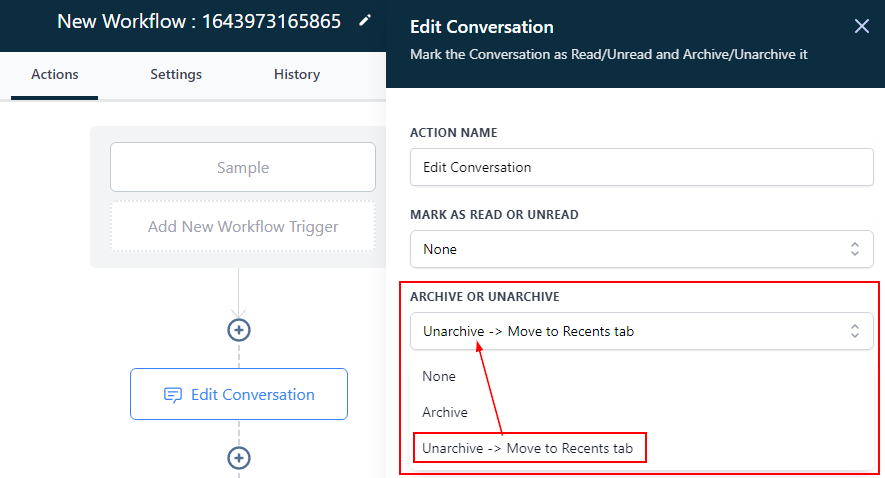
You can decide to archive or unarchive the contact.
Archive
You can archive (hide) a chat by clicking this.
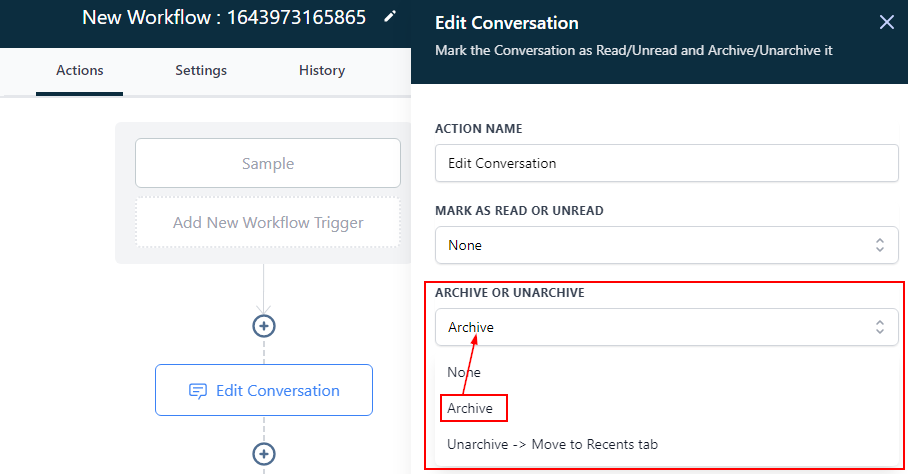
Unarchive -> Move to Recent Tab
You can decide to unarchive a contact chat and move it to the recent tab.