Send Test Email
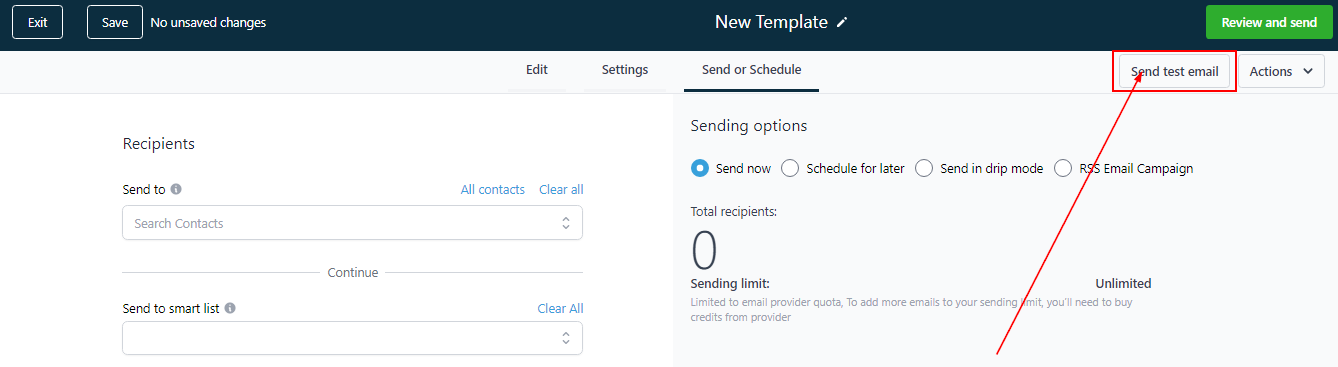
Next, you can perform a test to ensure everything is in right place. Send a test email to yourself or your team member by clicking the button shown below.
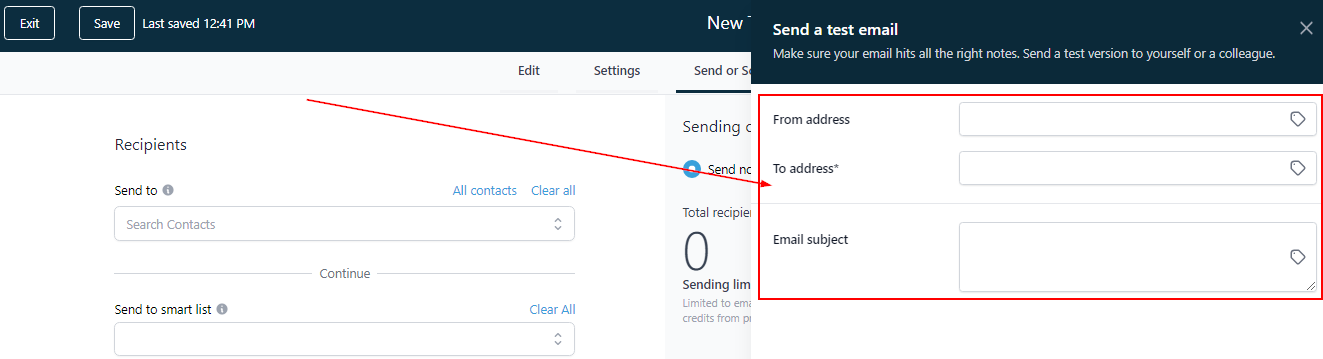
Once you click on the “Send Test Email”, you will see these three things in the drop-down:-
-
From address (you can enter any demo email here).
-
To address (Recipients address; since this is a test mail, enter your own or that of your team).
-
Email subject
Fill the above details and send yourself the test mail. Once you are satisfied with the outcome, you can start sending the mail out to recipients.
Sending Option
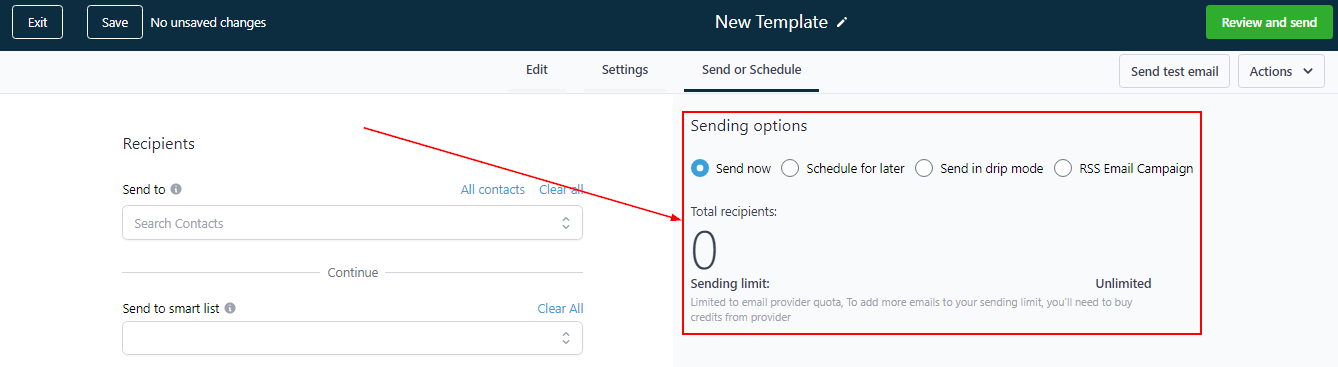
If the test outcome looks good, it means you are ready to send the email. You can select from the sending options available:
-
Send now. As the name implies, use this option to send your email campaigns right away.
-
Schedule for later. You can use this option to schedule your emails for a later date and time.
-
Send in drip mode. Explain…..
-
RSS Email Campaign. Explain…..
You can find the above features as shown in the image below.