
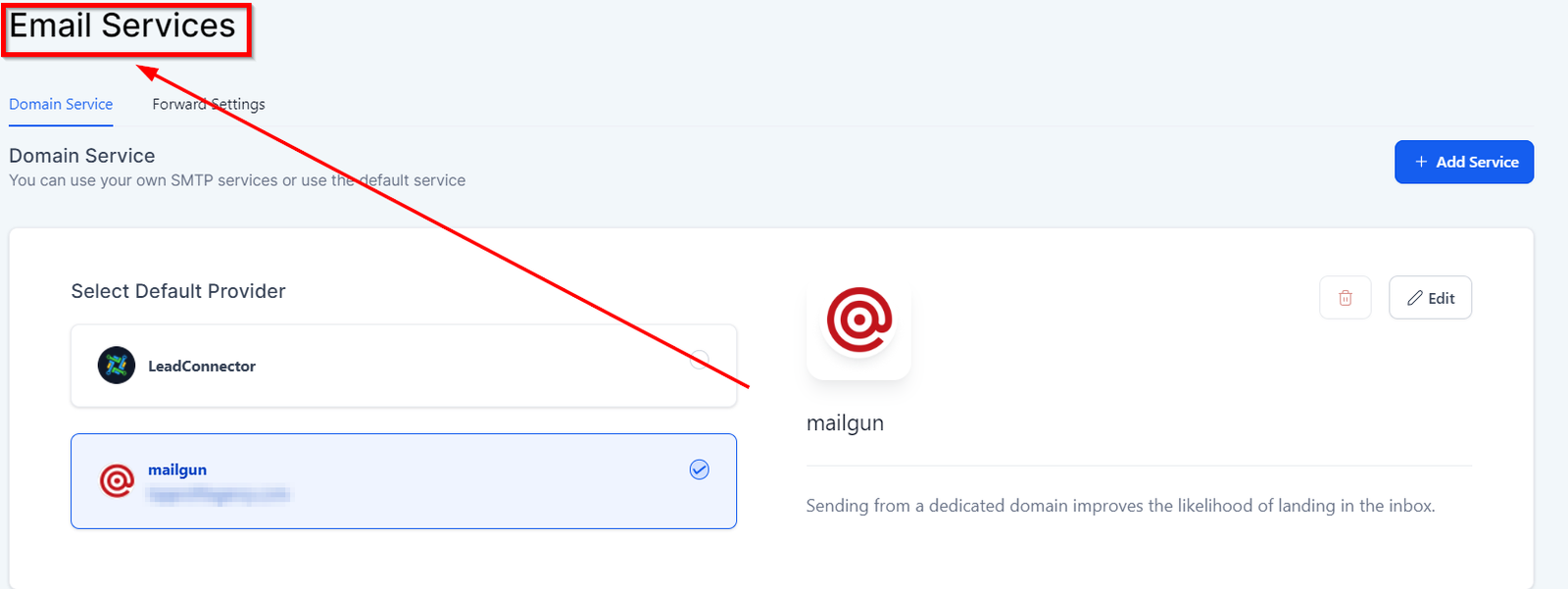
Email Services
Settings associated with sending and receiving emails, forwading and connecting domain services.
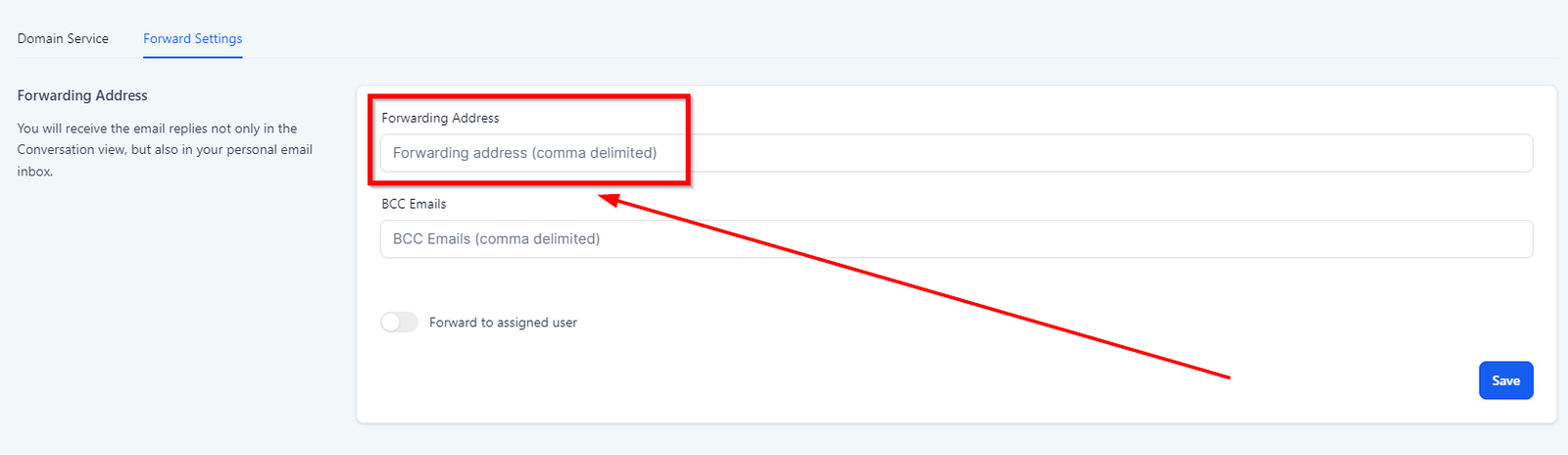
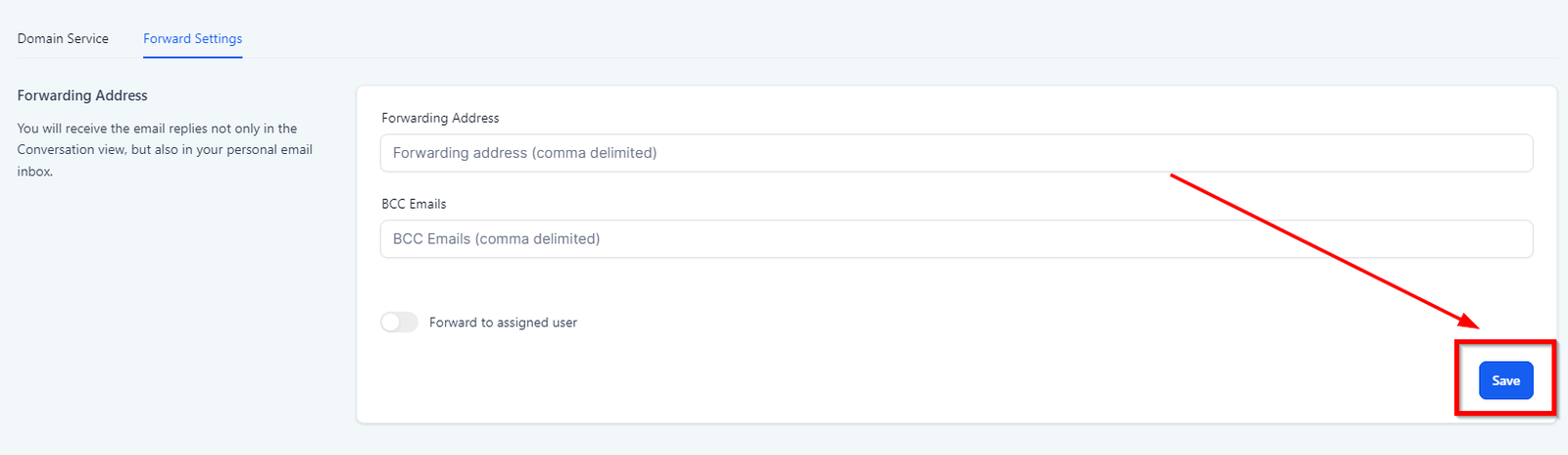
Forwarding Address
You can set up a forwarding email address to receive where you would like the incoming emails to be forwarded. You will receive the email replies not only in the Conversation view but also in your personal email inbox. When you reply to the leads’ email in your inbox outside of your CRM, your reply will not sync back to your CRM.
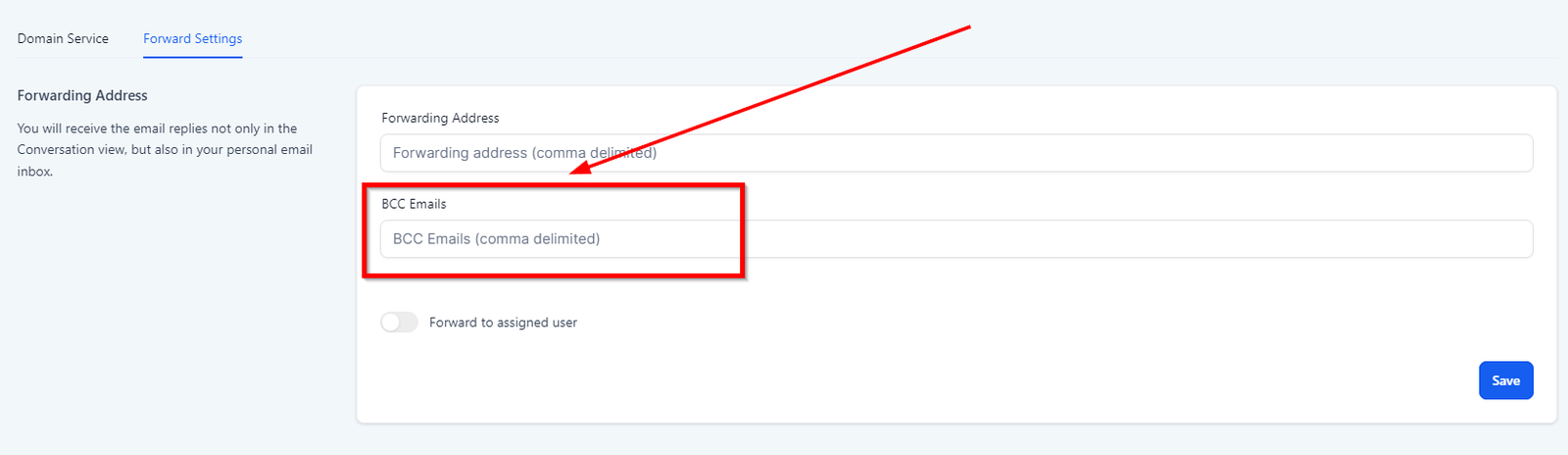
BCC Emails
You will receive every email that goes out from that location.
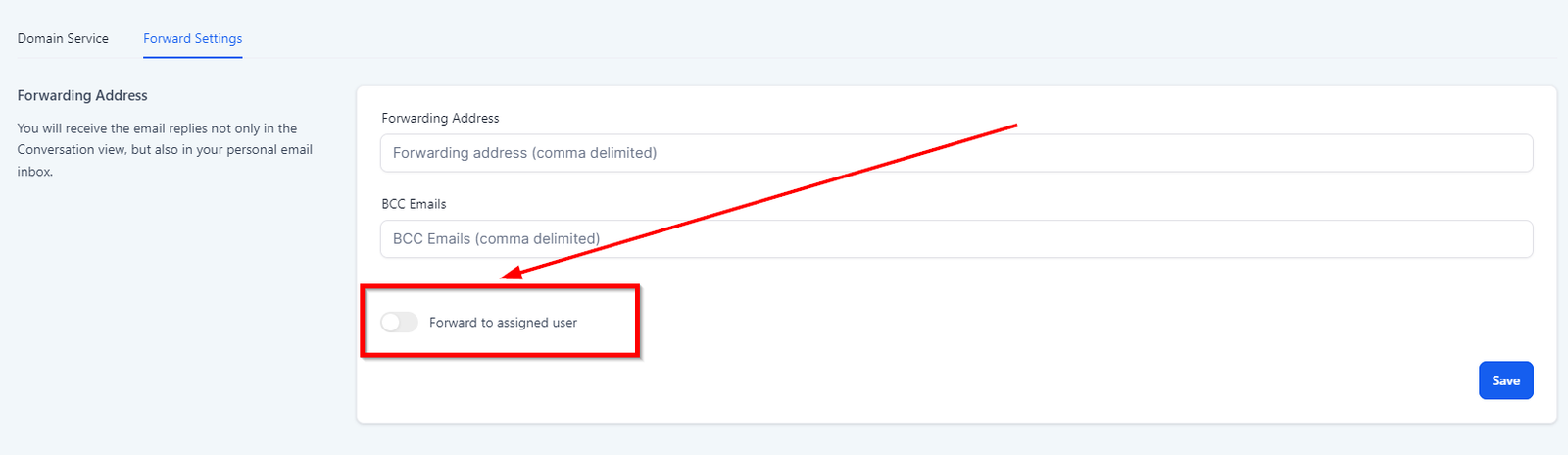
Forward to the assigned user
The assigned user to the lead will receive the email replies in their user email.
Save changes
Click on “Save” every time you make any changes to the existing settings.
Default provider
Let’s you select the default email service provider in case if you have multiple email providers connected to SMTP.
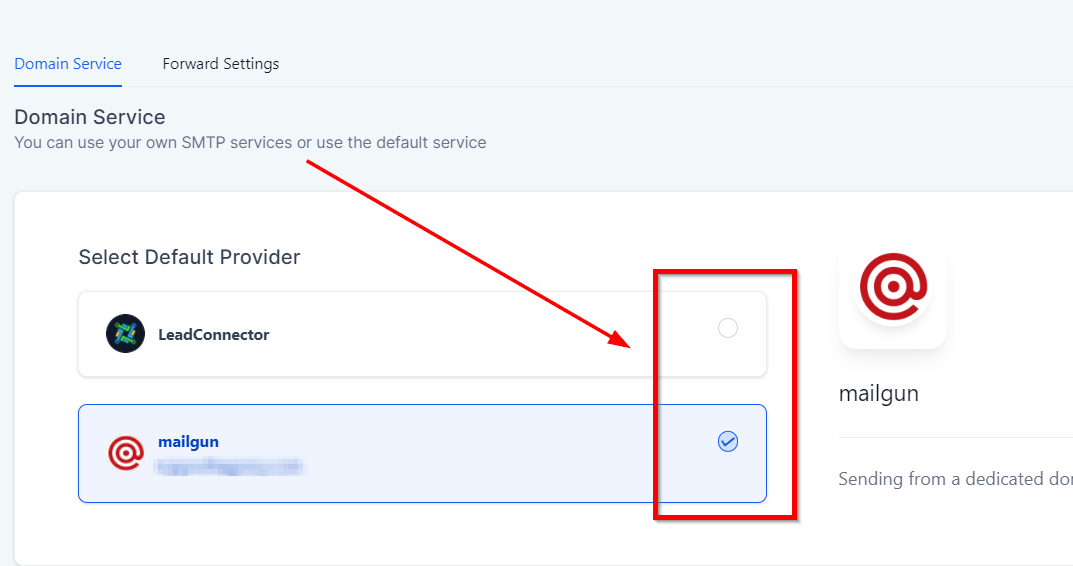
All new accounts will, by default, use Lead connector – Email, but a third-party SMTP provider can be integrated anytime.
Edit Tab
This tab lets you edit the selected email service provider. We will cover the editing in the next article.
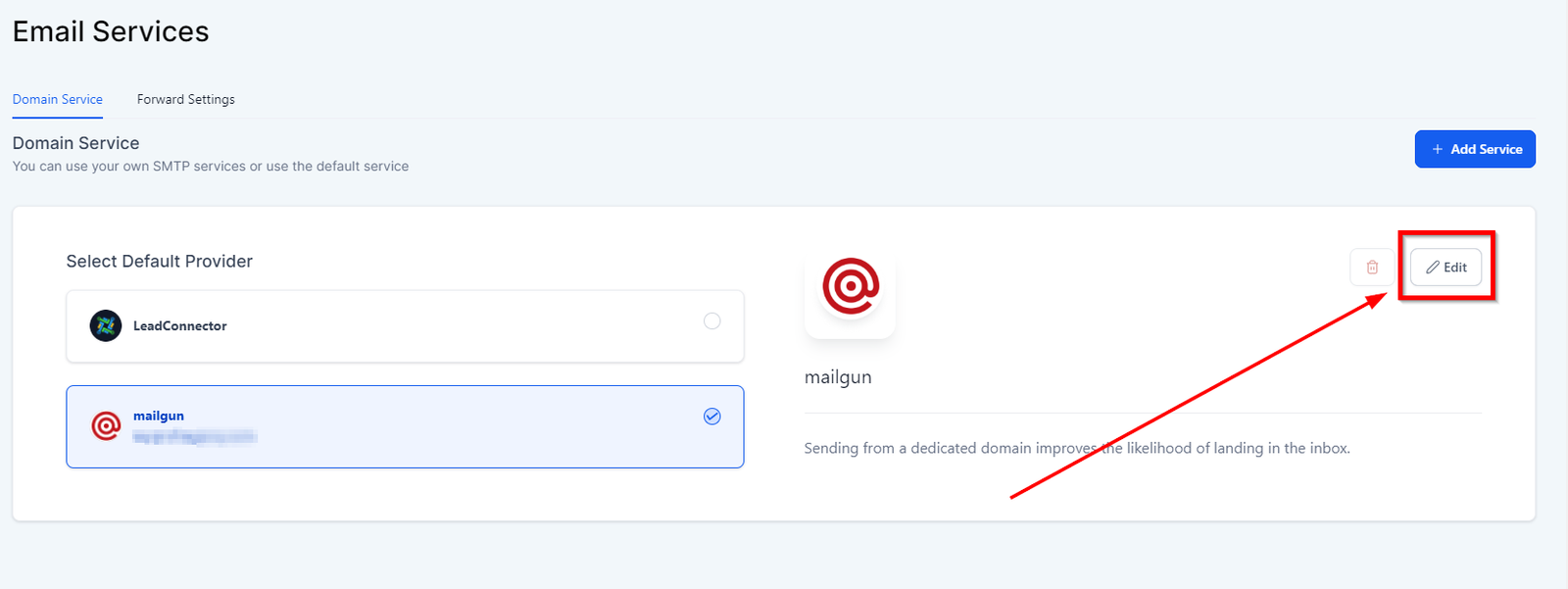
Editing email service