
Creating an Event Booking
The Event booking allows you to create a single calendar without building it under a group calendar. If you would like to create a single calendar it’s best you select this. “Select” button to move to the next step.
Calendar Setup
Once you select a Calendar group, you will be directed to the Calendar Setup which consists of three (3) steps;
Team & Event Setup
Availability
Confirmation
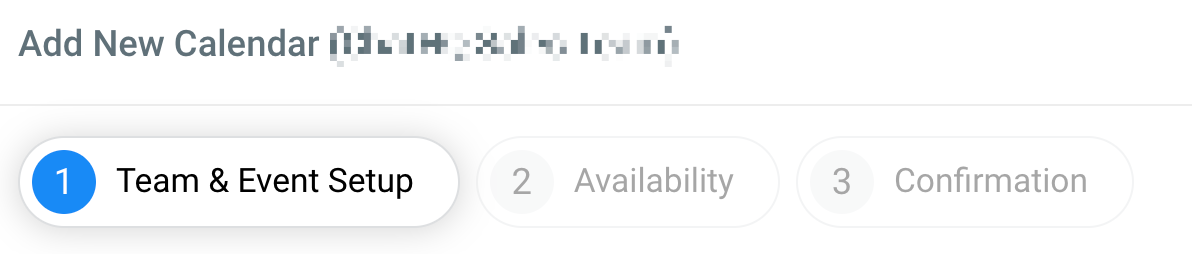
Team & Event Setup
Calendar
-
1.Calendar NameGive your calendar a name. The name will show leads and customers the reason they are scheduling an appointment.
-
2.Calendar DescriptionYou can go into more detail about the topic and subject of your calendar by adding a description here. This description will be visible to anyone looking to schedule an appointment.
-
3.Appointment TitleWhen your leads/customers schedule an appointment, this title will get added to your calendar as well as the confirmation email.