
Invoices
Lets you create and manage invoices from inside of your CRM.
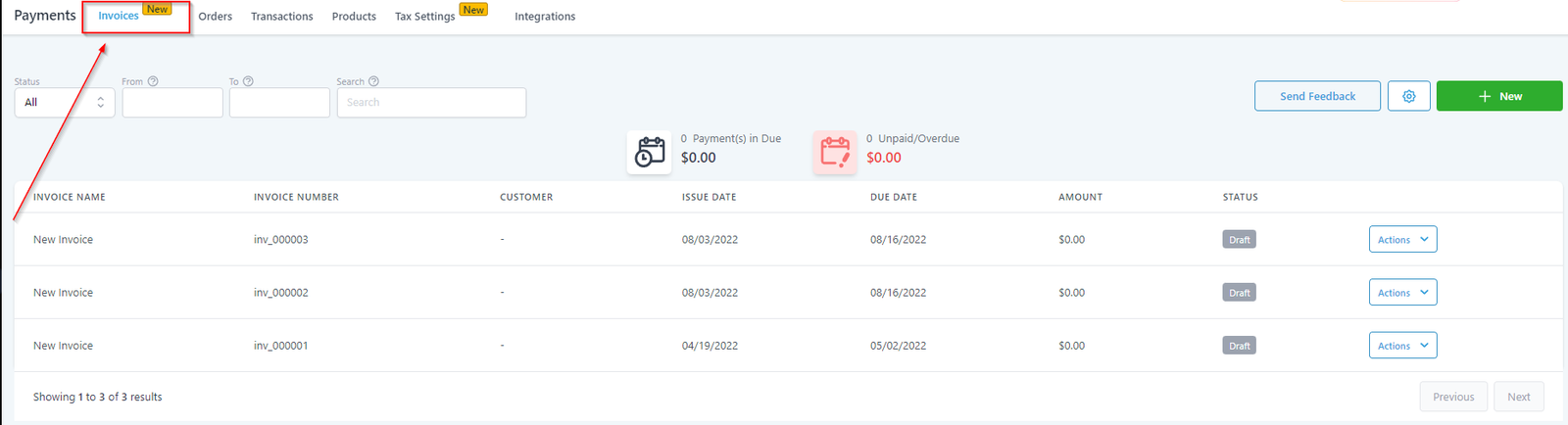
Invoice View
With the help of some advanced options shown in the screenshot below, you can set your preferences to be able to view and manage specific invoices. In the next screenshot, we will cover all of these advanced options one by one.
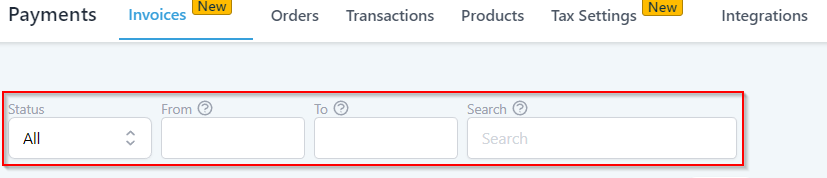
Status
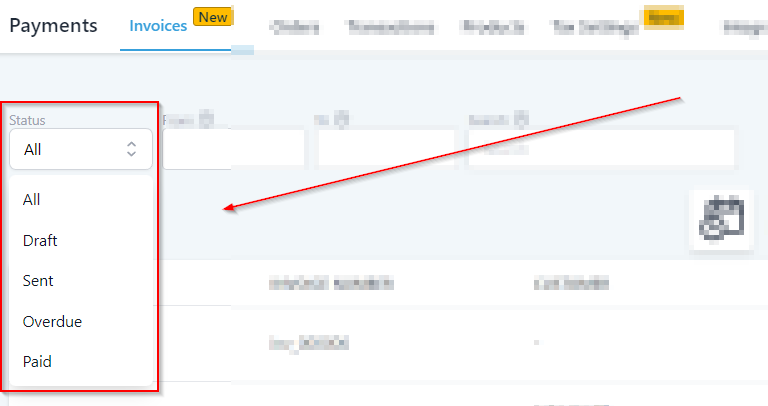
Let’s you view the invoices based on their status.
-
All- When selected, this option will show all of the invoices you have created in your CRM location.
-
Draft- Selecting this option will open up all of the invoices that are in a Draft mode.
-
Sent- Use this when you want to view only sent invoices.
-
Overdue- Quickly see how many of the sent invoices are overdue for payment.
-
Paid- Use this when you want for your system to show the invoices that are “Paid”.
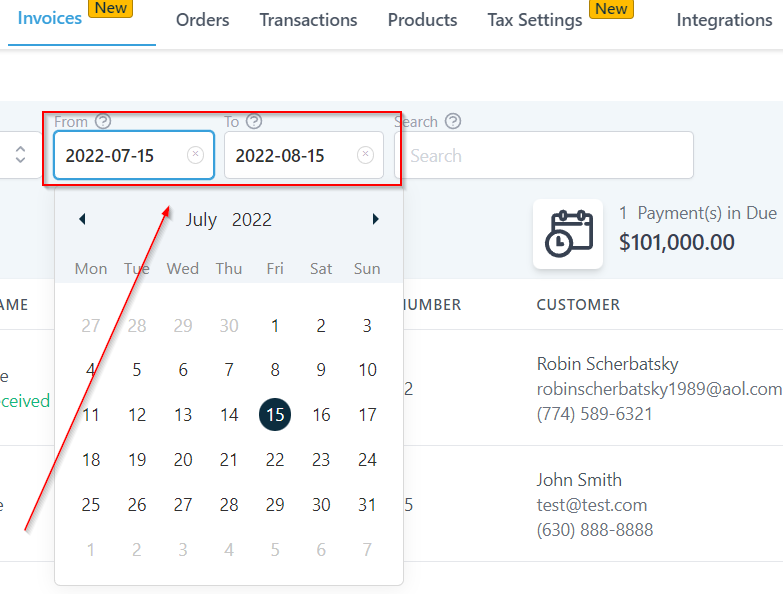
Calendar Period
Select “from” and “to” date to be able to view the invoices during a specific calendar period.
Manual Search
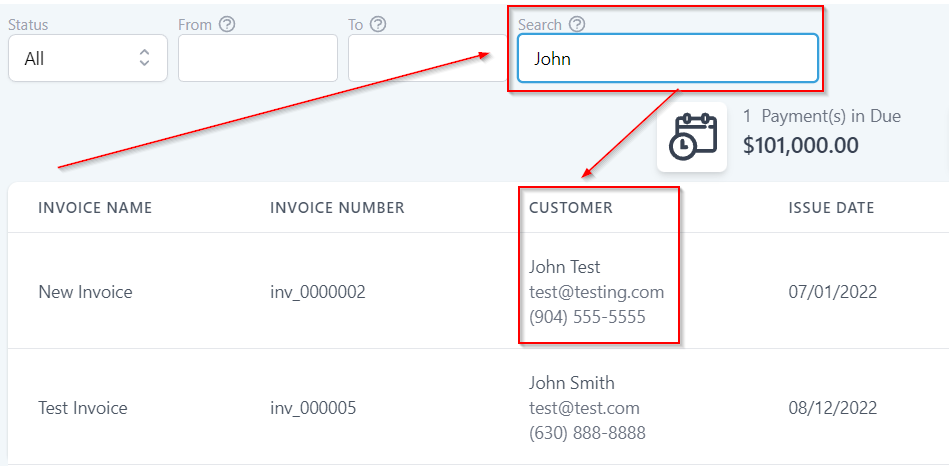
You can search for a specific Invoice by entering an invoice number, Invoice name or Name of the customer.
Payment Due/Overdue
Payment(S) In Due