
My Media
Access and Organize media files of your CRM.
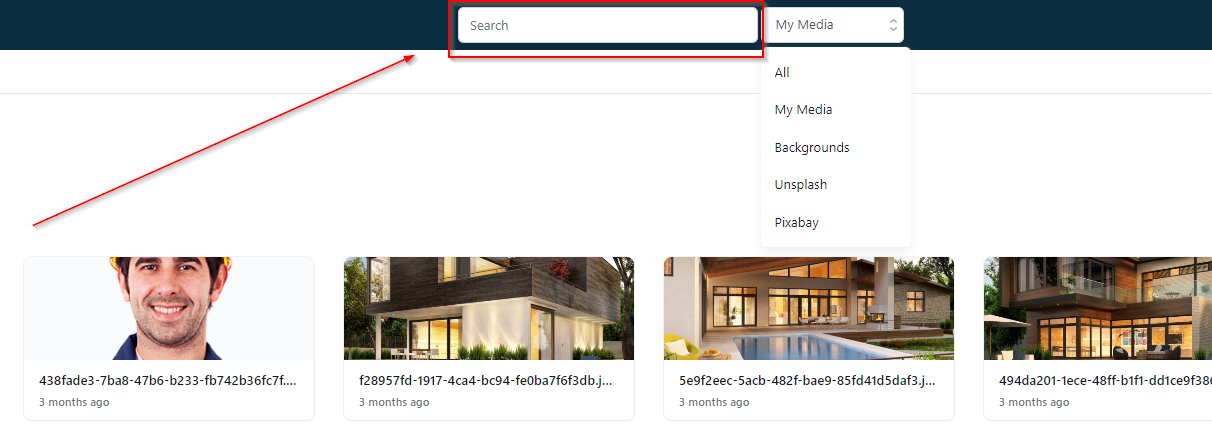
Search
With search tab, you can locate a specific media file from your CRM.
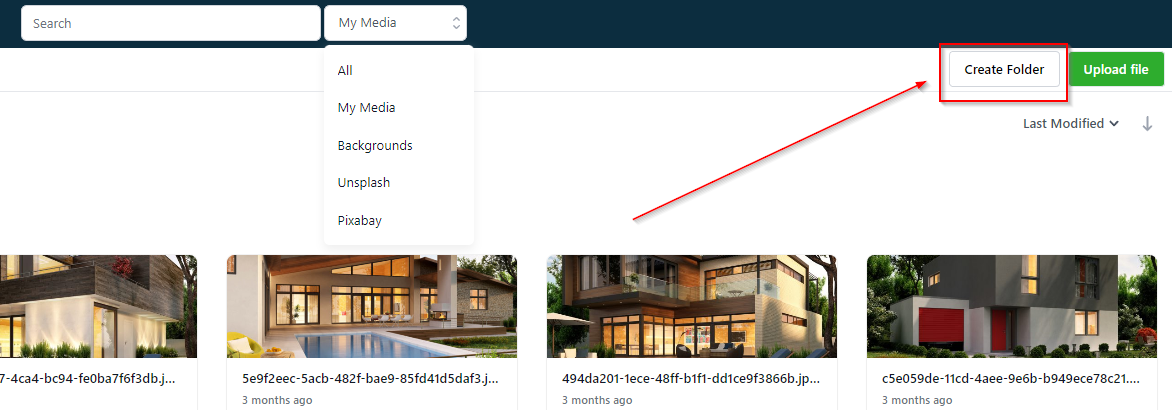
Creating Folder
Lets you create a folder in your Media Library thereby helps you organize your content.
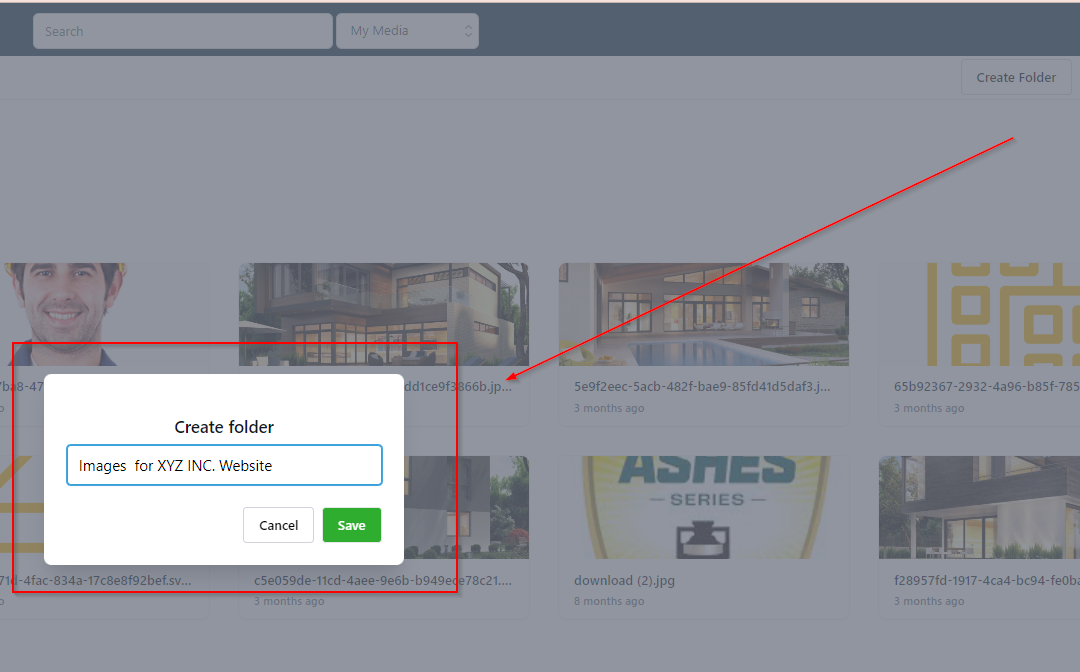
Naming New Folder
Clicking on “Create Folder” tab will open up the window where you can name your newly created folder. You can refer to the screenshot below to get the better idea.
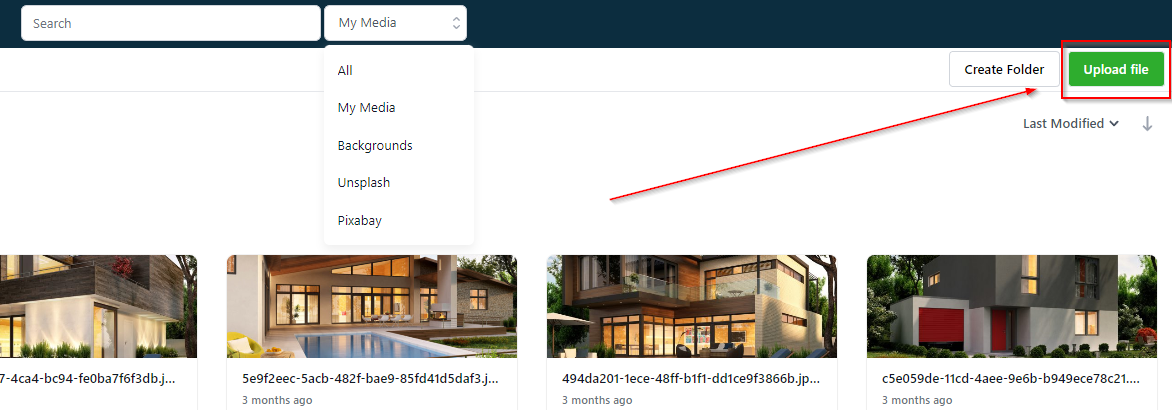
Uploading File
Lets you upload a file from your computer. Upon clicking on this tab, you will see a new window with your computer storage from where you can upload the media files into the system.
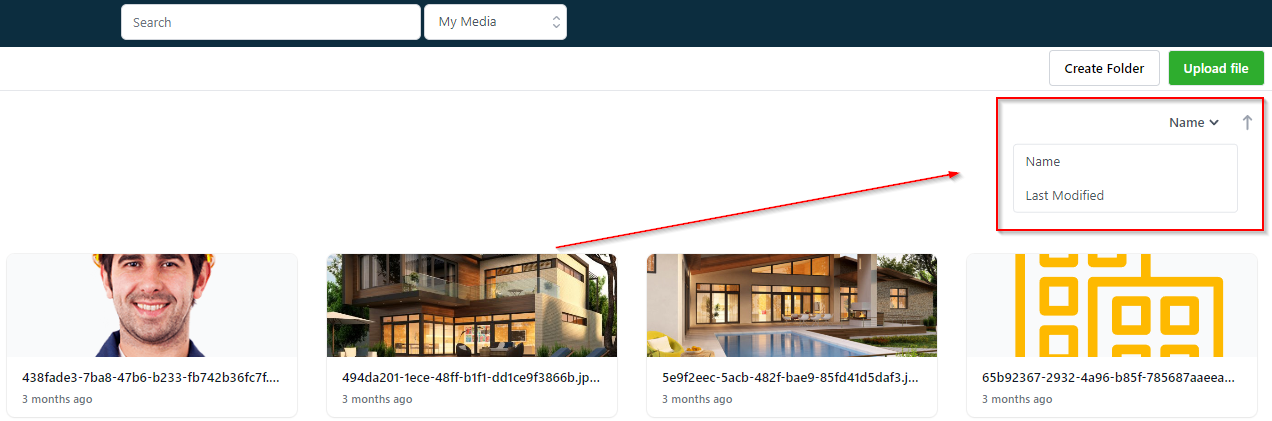
Filters
This will allow you to change the way you would like the files and folders to appear in the library based on their “Name” or “based on “Last Modified”.
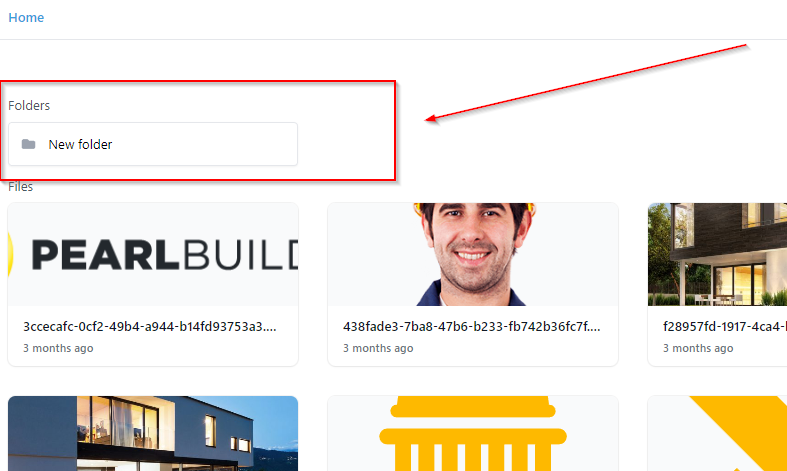
Folders
All the folders you have created will be shown here.
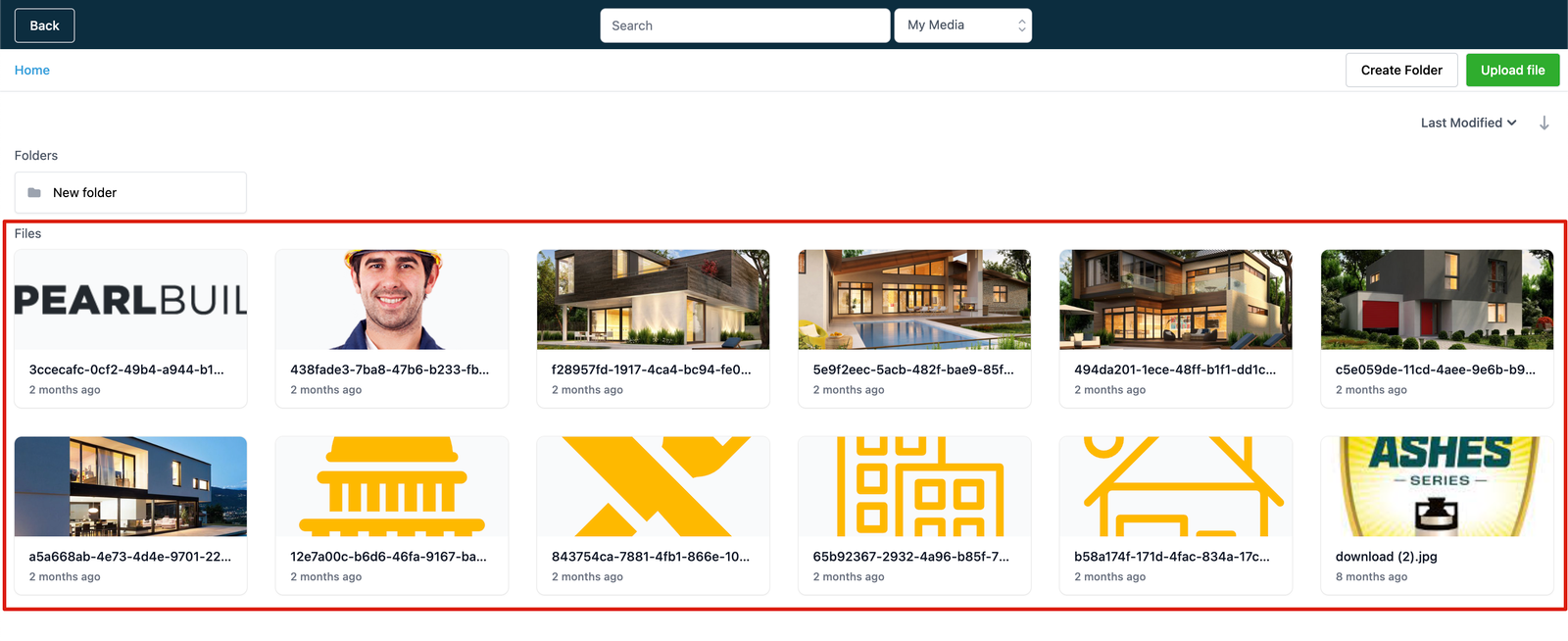
Files
You can view and access all the files from your media library.
Managing Individual Files and Folders
There are couple of things you can do with the images you see in the Media Library. Just hit right click and there you will see different options for you to organize individual files.
Renaming a Folder