
Overview
In this section, you can see all review requests that you’ve sent out, whether they have been submitted or not, as well as the information of the customer who received the request.
Note: Depending on your user permissions, you may not have access to all of the components.
Send Manual Review Requests
You can send review requests automatically using workflows, campaigns, and triggers, or you can send them manually in individual contacts by clicking this button.
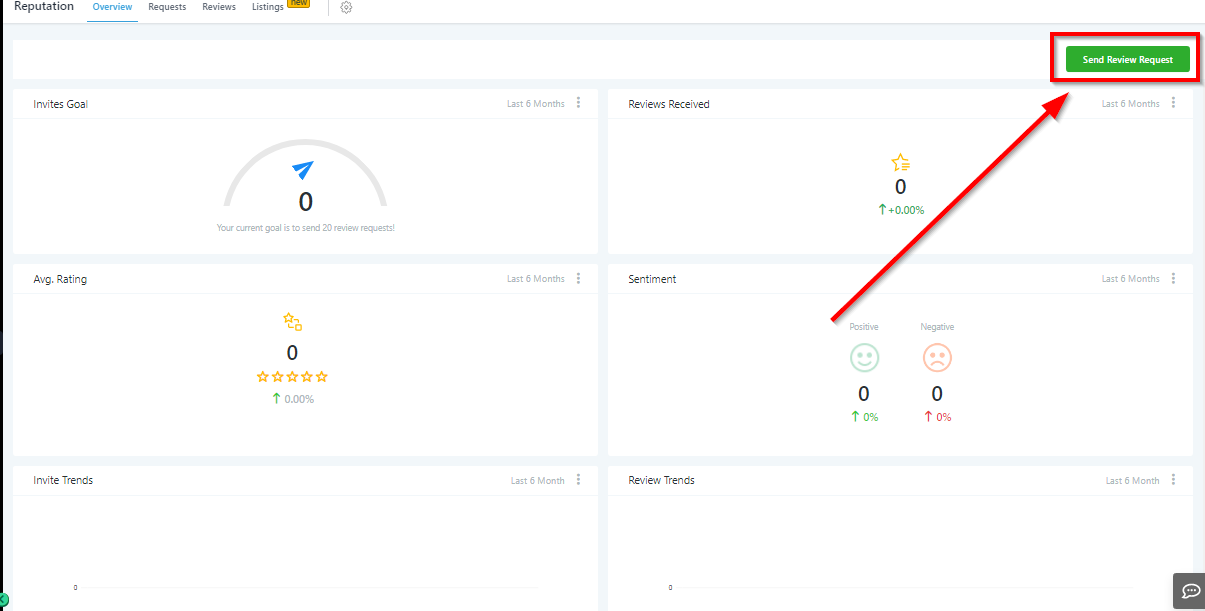
Sending Manual Review Requests
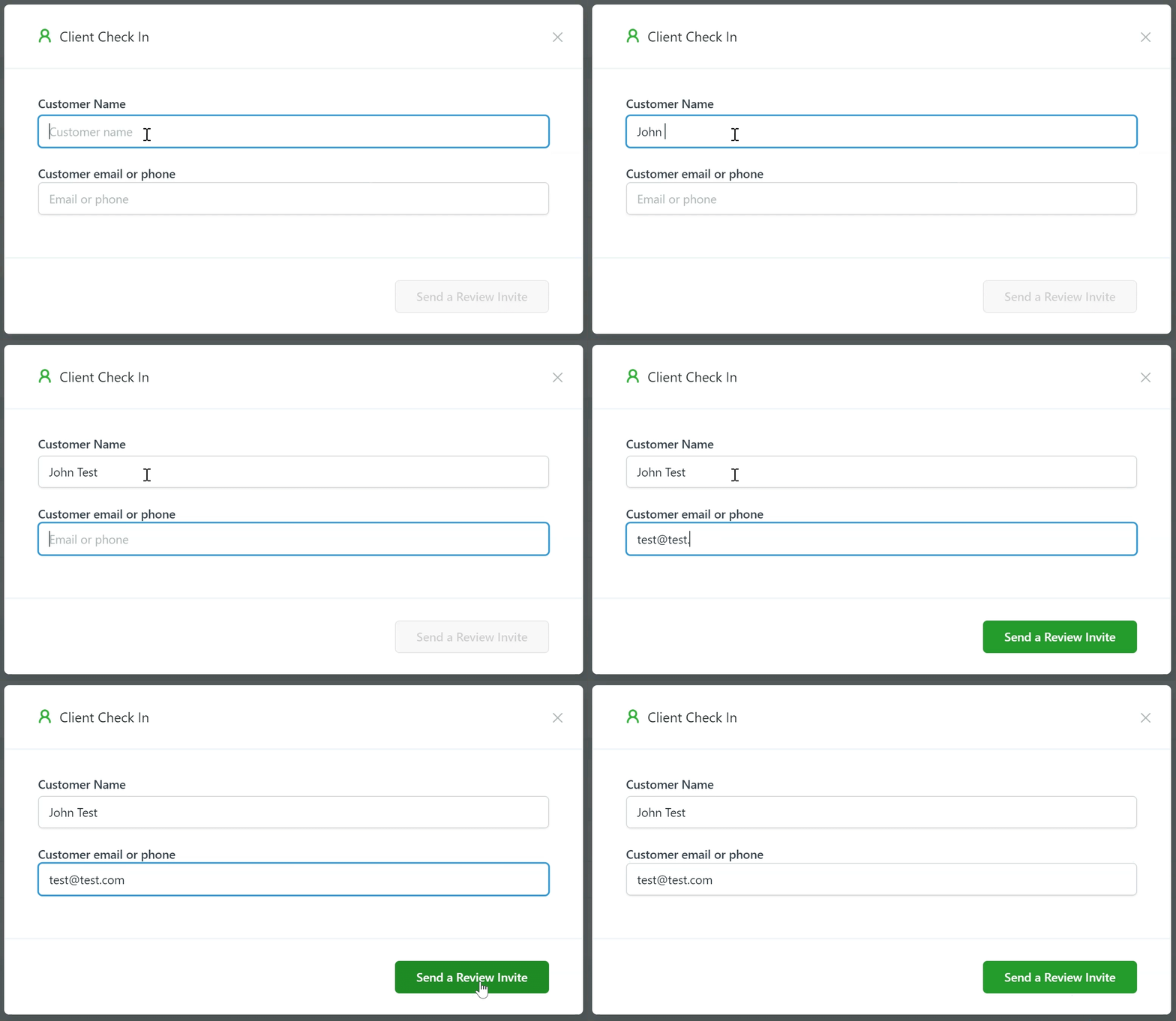
Once you click the “Send Review Request” button, you’ll need to input the contact’s information. You will need to add their name, and either a valid email address or phone number to send the review request.
To customize how the review request looks, go to the “Reputation Management” section in your CRM settings.
Invites Goal
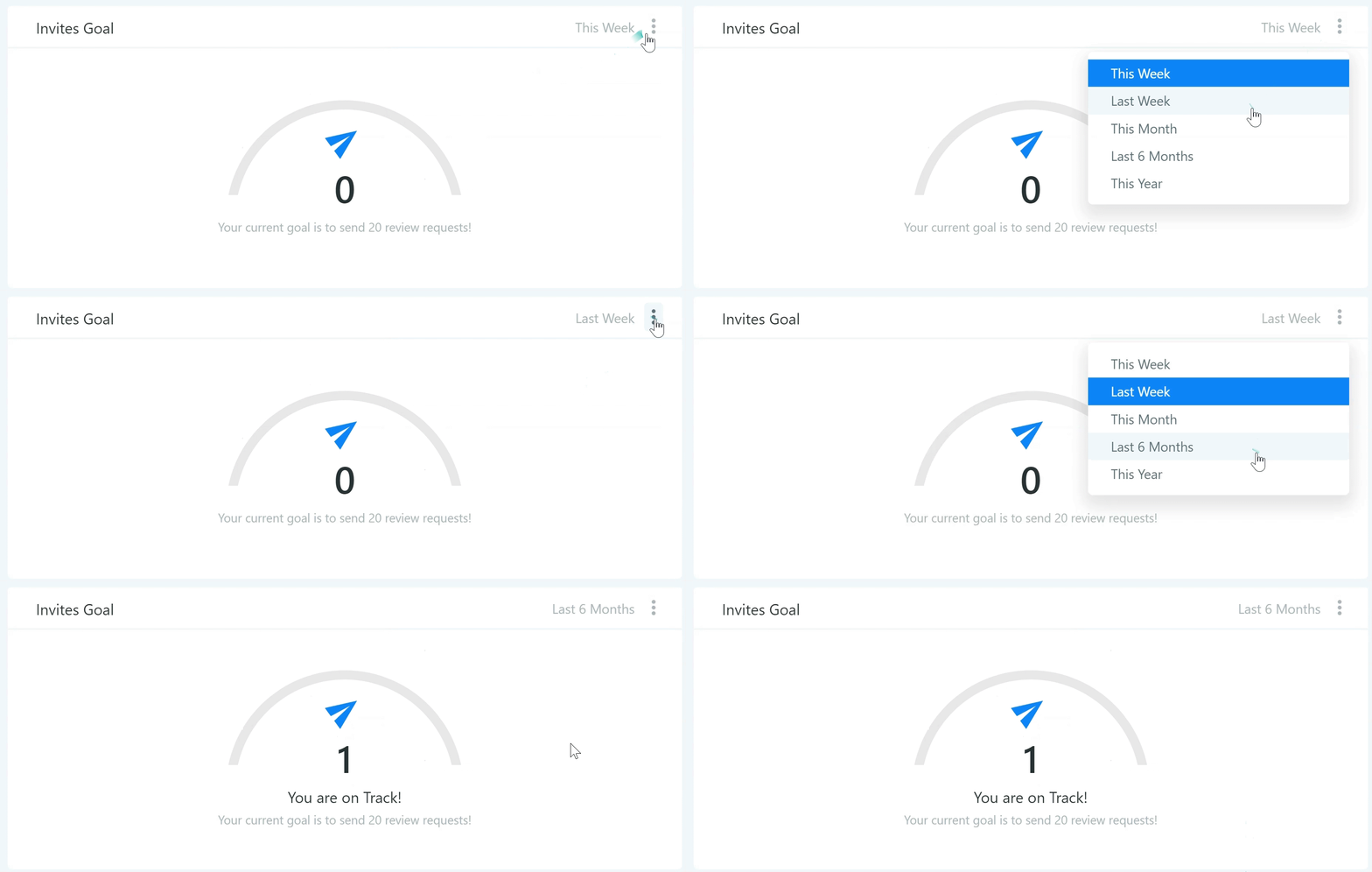
Invite goals are established as you send more review requests out to your customers. Once you send 20 requests, your goals will update and keep getting higher in order to give you a number to strive for!
Reviews Received
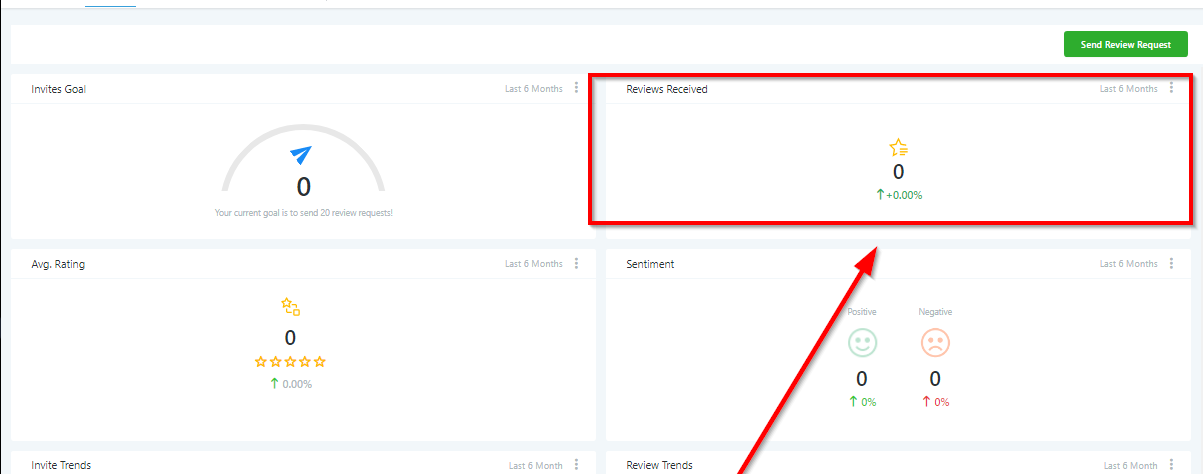
Here you can see the total number of reviews received over a specific timeframe, the percentage increased or decreased compared to the previous timeframe, as well as the sources of those reviews.
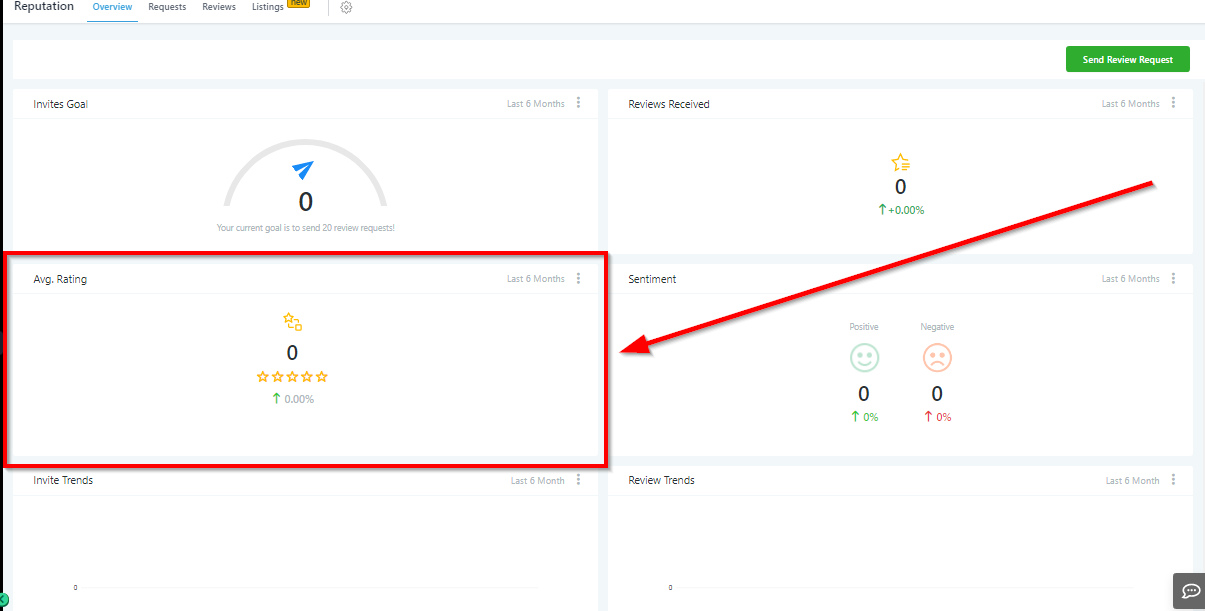
Average Review Rating
Here you will see a visual breakdown of your reviews ratings over a certain timeframe, as well as a percentage of increased or decreased rating over that timeframe.
Review Sentiment
When a customer leaves a review of 4-stars or higher, that will count as a positive sentiment. Any review of 3-stars or lower will count as negative sentiment. You can see the percentage increased or decreased here over a certain timeframe.
Invite Trends
Tracking your review request trends will help you understand how often you are sending review invites, and if you need to increase that amount or not.