
Overview
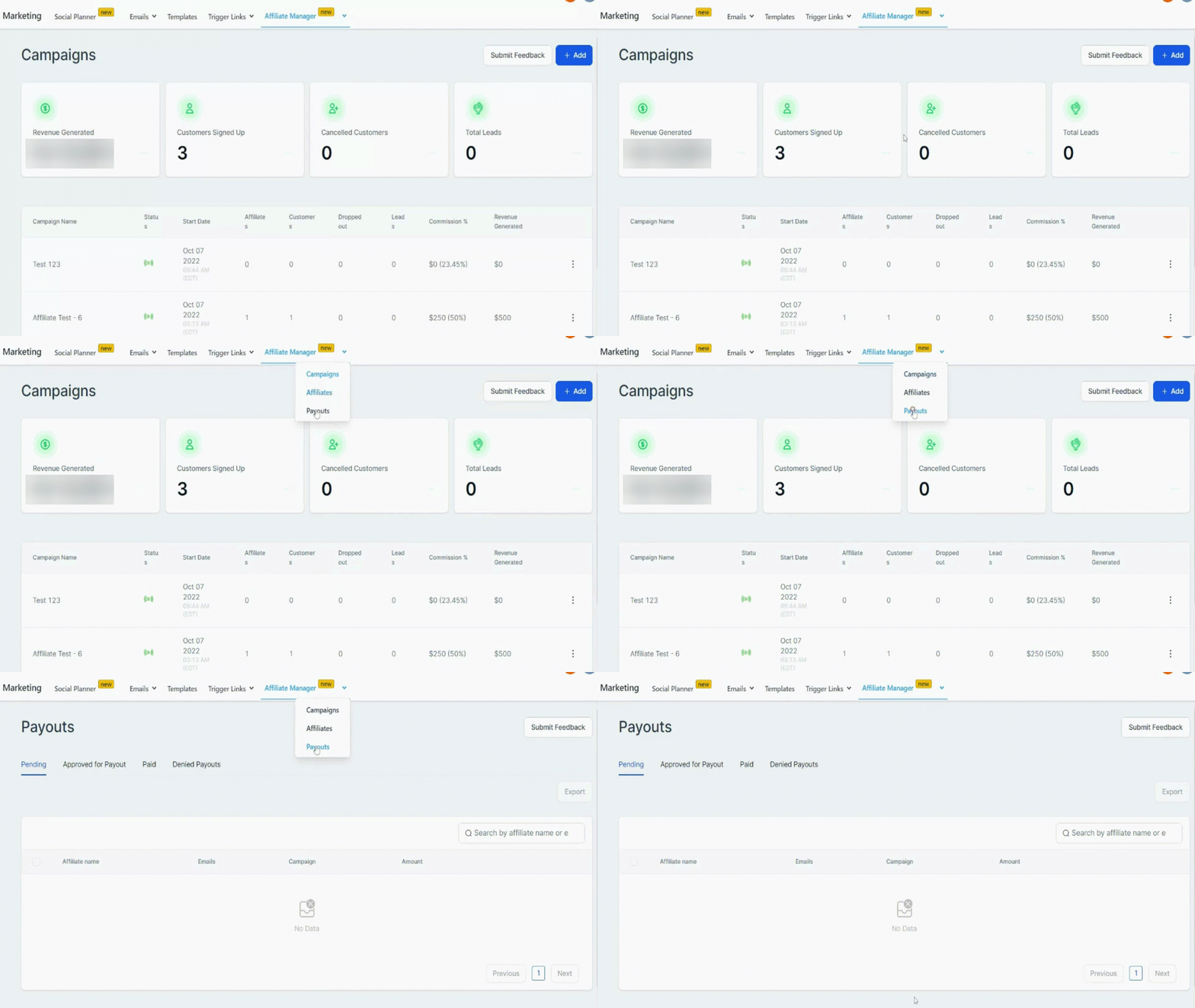
In this section, the affiliate owner can see the list of all the generated payouts and choose to Approve or Deny them for a payout. As soon as a customer signs up through an affiliate link, the payout and commission get recorded and published on the ‘Payout – Pending’ tab on the 1st of the following month or depending on your setup.
Once they are approved for a payout, the affiliate owner needs to take an export and upload it on their payment gateway to manually make the payment as per that CSV. Once the payment has been made, the affiliate owner needs to update the status in Affiliate Manager to Paid, so that correct reporting gets reflected for that affiliate and the overall campaign.
Search Bar
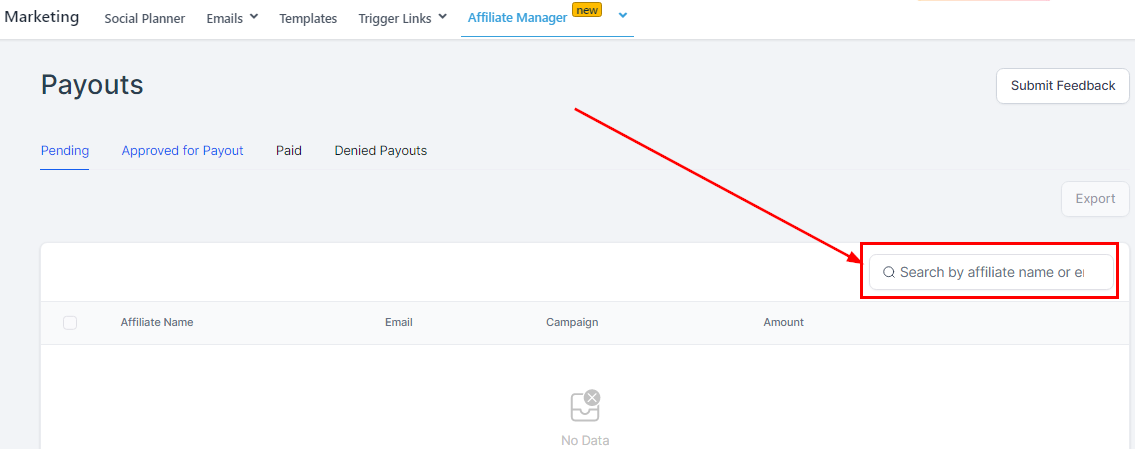
You can decide to have a quick search of a particular affiliate by typing in the name you would like to access.
Export
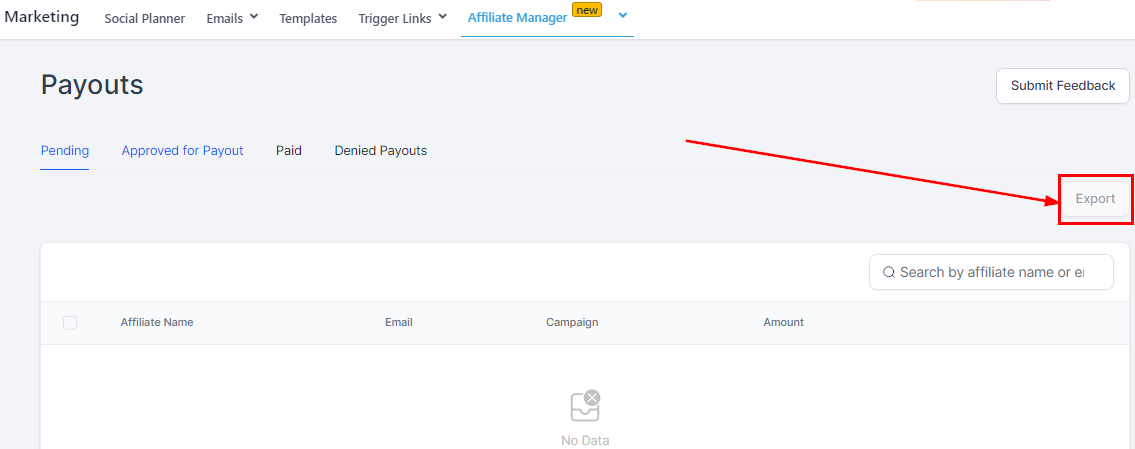
When you approve any affiliate’s payment and the affiliate’s card moves over to “Approved for Payout”, you will have to export their record as CSV by clicking the “Export” button here, then uploading it on their payment gateway to be able to manually make their payments.
Managing Your Affiliate’s Payout
Pending
All the payouts across all campaigns get populated in this status month-wise. The affiliate owner is expected to come here and approve the affiliates that are eligible for a payout by clicking on the “Approved for Payout” button.

-
Affiliate NameThis column shows the name of all the affiliates throughout all Campaigns
-
2.EmailYou can see each of their emails here. This is the email they use in receiving their unique affiliate ID.
-
3.Campaign