
Pipelines
Opportunity Pipelines
Here you will be able to create, organize and manage the pipelines that make up your opportunities section.
If you have not yet visited the “Opportunities” tab in your CRM, we recommend you take a look after this help guide is complete so you become familiar with it.
NOTE: Depending on your user permissions, you may not have access to all of the components.
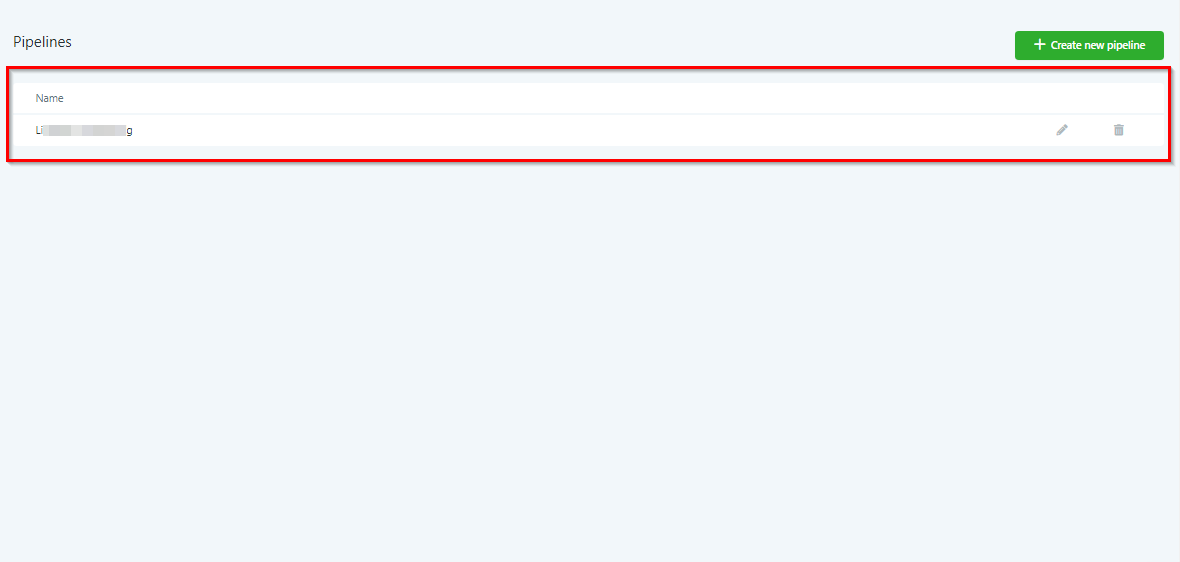
Pipeline List
You will be able to find all created pipelines here in the pipeline list.
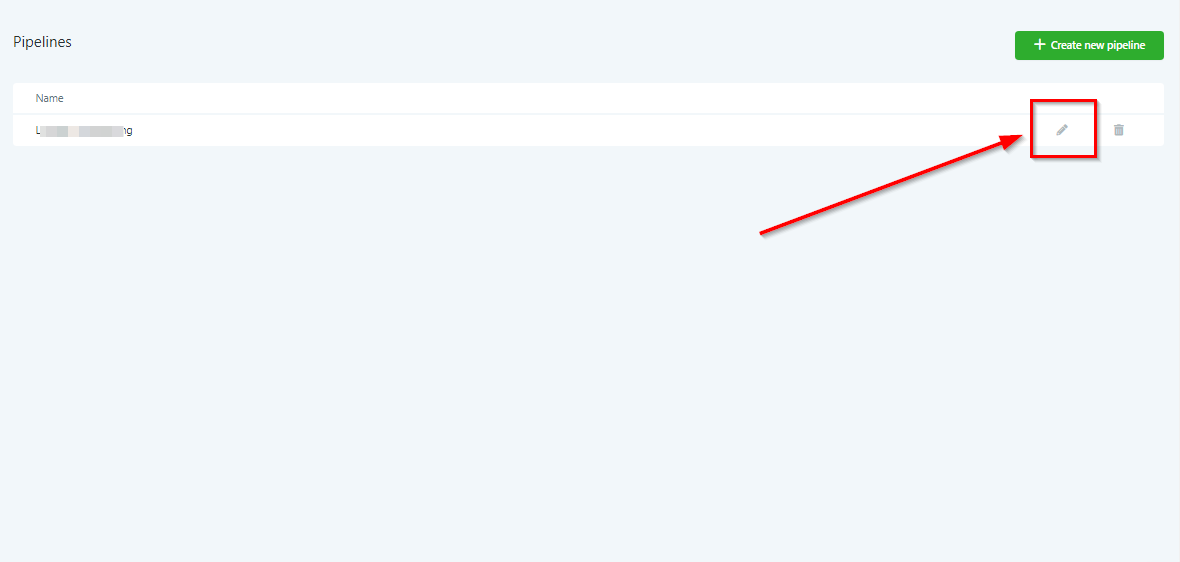
Edit Pipeline
If you need to edit a pipeline, you would click this icon here.
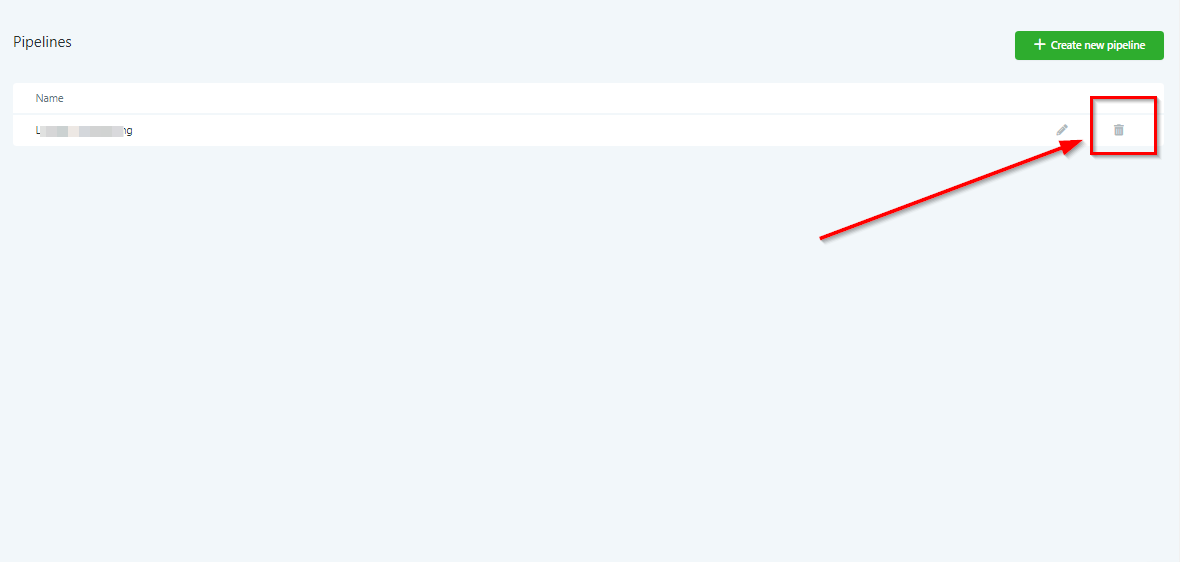
Delete Pipeline
To delete an already-created pipeline, click this icon here.
Once you delete a pipeline, it is gone forever!
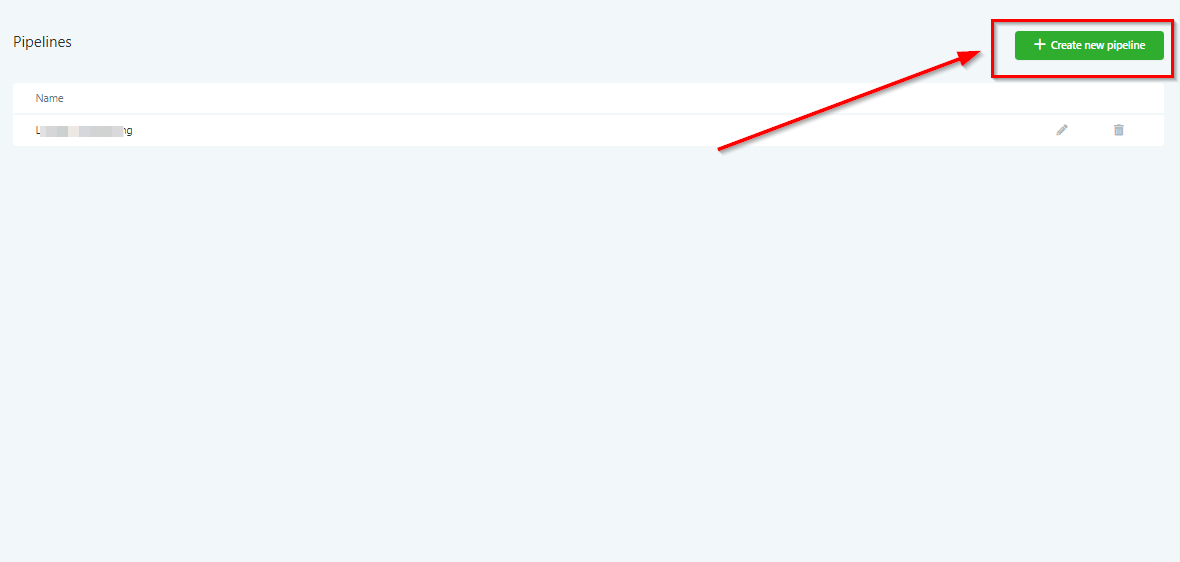
Create New Pipeline
Let’s take this a step further and show you how to create a new pipeline
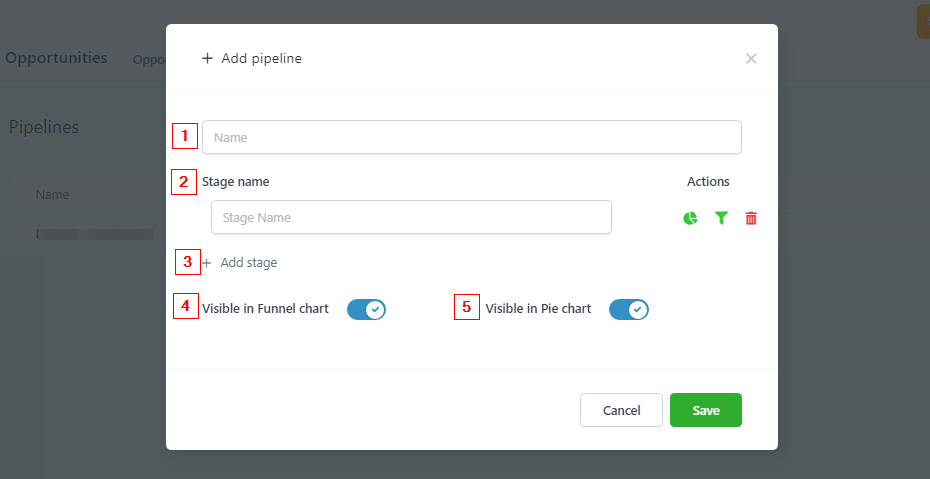
Pipeline Name
-
1.When creating a new pipeline, you want to give them names according to their purpose or the source of the leads.We have pipelines named things like “Google Ads, Facebook Ads, Website Leads” etc.
-
2.Stage NamePipeline “Stages” are what comprise your entire pipeline. Each stage is a new step in the pipeline process.You will want to name your stages in accordance with the step of the process your lead is in.For example “New lead”, “Registered”, “Paid” are all pipeline stages that can be used for sales.
-
3.