
Recurring Templates
Here you can create and manage recurring invoice related settings.
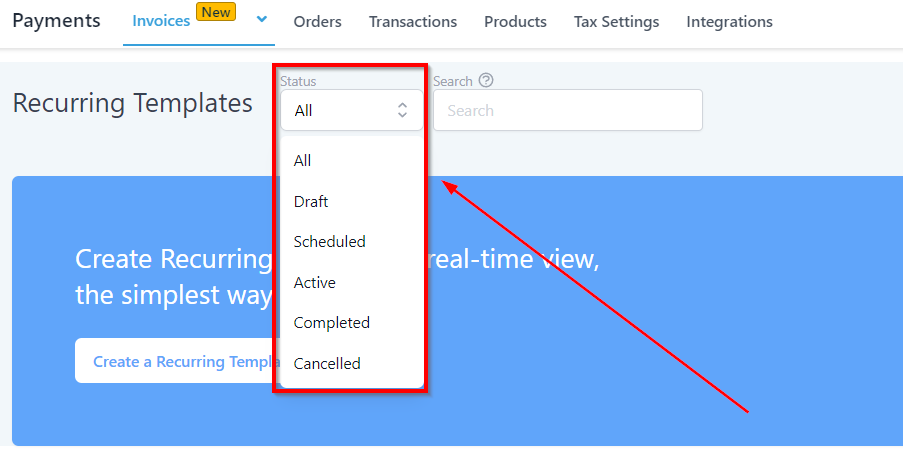
Status Tab
Allows you to select the status of the recurring template. Based on this selection the system will return the recurring template records.
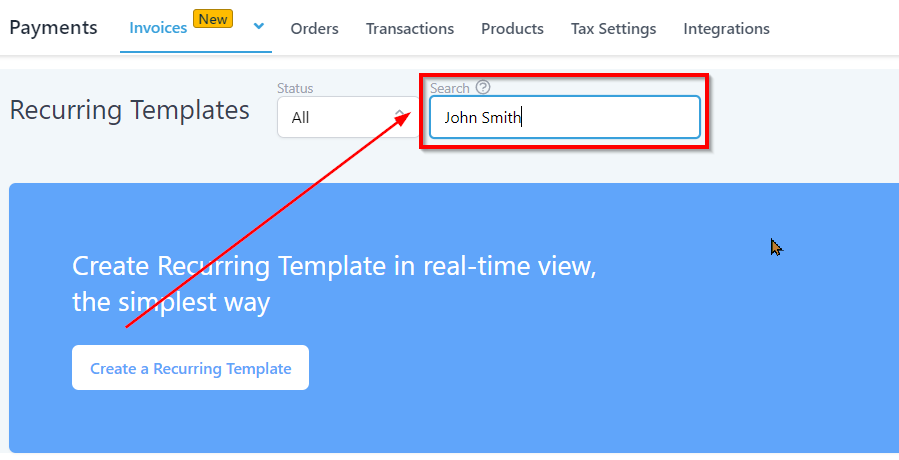
Search
Lets you search specific template from the template list. you can enter the name of the client or the business name for the system to show the relevant records.
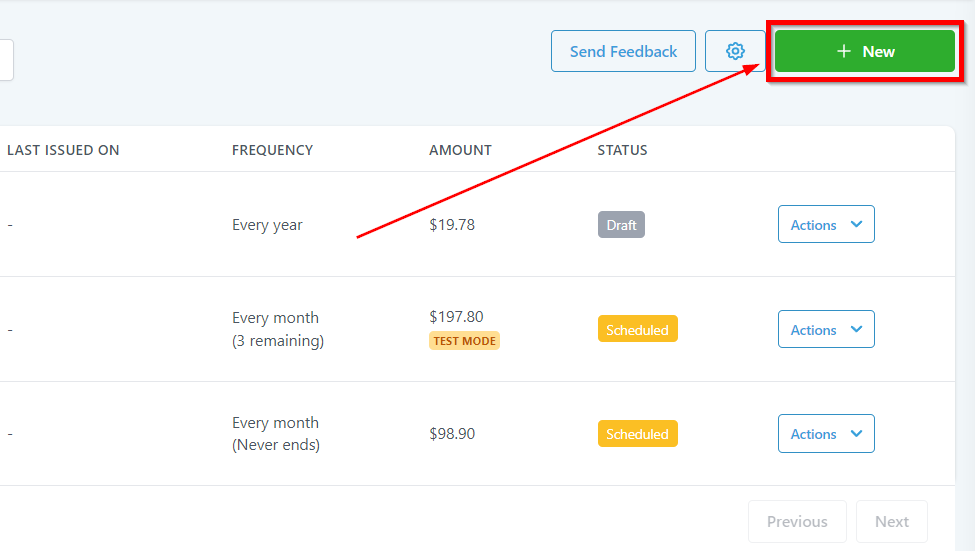
New Invoice Option
This tab will be used to create new recurring template.
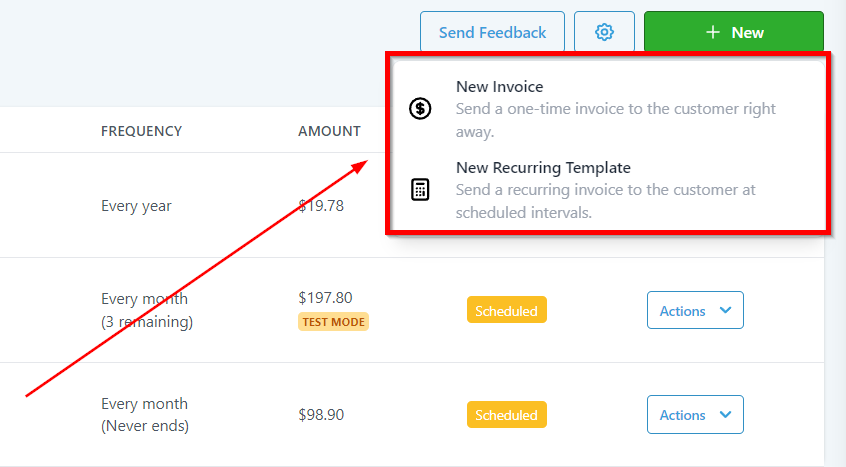
New Invoice Options
Clicking on the “New” tab, the system will pop up with more options for you to choose from.
New Invoice – Use this to create New Invoice.
New Recurring Template- Use this to create new recurring template.
All Templates List
This is the recurring template dashboard where you will see the list of all of the templates you have created within your system.

-
Template Name – Shows the name of the template given to each individual template
-
2.Customer – Shows the Customer contact information.
-
3.Last Issued On – Shows the last issue date of the individual template.
-
4.Frequency – Shows the frequency of each template such as monthly, weekly or every 2nd date of every month etc.
-
5.Amount – Shows the Invoice amount for the individual recurring invoice.
-
6.Status – Lets you know if an individual invoice is in a draft mode or scheduled for later or already sent.