Reputation Management
In this section of the settings, you have the ability to fully customize the look and feel of your review requests, along with an awesome website widget that shows off your company’s reviews!
Depending on your user permissions, you may not have access to all of the components.
Send Manual Review Requests
You can send review requests automatically using workflows, campaigns, and triggers, or you can send them manually to individual contacts by clicking on the “Send Review Request” button.
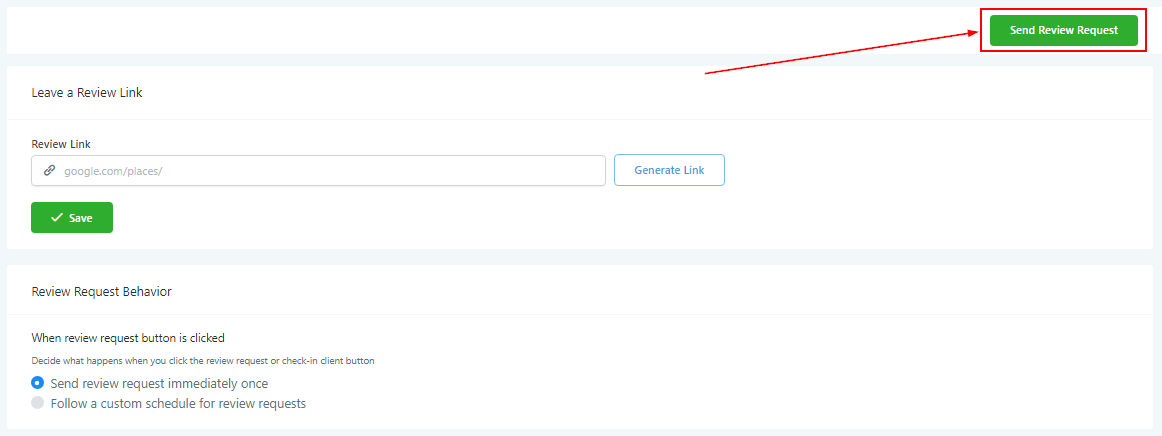
Sending Manual Review Requests
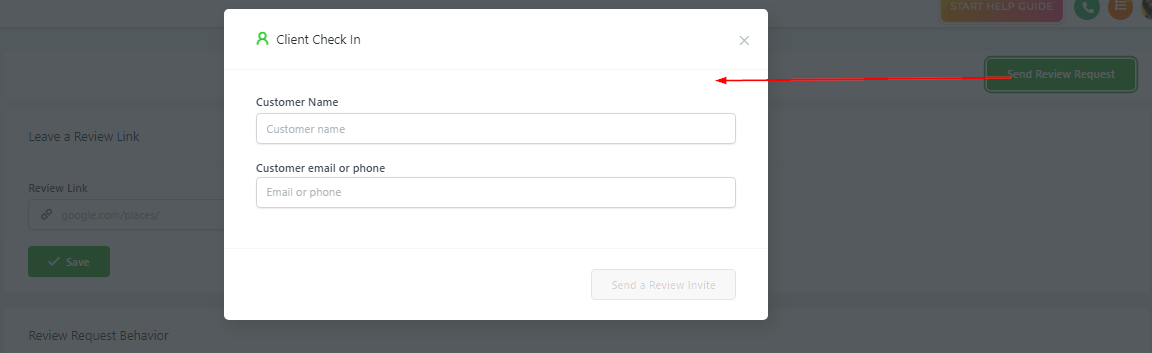
Once you click the “Send Review Request” button, you’ll need to input the contact’s information. You will need to add their name, and either a valid email address or phone number to send the review request.
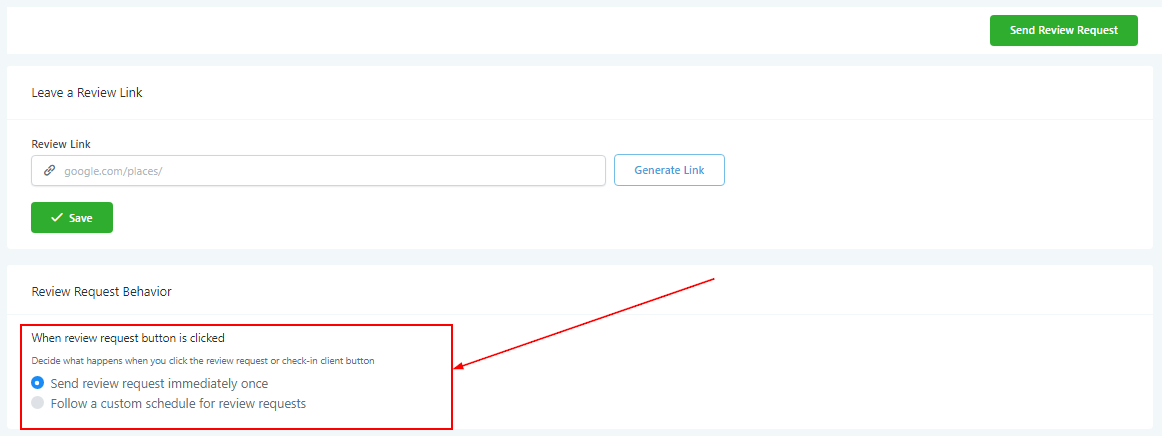
Custom Google Review Link
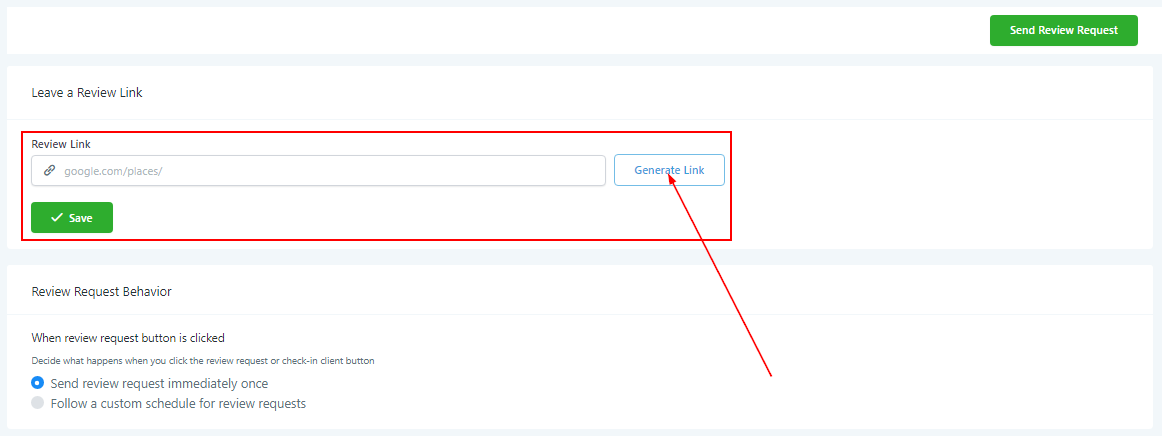
You can create a unique, trackable link to send to customers that lead them DIRECTLY to your Google review page so they can leave a review!
To generate a new link at any time, simply click on the “Generate Link” button!
Review Request Behavior
Decide what happens when you click the review request or check-in client button. You can either send the review request immediately and once or on a custom schedule.
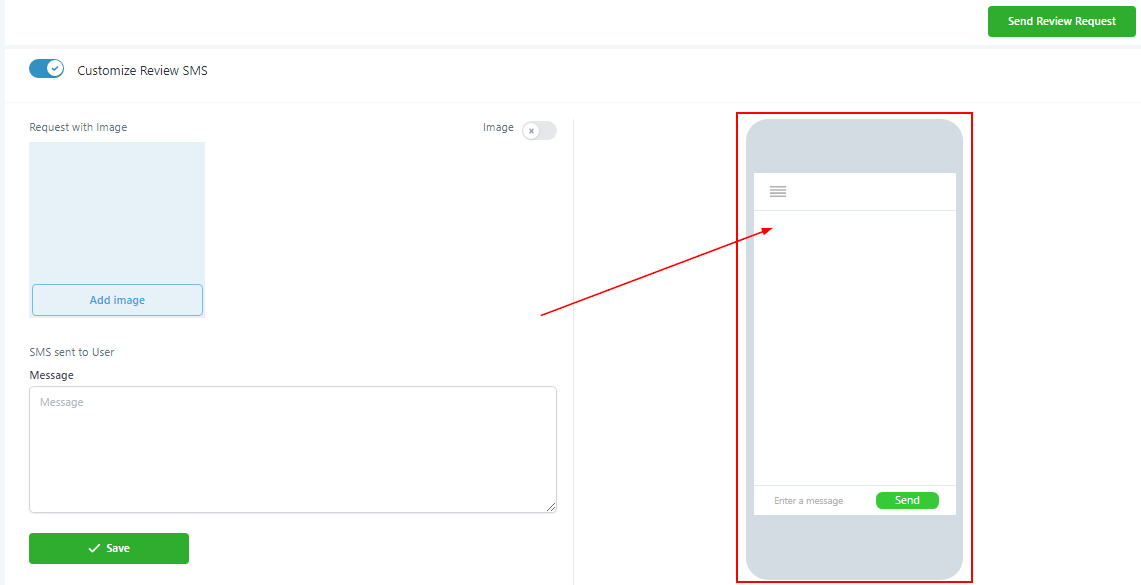
Customize Review SMS
You can choose to customize your review request SMS to better fit your company’s message.
To enable custom SMS messages, toggle this switch.
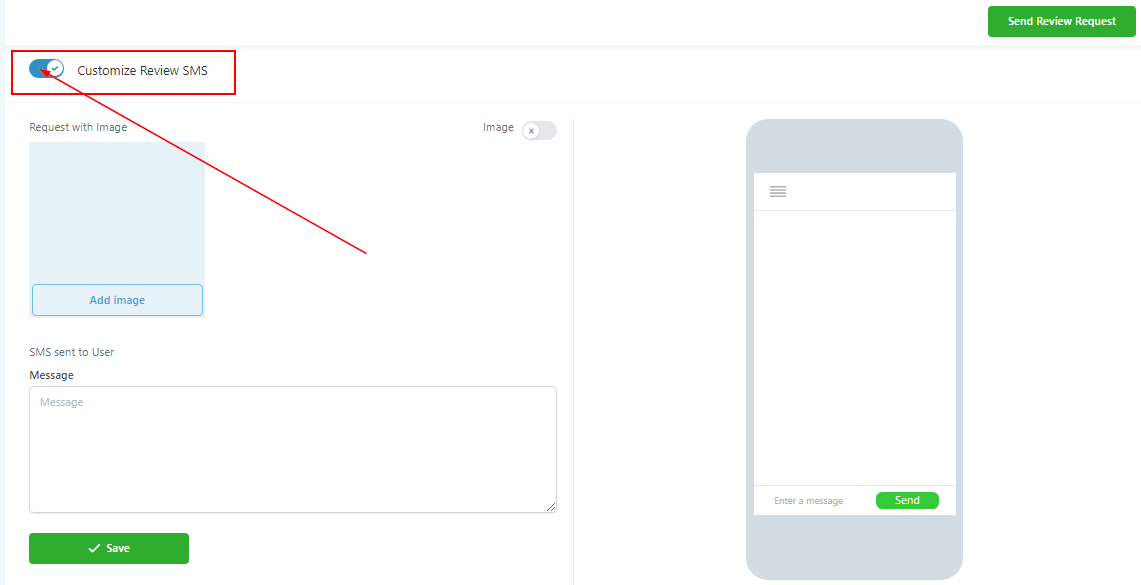
Preview SMS Changes
All changes you make to your new custom SMS can be previewed here in real-time as you make adjustments!