
Sending Email Campaigns
In this section, you will learn about the different ways of sending an email campaign.
Send or Schedule Email Campaign
This is where you will set your audience information and sending options. In the next article, we will cover them one by one.
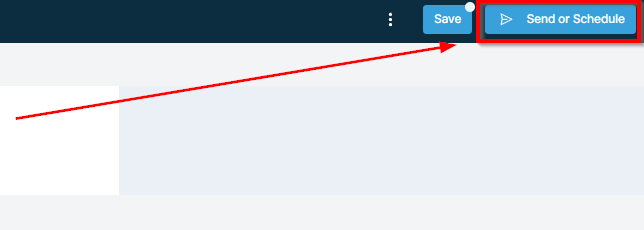
Sending Options:
As shown in the previous screenshot, the “Send or Schedule” tab will take you to this page (see the image below) Here you can choose how you would like the campaign sent. You can send it right away, schedule the campaign for a specific time and date, send it in batches or use RSS scheduling as needed.
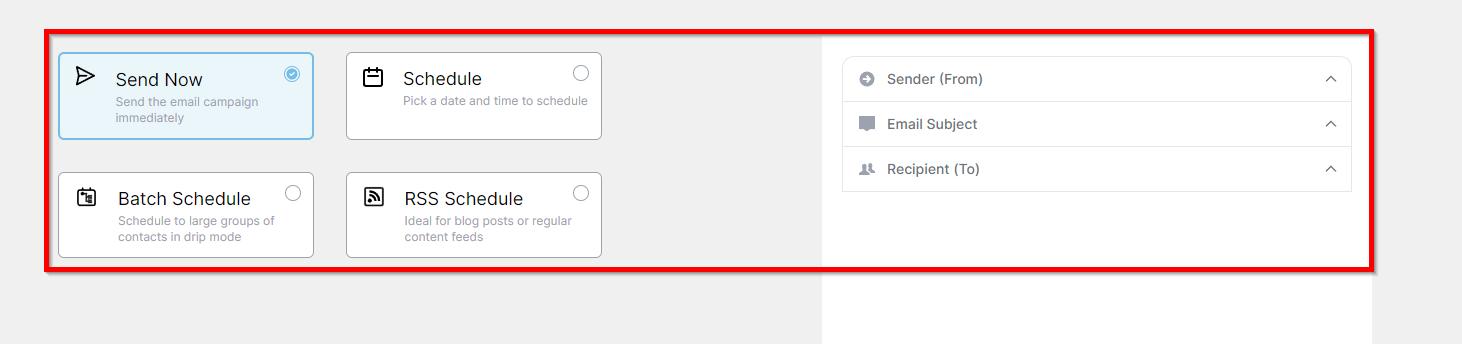
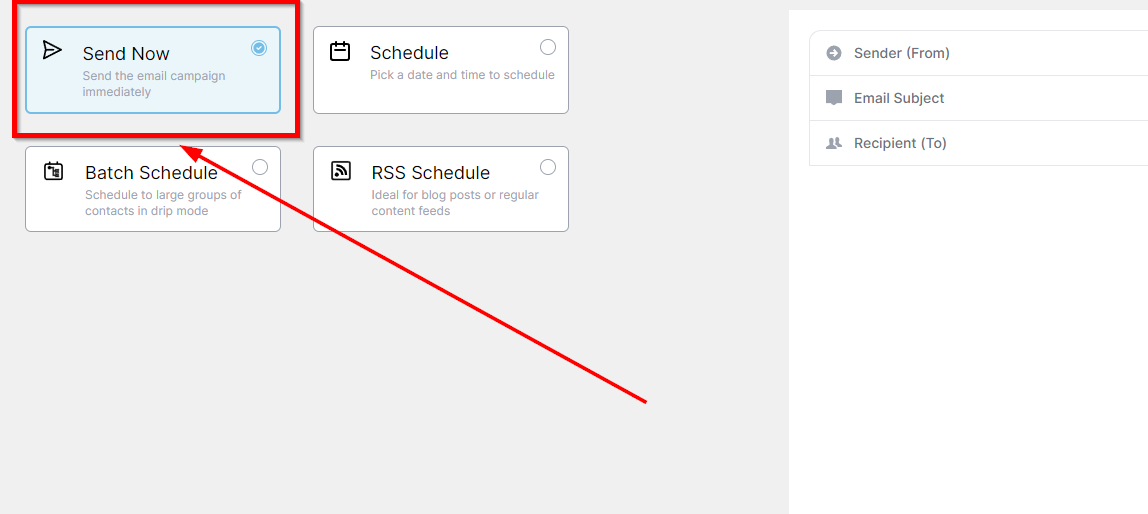
Send Now
The campaign will be sent to each recipient right away. You have to fill in the;
-
Sender (Form)
-
Email Subject
-
Recipient (To)
 ScheduleThis allows you to schedule your campaign as per your preferred date and time. Once you are done selecting your date and time, you will also fill out the;