
Managing Settings
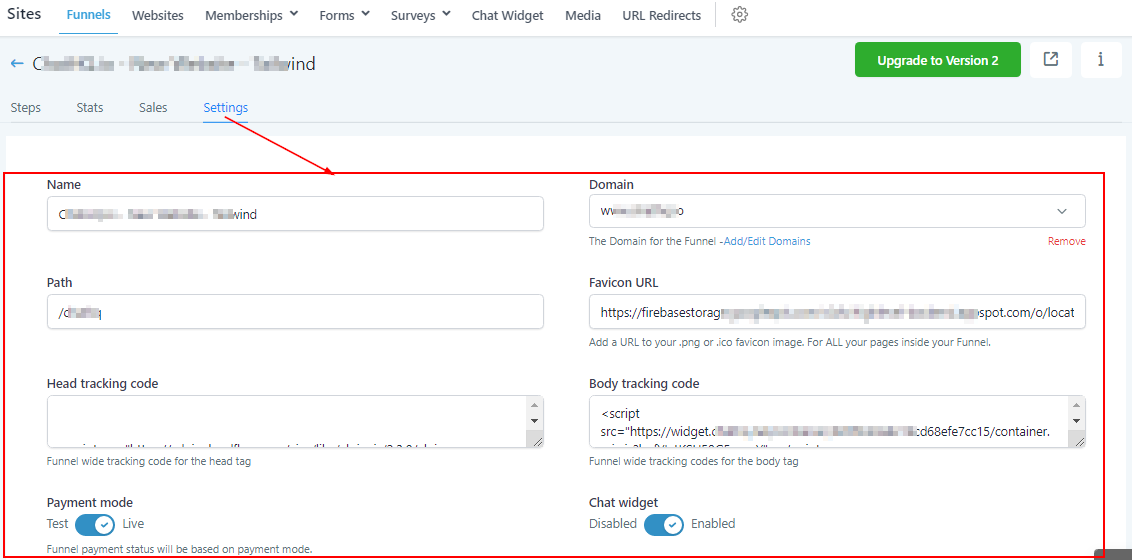
In the funnel settings, you will be able to edit the funnel setup.
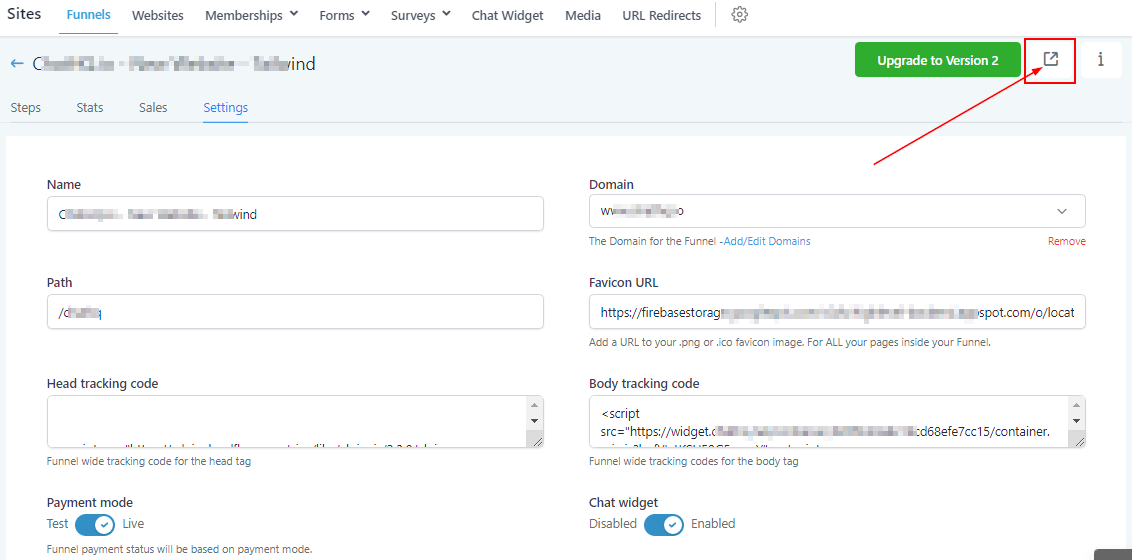
Web Preview
To view this funnel on the web page, click on this icon which directs you to the funnel site.
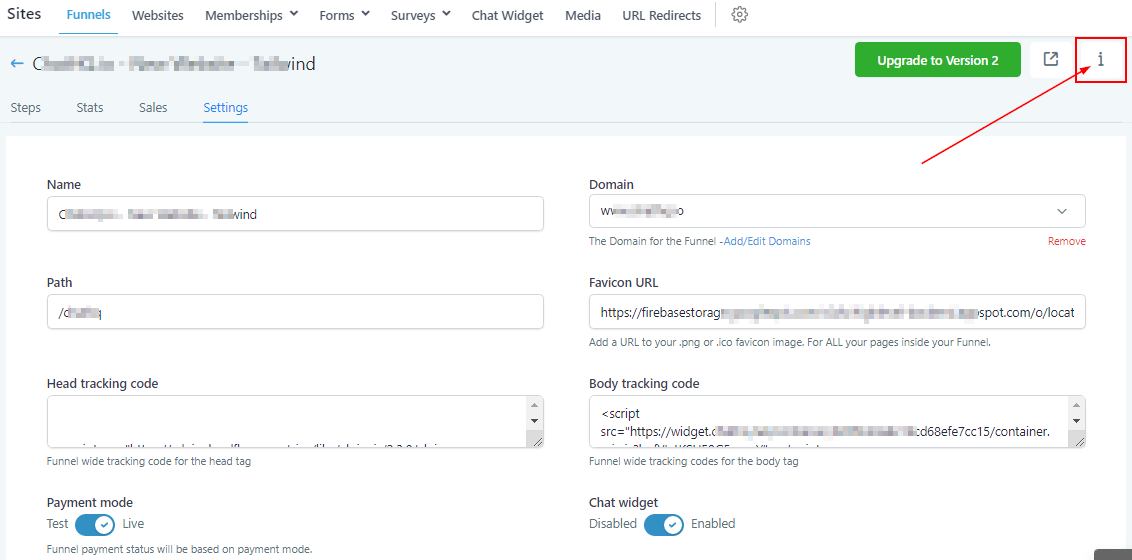
Settings Info
By clicking on this icon you get more information about the funnel URL.
How To Send Traffic to Funnel URL
Use the Funnel URL to send traffic to your funnel. This URL will always take visitors to the first page in your funnel.
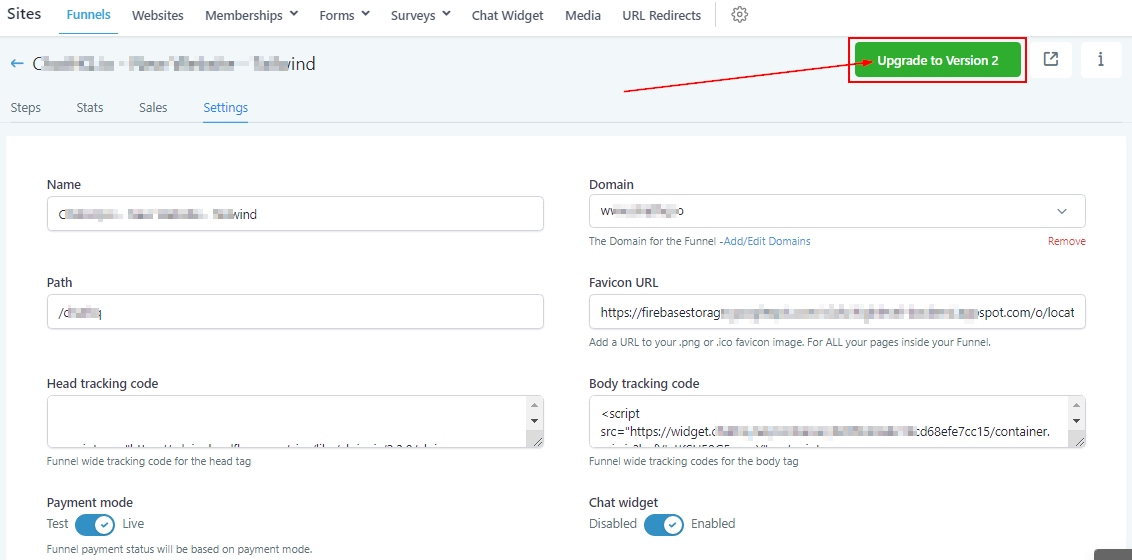
Upgrade to version 2
If you want to upgrade from funnel version 1 to version 2, click on this ” upgrade to version 2″ button.
Note: Once you upgrade to version 2, the sales data will no longer be available on this page, it will be moved to the Payment -> Transaction page.
Name
You can name or rename your funnel by typing the name of your choice into the name field box.
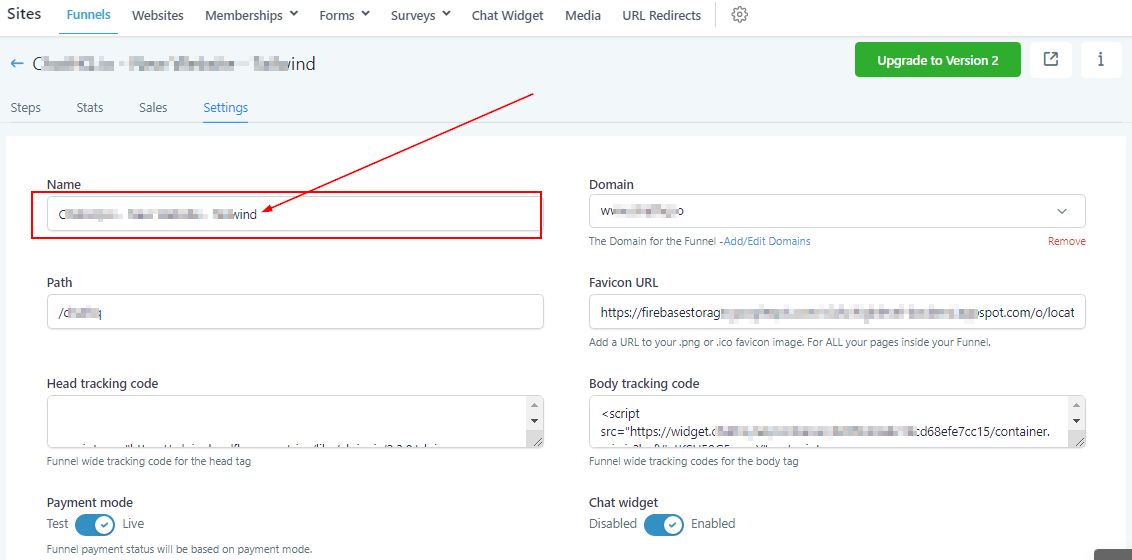
Domain
The “Domain” field allows you to select the domain you will like to mark with this funnel. This is a very important aspect funnel won’t run without a domain.