
Editing Stats Tab
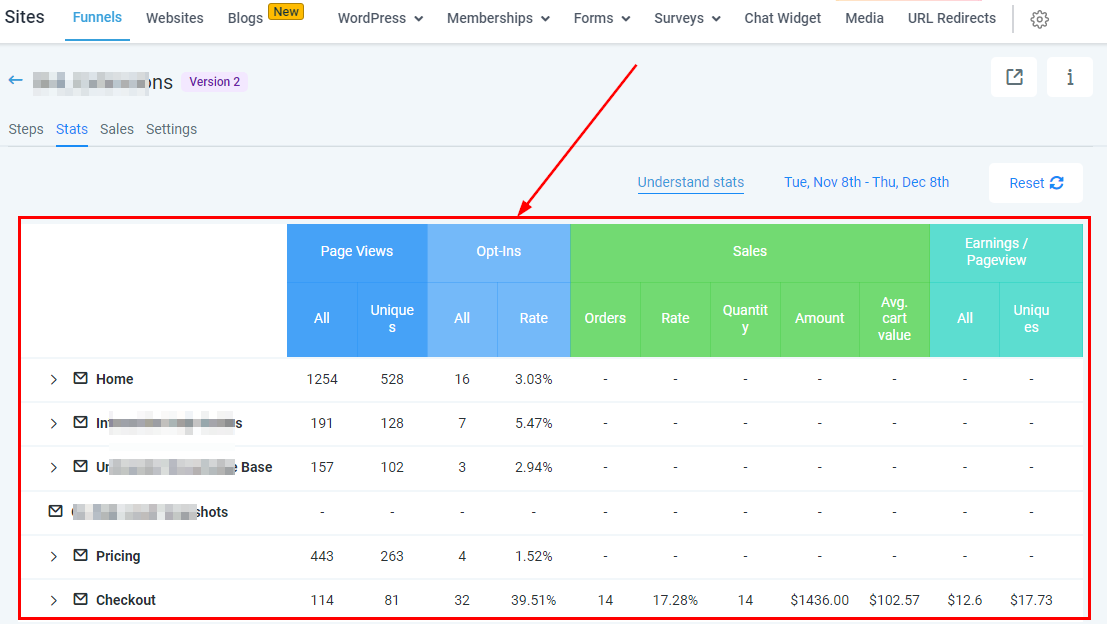
The “Stats Tab” shows you the statistics of each step created in a funnel. It shows you the number of visitors that opened your page and the actions they performed on each page.
Duration Range
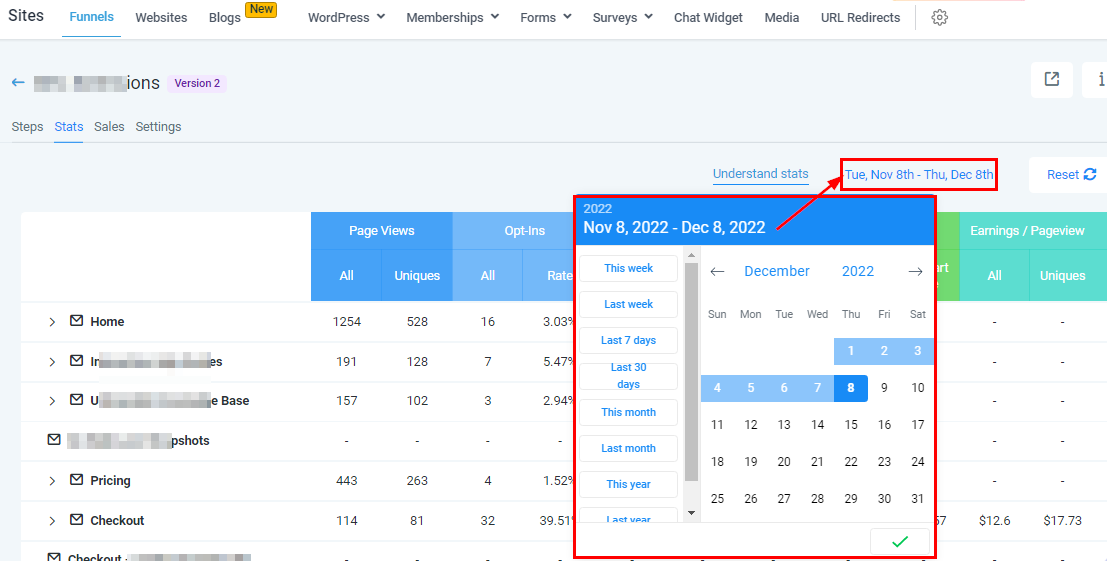
Here you can filter the data by adjusting the date range of this data. Click on the date range icon to drop down the calendar menu, then select the range you want to work with.
Reset Duration Date
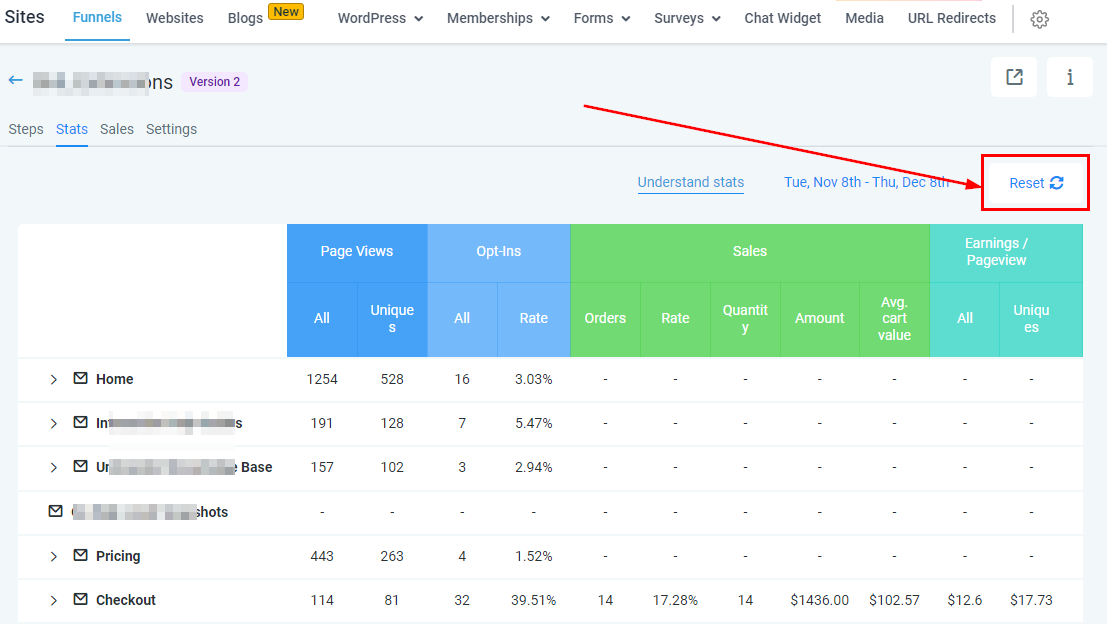
You can wipe all the data off the funnel by clicking on the “Reset” icon. It is not advisable to reset data because it permanently deletes it
Warning! This can’t be undone.
Note: Recently generated stats (Around 30 min) won’t get deleted.
Web Preview
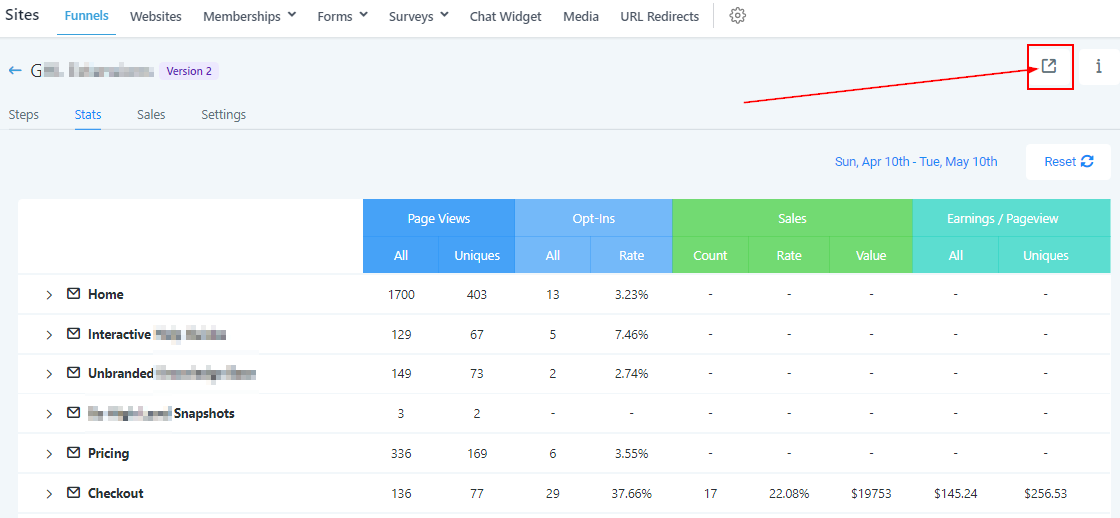
To view this funnel on the web page, click on this icon which directs you to the funnel site.
Stats Info
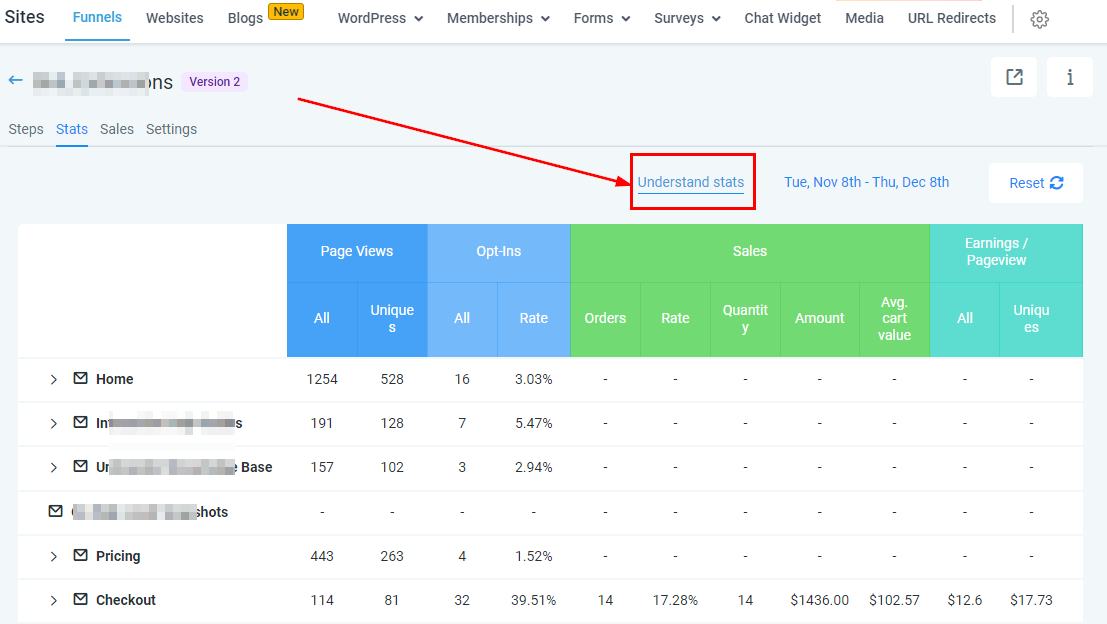
By clicking on this icon you get more information about the funnel URL.
Send Traffic to Funnel URL
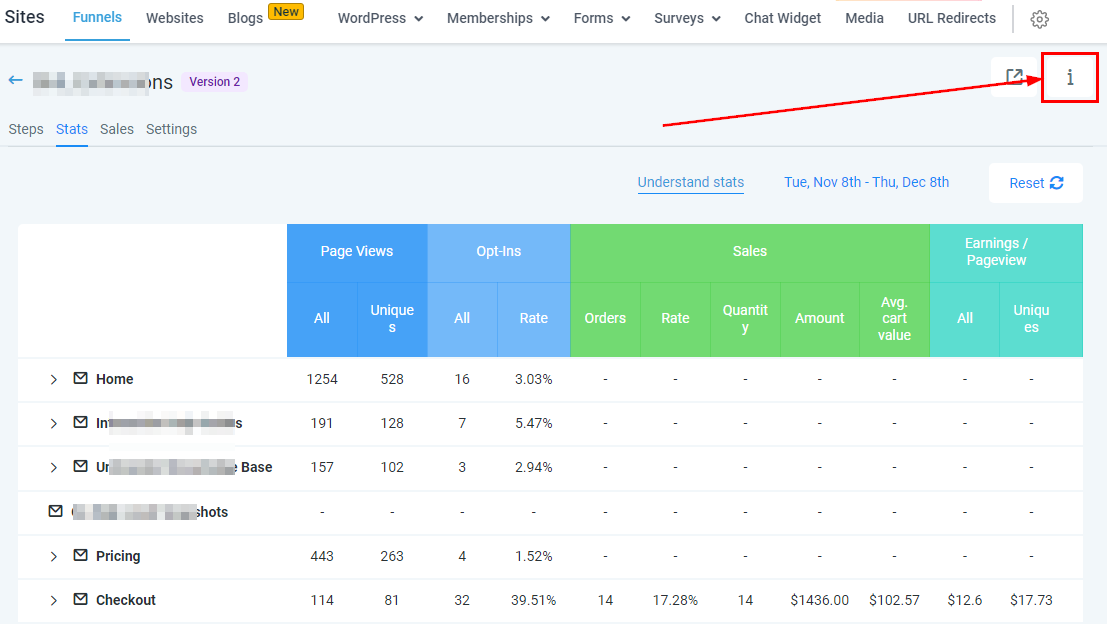
Use the Funnel URL to send traffic to your funnel. This URL will always take visitors to the first page in your funnel.
You can change the domain name or path in the Funnel Settings.