
Steps Tab
To learn more on how to build a Funnel, check out the “Website and Funnel Training” **** section under the “Advanced Training” help center menu, or Click here to check out the Funnel Builder!
In this section, you will be learning how to edit the Step tab of a funnel. Click on one of the funnels you created to access the Step tab.
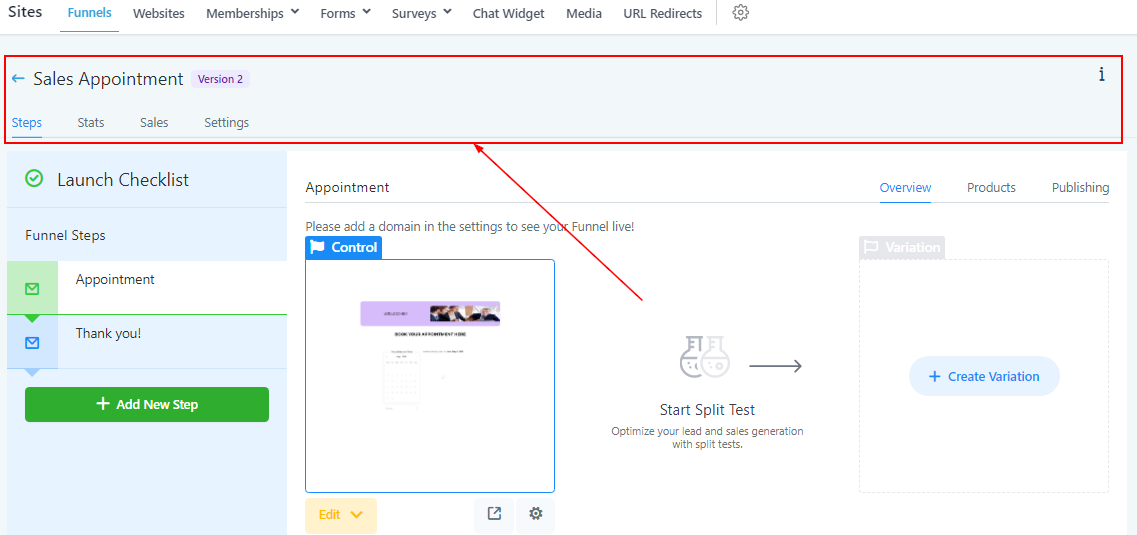
Funnel Header
Here you will see a header with a few sections to choose from. Each section serves a different purpose for your sales funnels, and each section has an interactive guide if you want to learn more!
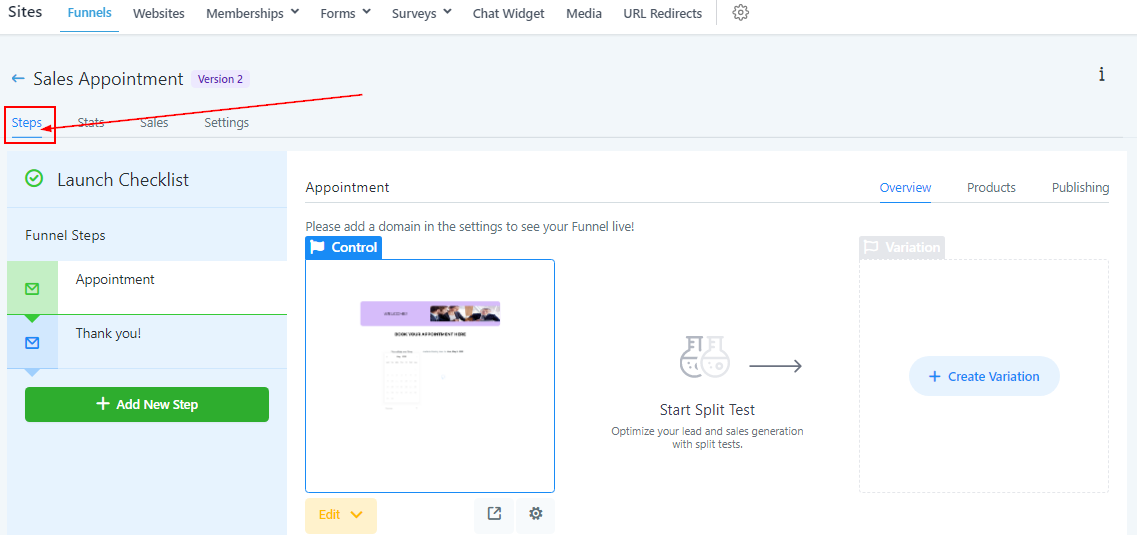
Funnel Steps
The steps in funnels help customers complete a call-to-action. For example, booking appointments.
Here in the “steps” section, you will be able to create new funnel pages, organize your funnel steps, and add products to your funnel.
Funnel Actions
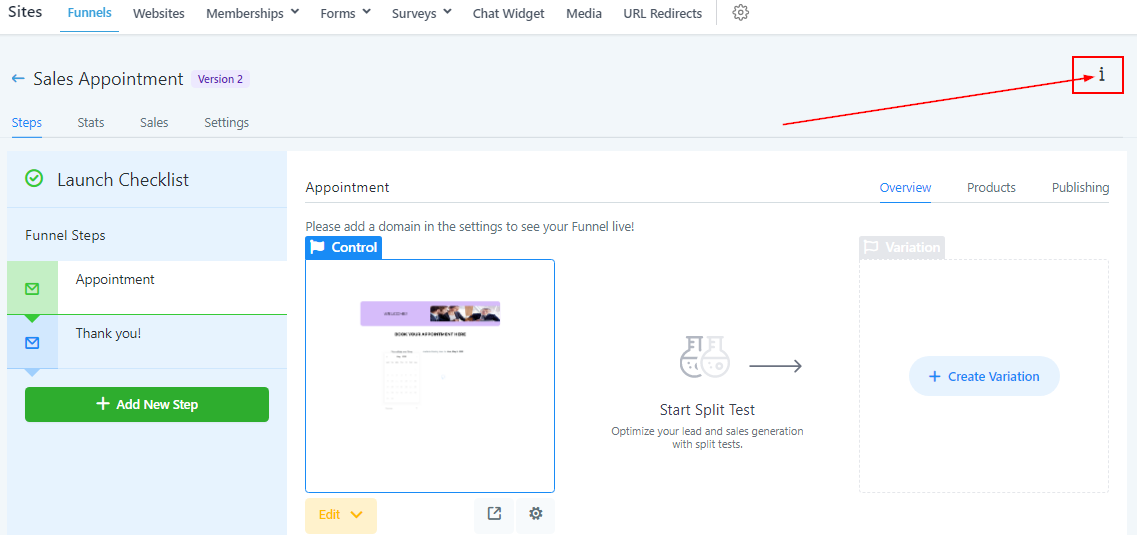
If you are an administrator of your CRM location, you will see a few buttons here. With those buttons, you can either clone and share your entire funnel with another CRM location, or look deeper into the URL path information.
Funnel Steps
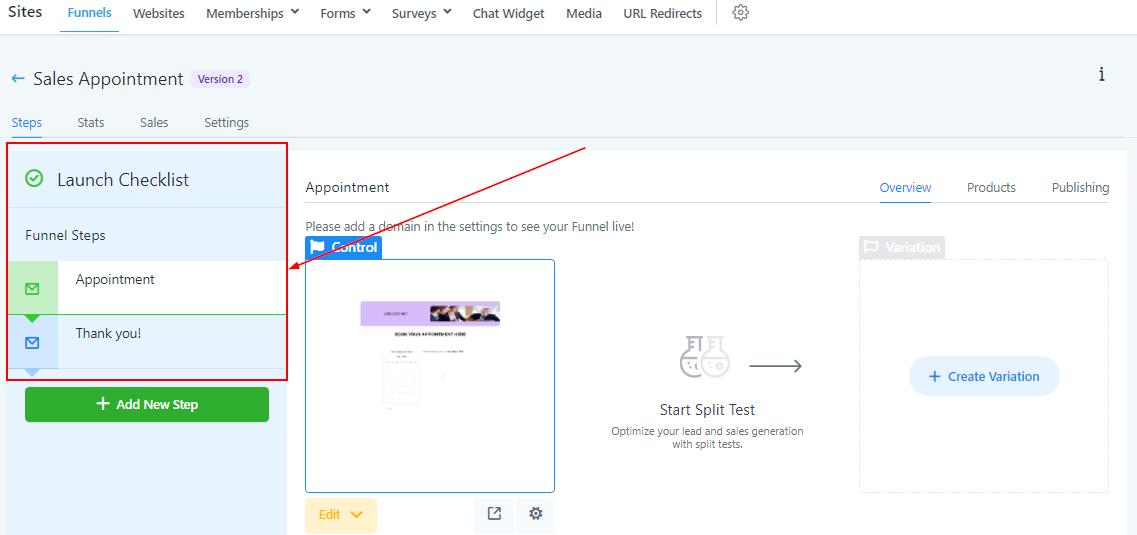
Here you will see a list of all created funnel steps for this particular funnel. These can be reorganized by simply dragging and dropping them up or down.
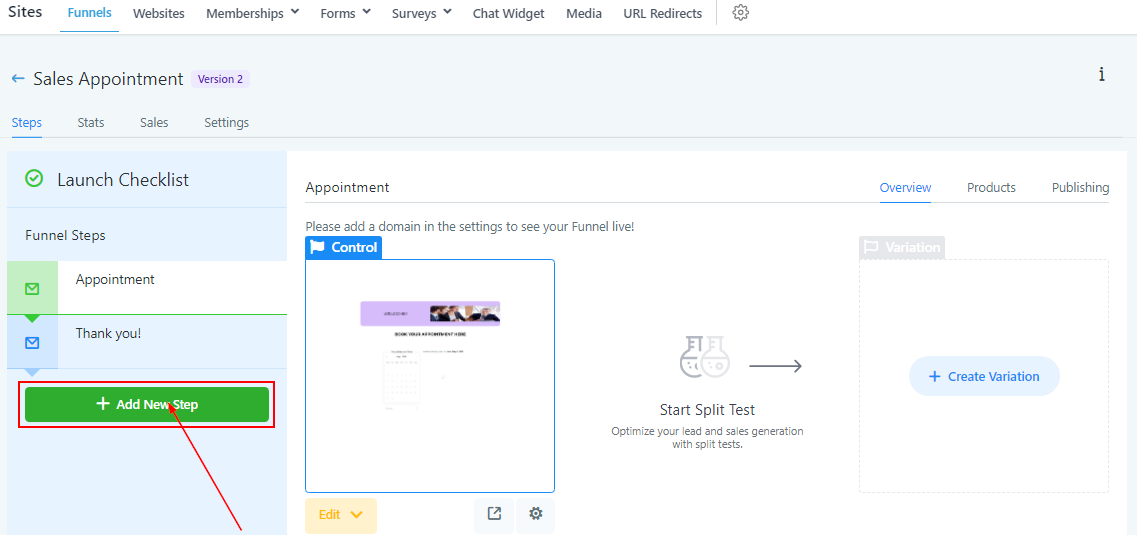
Add New Funnel Step
To start building your funnel, you will need to add a new funnel step.
Name Your Funnel Step