
Fields tab
Survey Fields Tab
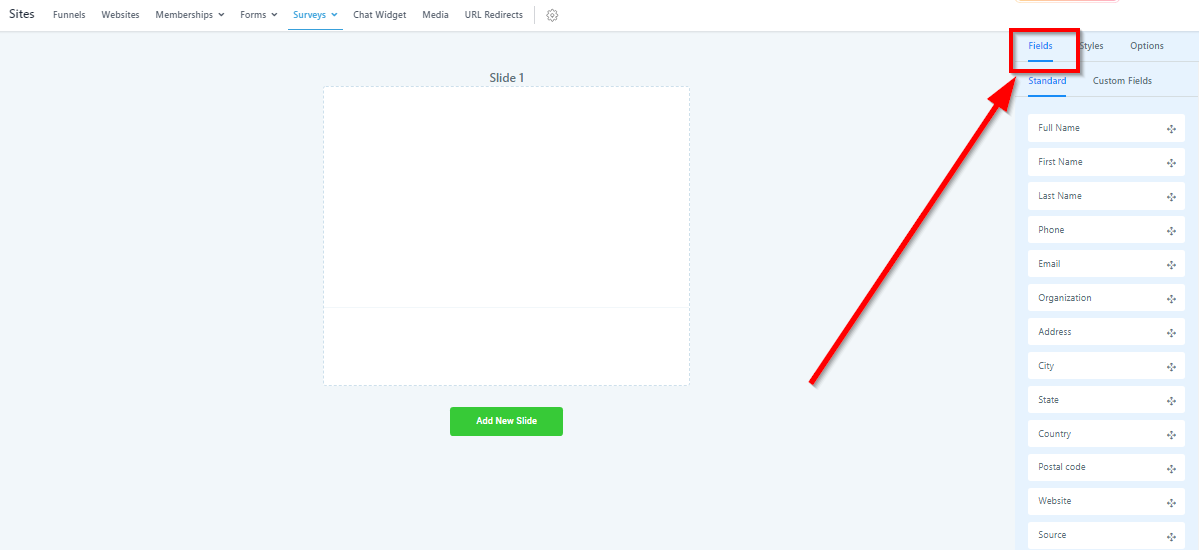
Navigate to the “Fields” tab to see the different survey fields you can use to customize your surveys.
Field Types
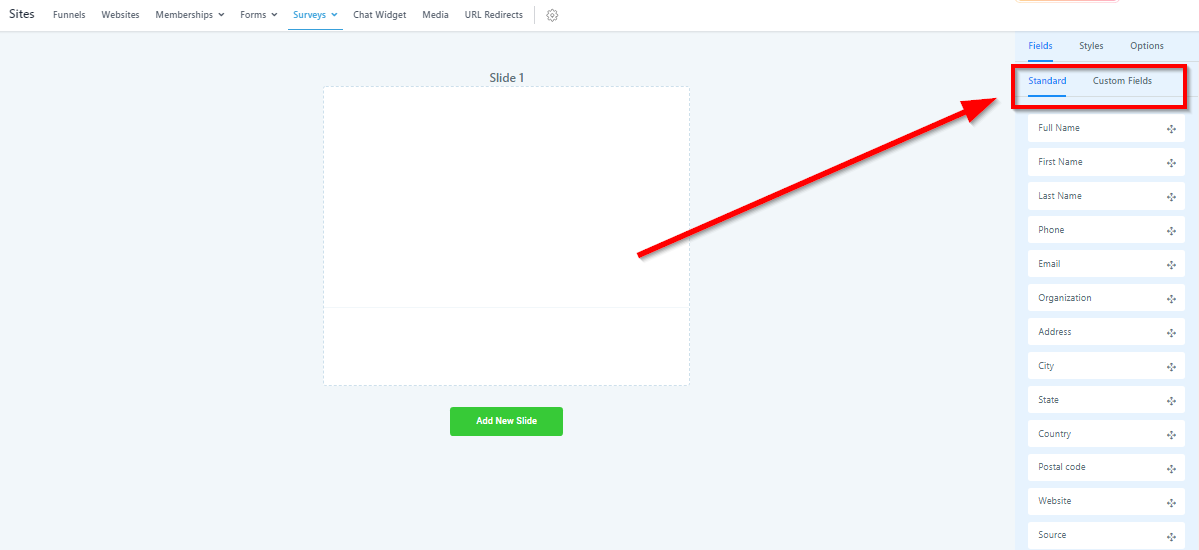
You have the option of 2 groups of survey fields.
Standard Fields – Here you will find fields like name, email, phone number, etc.
Custom Fields – These fields are entirely up to you or your CRM admin to build. These custom fields can be anything from checkboxes to long-form answers.
Field Options
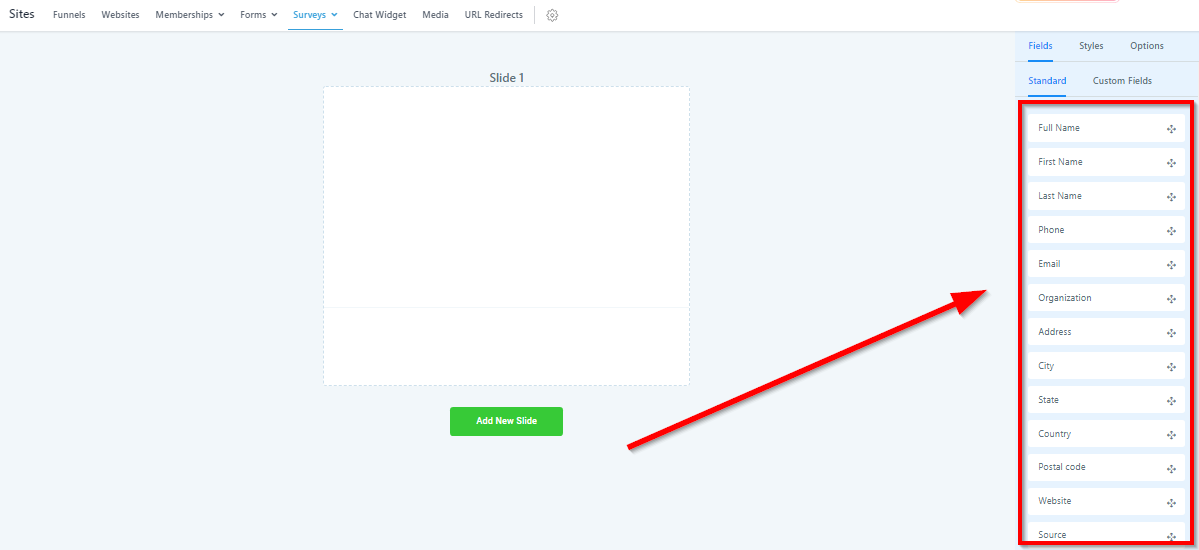
Whether you are in the standard or custom tab, this area is where all the inputs are.
All you need to do is click and drag them over to the survey slide in the middle of the screen to add it to the form!
Save Survey
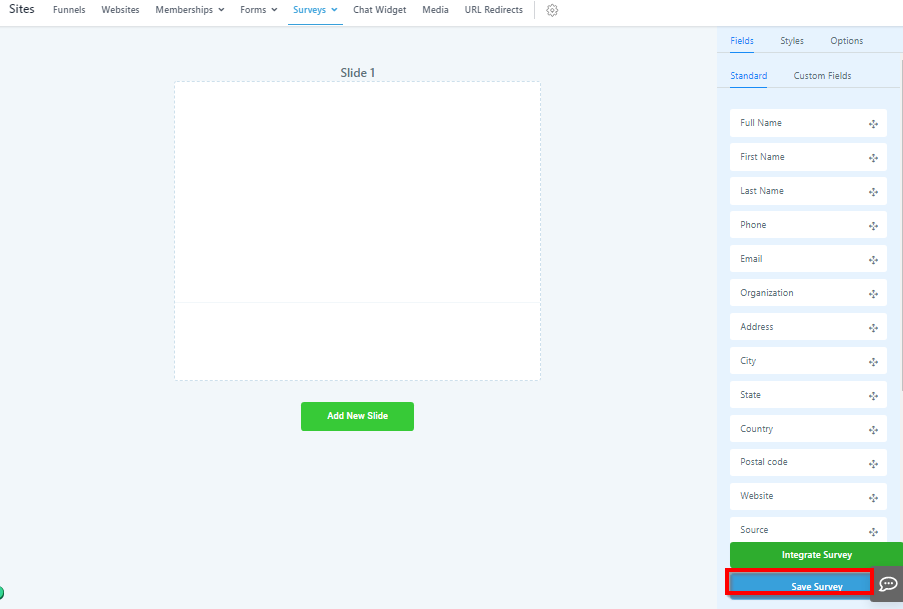
Make sure you save all of your survey progress! Don’t worry, when you save you will remain in the survey builder. It is just a good habit to save the survey as you go.
Integrate Survey
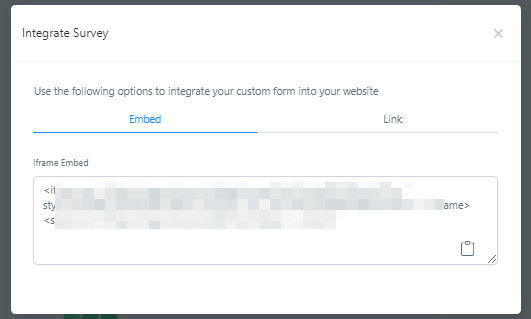
You can embed your survey onto a webpage, or use a custom survey link where visitors can access the survey.
Embed Survey
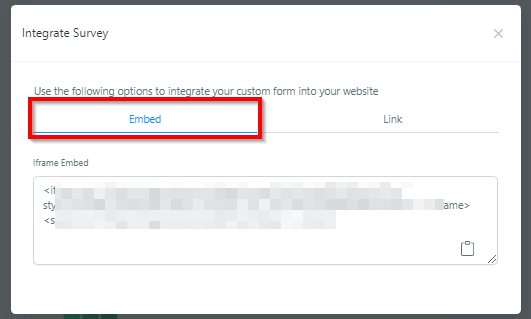
The first way you can integrate your surveys is by embedding them into a website or sales funnel.
Copy and Paste Survey
In order to do that, you would need to copy and paste this snippet of code into your webpage.