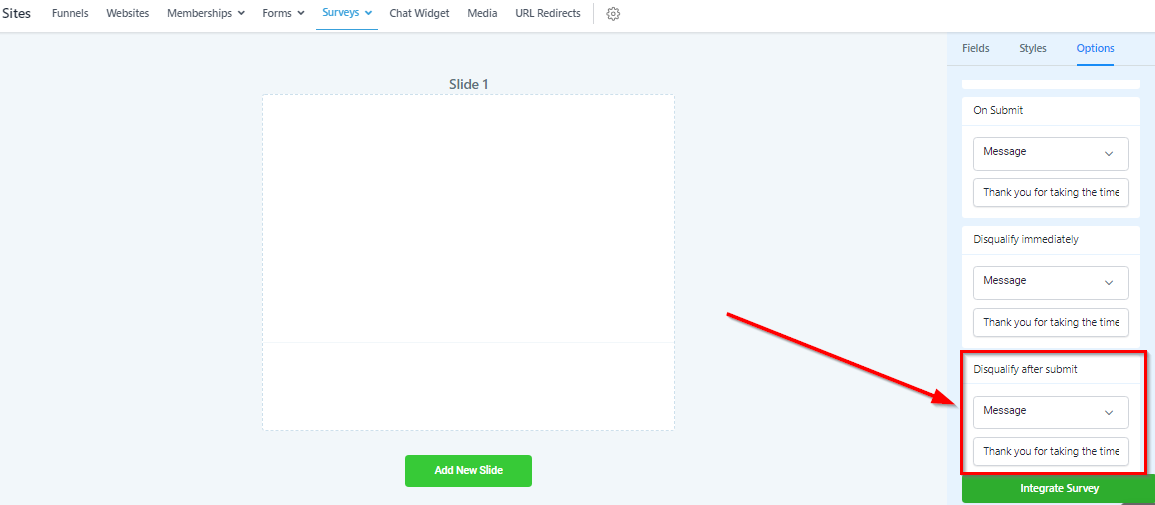
Option tab
Survey Options Tab
Use the options tab to set some very important settings.
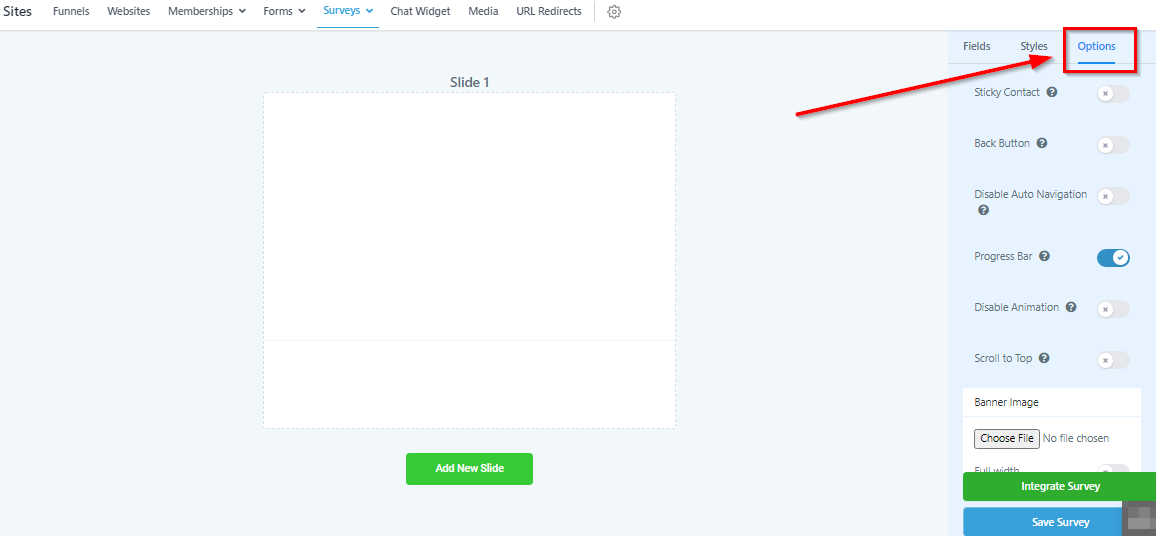
Change Survey Name
Like we showed you earlier, you can change the name of your survey here.
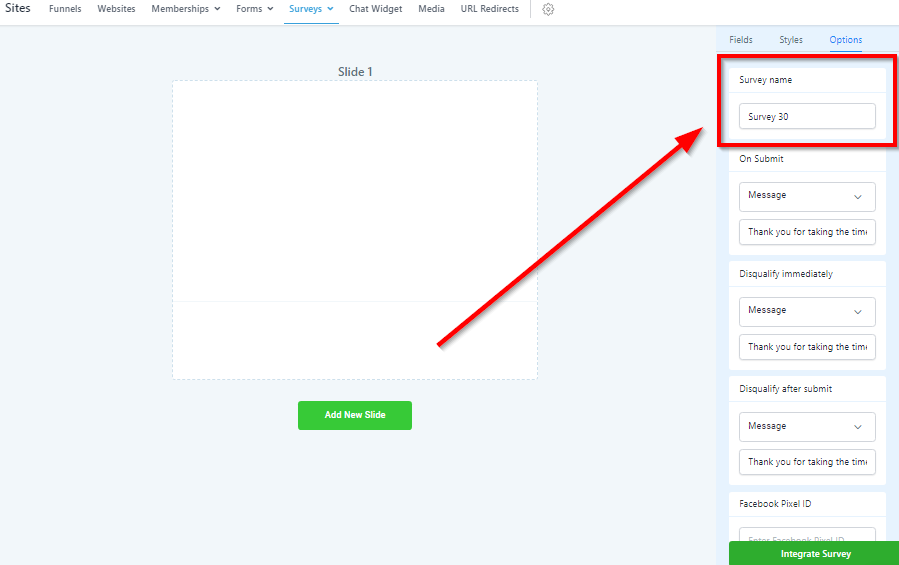
On Submit Settings
Here you will set what happens when your survey is submitted.
Open URL: If you choose this option, when your survey is submitted, the visitor will be sent to the URL of your choice. We generally send them to a “Thank You” page of some sort.
Message: If you choose this option, your visitor will see a message after submitting the survey and remain on the same page. You will need to add a message in the input section for this to take effect.
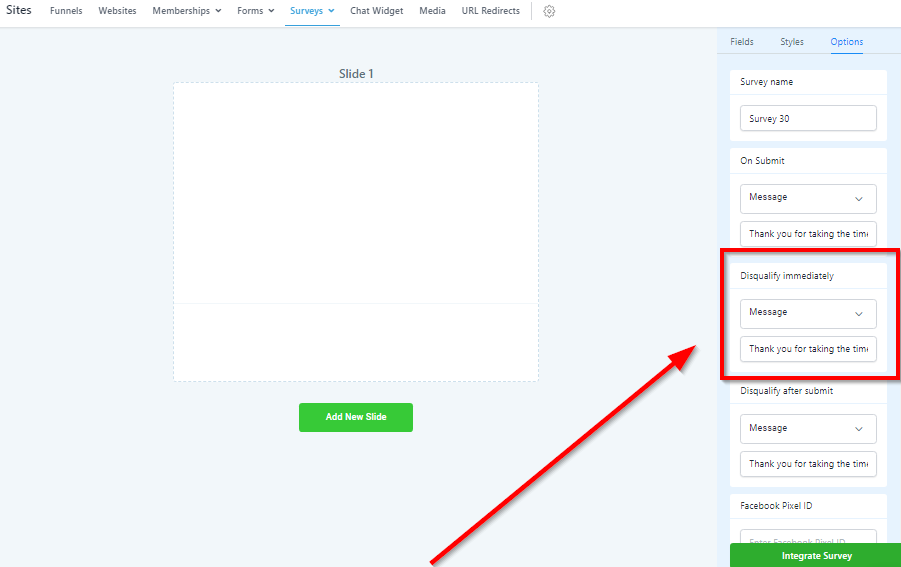
Disqualify Immediately
When building your survey, you have the option to “Disqualify Immediately” when a visitor chooses a specific answer. This is very valuable when qualifying leads.
You can choose what happens to that visitor when they are immediately disqualified. You have 2 options:
Open URL: The visitor will be sent to the URL of your choice.
Message: Your visitor will see a message after being disqualified, and remain on the same page. You will need to add a message in the input section for this to take effect.
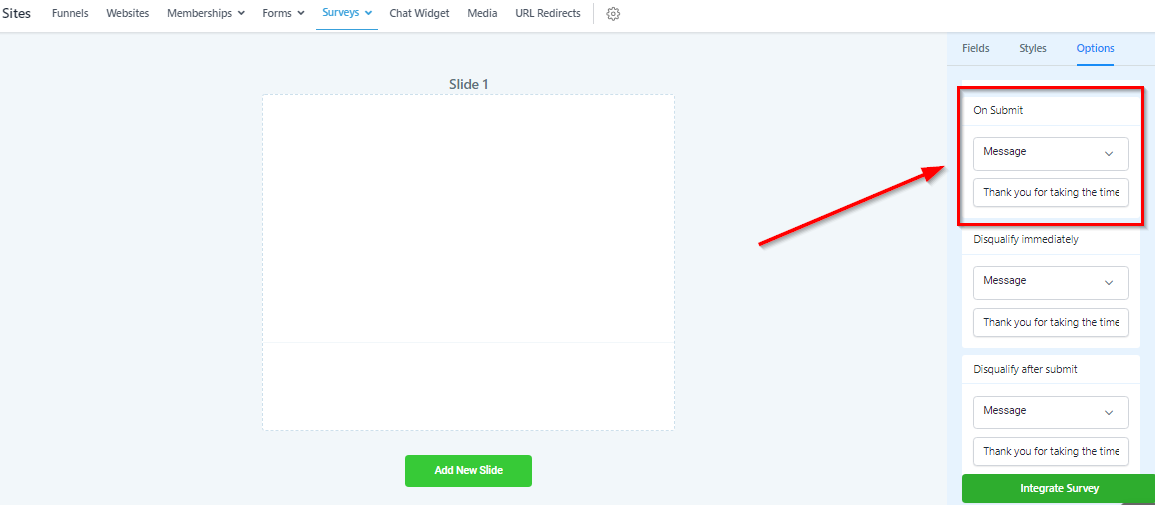
Disqualify After Submit
You also have the option to “Disqualify After Submit” when a visitor chooses a specific answer. This will allow the visitor to finish the entire form but be disqualified at the end.
You can choose what happens to that visitor when they are immediately disqualified.
You have 2 options:
Open URL: The visitor will be sent to the URL of your choice.
Message: Your visitor will see a message after being disqualified, and remain on the same page. You will need to add a message in the input section for this to take effect.