
Builder
Overview
This tab allows you to surveys to capture data for all kinds of scenarios like capturing new leads on the website or collecting data when someone schedules on your calendar.
NOTE: Depending on your user permissions, you may not have access all of the components.
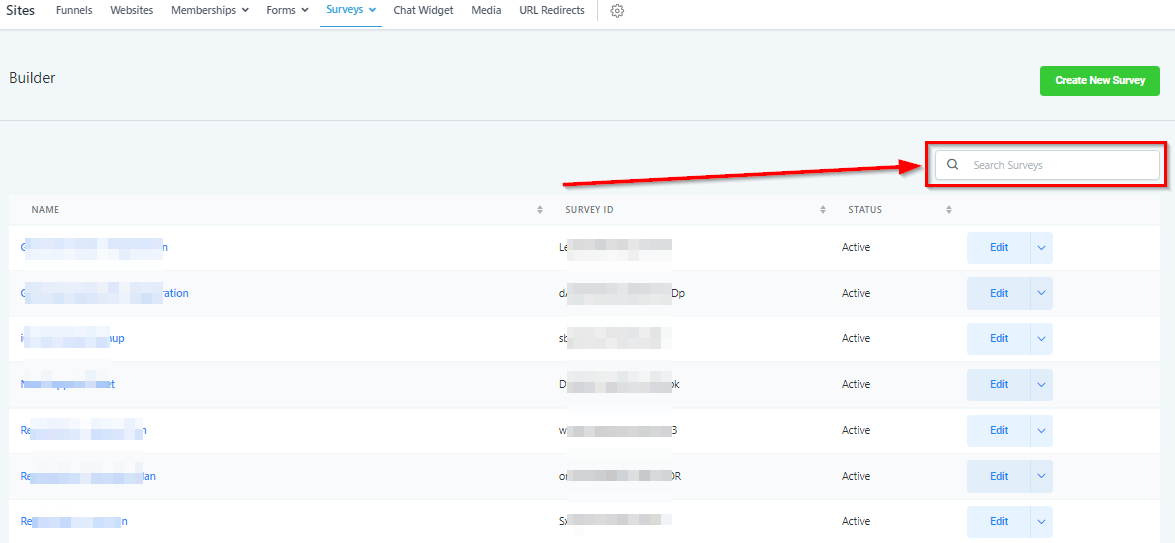
Search Surveys By Name
If you have a long list of surveys, you can search for a specific survey by typing the name of that survey here.
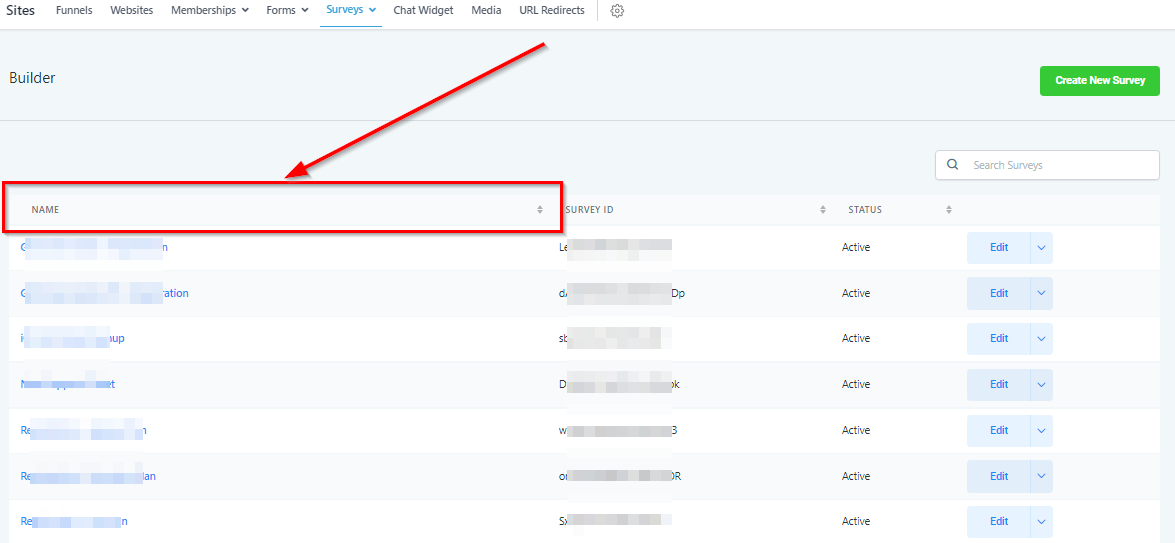
Filter By Name
You can filter your current survey list by name by clicking here.
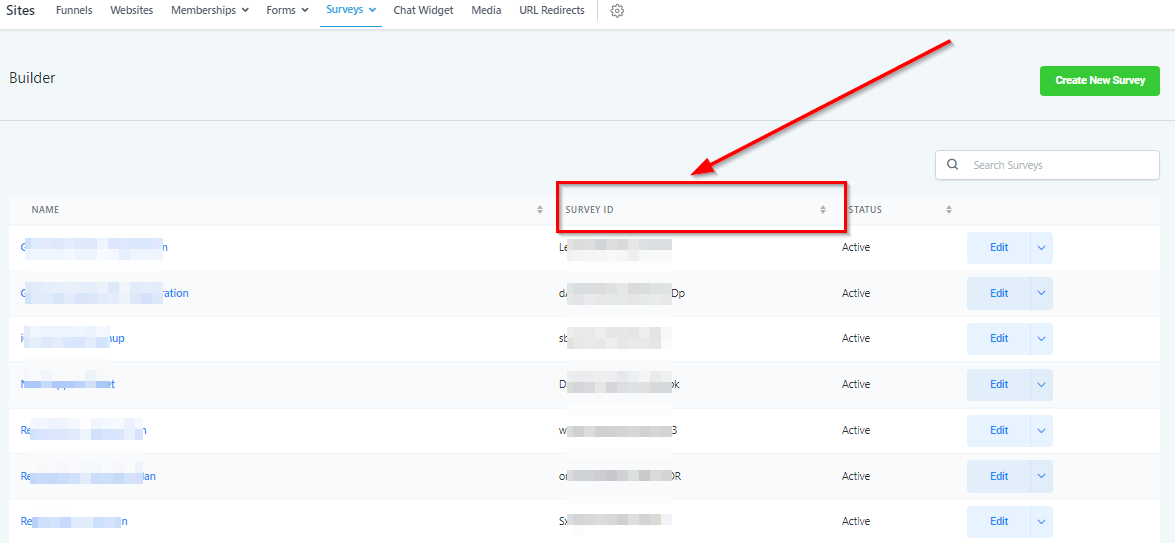
Filter By Survey ID
Each survey has a unique ID. You can filter your current form list by survey ID by clicking here.
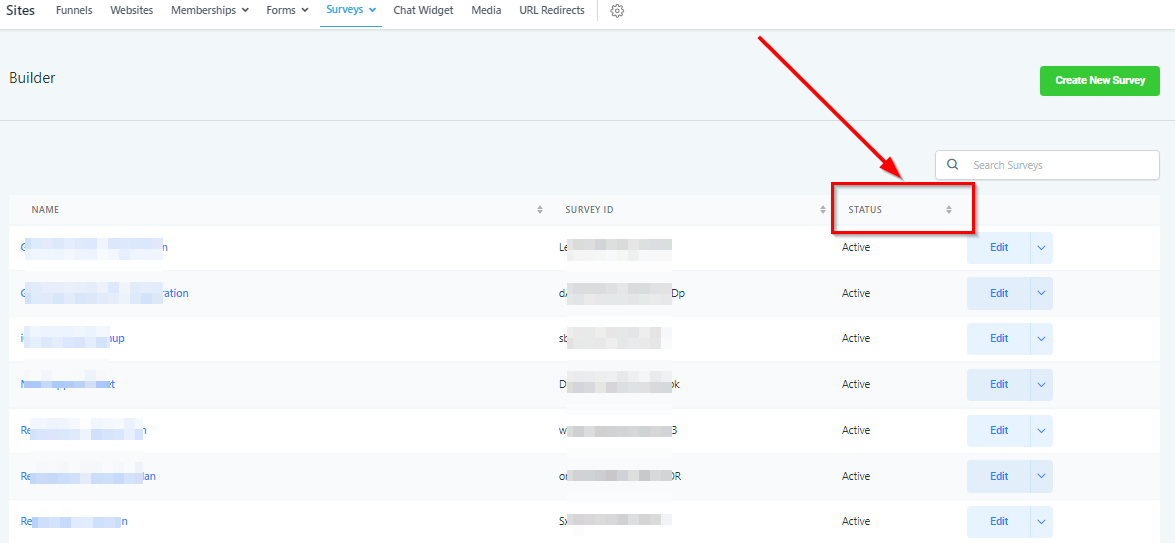
Filter By Survey Status
Surveys can either be live or in draft status. You can filter your current survey list by status by clicking here.
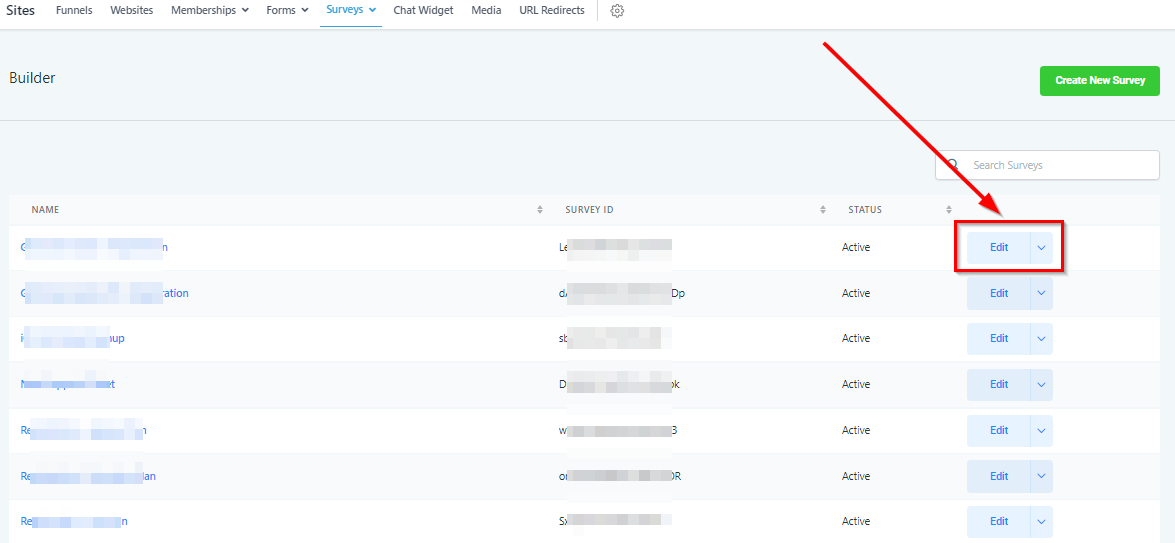
Edit Survey
Click this button to edit a current survey.
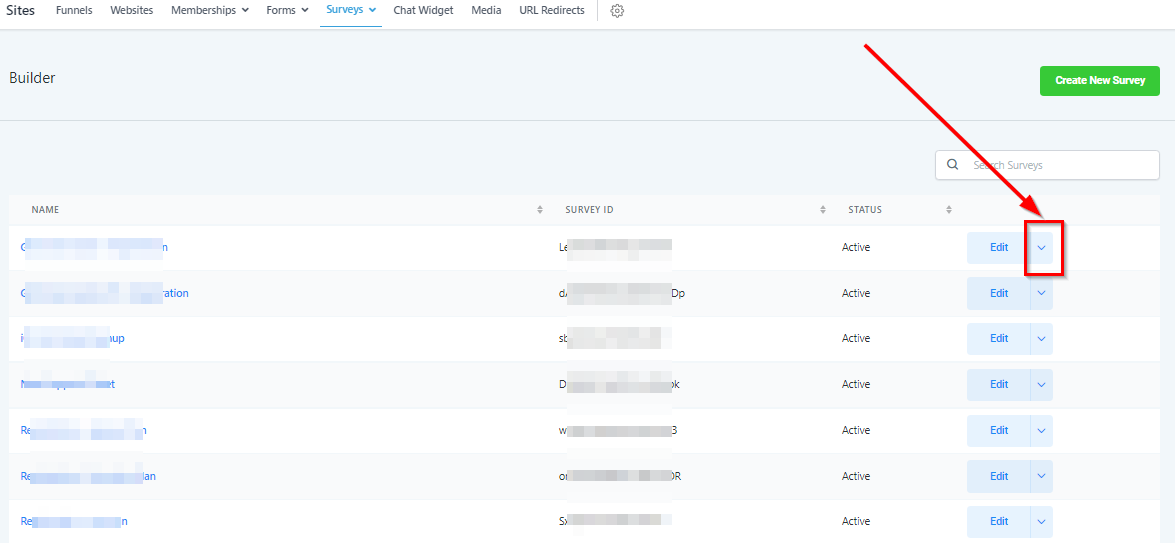
Copy/Delete Survey
If you’d like to copy a survey to this location or another location in your CRM, click this button and select “copy”. You can also select “delete” if you wish to delete this survey.
If you delete a survey, it will be permanently deleted.
Create New Survey