
Tasks List
Tasks help your business keep track of important to-do’s and keep everything organized in one area of your CRM. Here you will see multiple tasks, associated with different team members, and different contact.
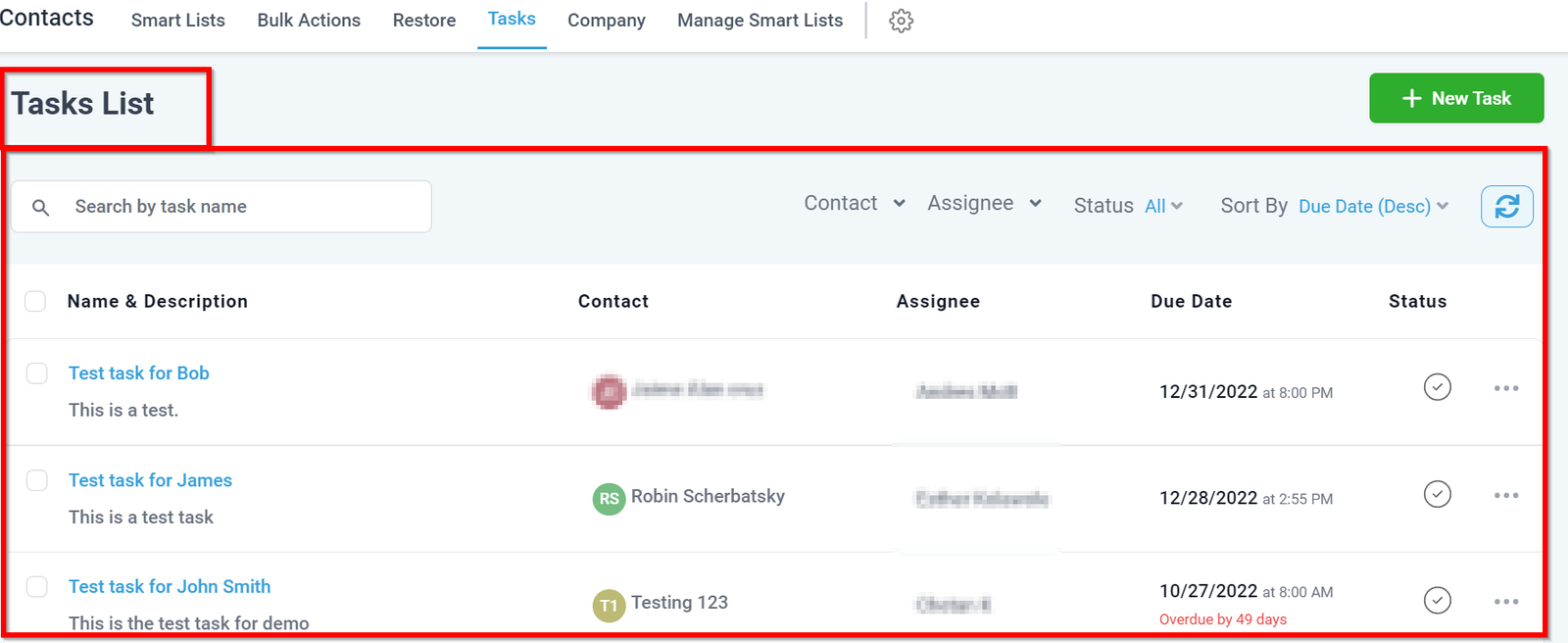
NOTE: Depending on your user permissions, you may not have access to all of the component_s._
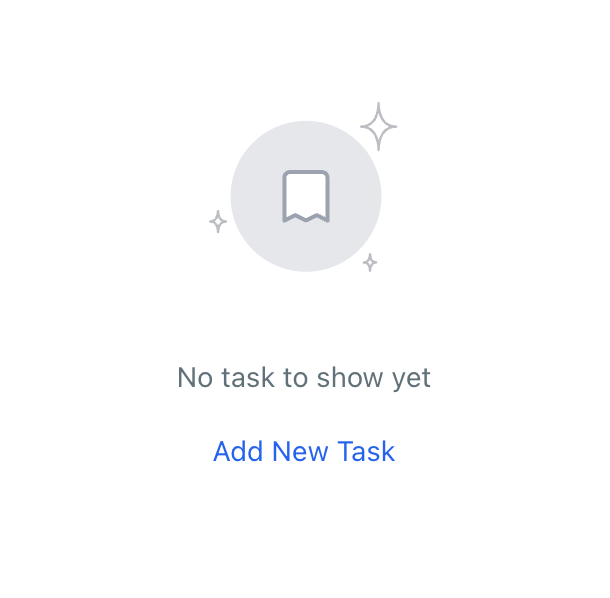
__ No Tasks Created
If you are seeing this, you currently have no tasks in your task list. Once you start creating tasks, you will see them show up as a list in this section.
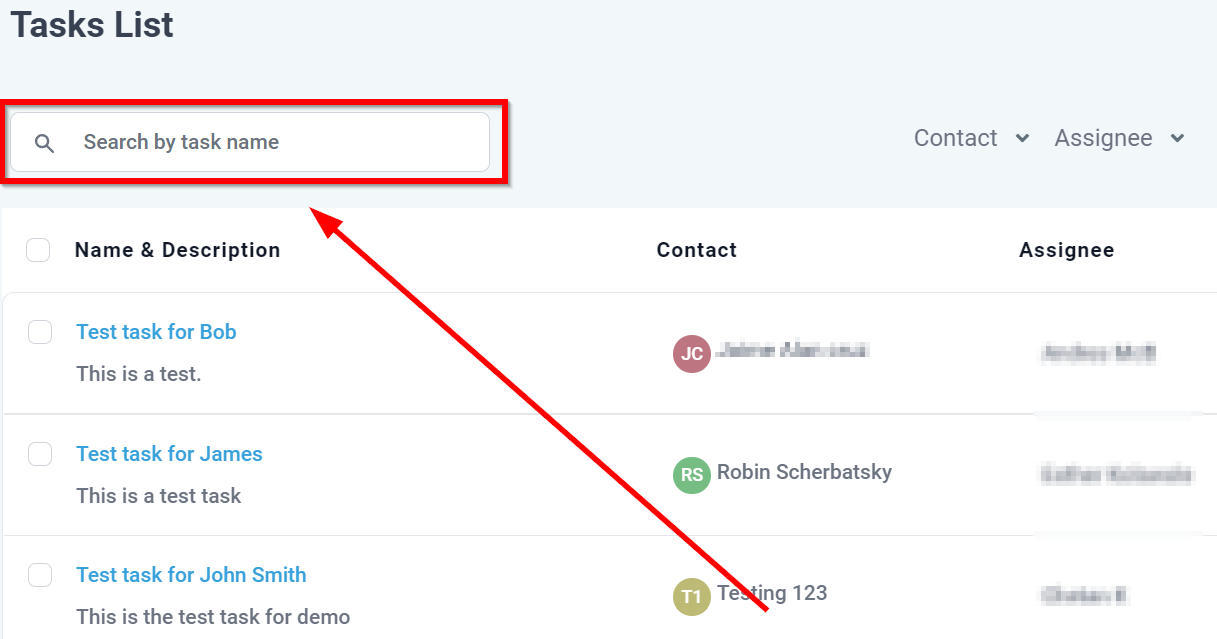
Search By Task Name
You can quickly find out any task by using this search bar.
You can create new tasks in a few different ways in your CRM. An easy way to create tasks is to simply click this button.
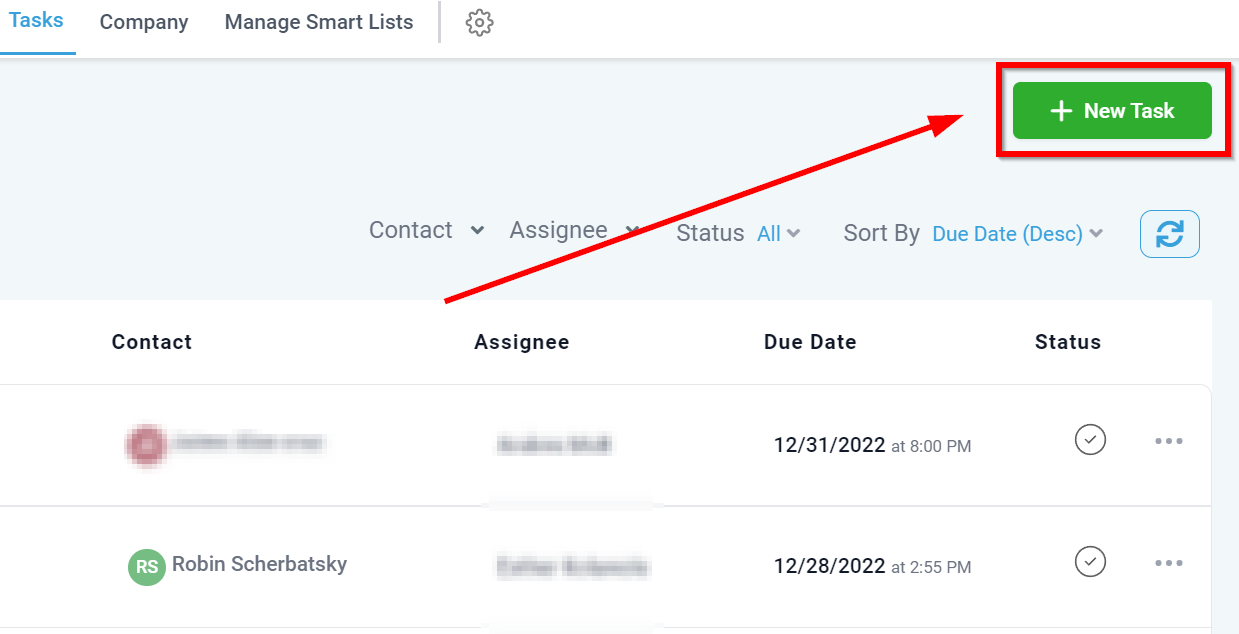
Create New Task
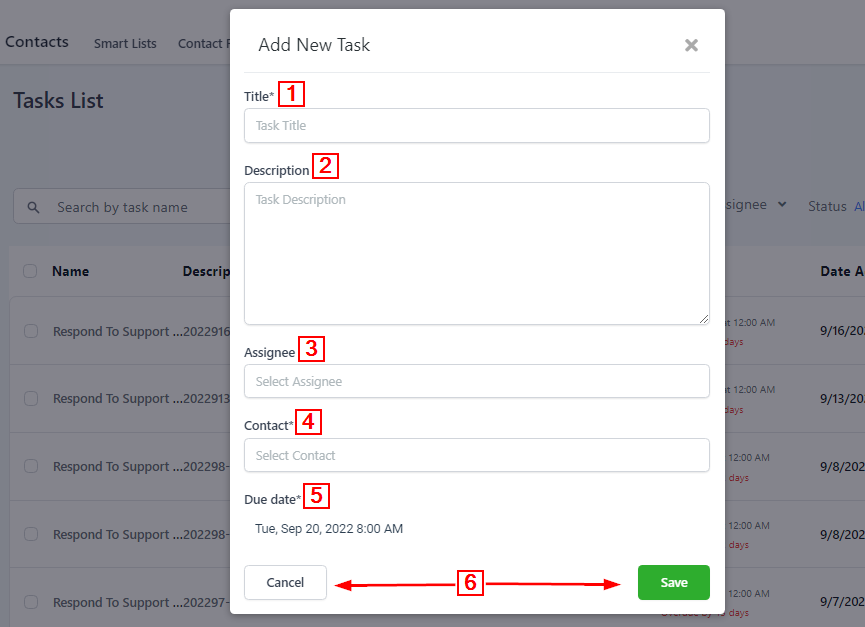
Here you will see the different components included when creating a new task in your CRM.
-
1. Task TitleYour new task will need a title. How you name your task is up to you, but try to give it a name that makes it easily recognizable when you try to find it later.
-
2.Task DescriptionWhen creating a task description, make sure to give your team as much detail as possible so they can create the task without any issues! This is optional but most likely necessary.
-
3.Task AssigneeYou can assign specific tasks to specific team members. This is also an optional feature, but it allows you to better organize tasks around certain team members for efficiency.
-
4.Task ContactEvery task in your CRM MUST have to be associated with a specific contact. This is because your CRM’s lifeblood is Contacts, and tasks are a part of managing contacts.