
Email Template
In this section, you will get a detailed walk-through of all the features available in your CRM to create your email template.
This is the homepage of your email template. Here you will find any existing email templates you have built, make new email templates as well as edit an existing email template.
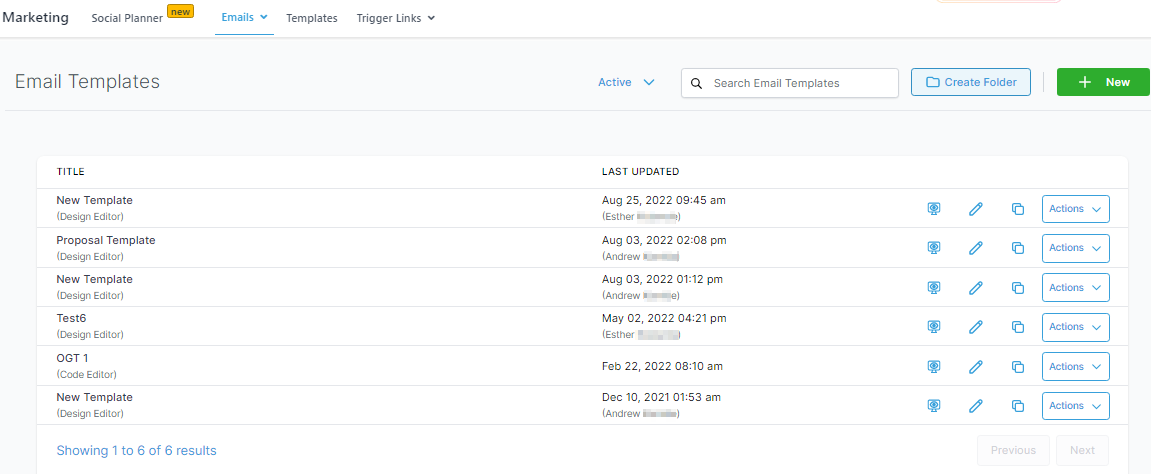
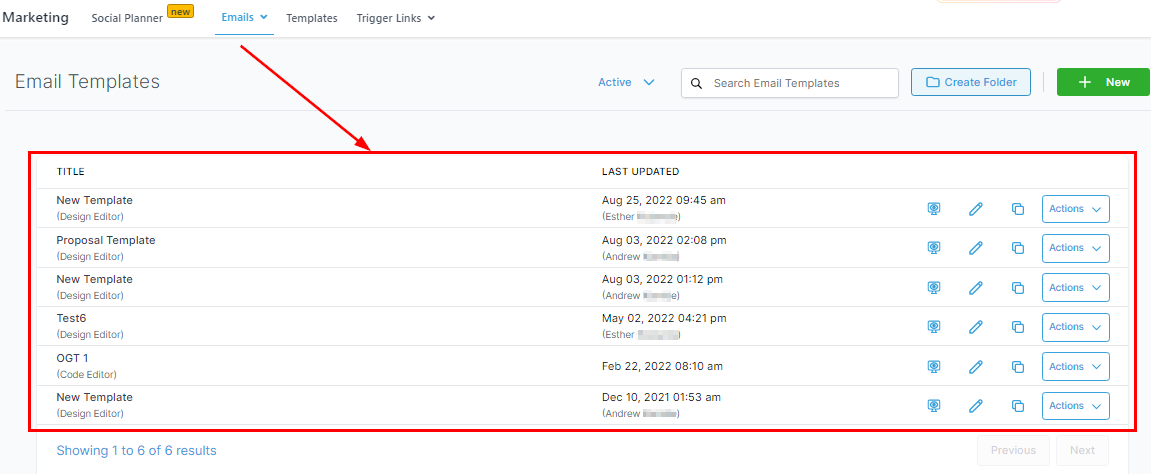
Email Template List
Once you start creating email templates, they will be organized into a list like this. This list will be sorted by ‘Activity’, showing the most recently edited email template at the top of the list.
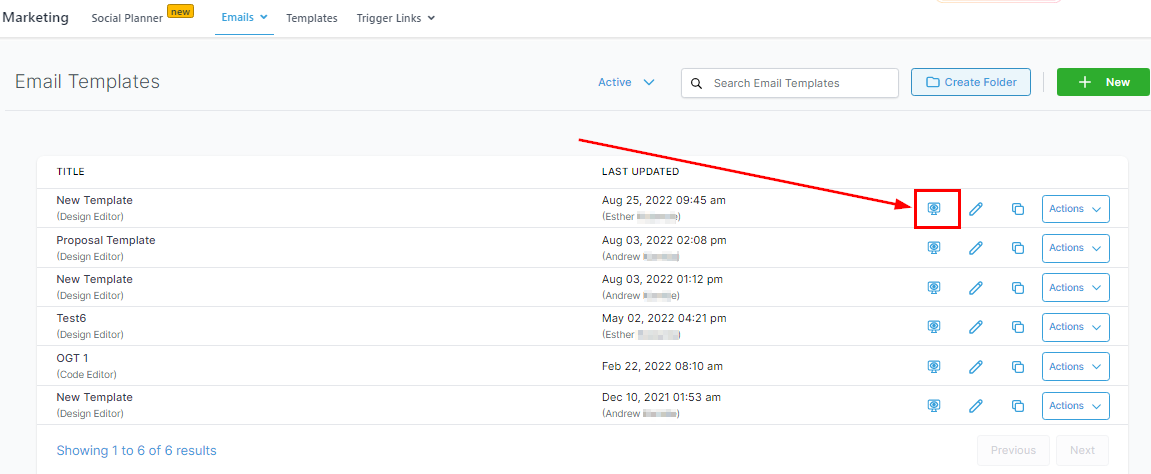
Preview
You can preview your already created templates here.
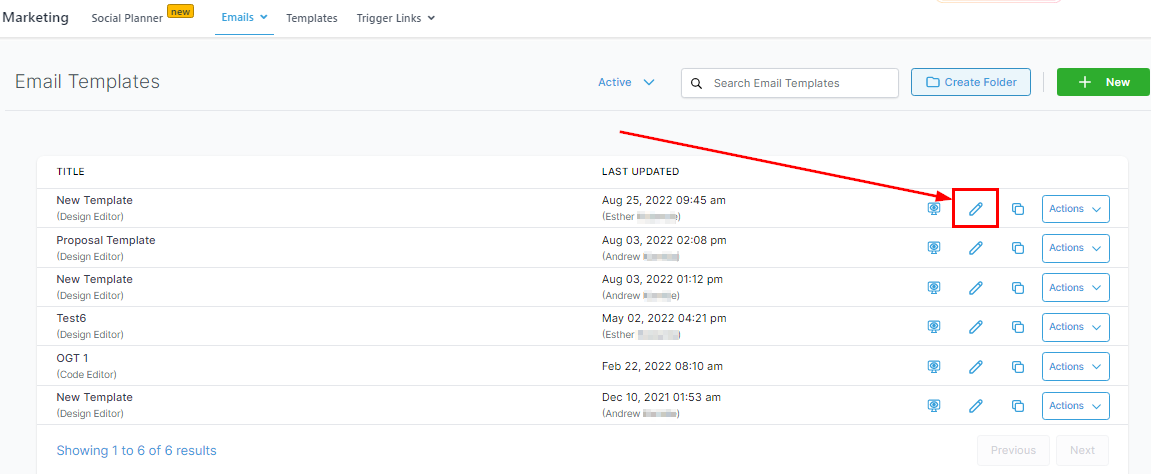
Editing Email Templates
To edit an already created email template, simply click this button and you will be taken to the email builder where you can edit and save your template.
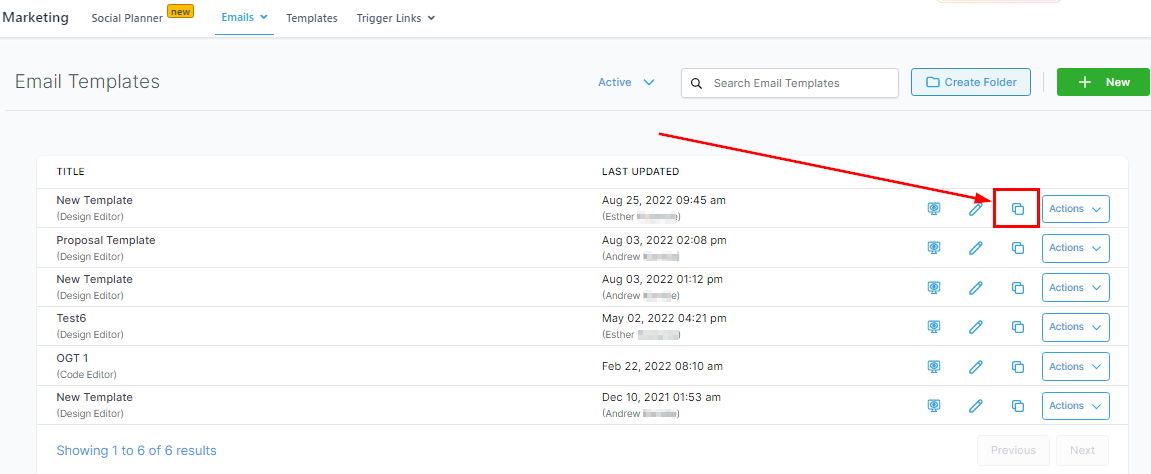
Duplicating Email Templates
In order to save time, you can simply duplicate already created email templates. That way, you won’t need to rebuild every element in the email such as the logos and signature, you would only need to edit the sections that need to change.
When you click the ‘Actions’ button, you will be presented with a list of other actions that you can perform to any given email template such as;
-
Sharing a link,
-
Viewing the template in a web browser,
-
Moving that template to a folder,
-
Email statistics,
-
Archiving the template, or
-
Deleting the email template.