TikTok
In this section, you will be able to learn more about how to integrate TikTok and add TikTok lead Ads workflow.
How to Integrate TikTok
We will walk you through the step-by-step process of integrating your TikTok business account into your CRM.
Add Your TikTok Business Account
Once you are done enabling the TikTok features, go back to the Integration section and click on the “Connect” button for TikTok then login/signup to your TikTok business account.
LeadConnector
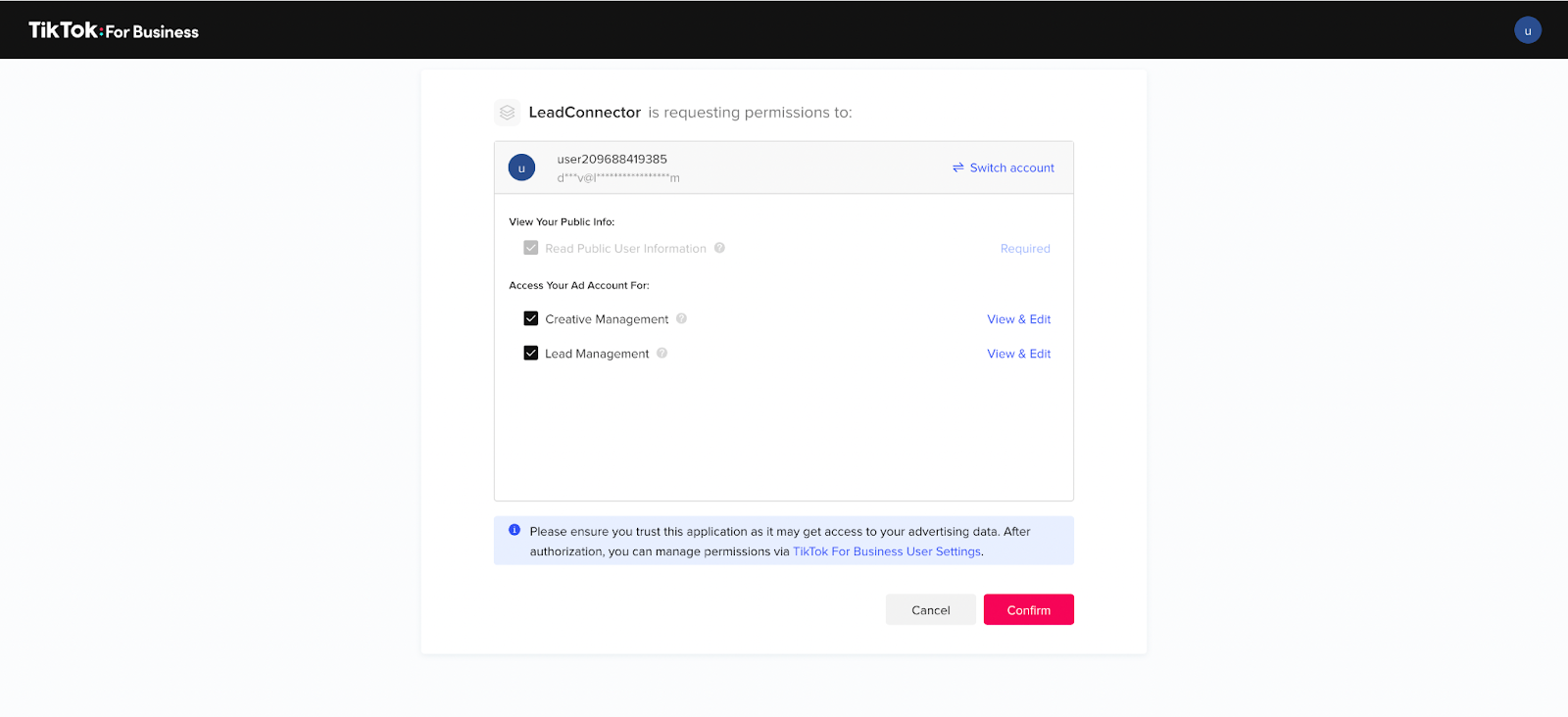
When connecting using the LeadConnector, ensure to check all permissions (enabled by default), then Click ‘confirm’.
Advertiser Account

If you have multiple advertiser accounts please select the advertiser account you wish to connect. Once you select the account, the tab will automatically close and your TikTok business account will be integrated.
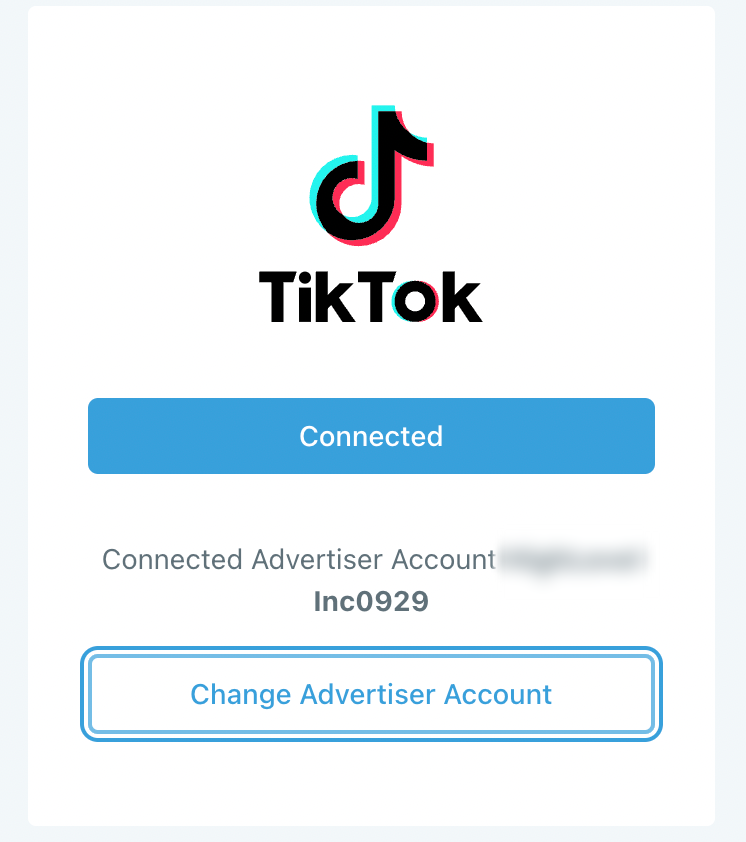
NOTE: If you have only one advertiser account, this account will be selected by default. You can change the advertiser account at any time by clicking the change advertiser account button.
Map Fields and /or Create Custom Fields
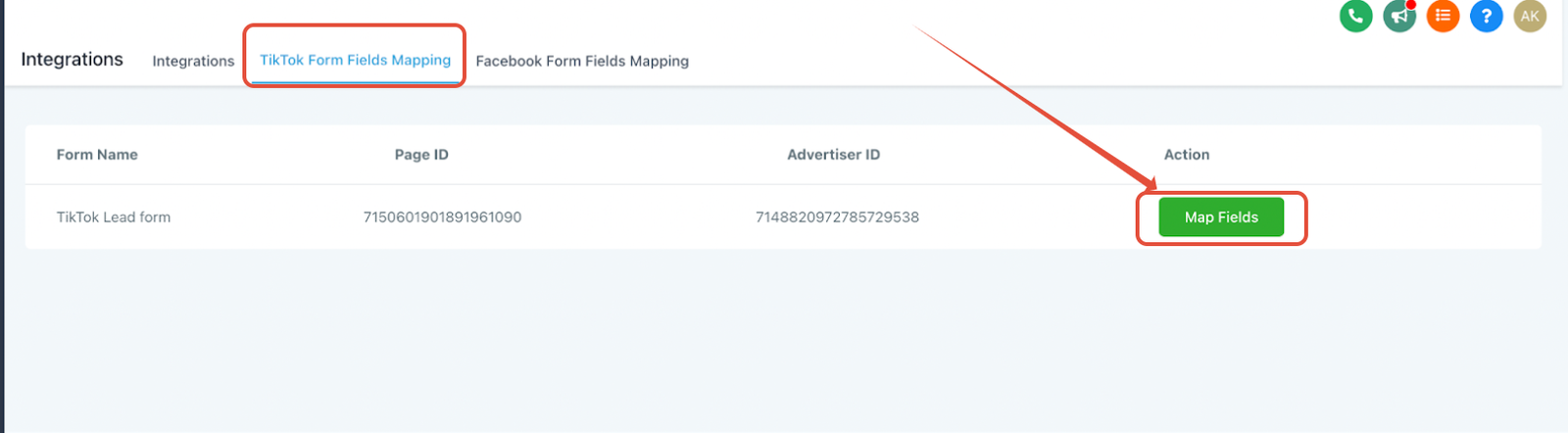
Once your Tiktok business account is connected please navigate to the “TikTok form mapping” tab to see all the pages/forms you have created in the TikTok business.
Map TikTok Fields with CRM Fields
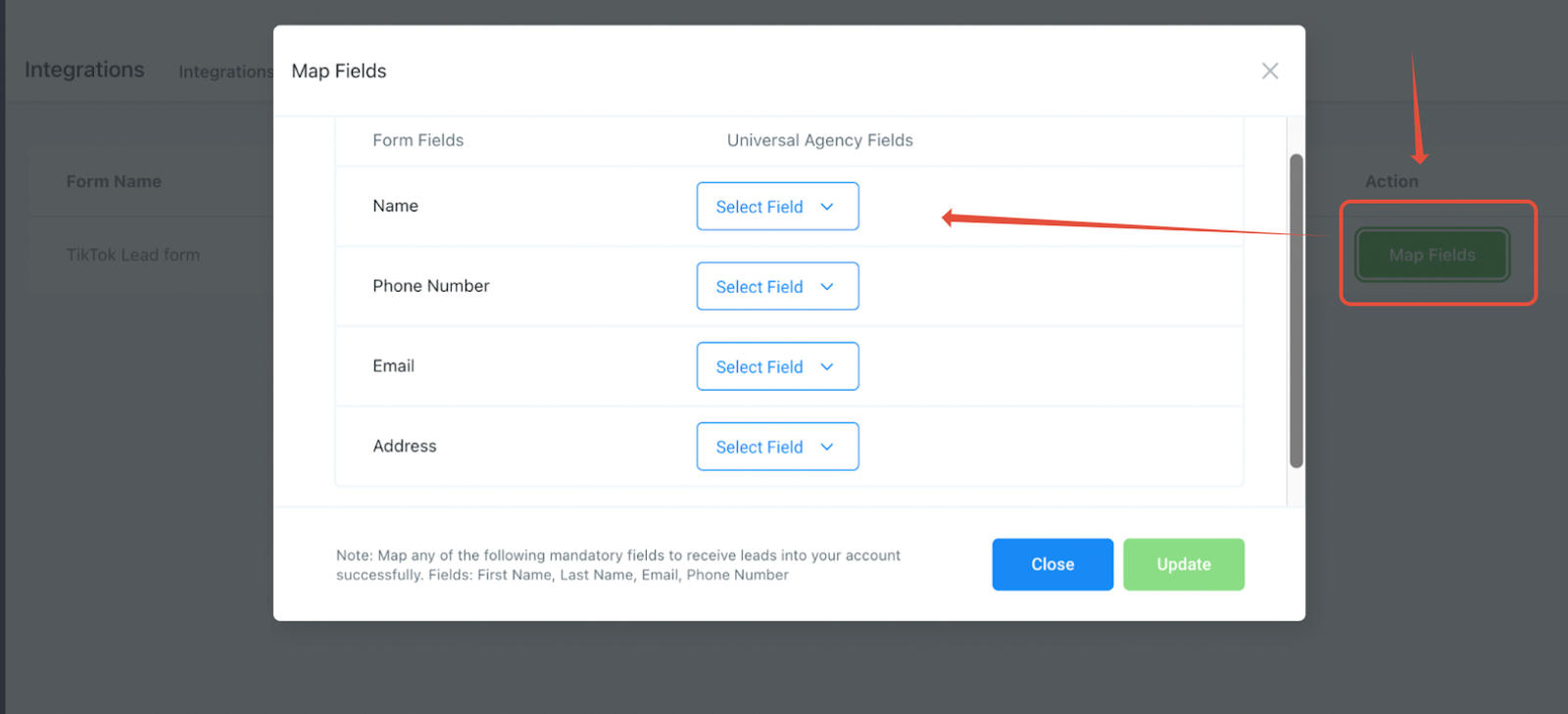
Click on the ‘Map Fields‘ button to map your form fields with the CRM fields. Click on “Update” to save your changes and subscribe to the page.
NOTE: Currently multi-select options for TikTok Lead Ads are not supported as of now.
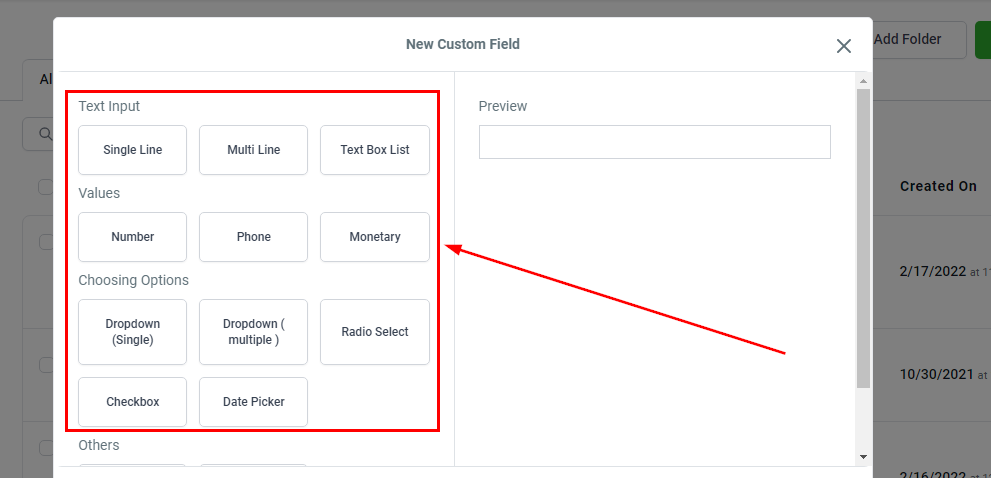
Adding Custom Fields