
Section Components
Conversation Header
Here you will see the contact you are having a conversation with. You will be able to perform a few actions such as;
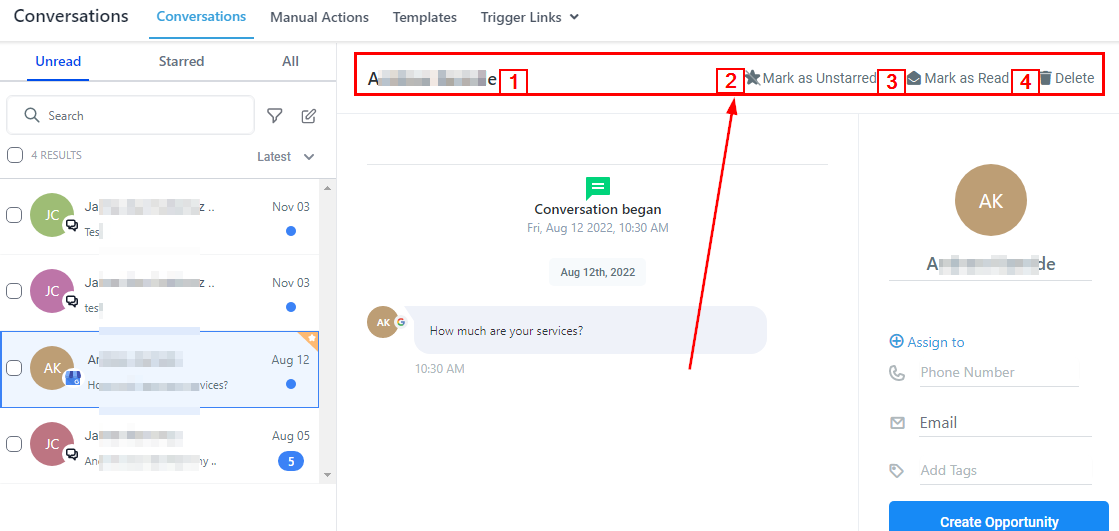
Customer’s Name
****The name of the customer’s chat you are in will be displayed here.
Mark as Starred/Unstarred
You can Star a conversation by clicking on this button, if you want to Unstar it, just click again.
Mark as Read/Unread
You can decide to mark a contact as “Unread” especially when you want to access the conversation later and don’t want it to get buried in the conversation list. You can navigate through the “Unread” filter to access the conversation.
You can also mark a conversation “Read” in the same manner and access it in the “Recent or All” filter.
Delete
If you want to delete a conversation simply click on this button. Be sure you want to delete the conversation because it cannot be undone.
Search Bar
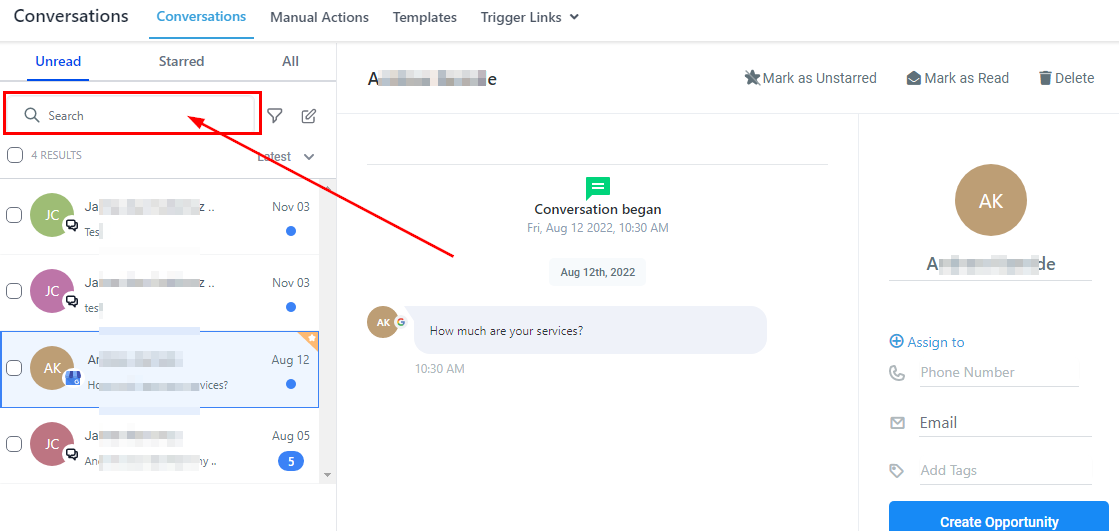
You can narrow down your search by typing in the name you would like to access.