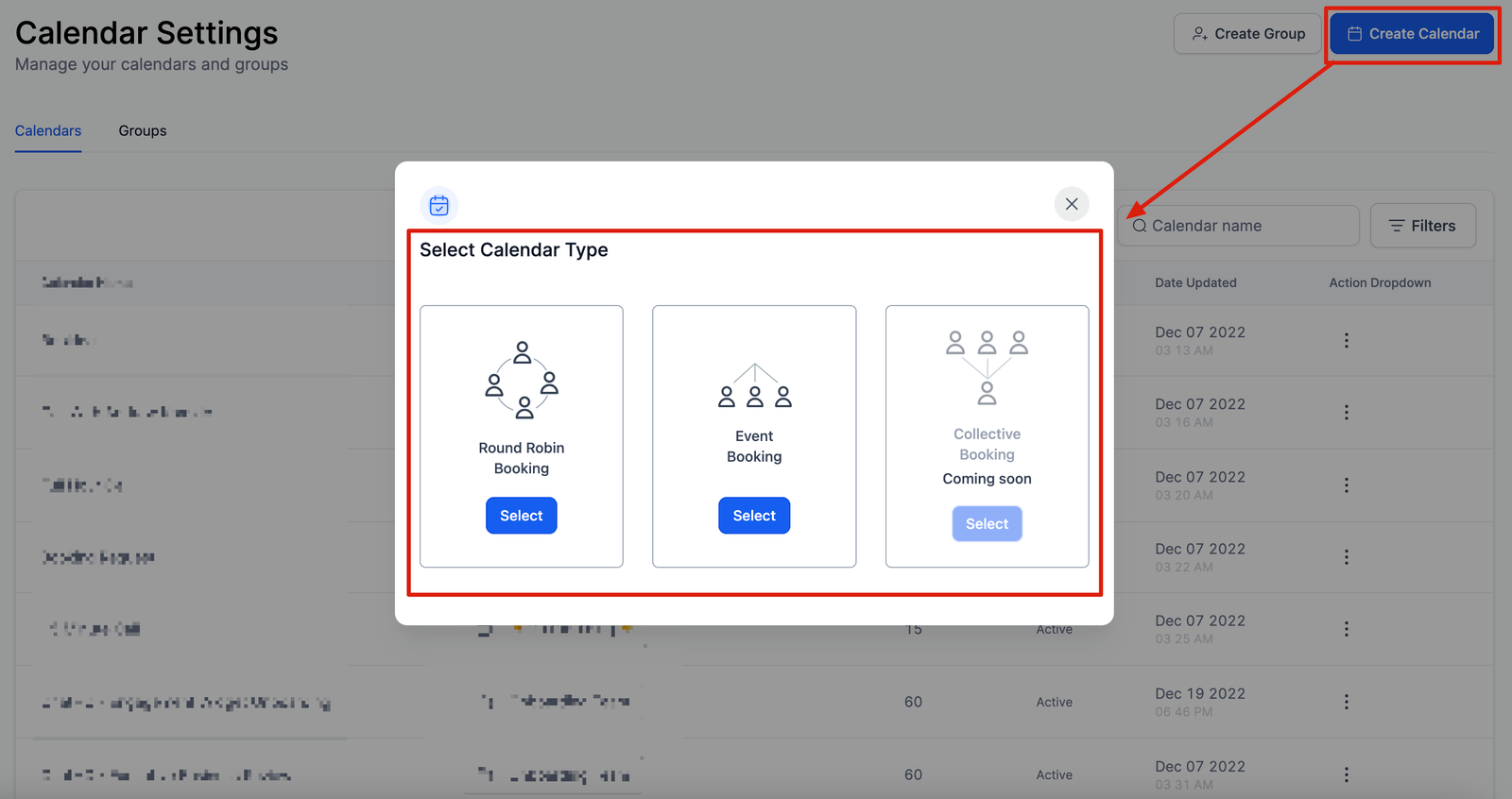
In this section, you will learn how to set up a new calendar with advanced customization. it will help you understand which calendar type to use and when to use it.
How to Create a New Calendar
To start creating new calendars simply click on the “Create Calendar” button on the right upper corner of the page which will drop down the calendar-type menu.
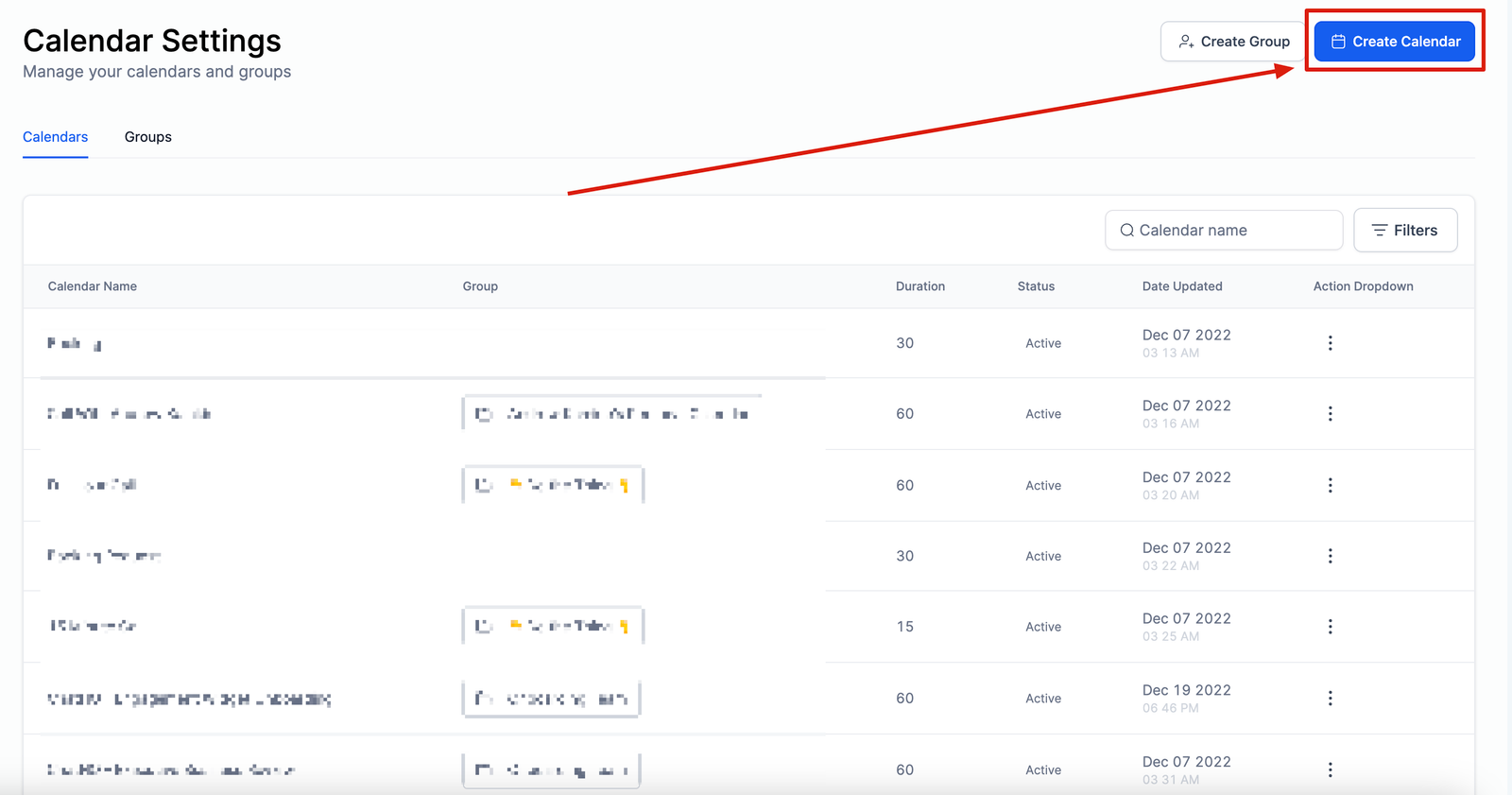
Select Calendar Type
You will select one of these three (3) calendar types;
Round Robin Booking
Event Booking
Collective Booking (coming soon)