
Send SMS
Workflow – External Communication Action: This action sends a text message to the contact.
SMS Action
Sends a text message to the contact.
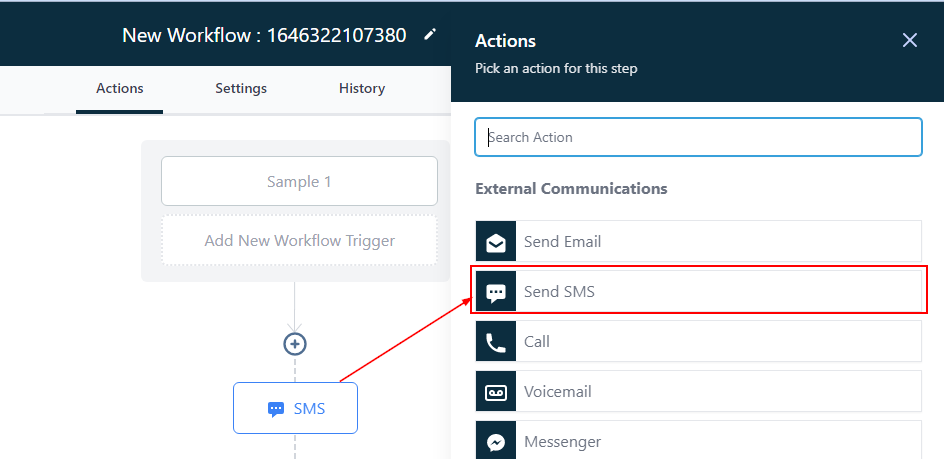
Edit Action
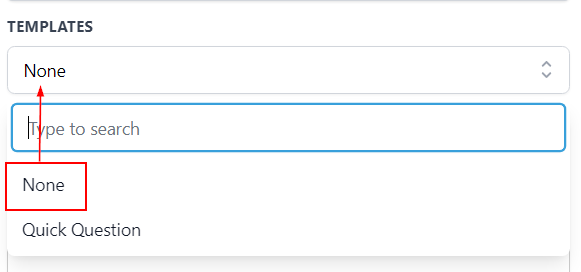
Templates
By clicking on this field, you can select from the available templates
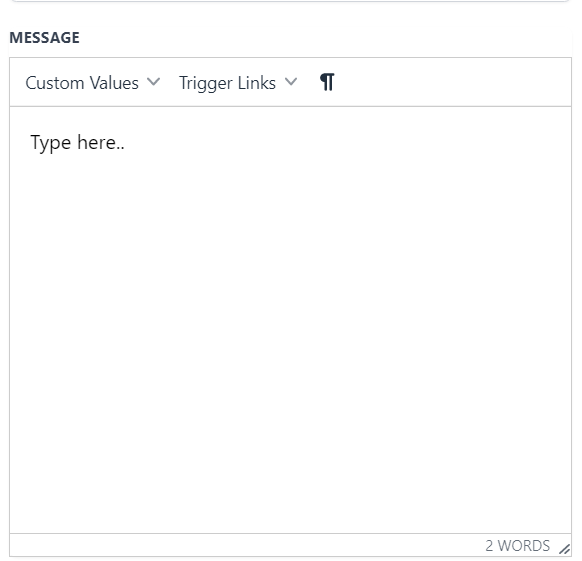
Message
This is where you type the body of the message.
Add Attachment
You can attach files by clicking on this icon
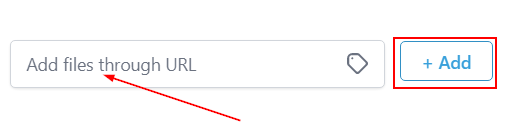
Add Files Through URL
Add file through URL by inputting the URL into the field then, click on “+Add” to add the file.
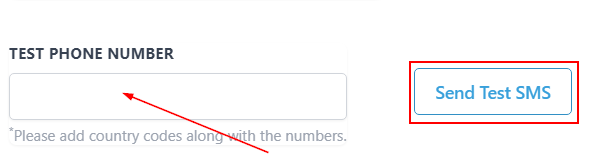
Test Phone Number
You can test the composed message by typing the demo cellphone number then clicking on “send test SMS” to send the message.
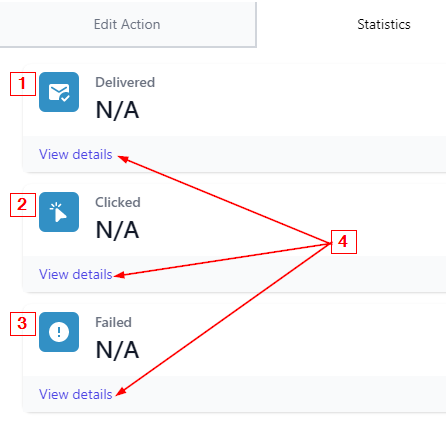
SMS Statistics
You can see the statistics of SMS messages sent to contacts within this workflow.
-
Delivered The number of SMS messages delivered to contacts is seen here.
-
2.Clicked This shows the number of contacts that clicked on the SMS message.