
Managing Contact Details
When managing contacts in your CRM, you have a ton of power and control of their data! In each contact card, you can add/remove tags, add them to automation, call, message, email, and so much more!
Contact Name
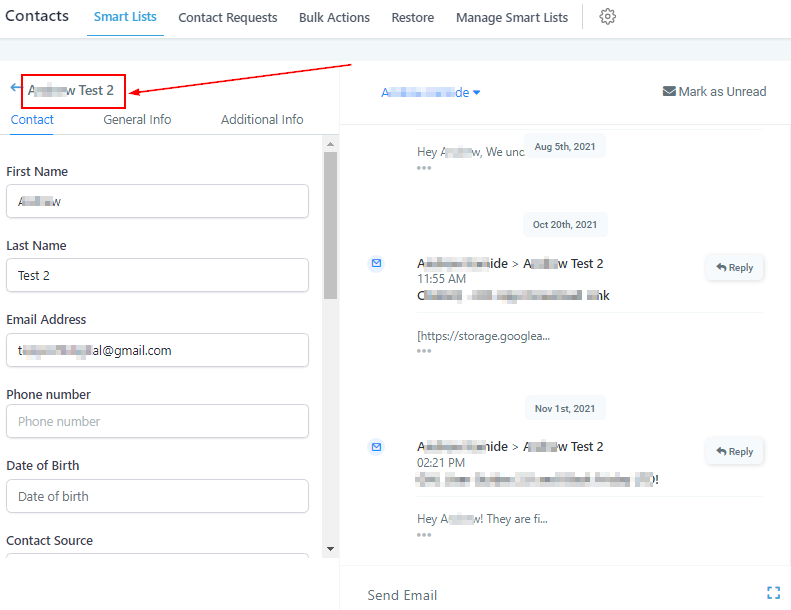
When you click on a contact, you will first notice that you see the contact name located here. This is important for when you are moving through different contacts, and need to verify who’s information you are currently changing.
Cycle Through Contacts In List
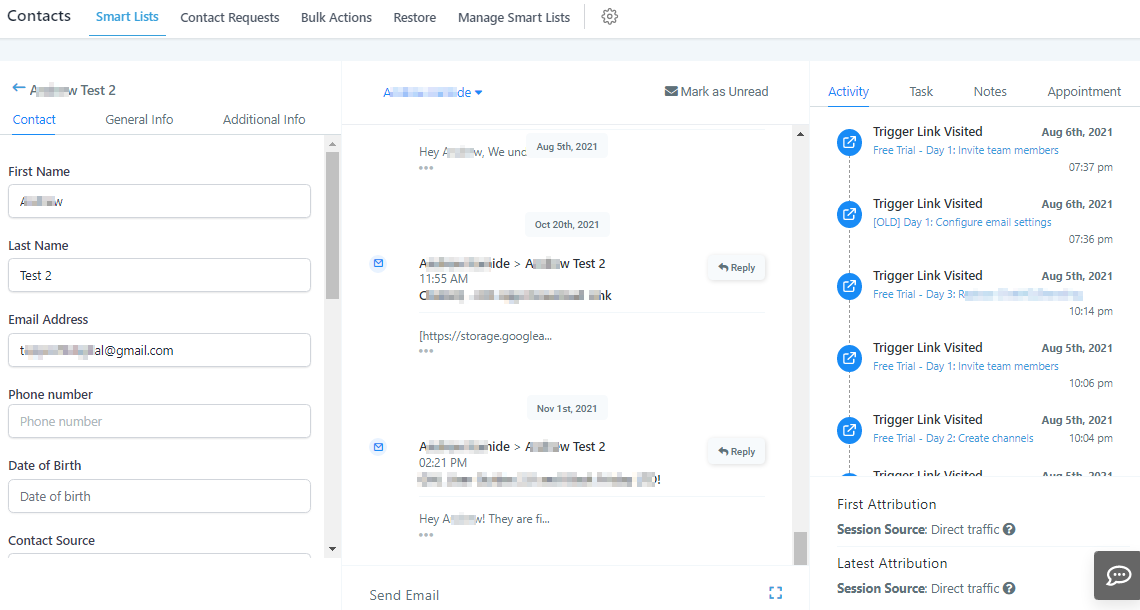
To change contacts from within this view, you can simply cycle through them by clicking here.
Contact Details Card
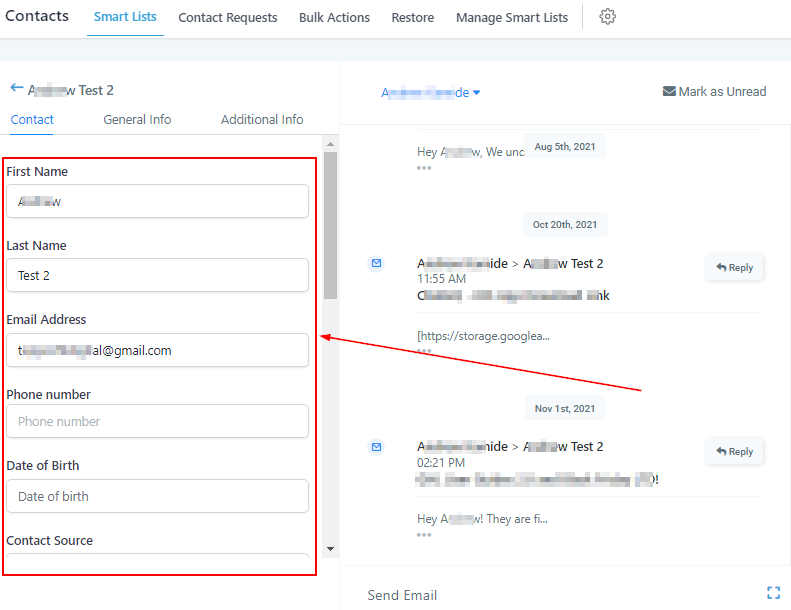
On the left panel, you will find all of the contact information. The information will be different depending on the panel that you are currently looking at.
Different Contact Tabs
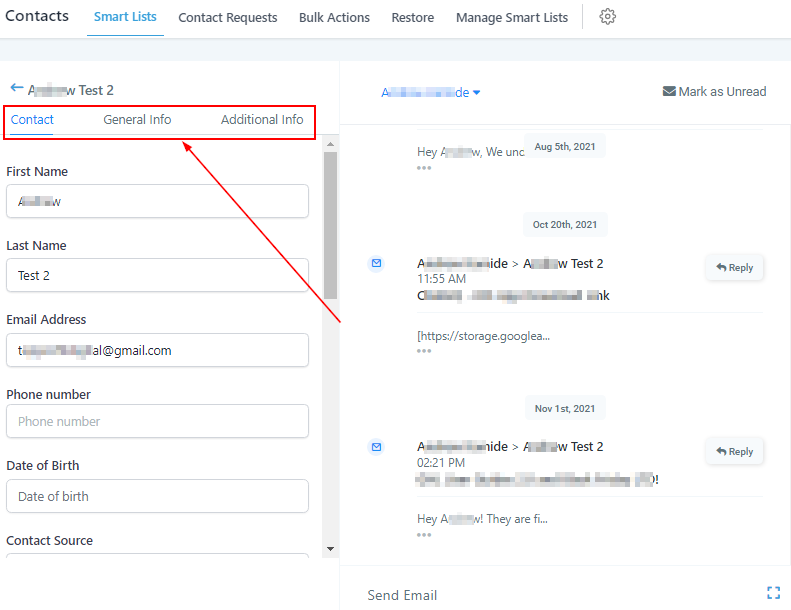
Here you will see a few different tabs. Each tab has different information on each contact. We will briefly discuss the data found in each tab so you have a better understanding when navigating to each one.
Contact Info Tab
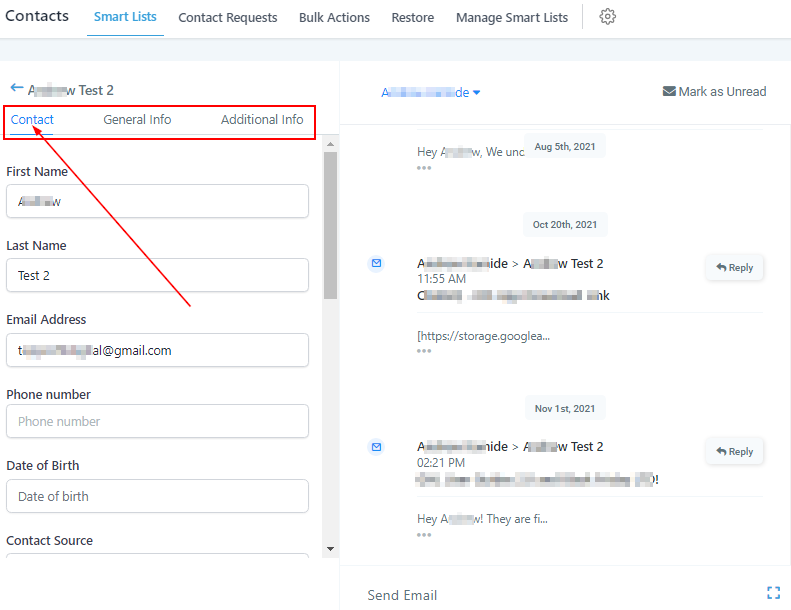
The default tab is the “Contact” tab. This tab shows the basic information like name, email, phone, etc.
This tab also has more complex data like tags, opportunities, and workflows.
Contact Data
By scrolling through this area, you can see the different data and information for this customer. Each tab will have data and information specific to that tab.
Active Campaigns & Workflows