
How To Filter Opportunities
There are many different filtering options in the opportunities section to give you more control and insight into how your pipeline stages are performing.
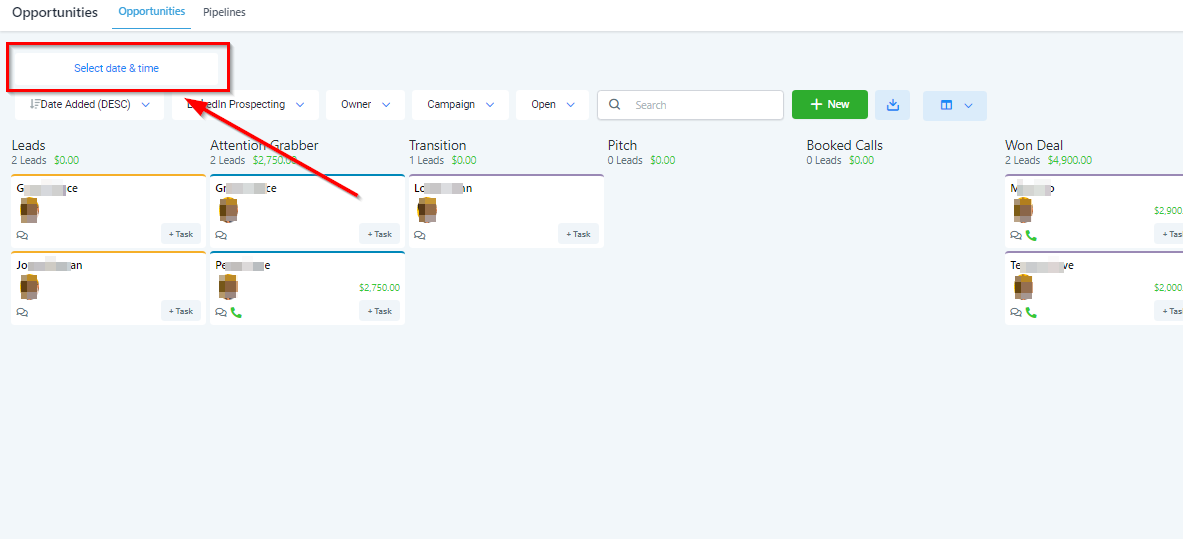
Filter By Date
Filter your opportunities using specific periods of time.
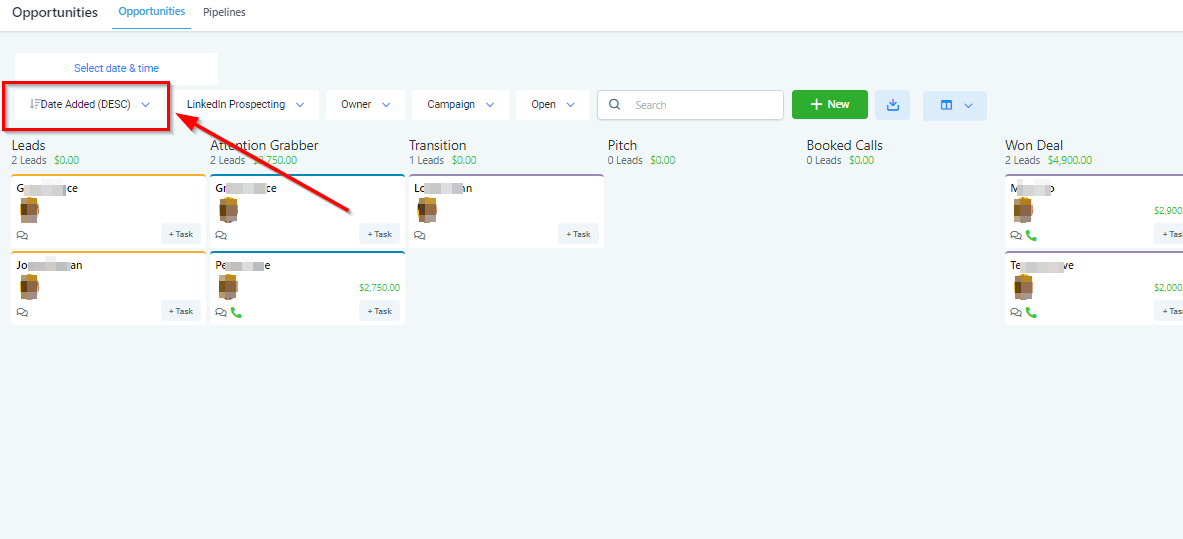
Filter By Date Added
Filter all opportunities by the date when they were added to your CRM in descending or ascending order.
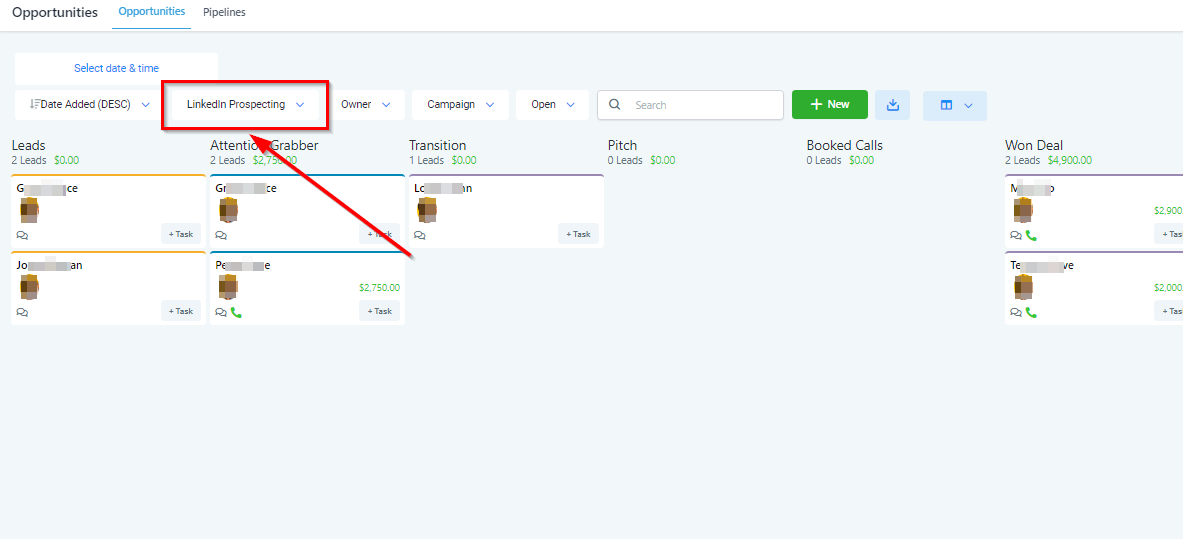
Change Pipeline
Change the pipeline in which your opportunities are located. You can create as many opportunity pipelines as you would like.
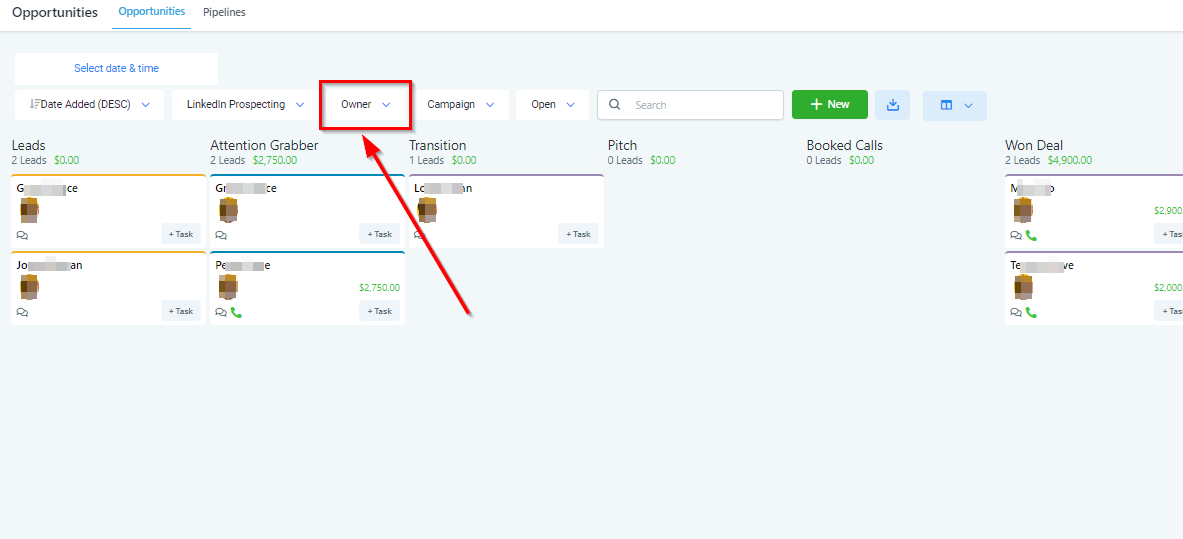
Filter By User
Users can be assigned to specific opportunities. This is very useful for sales teams! Filter by opportunity users/owners here.
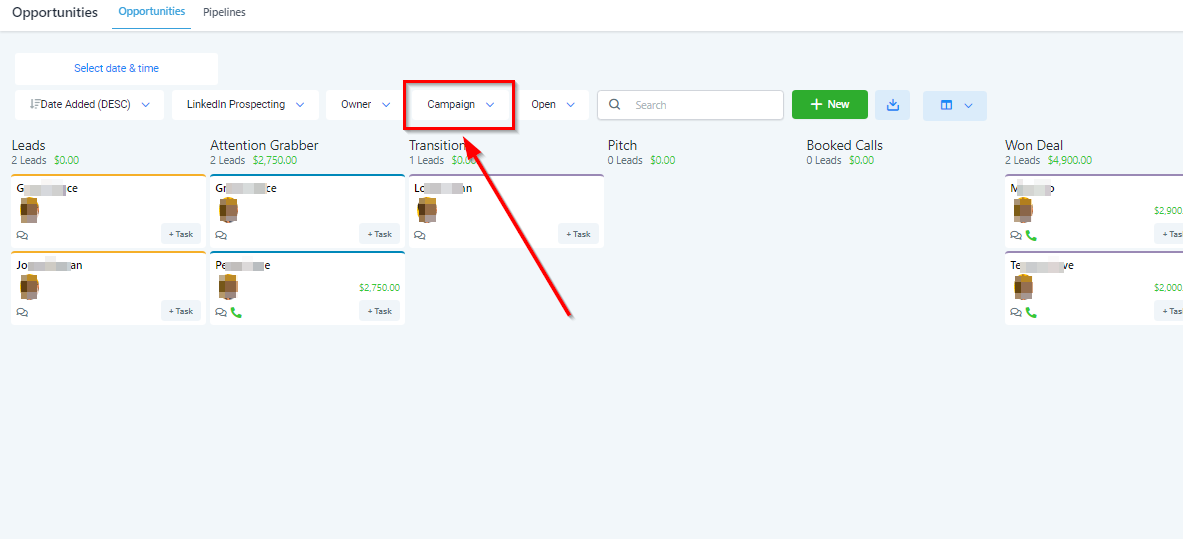
Filter By Campaign
Filter opportunities by the specific campaign they were created from. This will give you insight into how successful different campaigns are.
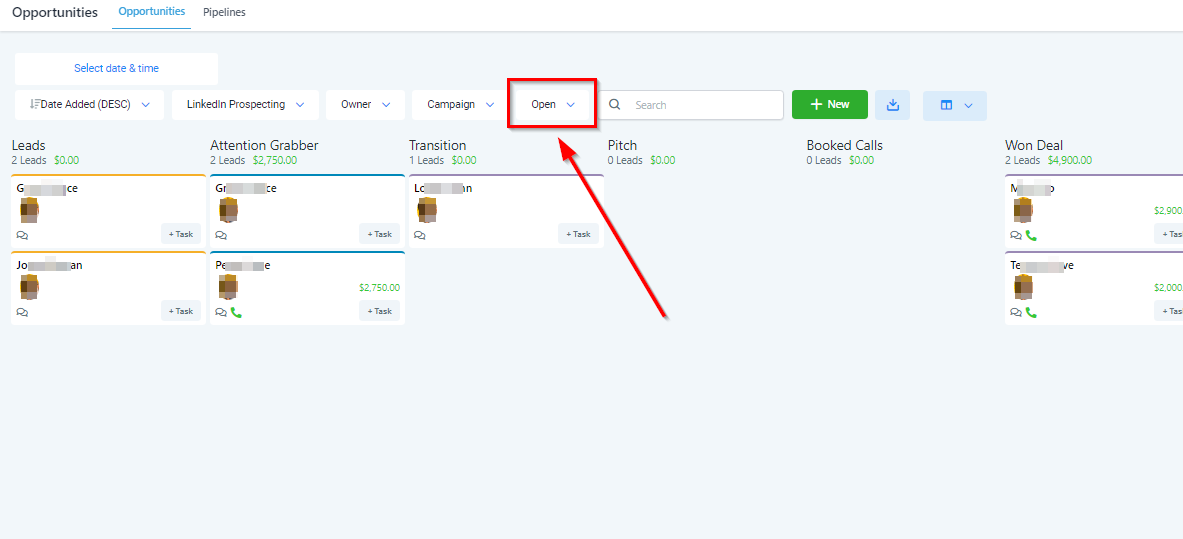
Filter By Opportunity Status
Opportunities can be given a status of either “Open”, “Won”, “Lost” or “Abandoned” depending on where that opportunity is in the sales pipeline. This is where you filter by a specific status.
Opportunity Search Bar