
Subscriptions
Here you can keep a track of customer subscriptions created via order forms.
Weather the subscriptions are Active, Expired, Canceled or Failed you can manage and keep track of the subscriptions orders inside of subscriptions tab
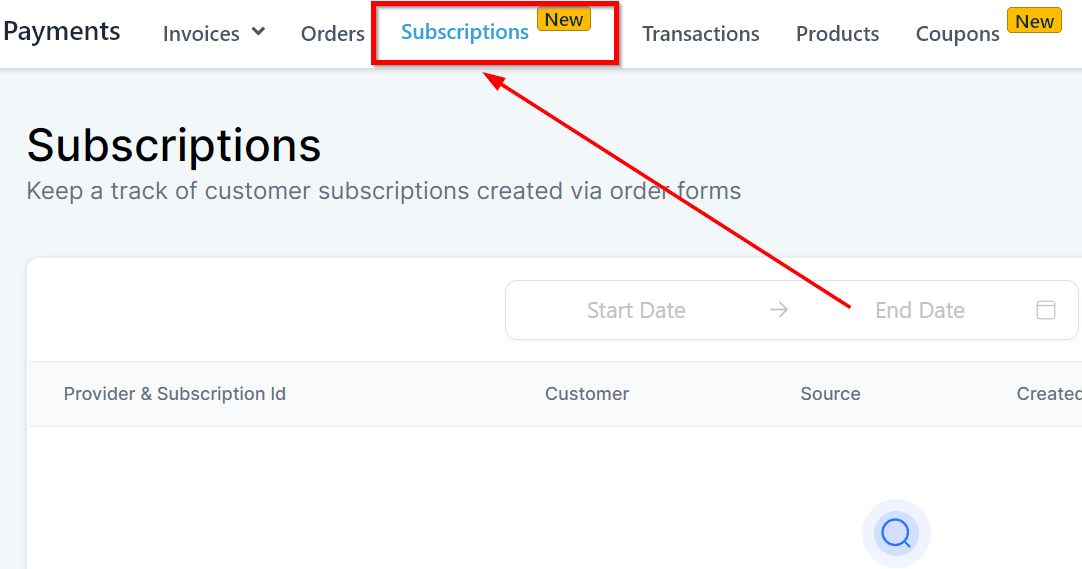
Filters
Filters will help you quickly find out the subscriptions from a specific category.
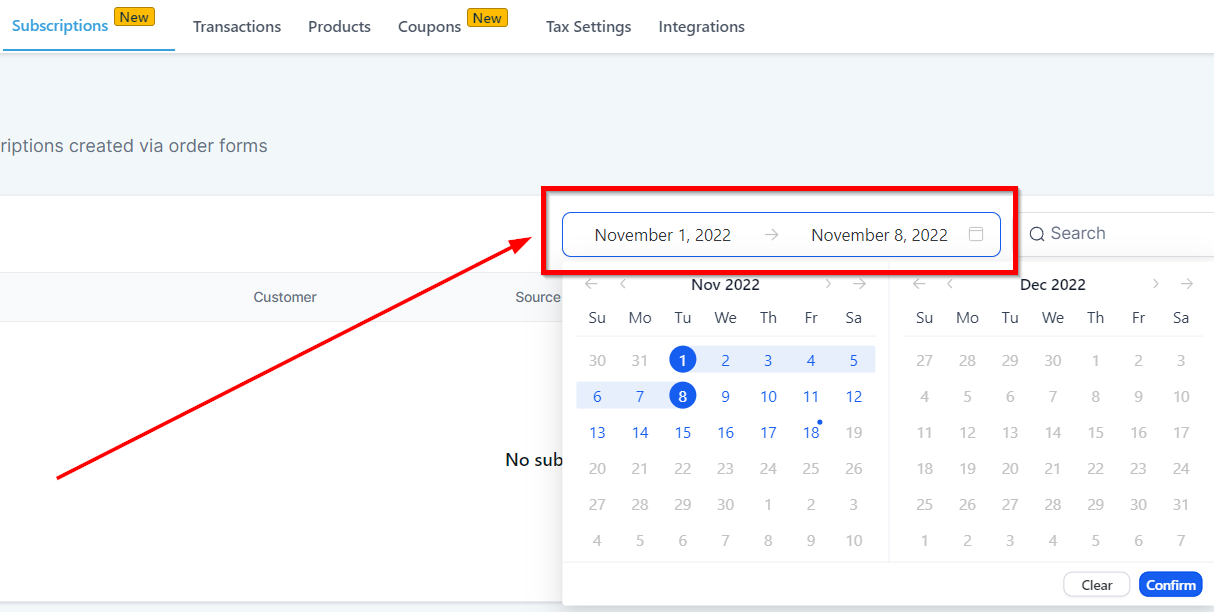
Calendar Filter
With calendar filter, you can find out the subscriptions from a specific calendar period. Click on the calendar tab and select “from” and “to” period and the system will show the subscriptions from the calendar period set by a user.
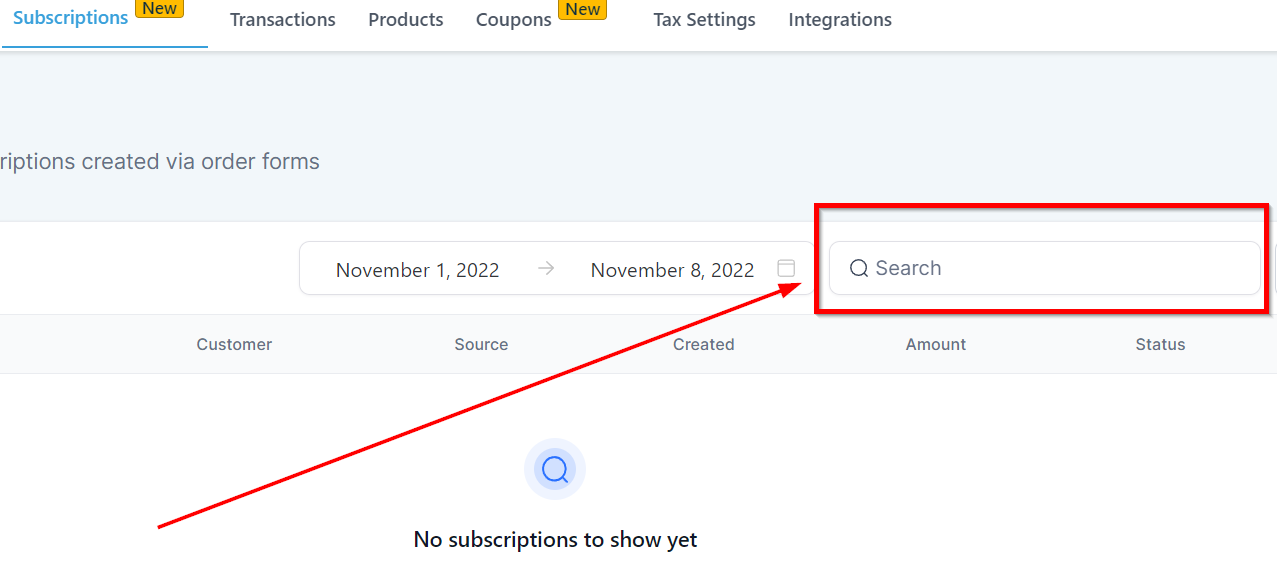
Search Filter
Enter a customer name to find out the subscription details of the customer.
Filter By Status
These filters allow you to view the subscriptions based on their status. A status can be active, overdue, canceled etc. Let’s cover them all one by one.
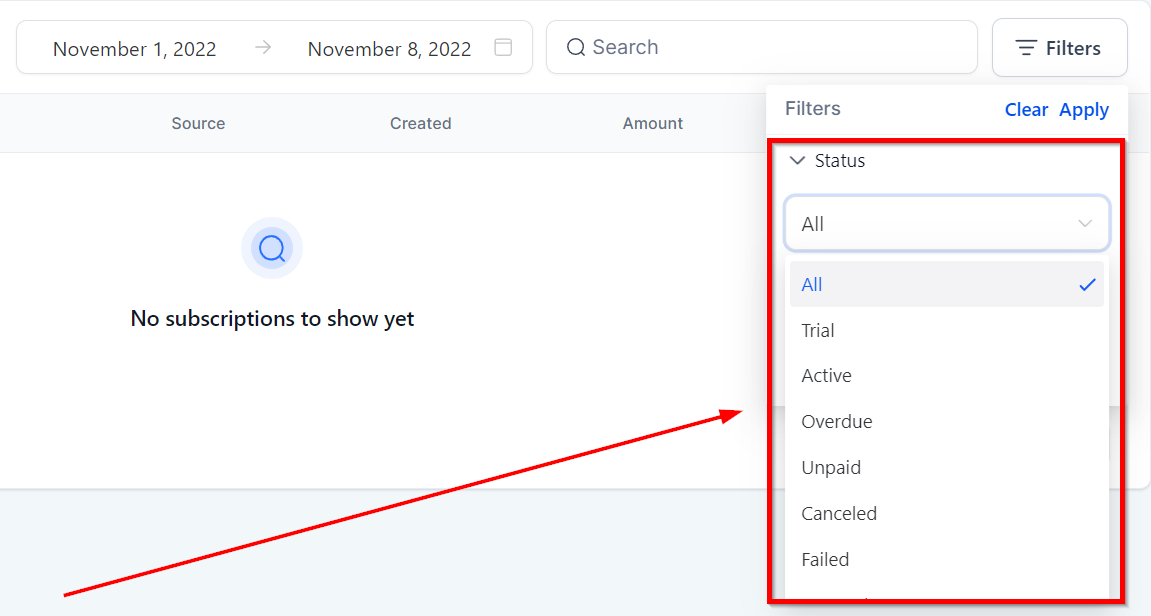
Trial – This filter will show the customers that are on trial period.
Active – This filter upon selecting will show the active subscribers.
Overdue – This filter will only show the customers who availed the trial period but are overdue on payment.
Unpaid – This filter will show the customers who are in an unpaid status**.**
Canceled – This filter will give you the idea of how many subscribers canceled.
Failed – If a customer attempted to subscribe and could not finish the process due to some reasons then that number will be shown here.
Filter By Payment Mode