
Campaigns
A campaign is the email message you design and send to your specific contacts or a bunch of smart lists. Here you can set up your email marketing campaign and manage the existing campaigns.
Campaign Status
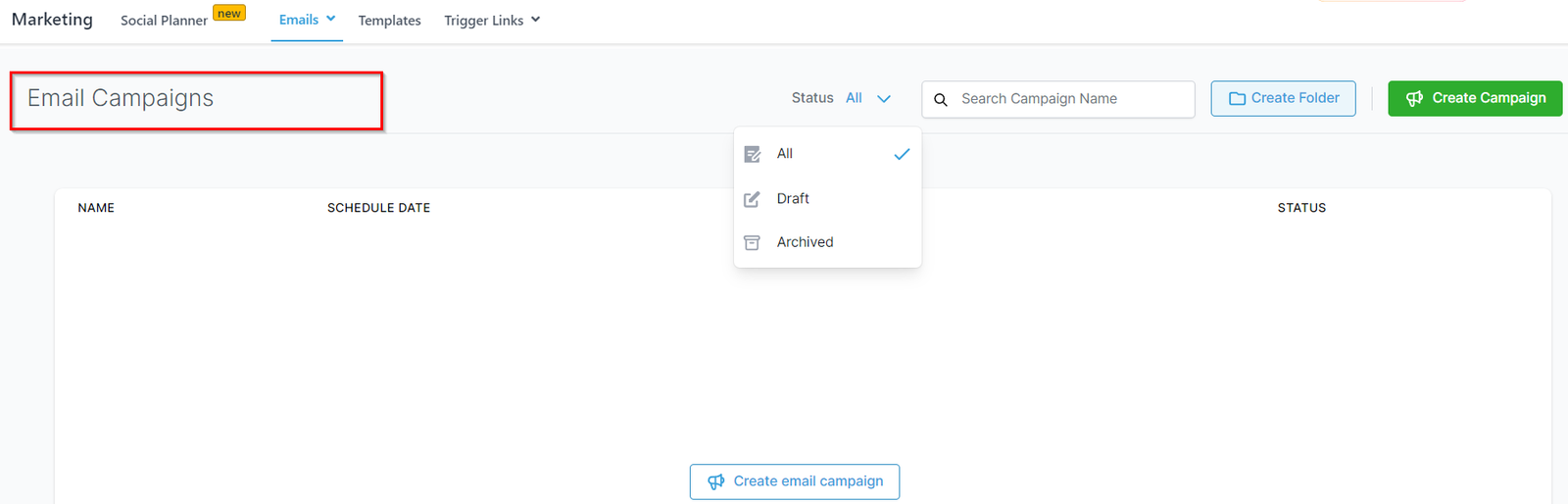
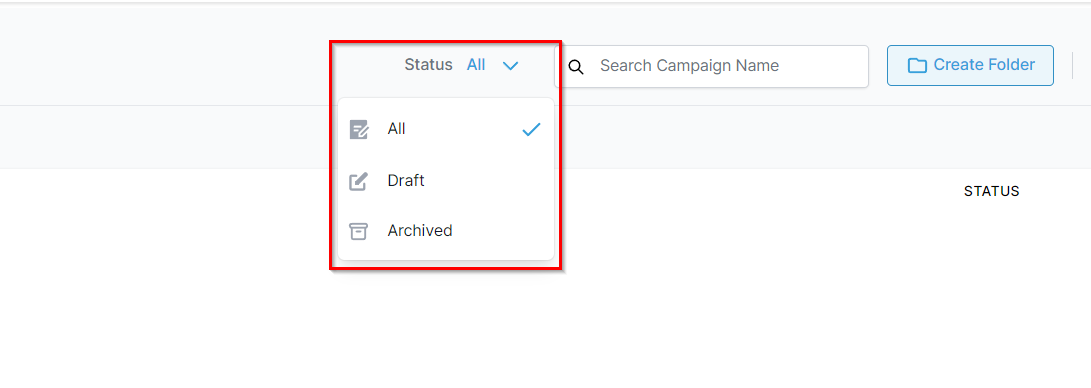
With this option, you can view specific campaign/campaigns based on their status. As shown in the image below, you can select Draft and the system will show the campaigns that are in draft mode. Similarly, you can also view campaigns that are in Scheduled mode or the campaigns that are already sent. This icon will be the best way to view only desired results as and when needed.
All – When selected, this will show all of the campaigns you have created in your system.
Draft- This will show the campaigns that are in draft mode.
Archived – This will show the campaigns that are Archived.
Searching Campaign Name
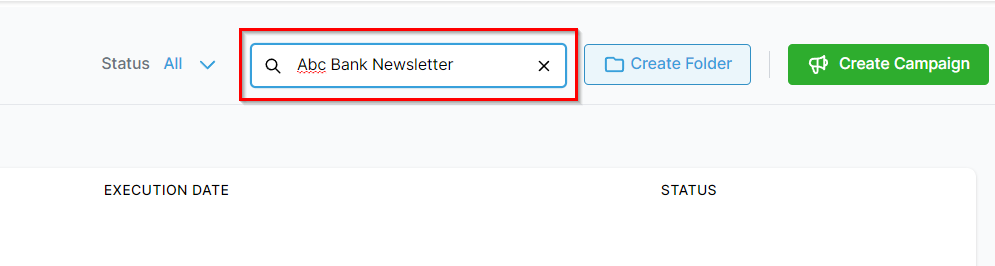
This will allow you to search the campaigns you have created. As shown in the image below, Just enter the name of the campaign for the system to show the specific campaign as a result.
Create Folder
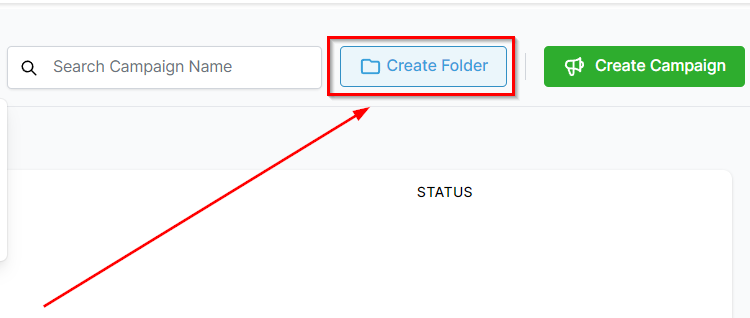
If you would like all of the relevant campaigns stored in the same location then you can use this icon to create a new folder and keep all of the campaigns in one place.
Create Campaign
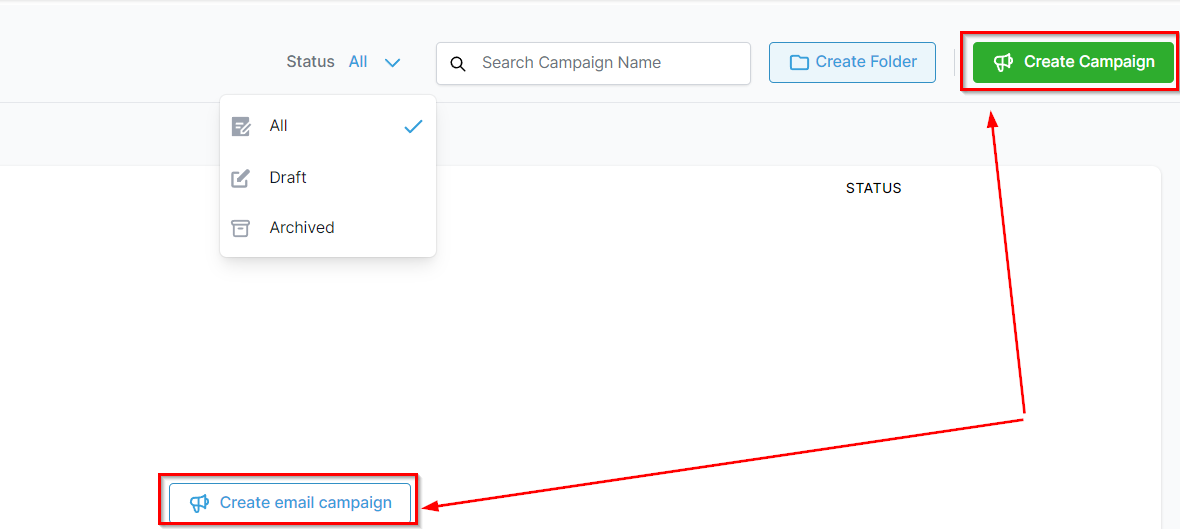
As shown in the screenshot below, If you’re creating campaigns for the first time, you will have both options for creating a new campaign.
Campaign Card
Gives you important information about each campaign in the list. We will cover all of them one by one.