
Campaign
An affiliate marketing campaign consists of one or more configurations that decide how an affiliate marketing campaign flows from start to finish, it can be as simple as a single link, or it can be a complex multi-step funnel with many moving parts. The key is to have the right configuration for your business and its goals.
Campaign Overview
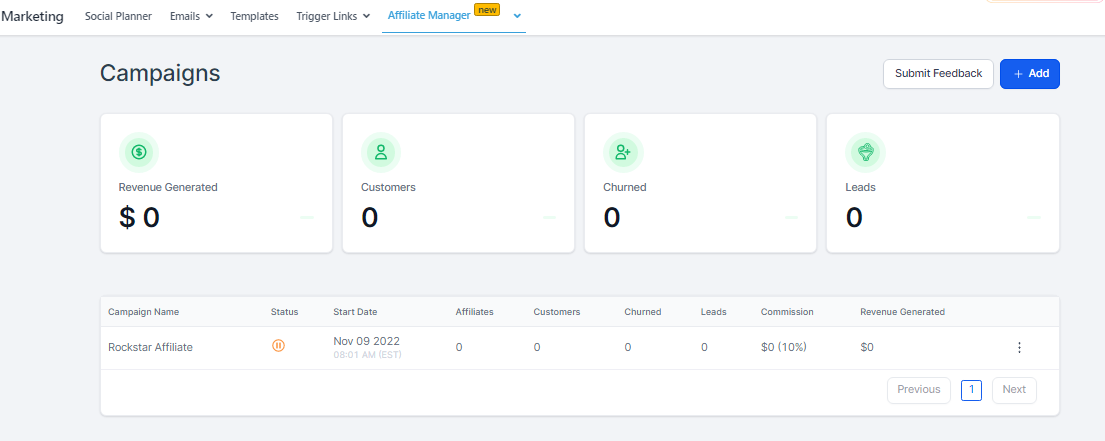
In the Overview section, you can have a quick view of your campaign affiliate activities here.
Dashboard
Revenue Generated
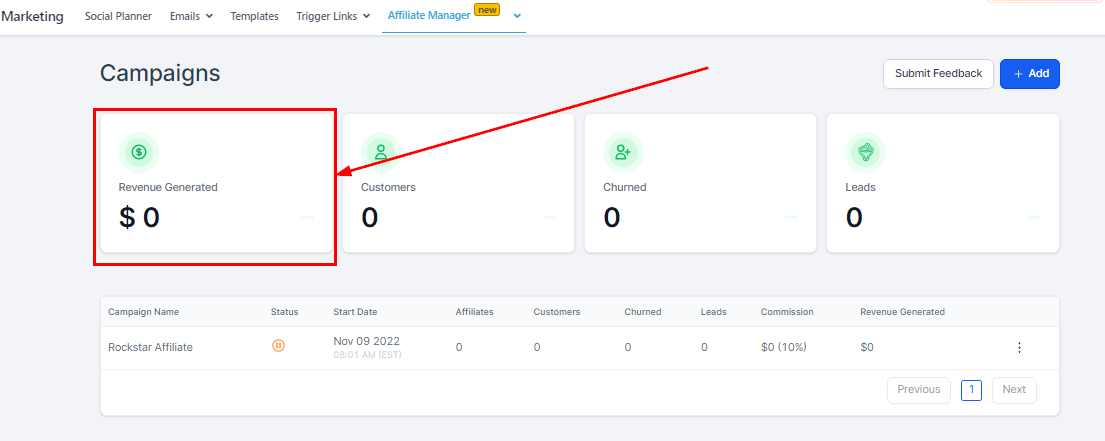
You can view the total Revenue generated across all campaigns.
Customers
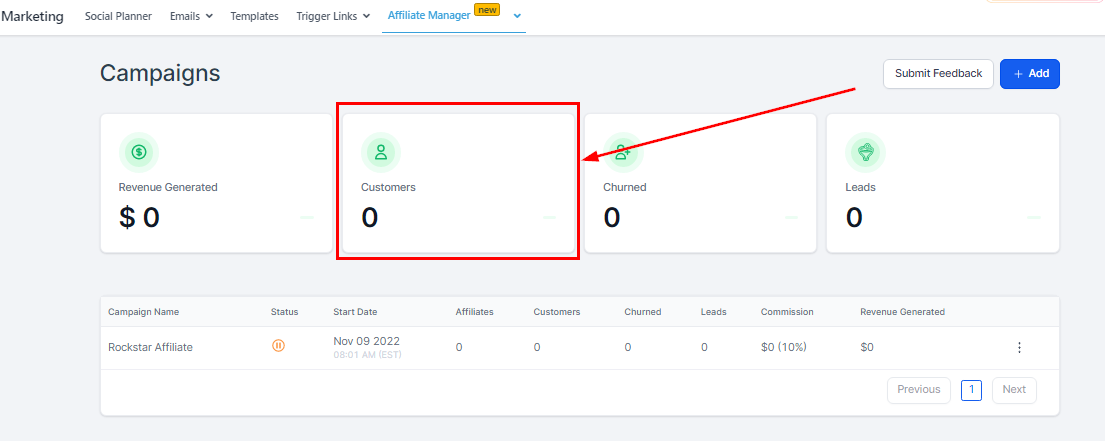
You will see the numbers of customer that was invited through the links from your affiliates here. They can be Recurring or one-time base customers.
Churned
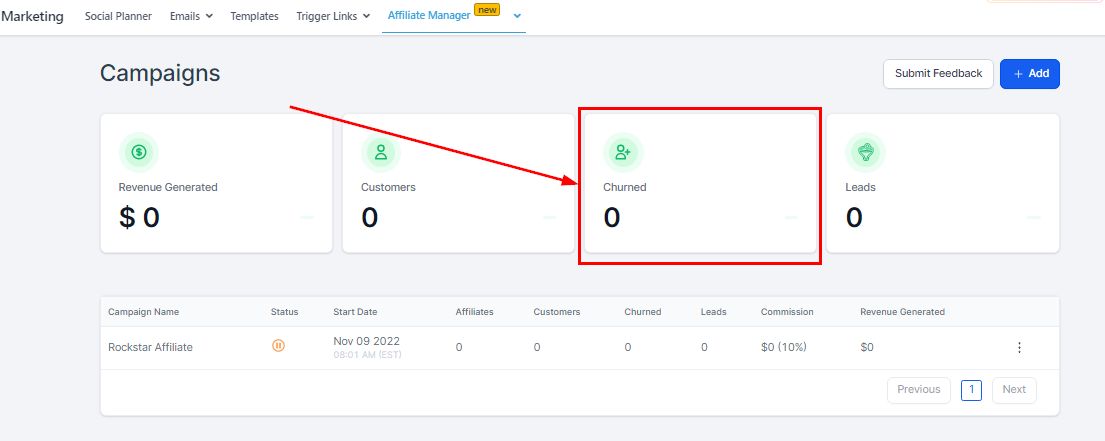
Once a lead cancels their subscription, the Lead can later be re-activated by initiating another checkout or enrolling them will move into the Churned category and they can later be re-activated by initiating another checkout or enrolling them again in Stripe. A one-time base customer doesn’t reflect in the Churned Category, only Recurring customers who canceled.
Leads
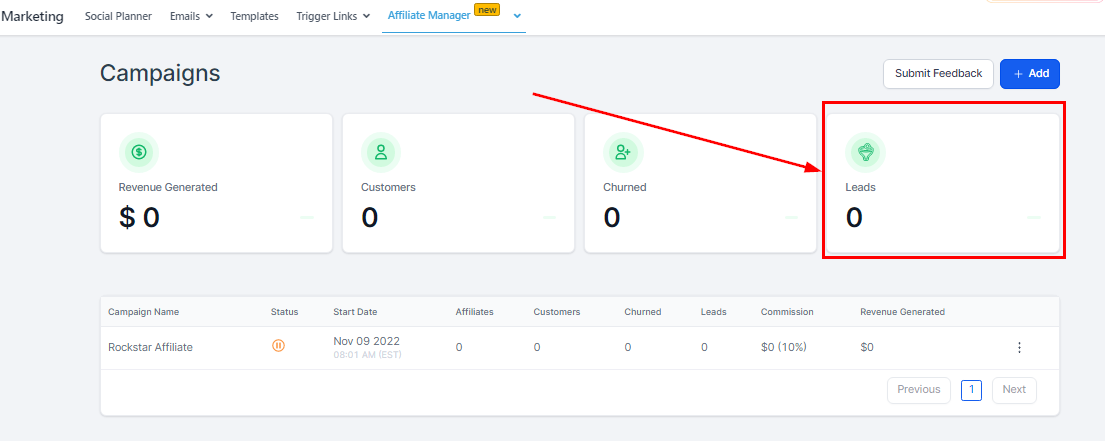
Leads are potential customers; they already fill out the Two-way Order Form but haven’t paid/subscribed yet.
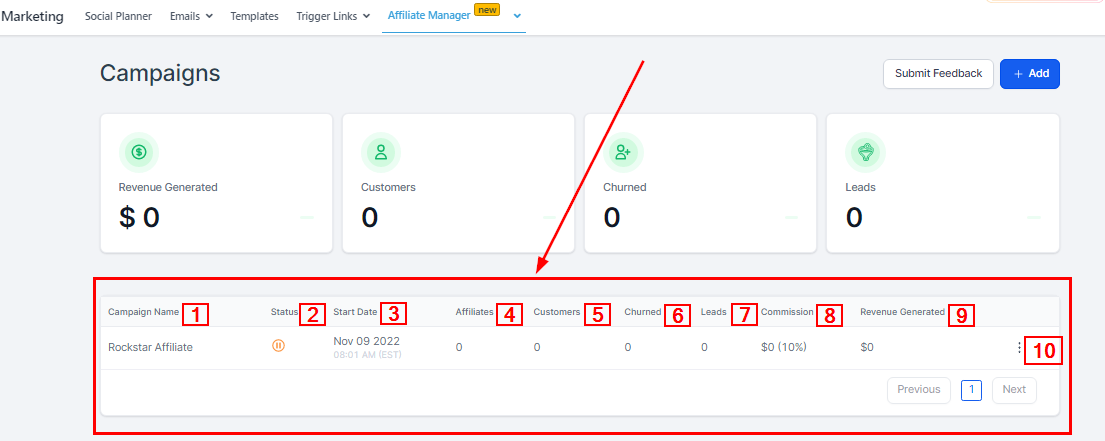
Campaign Table
-
1.Campaign Name Here you will see the unique name given to identify each campaign.
-
2.Status You will see the status of your campaign here. The green color indicates that the campaign is ‘Live‘ and the red color indicates that the campaign is ‘Paused‘. A campaign gets created in a paused state if;