
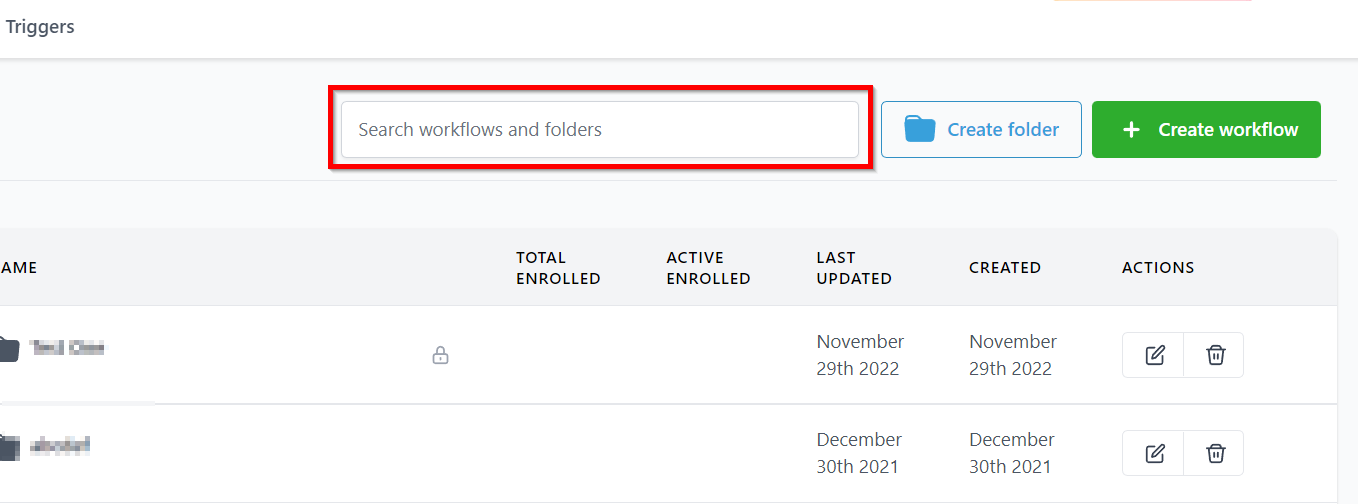
Workflow Search Bar
With the search bar, you can find out a specific workflow recipe or a folder you have created in the system. Saves you a lot of time scrolling through the long list when you need to go to a specific workflow or a folder on the list.
Created Workflow List
This is the homepage of your Workflow section. The homepage of all your Workflow offers you a comprehensive view of everything related to Workflow. This is the default view of the Workflows under the Automation section. Under this, you will be able to find existing workflows created by you and your team, create and edit crazy amounts of things for each workflow and also create new workflows.
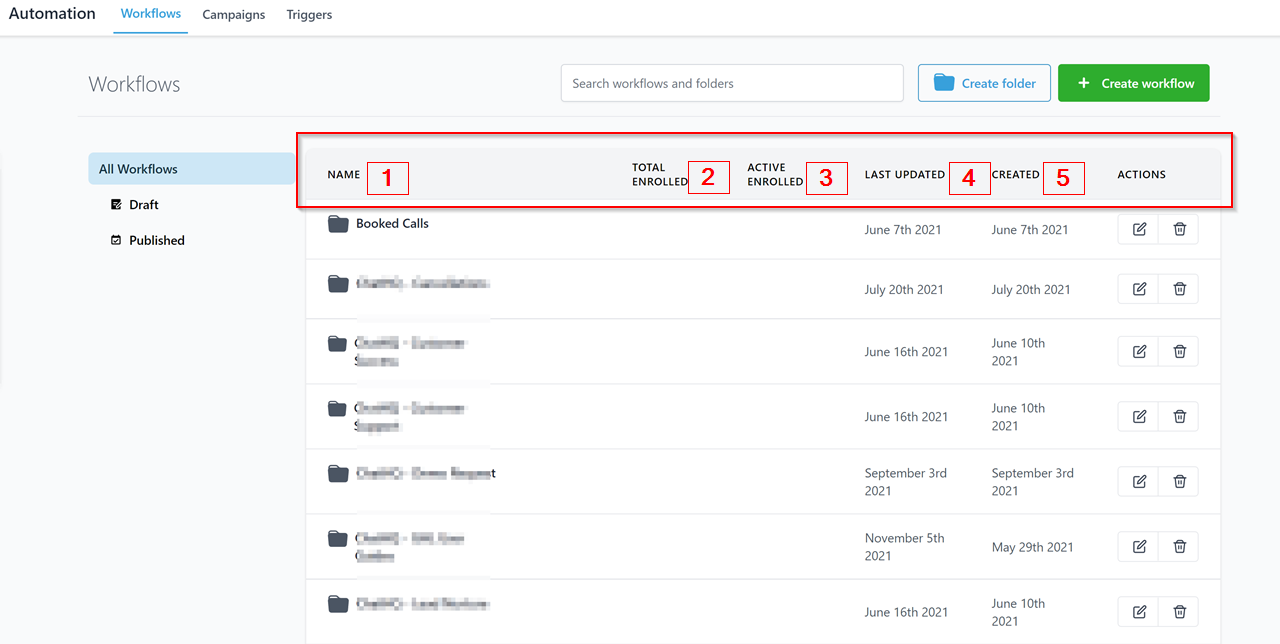
1.
-
Workflow Name This shows you the names of all your workflows, so you can identify them easily.
-
2.Total Enrolled: This shows the total number of people who are enrolled in a particular workflow.
-
3.Active Enrolled This shows the total number of people who are currently actively enrolled in a particular workflow.
-
4.Last Updated This shows you the date when the workflow was last updated.
-
5.Workflow Created On This shows you the date when the workflow was first created.
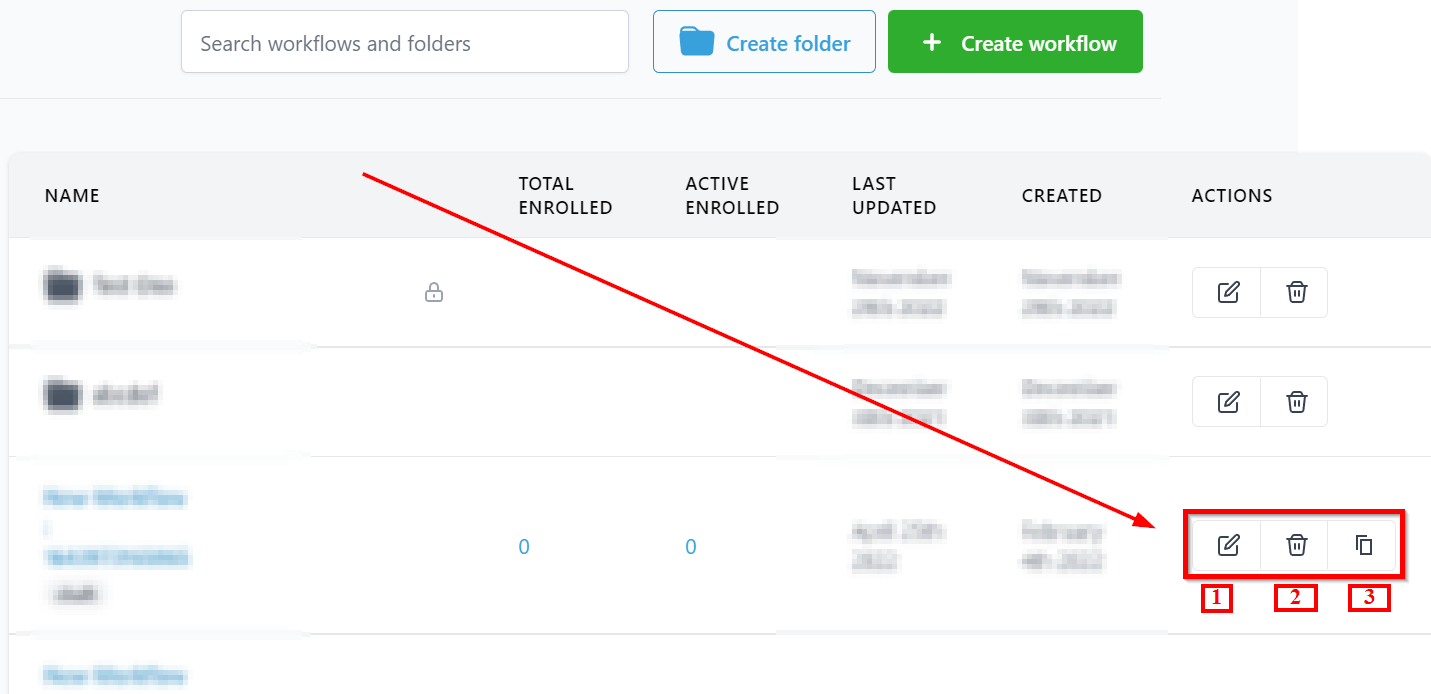 Workflow Action
-
1.Edit Workflow This is where you can edit your workflows. More details on editing workflows can be found here.
-
2.Delete Workflow This button allows you to delete the workflow.
-
3.Clone/Copy Workflow This button allows you to clone the workflow.
Workflow List – Draft -