
Create New Workflow
To learn more about workflows and how to build them, check out the “Workflow Training” section under the “Advanced Training” help center menu! Click here to check out the Workflow Training!
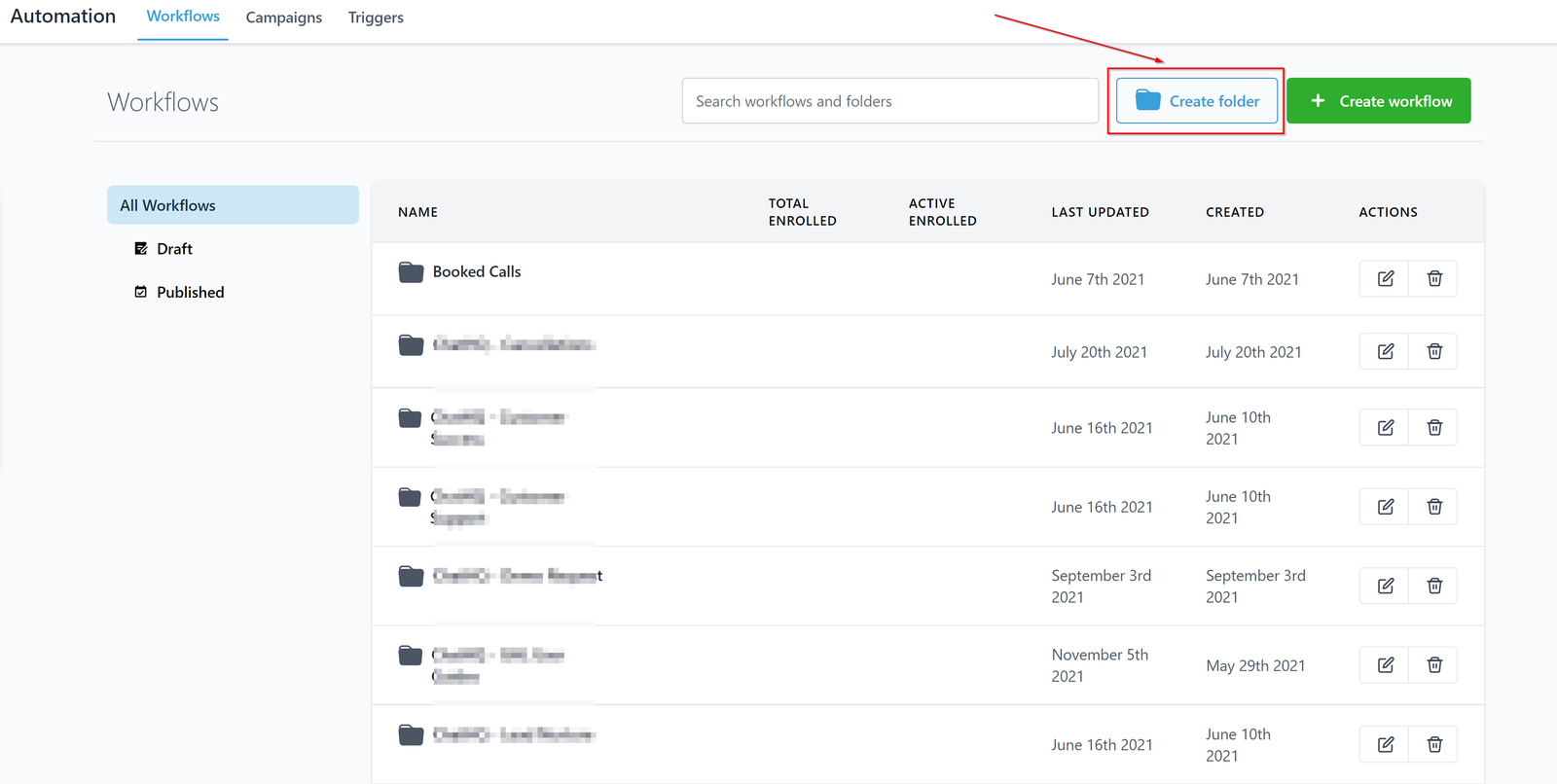
Create Folder
Workflows are a series of actions meant to be performed depending on the stage of the lead. Having a folder will help you create multiple workflows that are interconnected with each other. If you want your lead to go through different stages By creating a folder, you can create multiple workflows for objectives. Buy, In order for you to achieve that objective, you would have to create a series of workflows that will pass every lead from one stage to another. In simple terms, having a folder will help you stay organized when you need your lead to go through different stages.
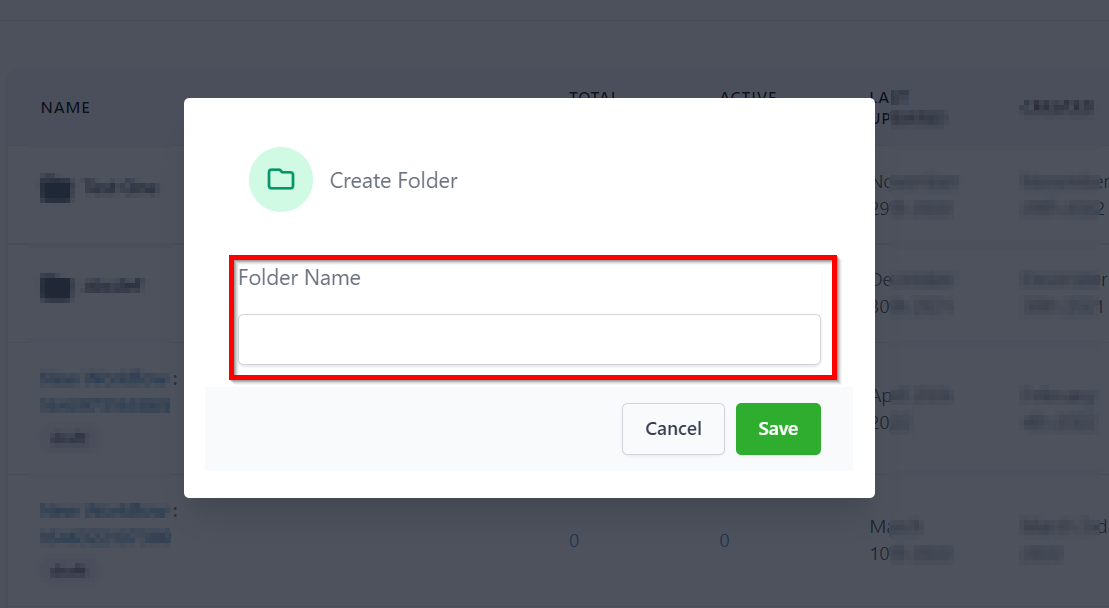
Naming a Folder
Give the folder a name based on the workflow it has in it. You can always go back and rename the folder if ever it is needed.
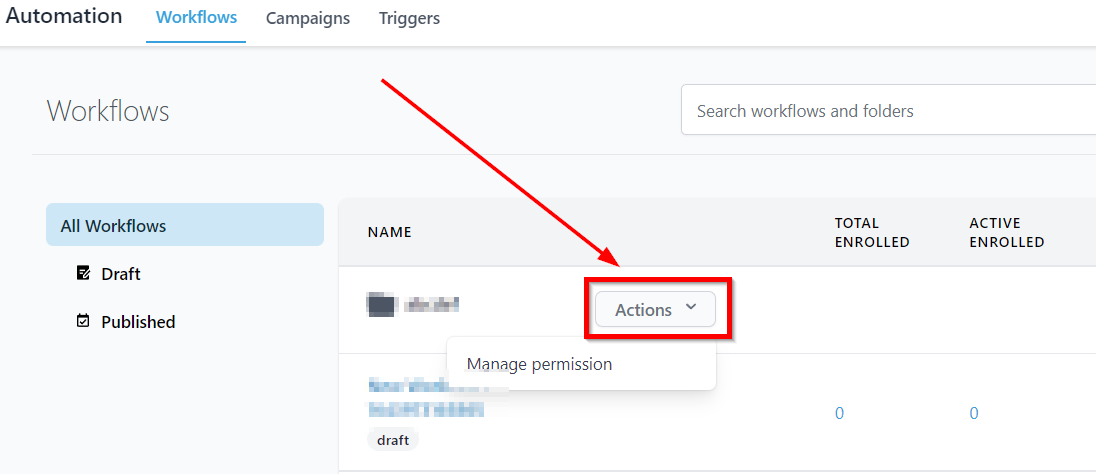
Folder Actions
Folder actions menu gives you the option to manage the folder.
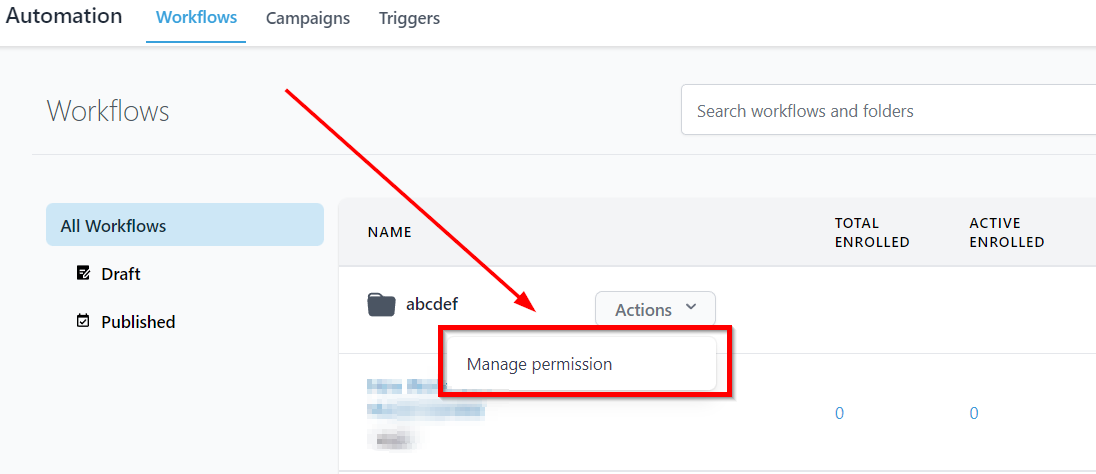
Manage Permission
With folder permissions users without access, won’t be able to see, create and edit any workflows within that folder. So,
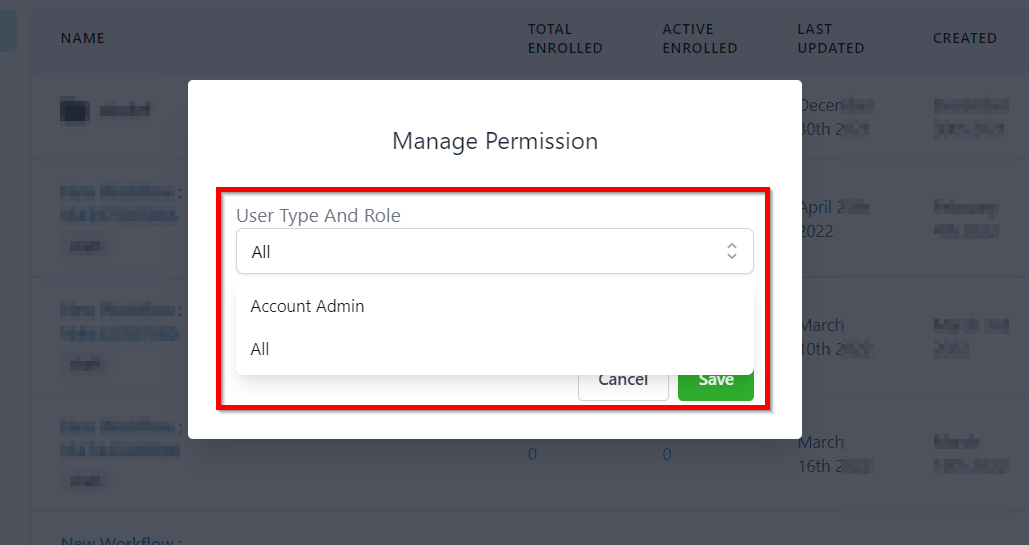
Selecting User Type and Role
If the folder permissions are set to account admin, then only users with the admin role can see, create and edit workflows. You can set the permission with the help of dropdown menu as shown in the image below.
What a User Without Access Will See
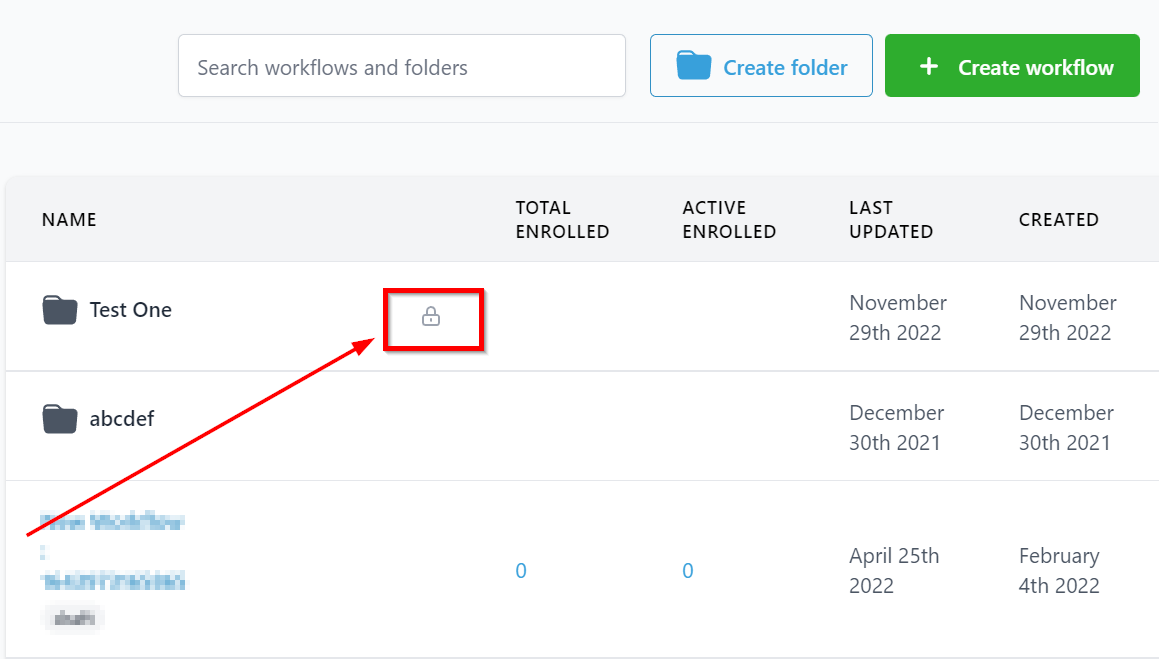
As shown in the image below, Users will see the folders with lock sign when one of the folder is limited for admin or specific users.
All users regardless of thier folder permissions will still be allowed to view the list of workflows the contact belongs to inside the Contact Details Page. Users will also have the ability to add / remove contacts to/ from any Workflow.
Create Workflow