
The “customer replied” workflow trigger runs when an incoming message is received from a contact. It is an advanced workflow with a lot of filters and variables. This trigger can be used to build automation that performs actions based on customers replying, and even replying from a specific communication channel such as SMS only or Email only.
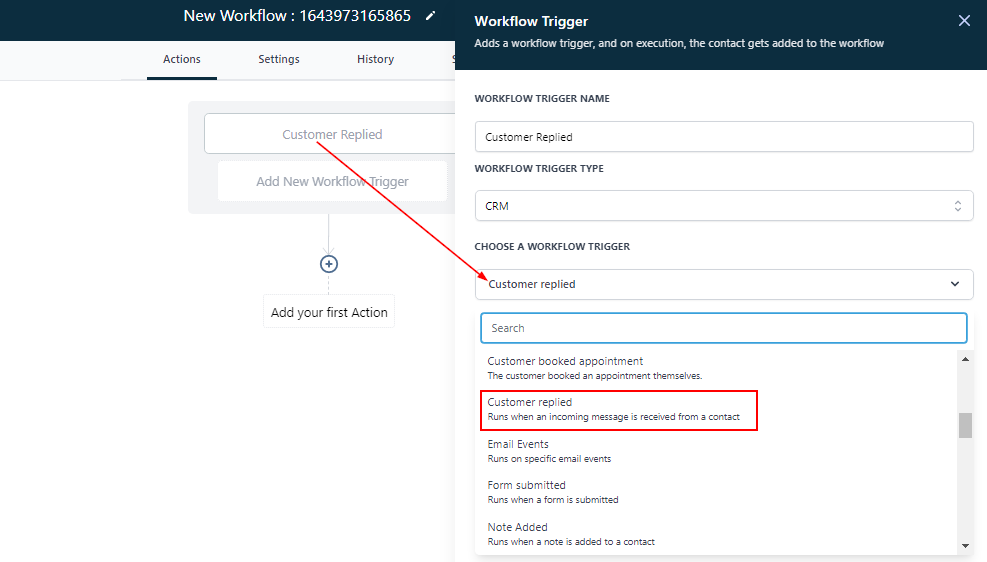
Add Filters
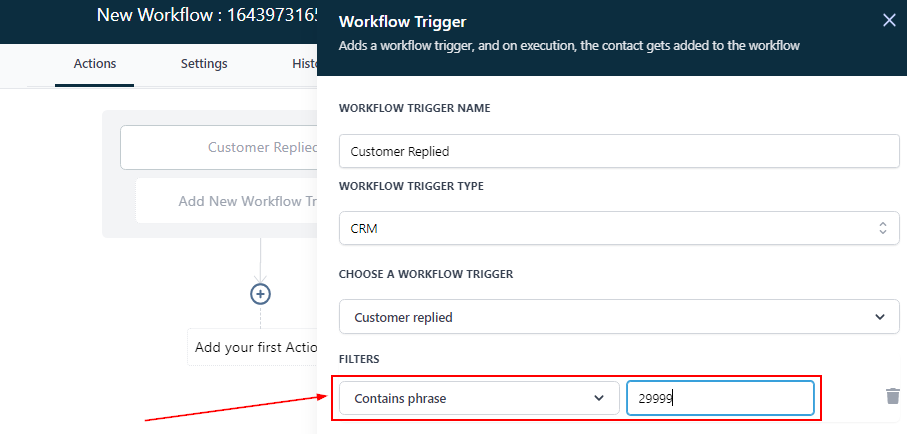
Contain Phrase
If you only want this workflow to trigger when a specific phrase is used by your customer or lead, you can add that phrase into the “contains phrase” filter. As long as the message contains this phrase, regardless of the other words in the message, the workflow will trigger.
For Example: Using the phrase “Yes please” could be a way to trigger this workflow when asking a customer or lead is they want a certain discount.
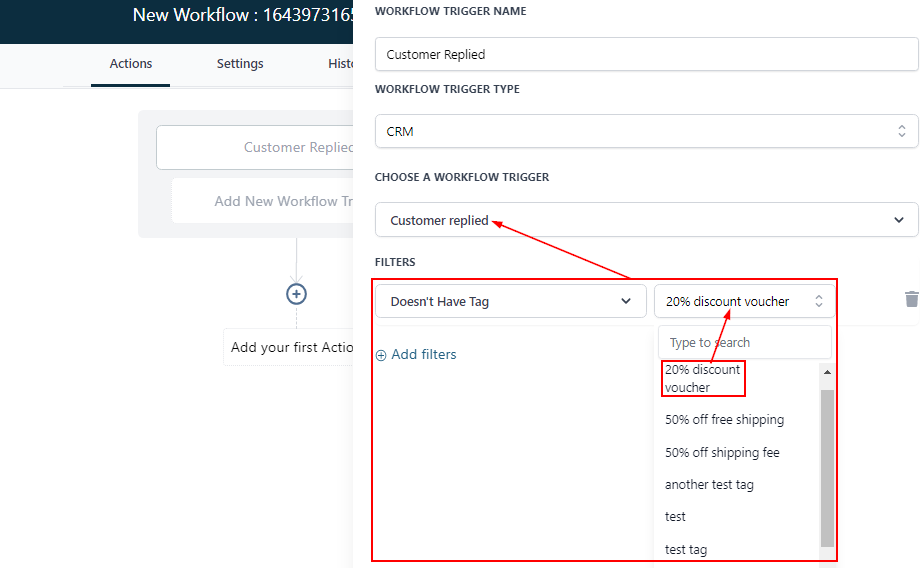
Doesn’t Have Tag
By selecting this filter, you can decide to trigger this workflow when a customer replies and DOES NOT have the tag “20% discount voucher” associated with their contact records.
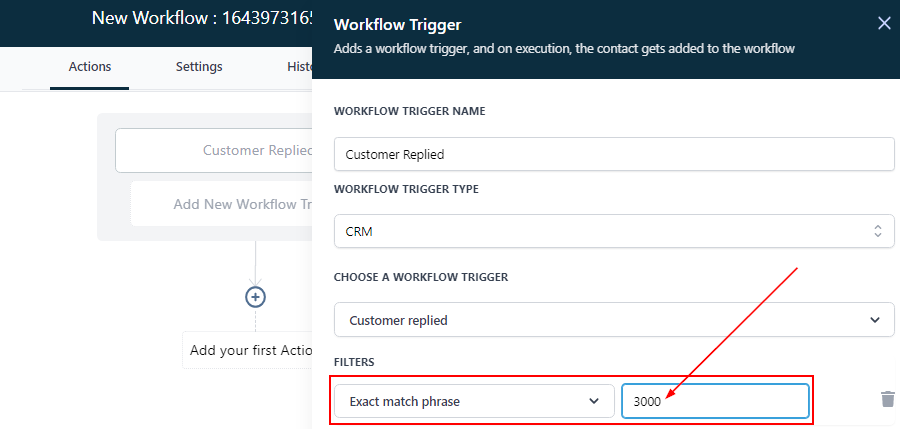
Exact Match Phrase
By clicking on the “Exact Match phrase”, you can restrict the trigger action to an exact word or phrase.
For Example, your Exact Match Phrase is “Yes” if a contact types any word aside from this exact “Yes” word, the workflow will not be triggered.
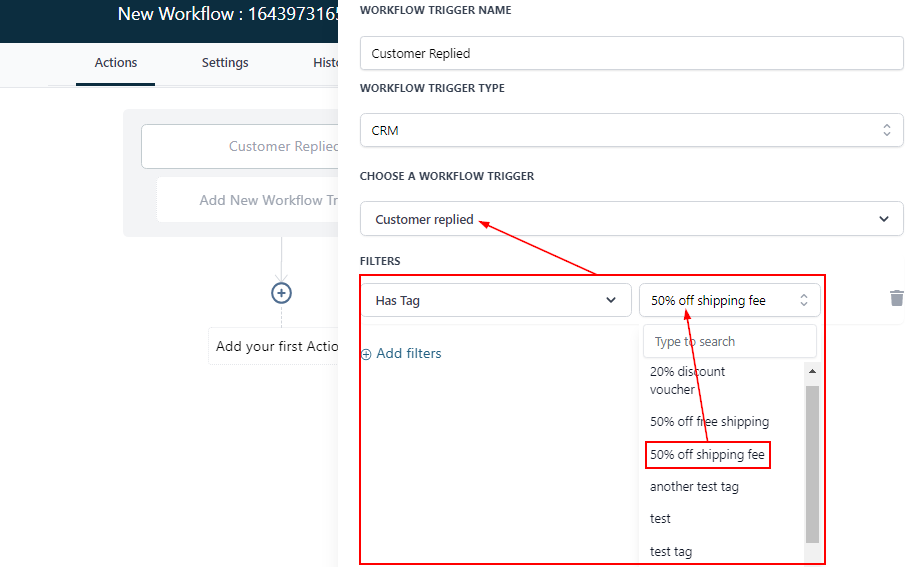
Has Tag
Select a tag from the CRM. When a tag is allocated to the contact’s workflow, the workflow will only be triggered based on the specific tag.
Intent Type
For “Intent Type” the system tries to understand the contact response if it is positive or negative then, uses this automation as a reply to the contact’s response.
This filter uses Google automation on the back end (Google Dialog Flow). It is the automation built by Google to understand the communication of human beings. There are groups of words established as positive and others grouped as negative.