
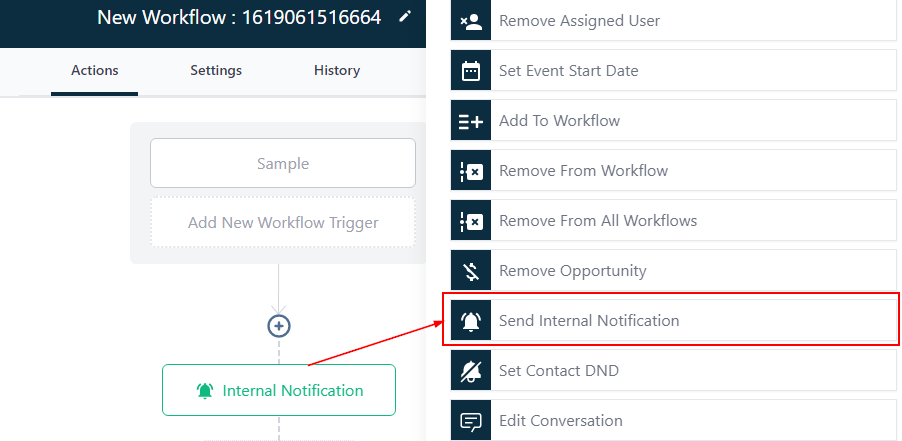
Send Internal Notification
In order to PUBLISH workflows, you will need to establish a workflow trigger and a workflow action. Without both, you will only be able to save the workflow, not publish it.
This action sends a notification to someone other than the contact.
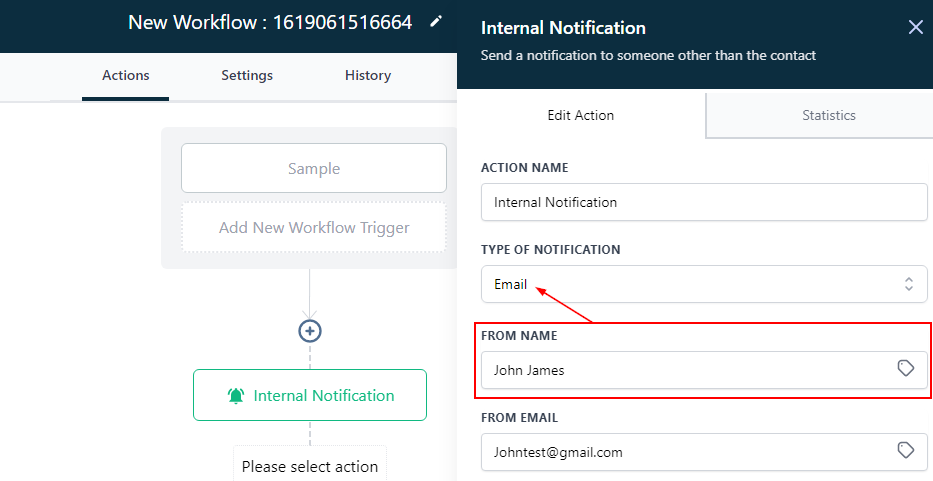
Type Of Notification
Email
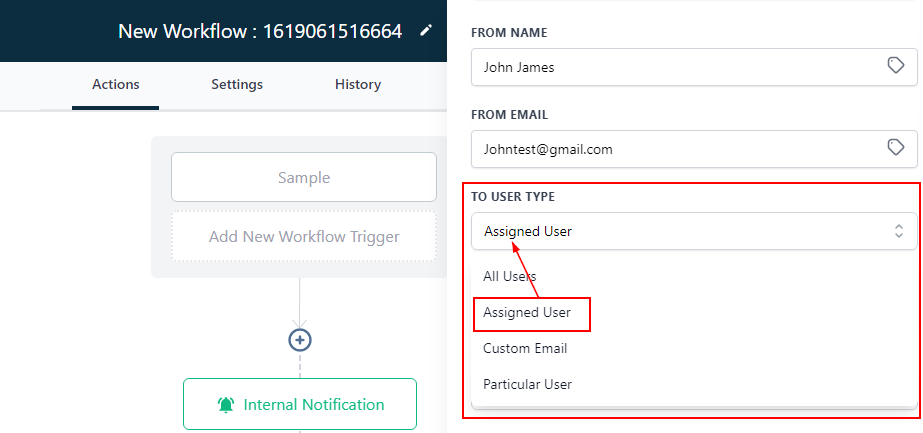
From Name
Input the name of the Sender in this field. YOu can also click on the tag icon to use the custom value.
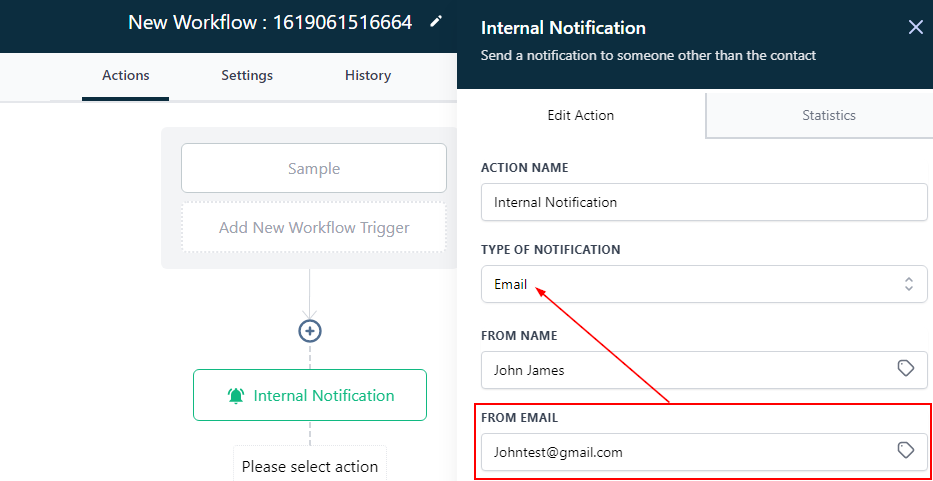
From Email
Input the Sender’s email here.
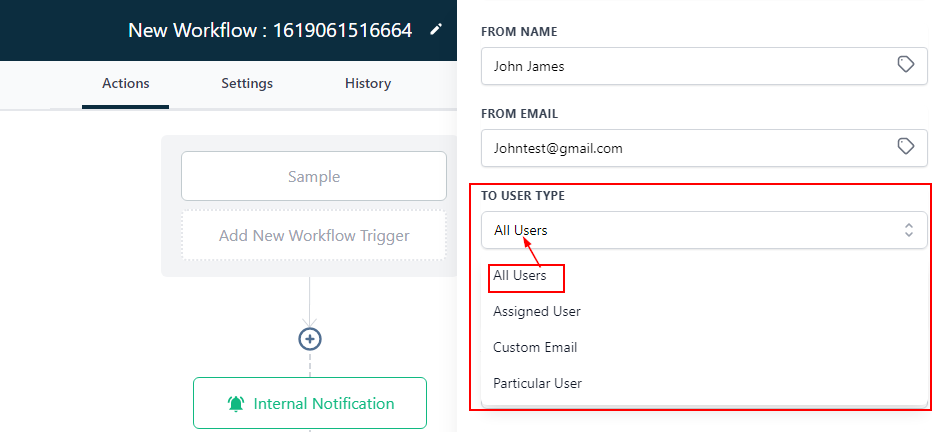
To User Type
Select who gets to have access to the contact.
All Users
By clicking “All Users” you can link this contact to all the team members.
Assigned User
If the contact is already assigned to a user, you can decide to choose this type, automatically it links the contact to that user.
Custom Email