
If / Else Event
When you have a list of conditions and one or more than one conditions is met, it will go down the path to perform the workflow actions.
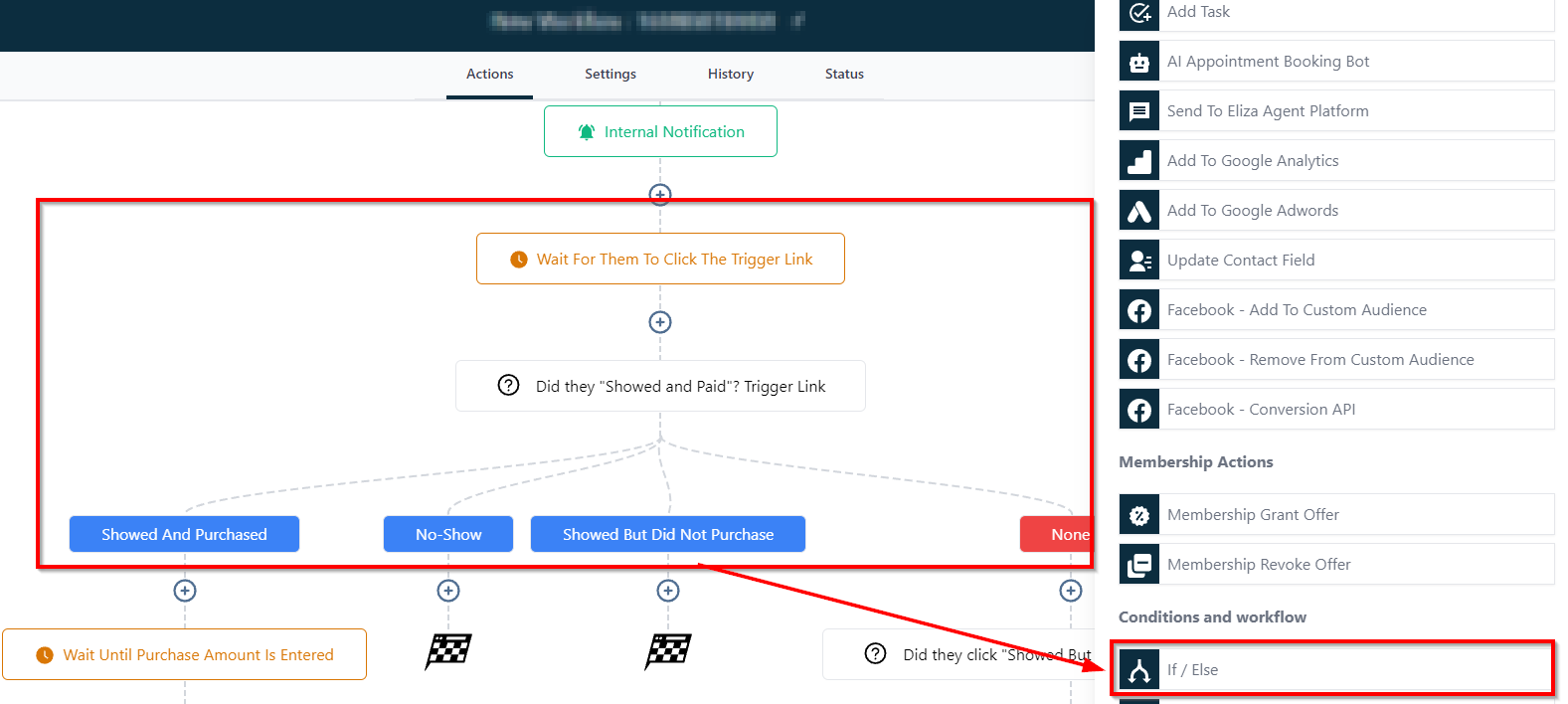
In order to PUBLISH workflows, you will need to establish a workflow trigger and a workflow action. Without both, you will only be able to save the workflow, not publish it.
Creating If/Else Conditional Logic
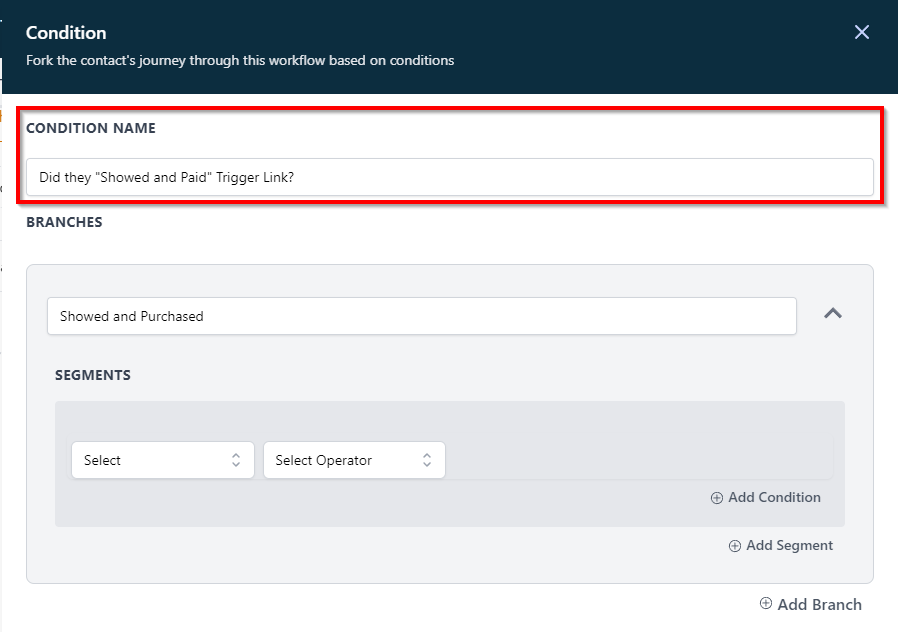
Naming an If/Else Condition
Here you can name the condition based on the objective of the If/Else condition.
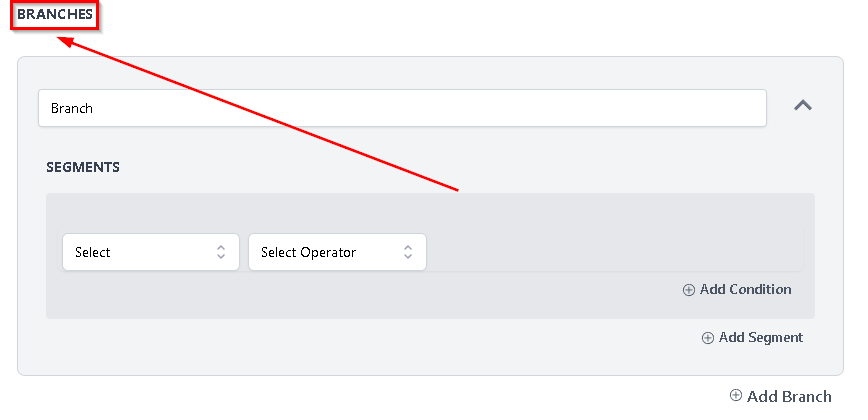
Branches
Branches allow you to build the set of workflow actions with some advanced conditions and segments created in each branch. With every branch you can add custom automations at the bottom.
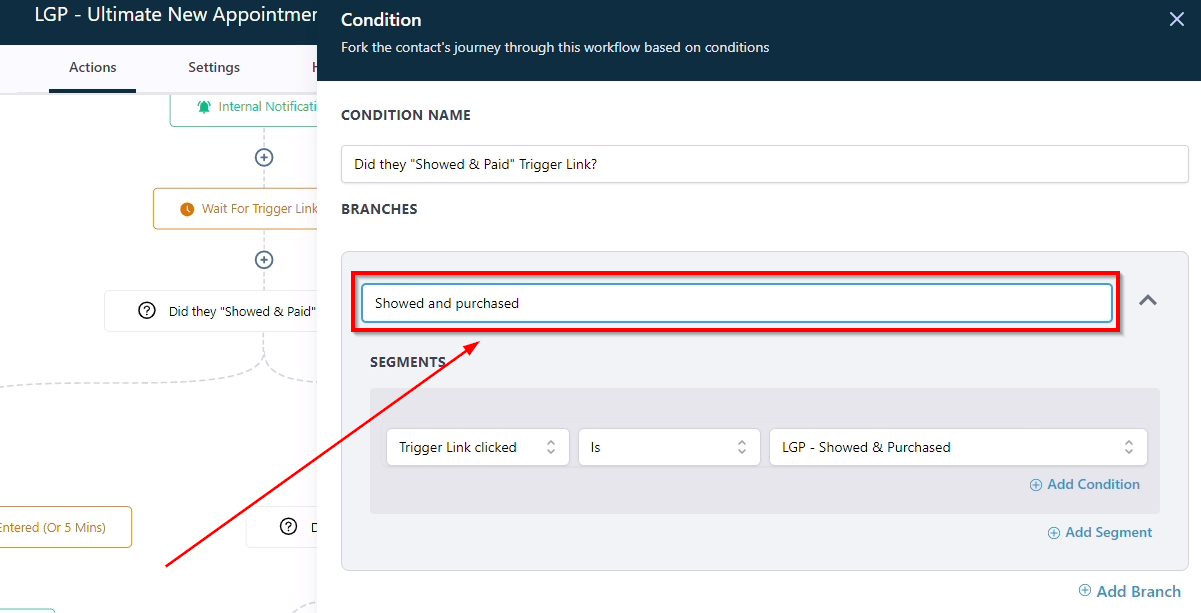
Labeling A Branch
You can label the branch based on the objective and conditional logic.
If or else branches support up to 10 different outcomes per event.
Adding One or More Additional Branches
-
1.Click on add branch option to add a new branch.