
Settings
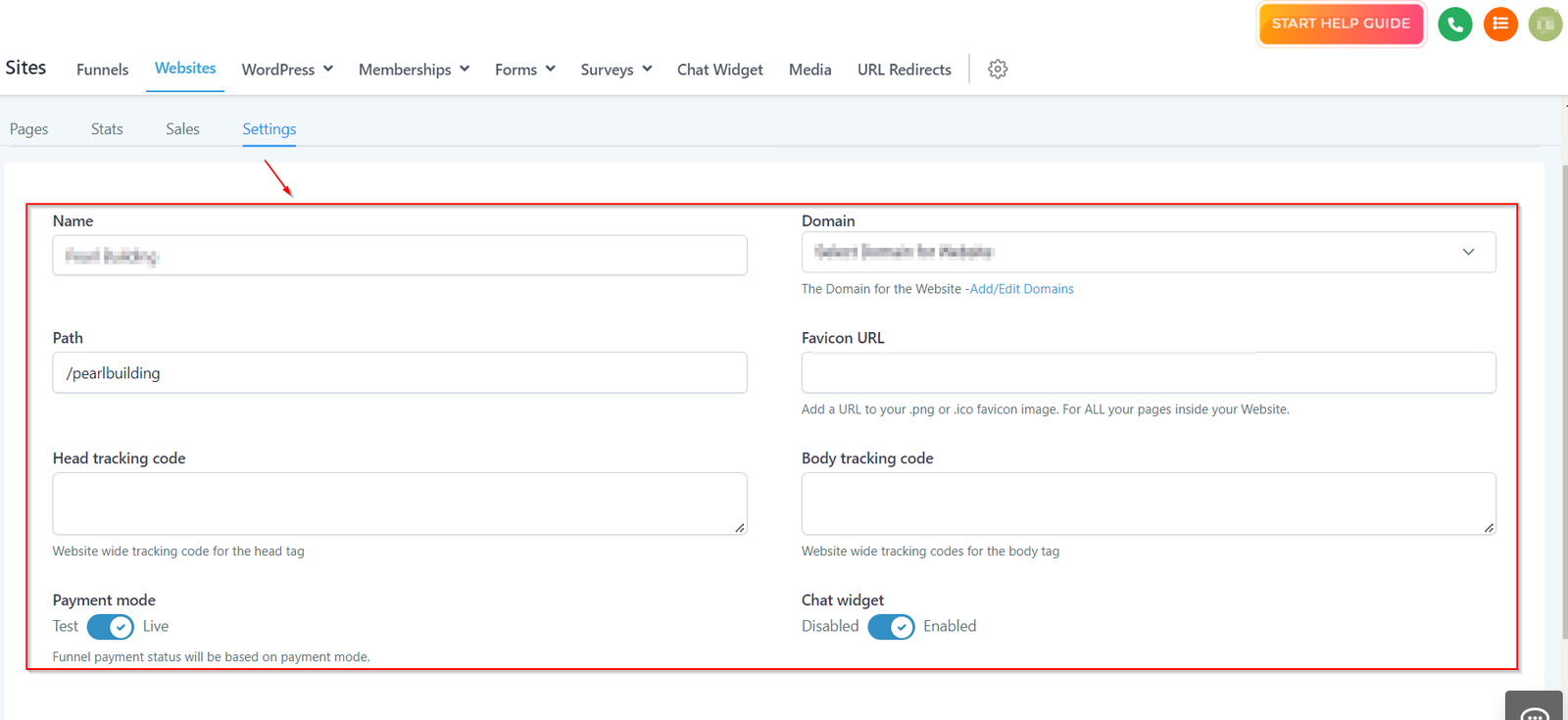
The settings tab lets you manage the important settings of your website such as naming or editing the name of your website, connecting the domain to your website, connecting the tracking code, etc.
Here you can manage the setup of the website.
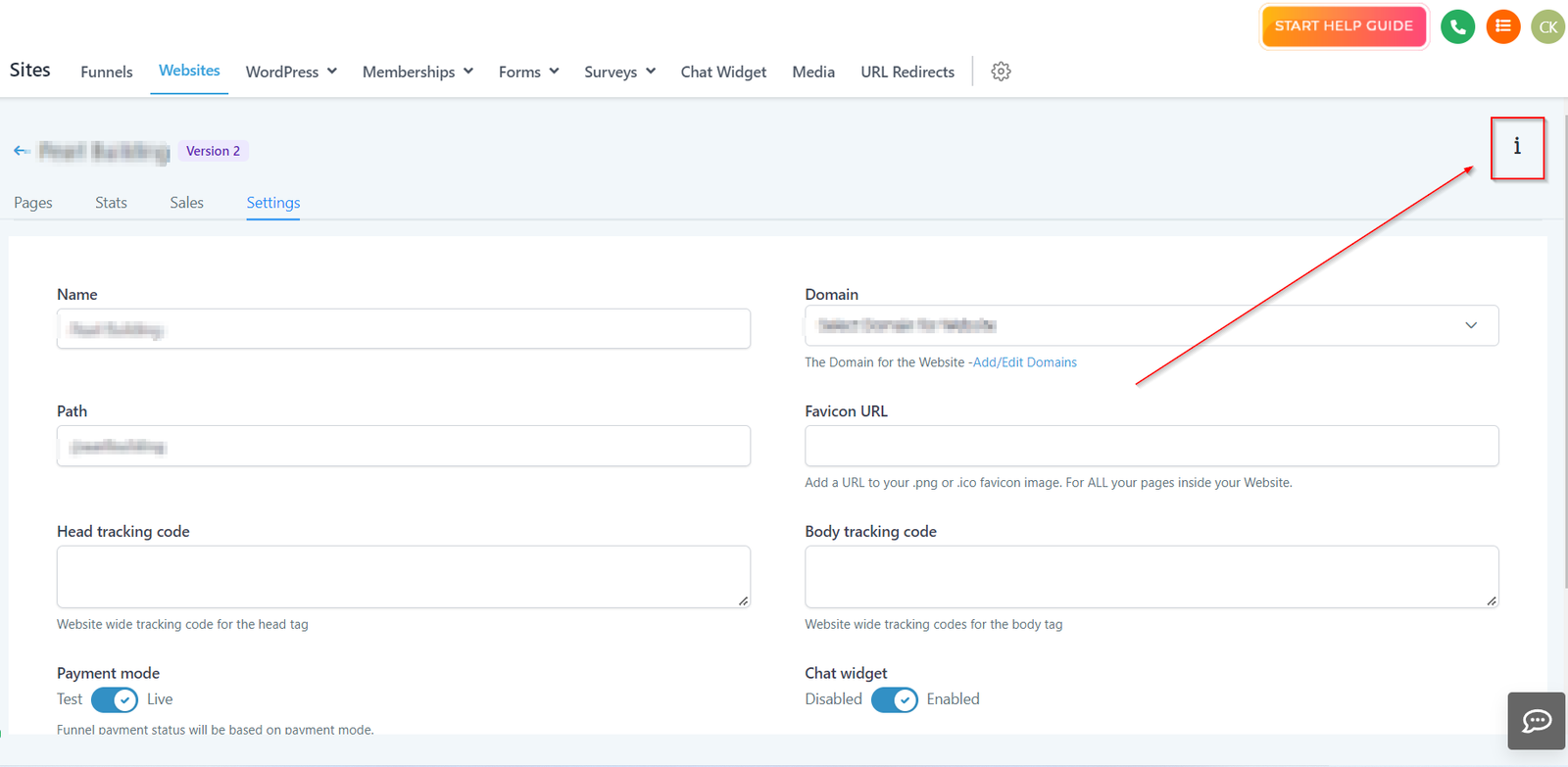
Settings Info
Click on this icon to get more information about your website URL. This URL of your website takes the visitors to the first page of your website. You can use this URL to generate traffic to your website.
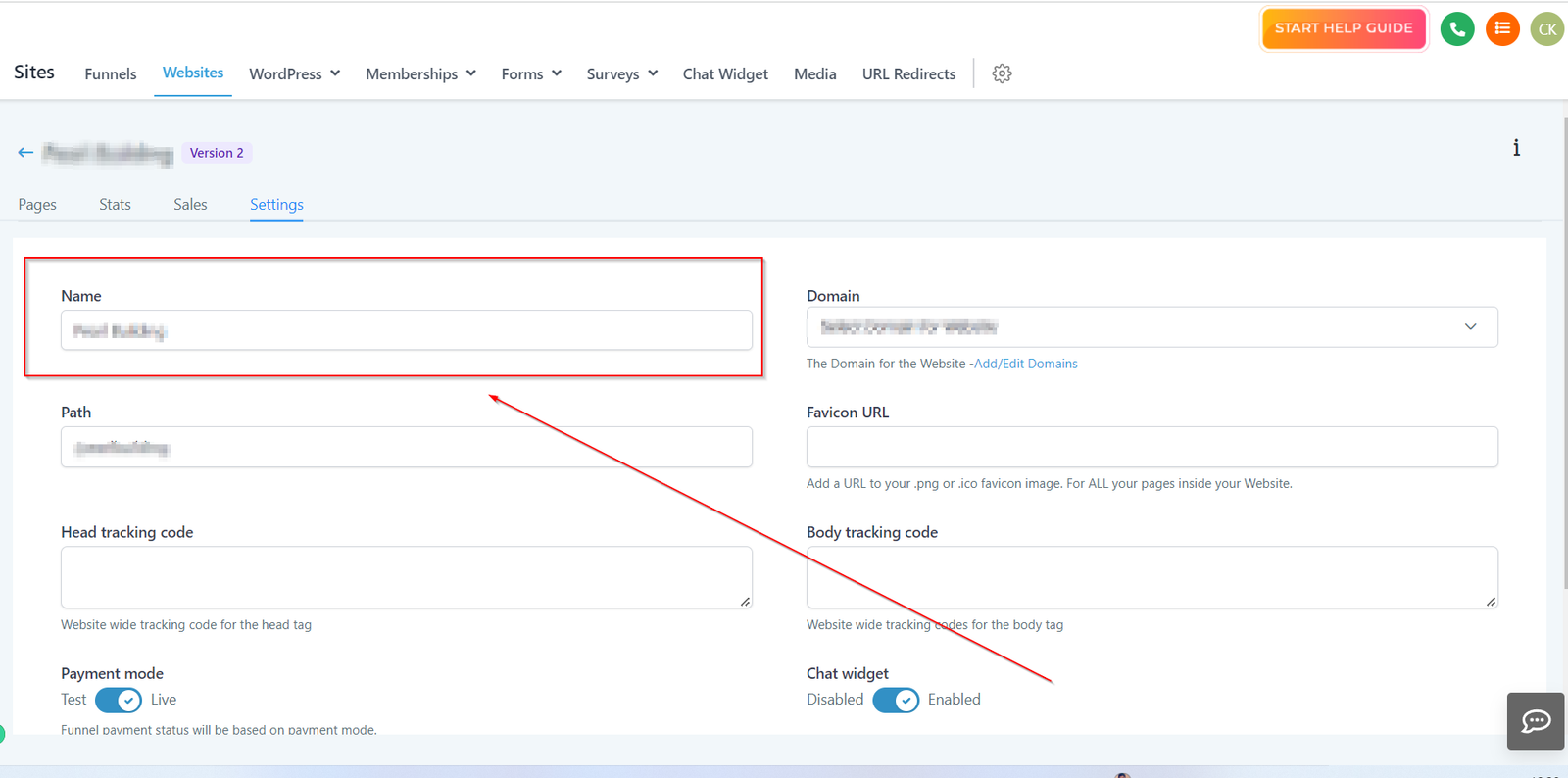
Name
Here you can name the website or make the changes to the website name.
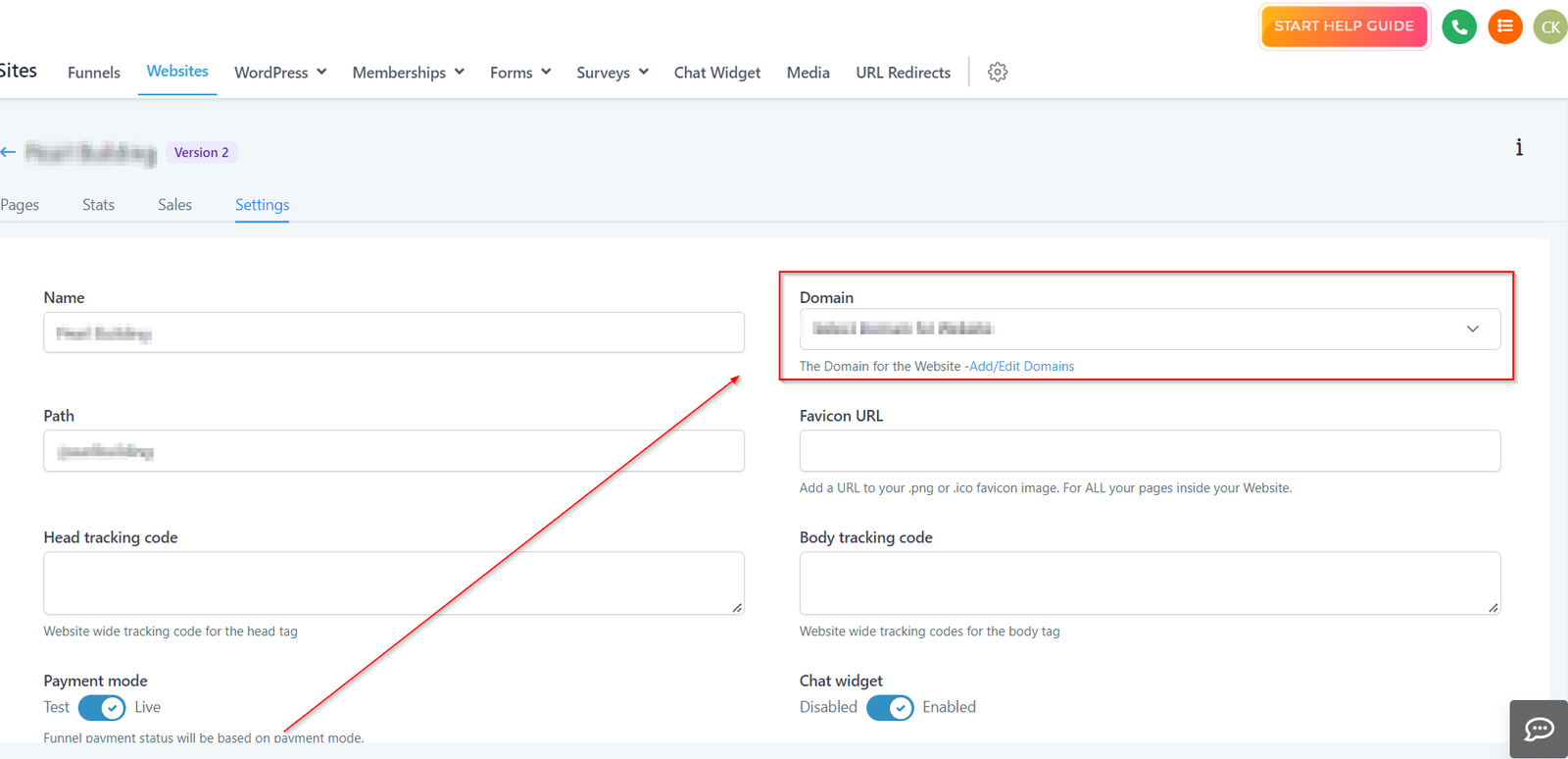
Domain
After setting up the website, You will have to connect your website setup to the domain for it to go live. Paste your domain URL in the “Domain” tab
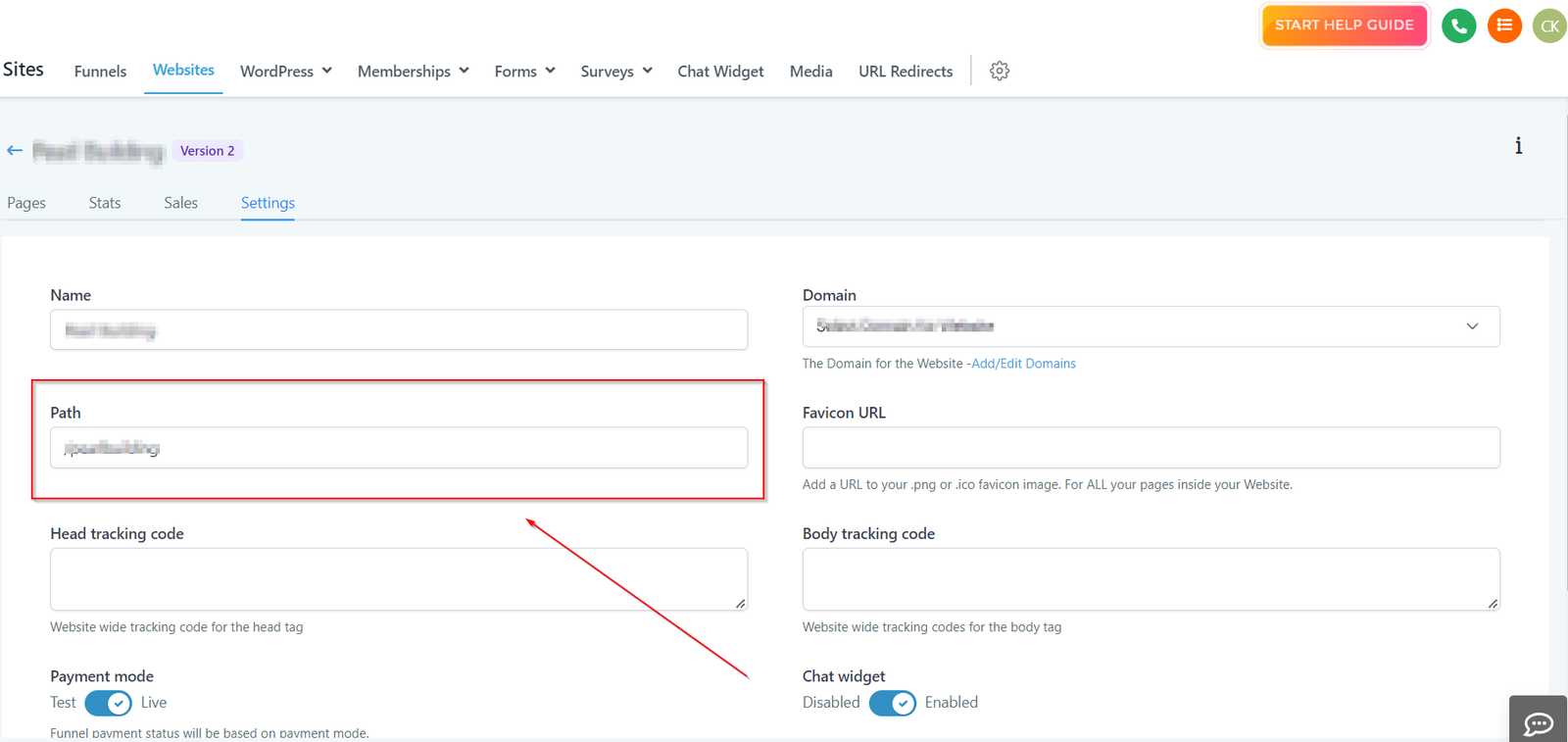
Path
Here you can set the default path for your website.
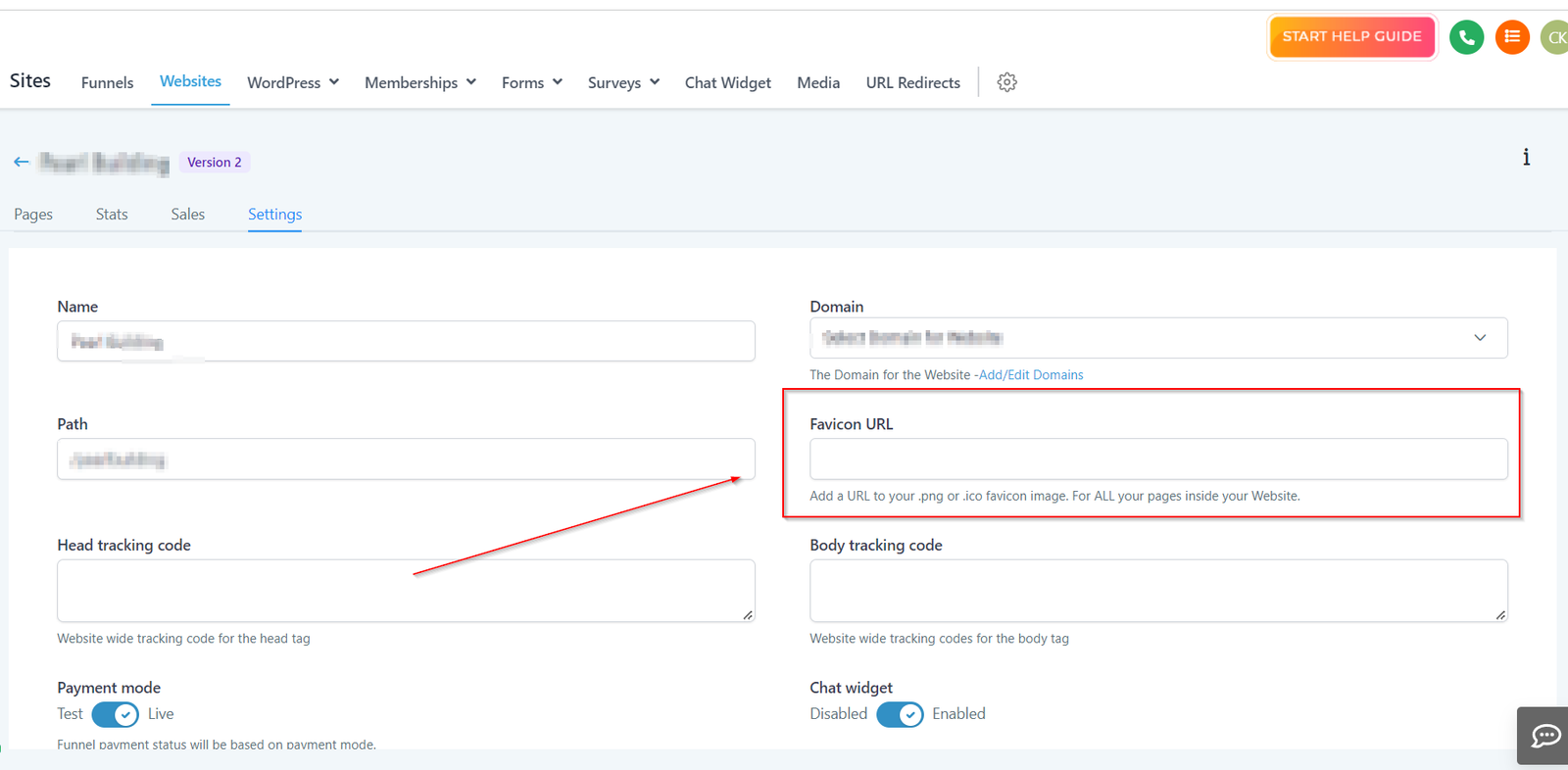
Favicon URL
“Favicon” is the little icon/logo (usually your business logo) that shows on the side of your web browser.
To add Favicon to your funnel, you can paste the favicon URL in the provided field box. This will automatically add a URL to your .png or .ico favicon image for ALL your pages inside your Funnel.
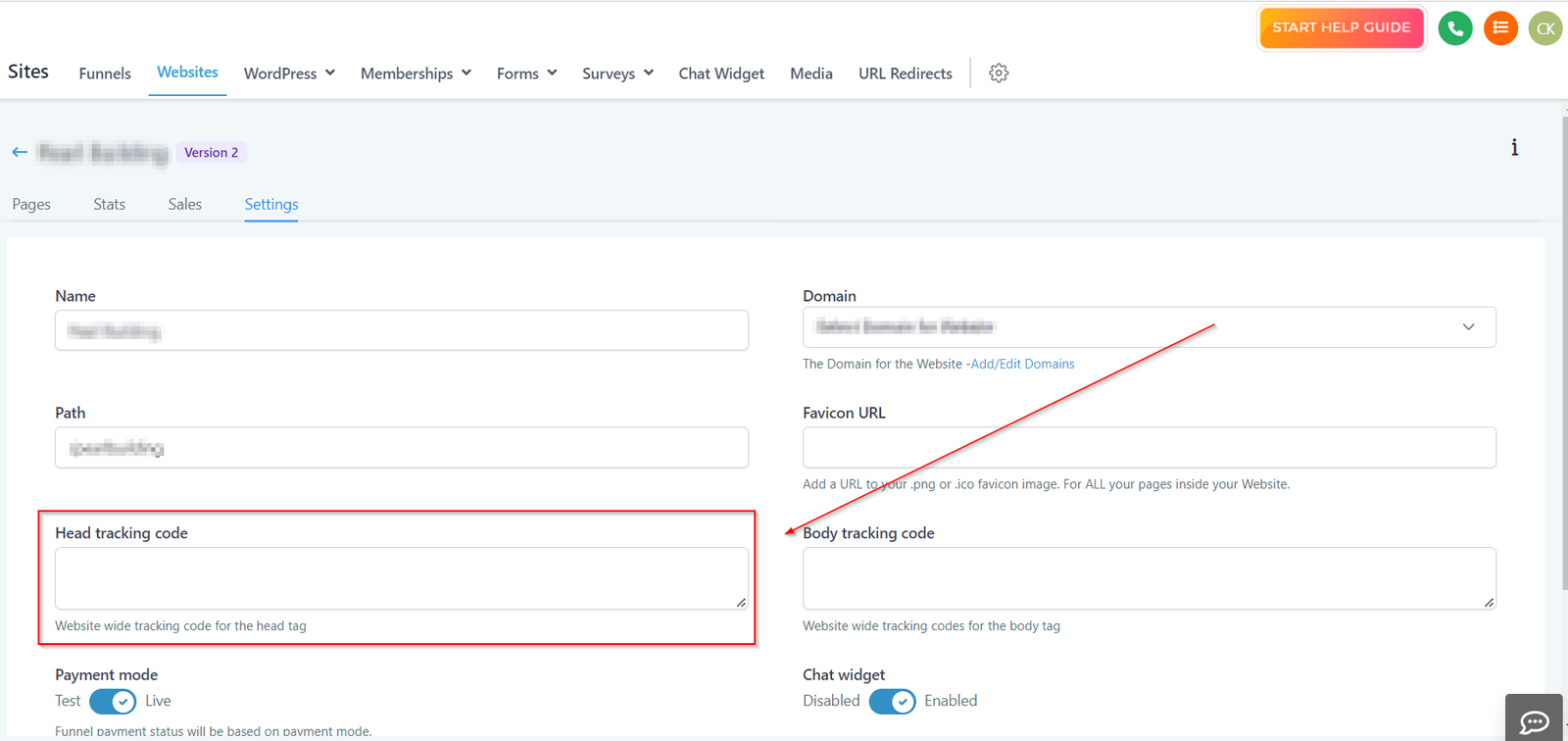
Head Tracking Code
Here you can paste the head tracking code for your website.
Body Tracking Code