
Elements
This is the last and the most important step at the editors’ level. This is where you can select different types of elements for your page.
Add Element
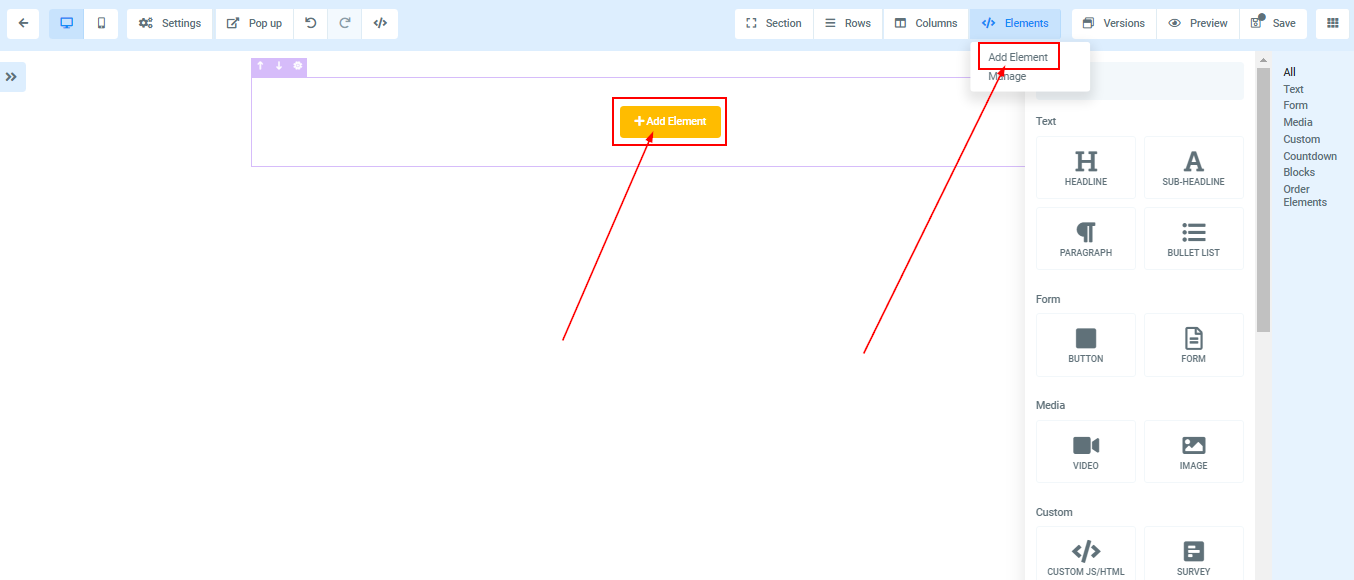
You can add elements to your page by clicking on the “add element in the “Element” editor on the upper right side of the taskbar. Or
Once you drag and drop a column into the editors’ space, click on the “+add Element” in the Column box (LILAC color), these pop up in the right sidebar and you will be able to access all elements and select your desired ones. Once you drag and drop an element of your choice into the editor’s space, the Orange box pops up.
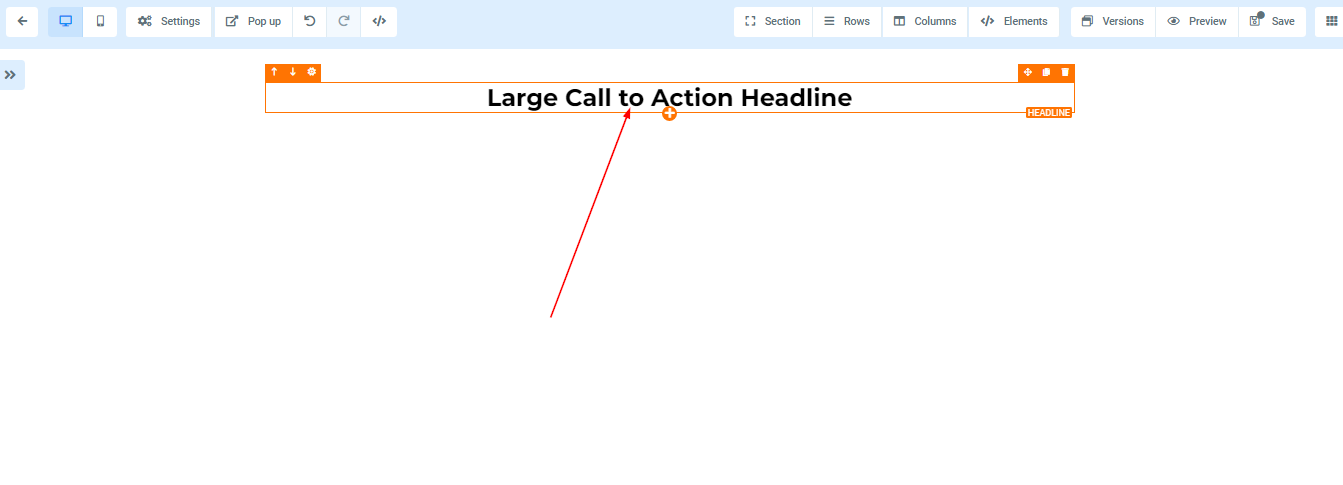
You can also add Elements by clicking on the (+) icon that appears when you place your cursor on the Element space (ORANGE box).
Element Settings
Every Element has its settings and you can access it on the left side of the page once you add an Element.