
Bullet List
The Bullet can be used to list out contents on a page.
General Settings
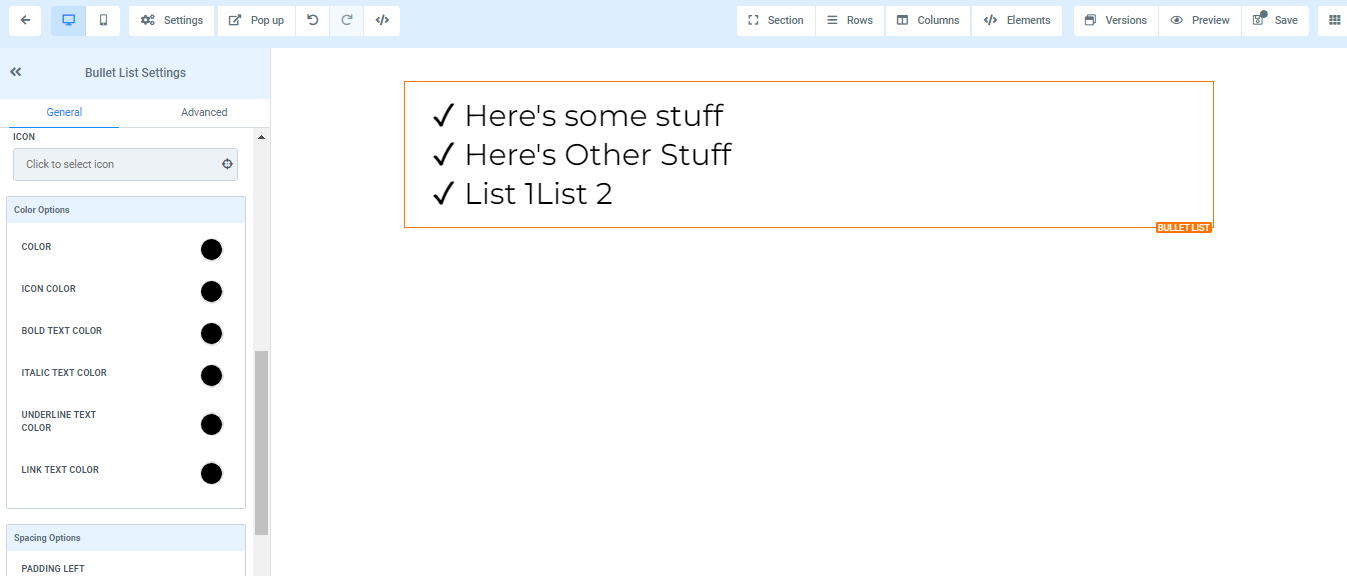
To add a Bullet list to your page, simply drag and drop the bullet list in the editor’s space to manage the settings.
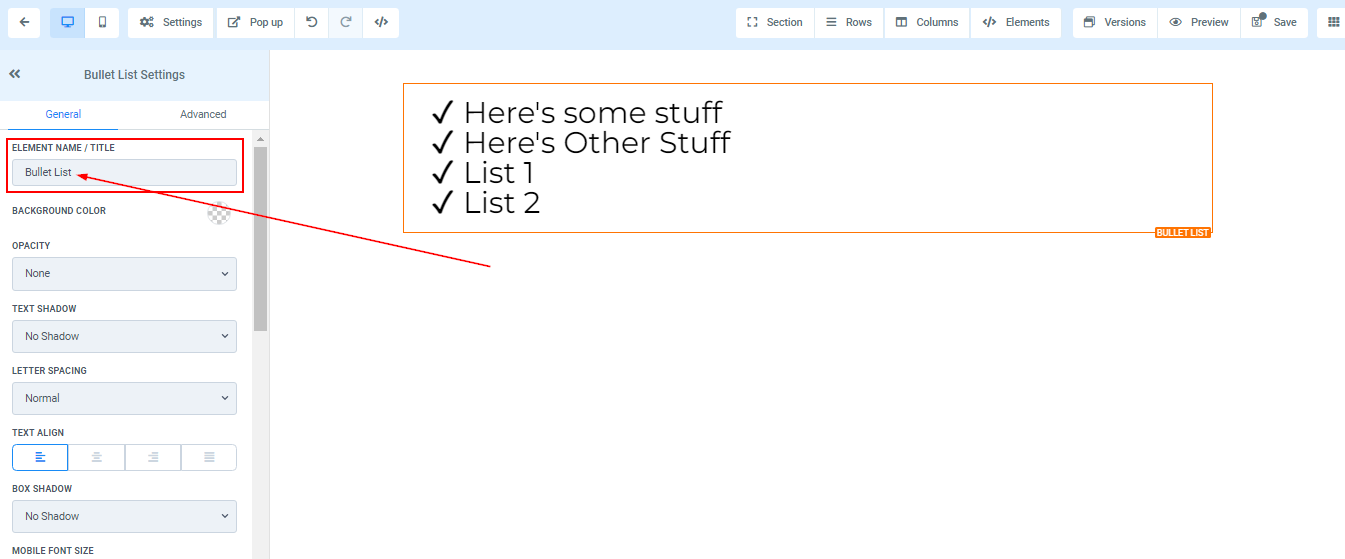
Element Name/Title
Here you will see the default name/title of the Edit option you are working on. You can decide to leave at that or rename it.
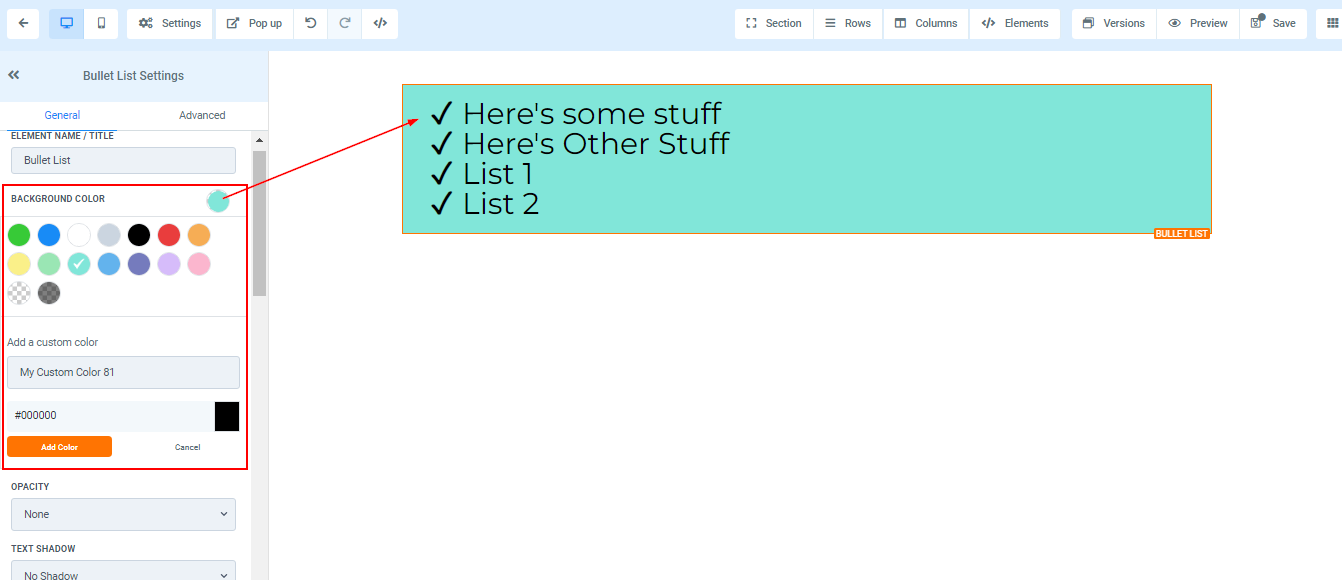
Background Color
If you want to change the background color of just a particular an edit option; the Section, Row, Column, and Elements, you can do that by clicking on the content you want to adjust its background.
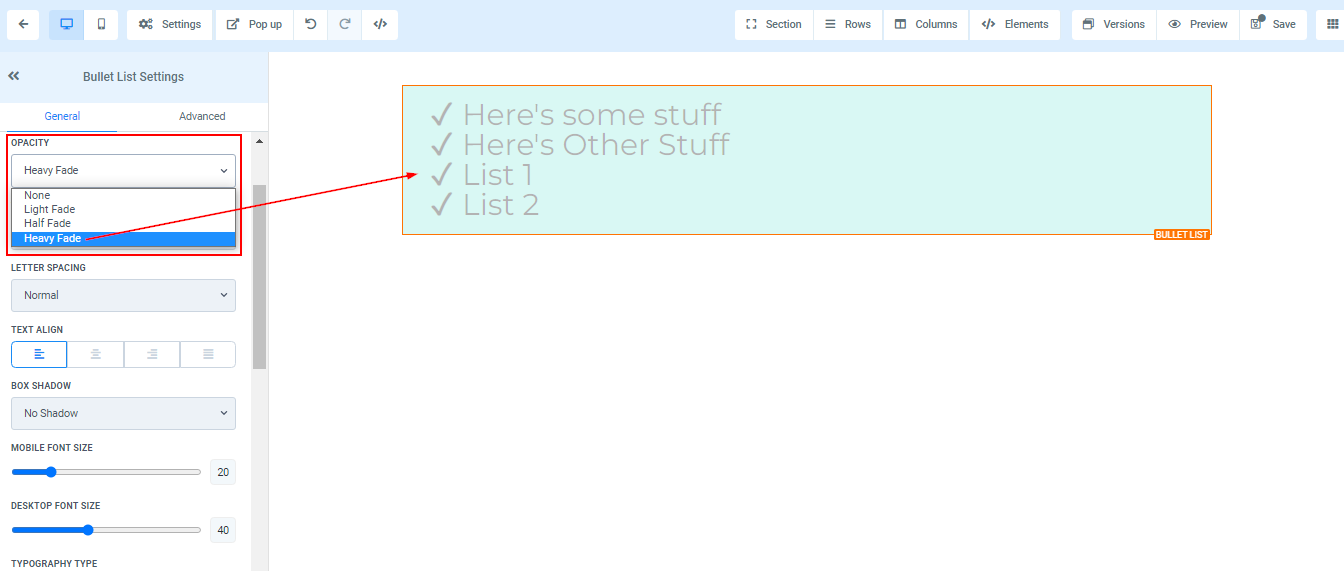
Opacity
You can decide the extent to which you want your text/content to fade in each element box. the opacity varies from None, Light, Half, to Heavy fade.
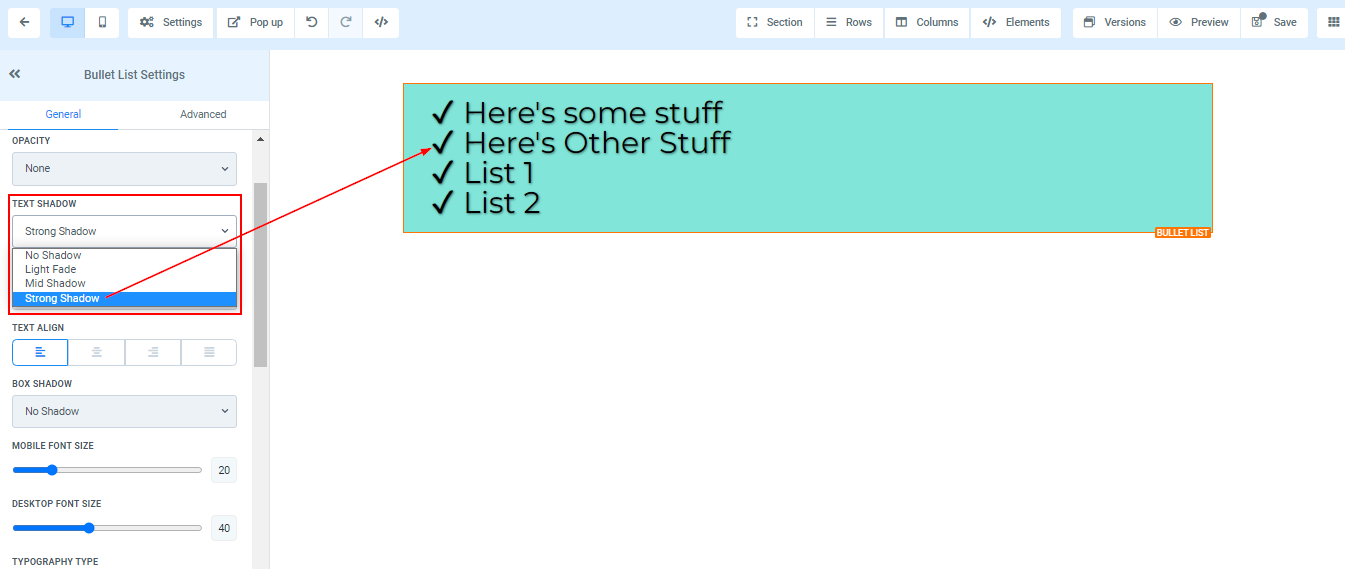
Text Shadow
If you want your text/content to have a shadow, simply select how thick or light you want the shadow to be.
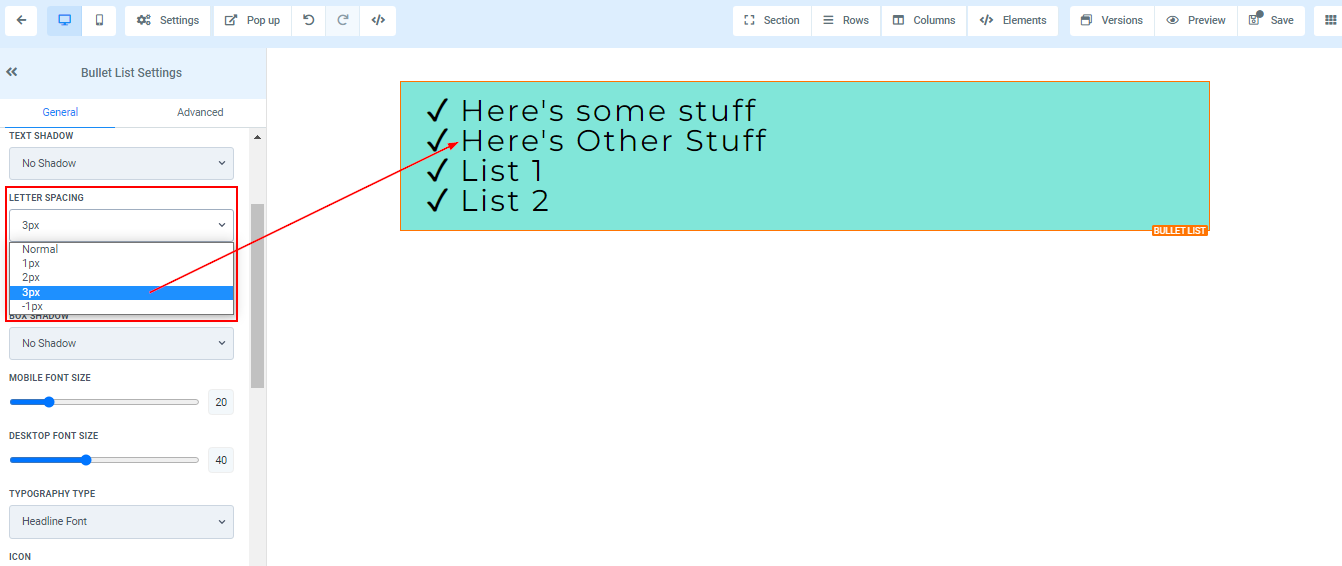
Letter Spacing
You can decide how wide apart you want your letter to be by clicking on this option.
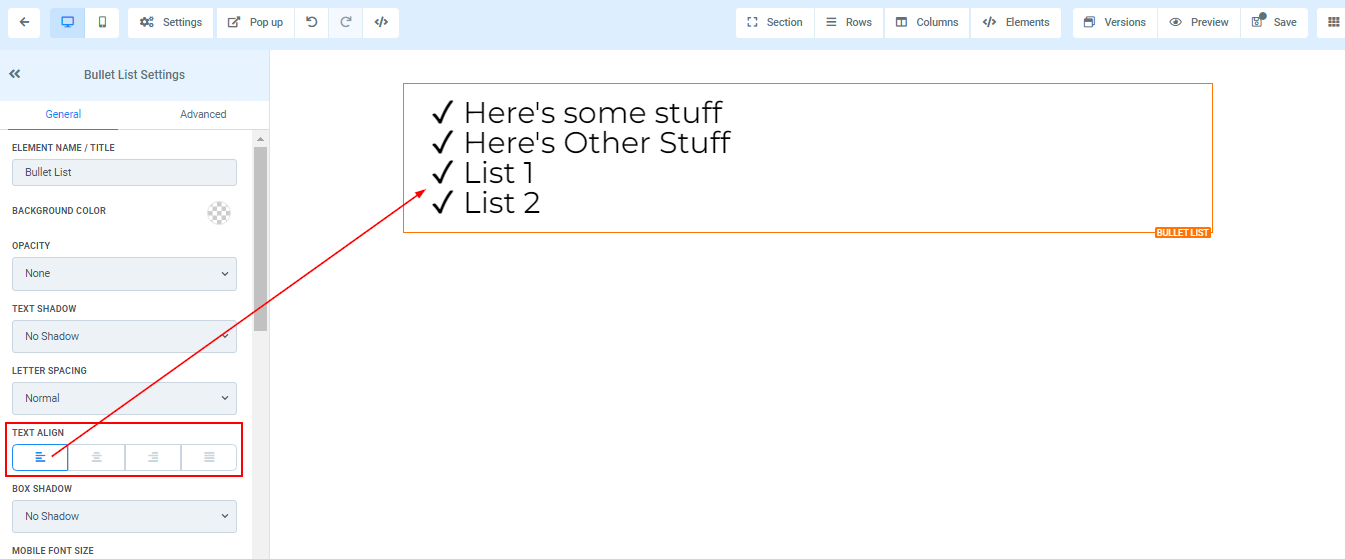
Text Align
You can move your text in different positions as you deem fit, you can position it to the Left, Center, Right, or as Justified.
Mobile and Desktop Font Size