
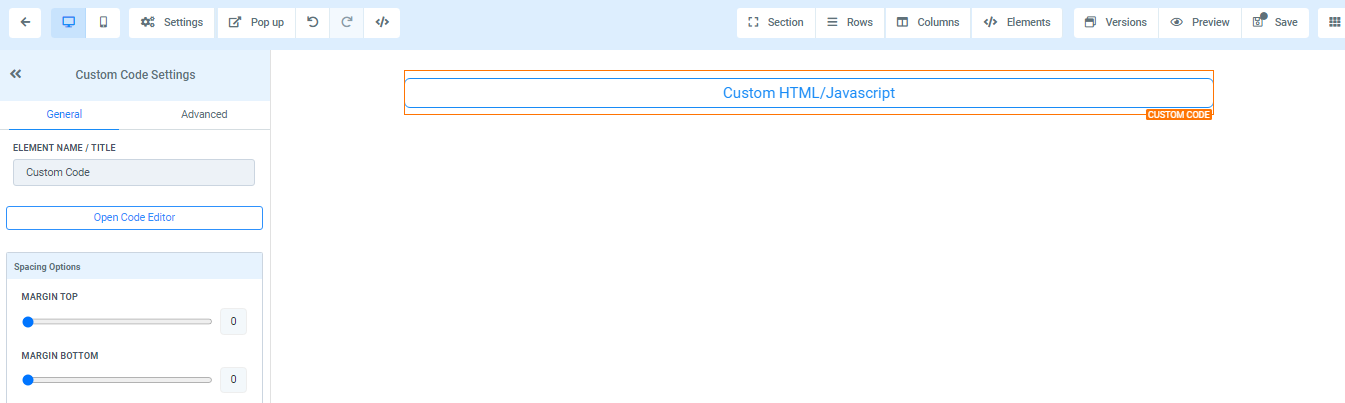
General Settings
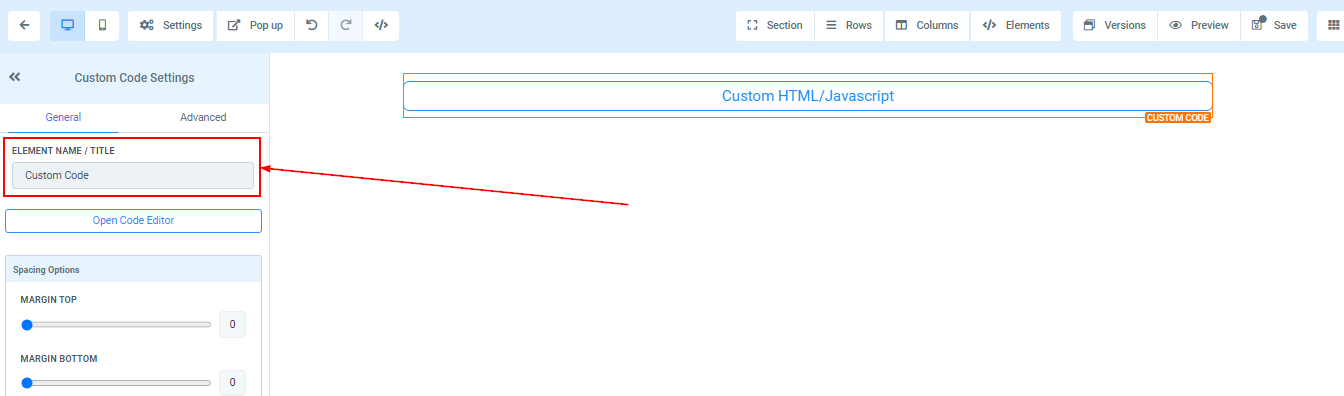
Element Name/Title
Here you will see the default name/title of the Edit option you are working on. You can decide to leave at that or rename it.
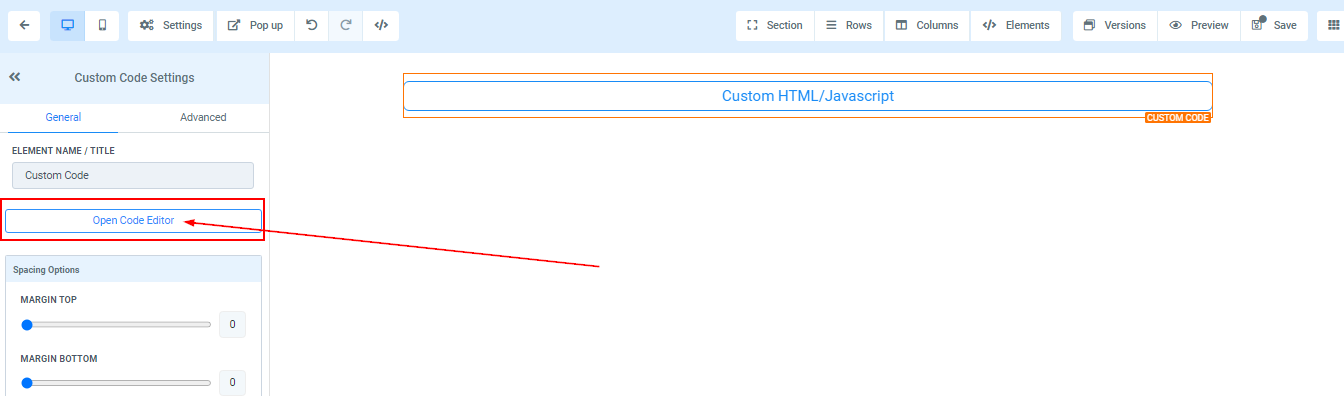
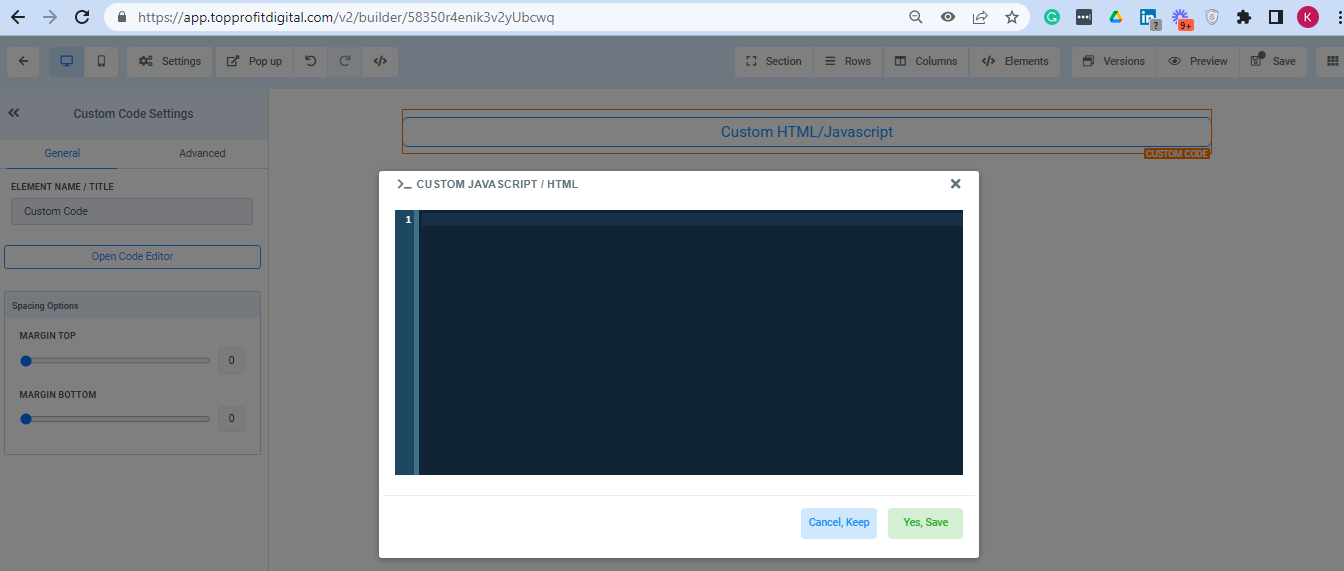
Open Code Editor
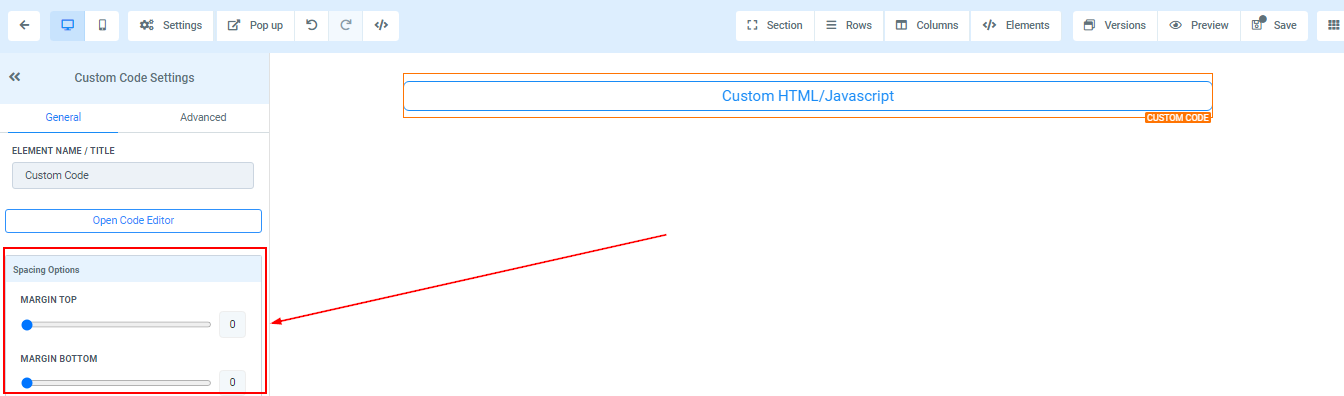
Spacing Option:
There are different spacing options available for adjusting your content. Depending on the Edit option you are working on, the settings will only be applicable to that option. For example, if you are editing a particular Row (the BLUE box), only every content in that Row will follow the command of what settings you make.
-
Padding Left, Right, Top, and BottomThis Four (4) different toggle bar moves the content to either the left, right, top, or bottom depending on the toggle bar you click on.
-
Margin Top and BottomYou can adjust the top or bottom margin of your content by toggling its bars.
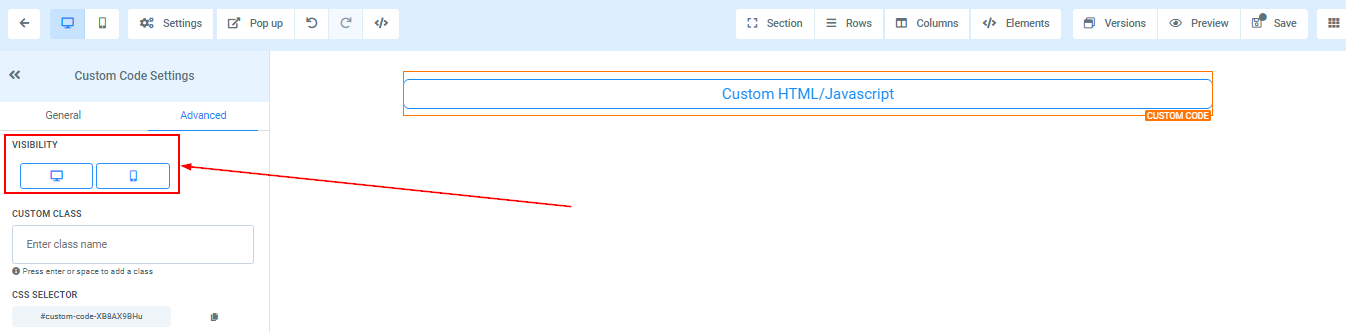
 VisibilityYou can decide if you want this particular Edit option to be visible on only mobile devices, desktops, or both by clicking on it to highlight the icon.
 Custom ClassInput your custom class here.
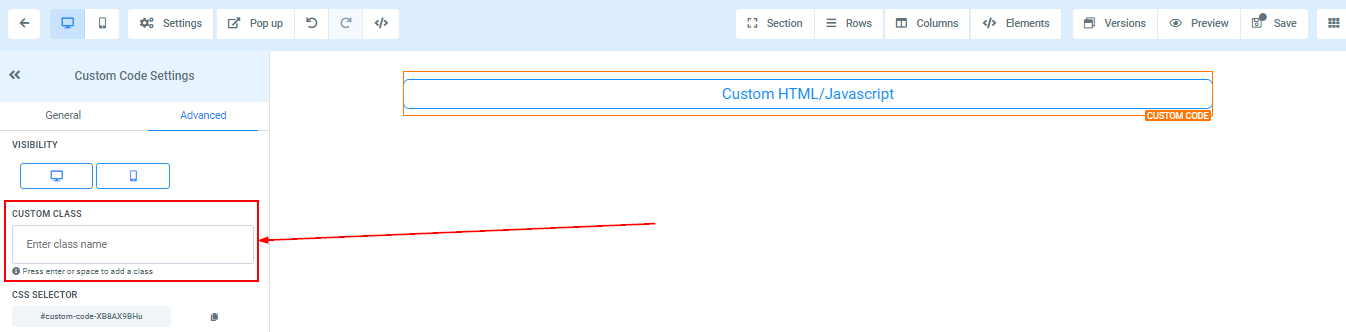 CSS SelectorIf you need to copy the Custom CSS, just click on the “Copy” icon on the right side of the reference code.