
Map
You can use the “Map” Element when you want to include your Business location in tour website.
General Settings
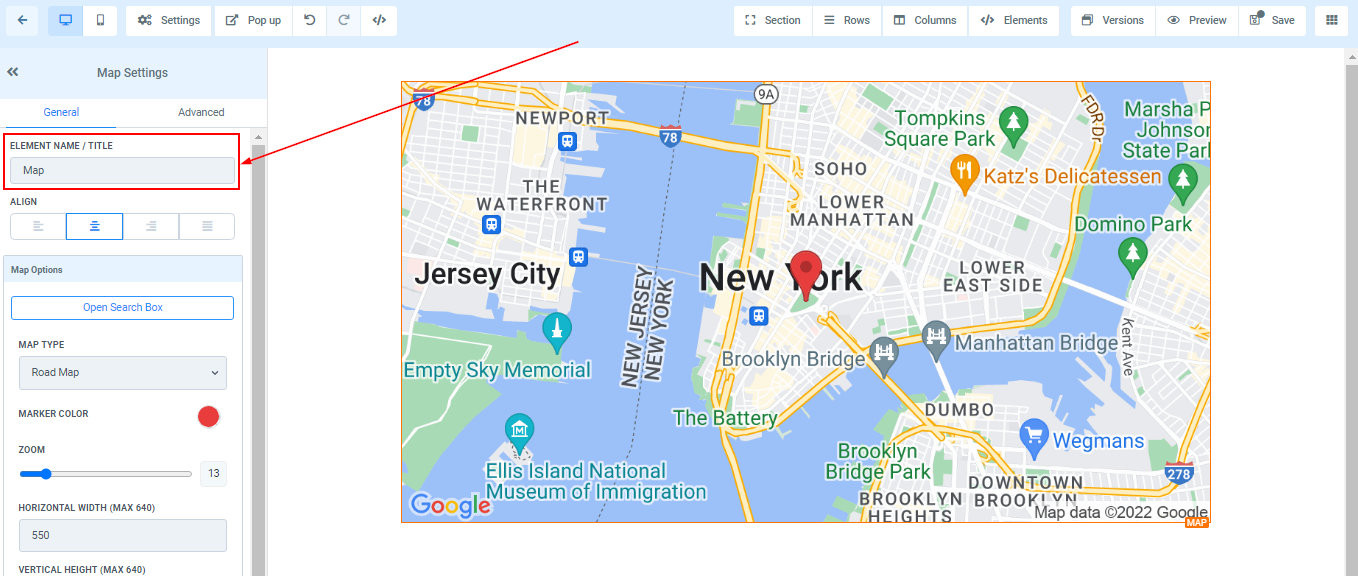
Element Name/Title
Here you will see the default name/title of the Edit option you are working on. You can decide to leave at that or rename it.
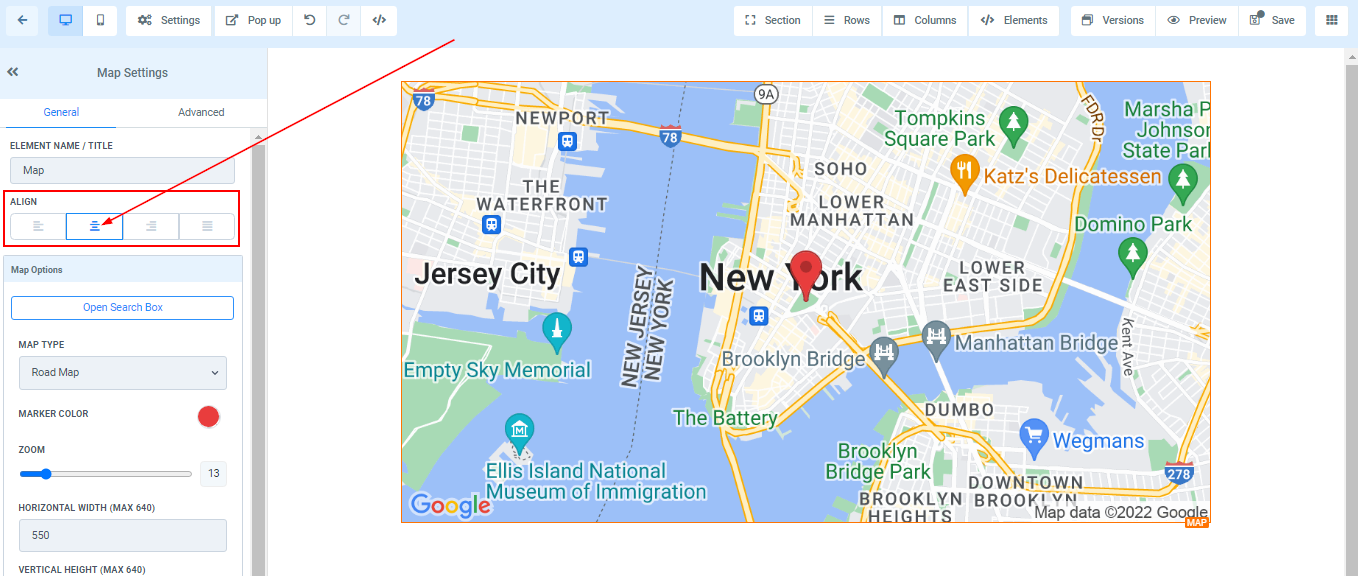
Text Align
You can move your text in different positions as you deem fit, you can position it to the Left, Center, Right, or as Justified.
Map Option
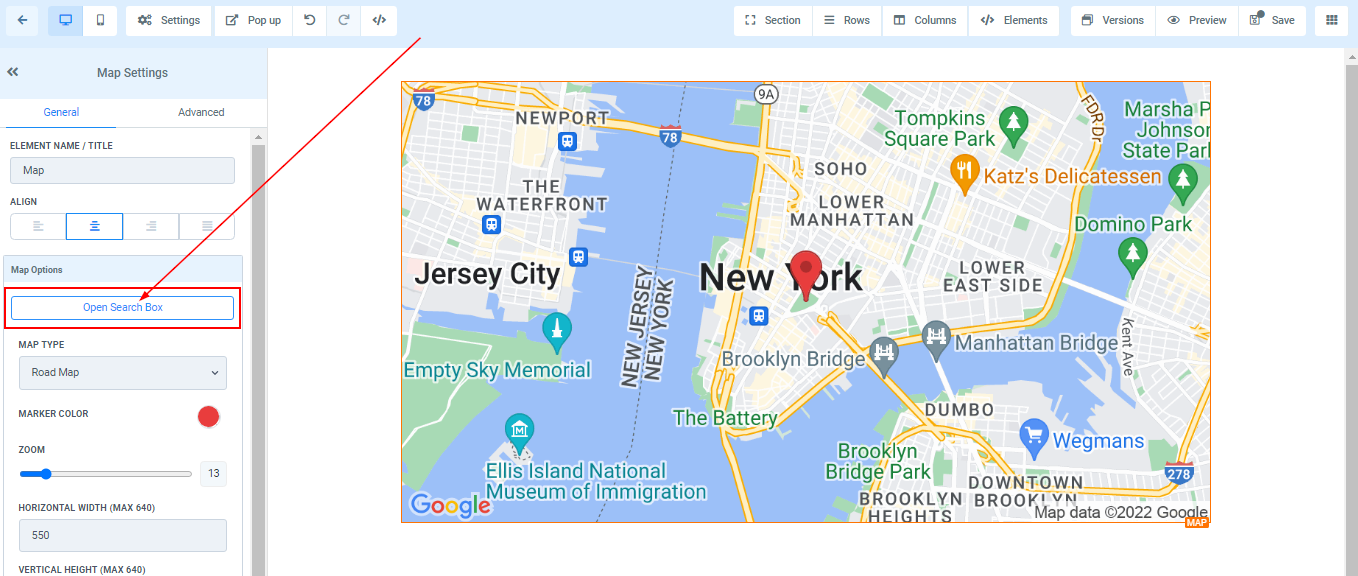
Open Search Box
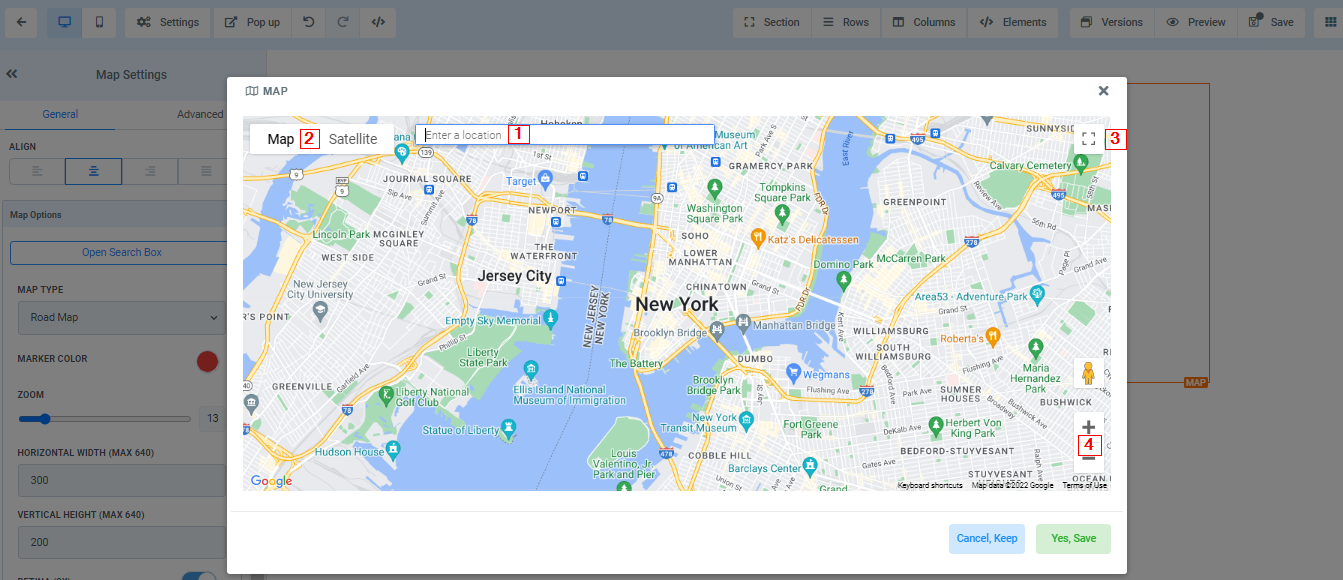
When you click on the “Open Search Box” it opens the Map page and allows you to;
-
1.Input your business location and pin the exact point with the marker.
-
2.You can also decide to view your search using Map or Satelite,
-
3.Zoom in and out, and
-
4.You can also make it a full screen.
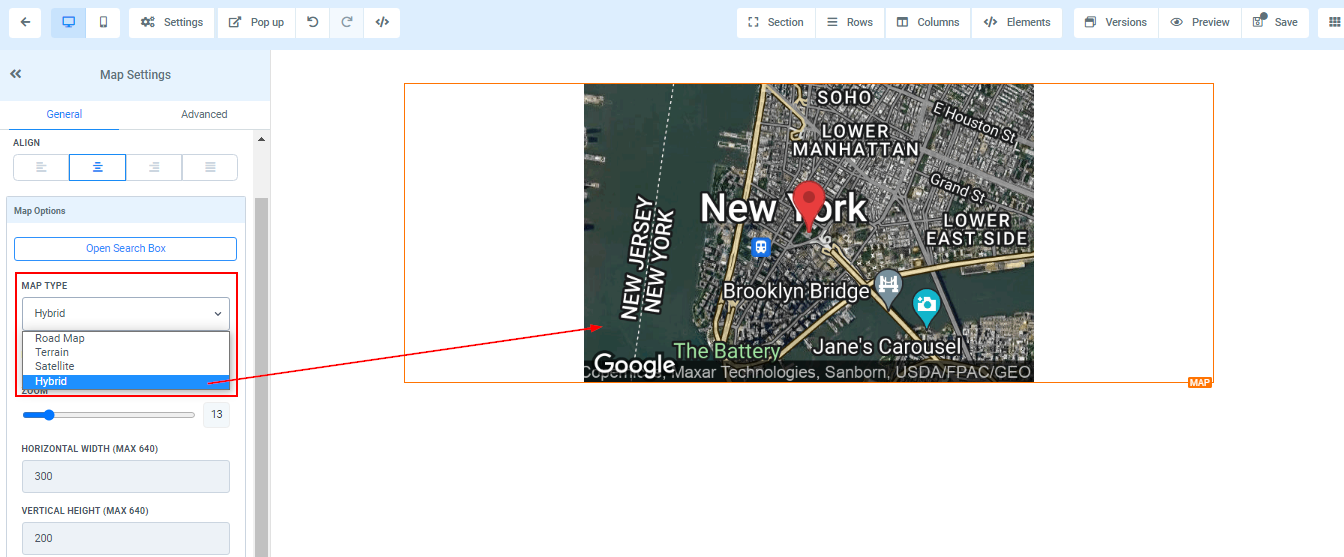
 Map TypeHere you can select the type of map you will like to use in viewing your location.
 Marker Color