
1-Step Order
You can use this element to get the shipping detail of your customer and some other information. For 1-Step Order Form, you will have the Shipping details and the information combined in one form.
General Settings
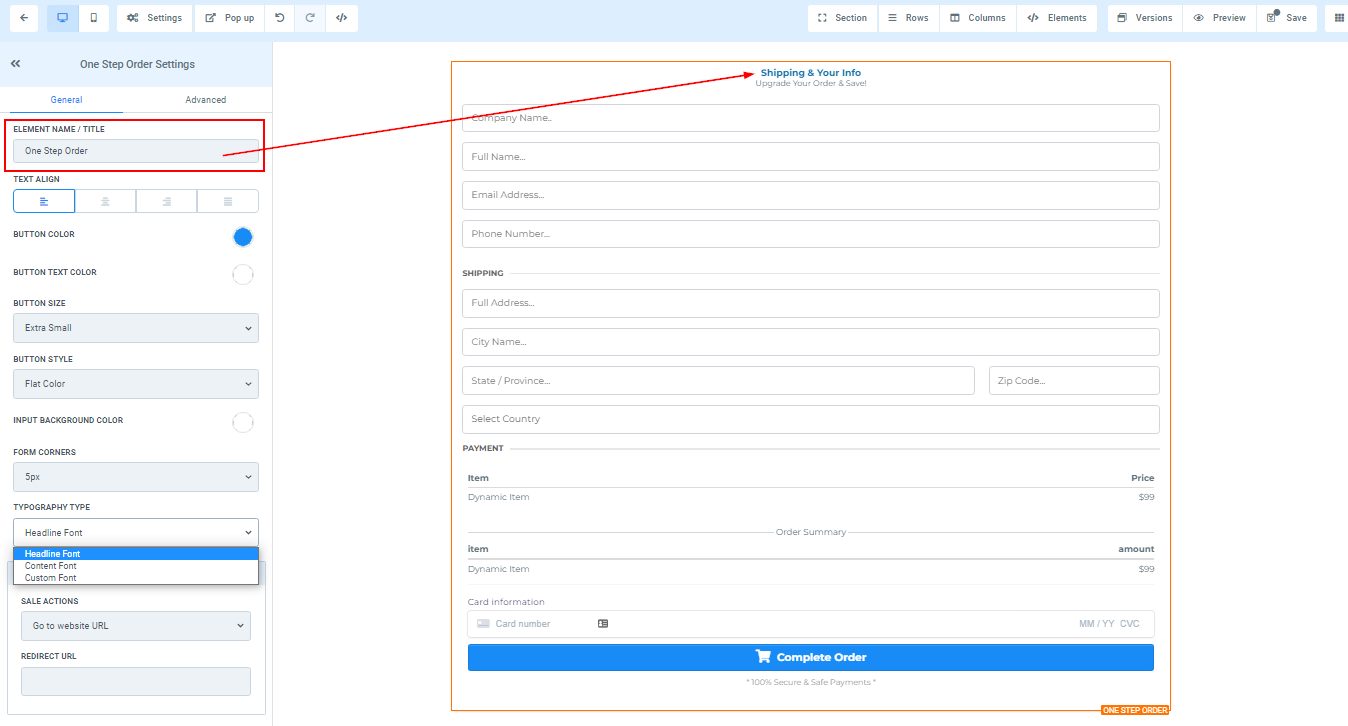
Element Name/Title
Here you will see the default name/title of the Edit option you are working on. You can decide to leave at that or rename it.
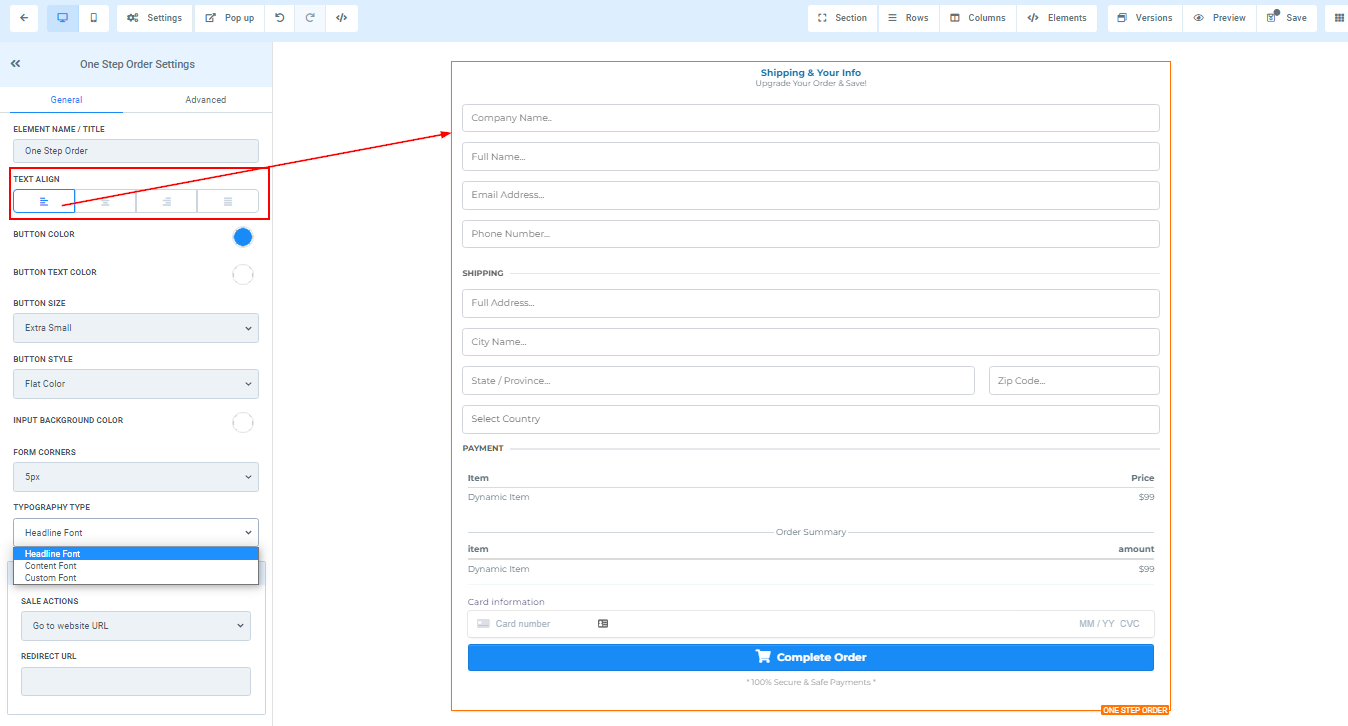
Text Align
You can move your text in different positions as you deem fit, you can position it to the Left, Center, Right, or as Justified.
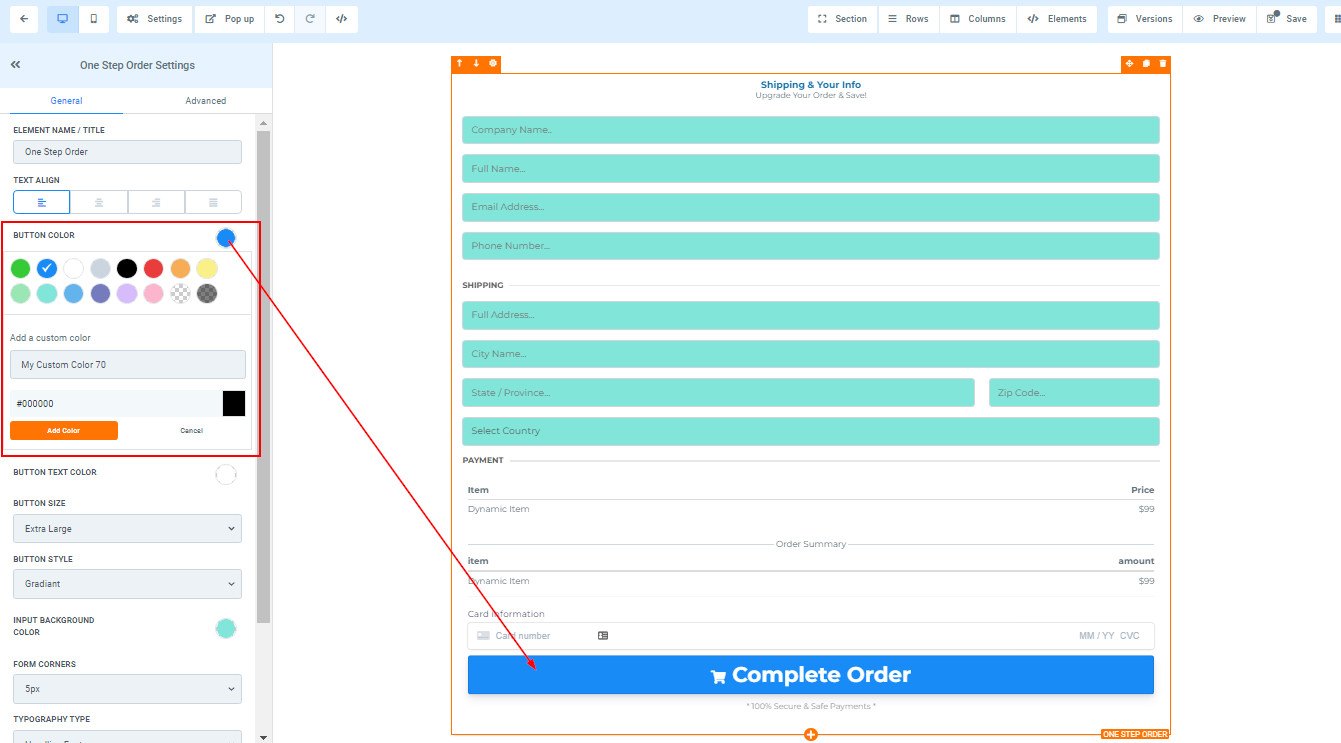
If you want to change the button color of your order form, you can do that by clicking on the color you want to change it to.
If you didn’t find your color, you can also add custom colors if you have the color code of the exact color you are going for, just type it in the space provided and click “add color”.
If you want to change the button text color of your order form, you can do that by clicking on the color you want to change it to.
If you didn’t find your color, you can also add custom colors if you have the color code of the exact color you are going for, just type it in the space provided and click “add color”.
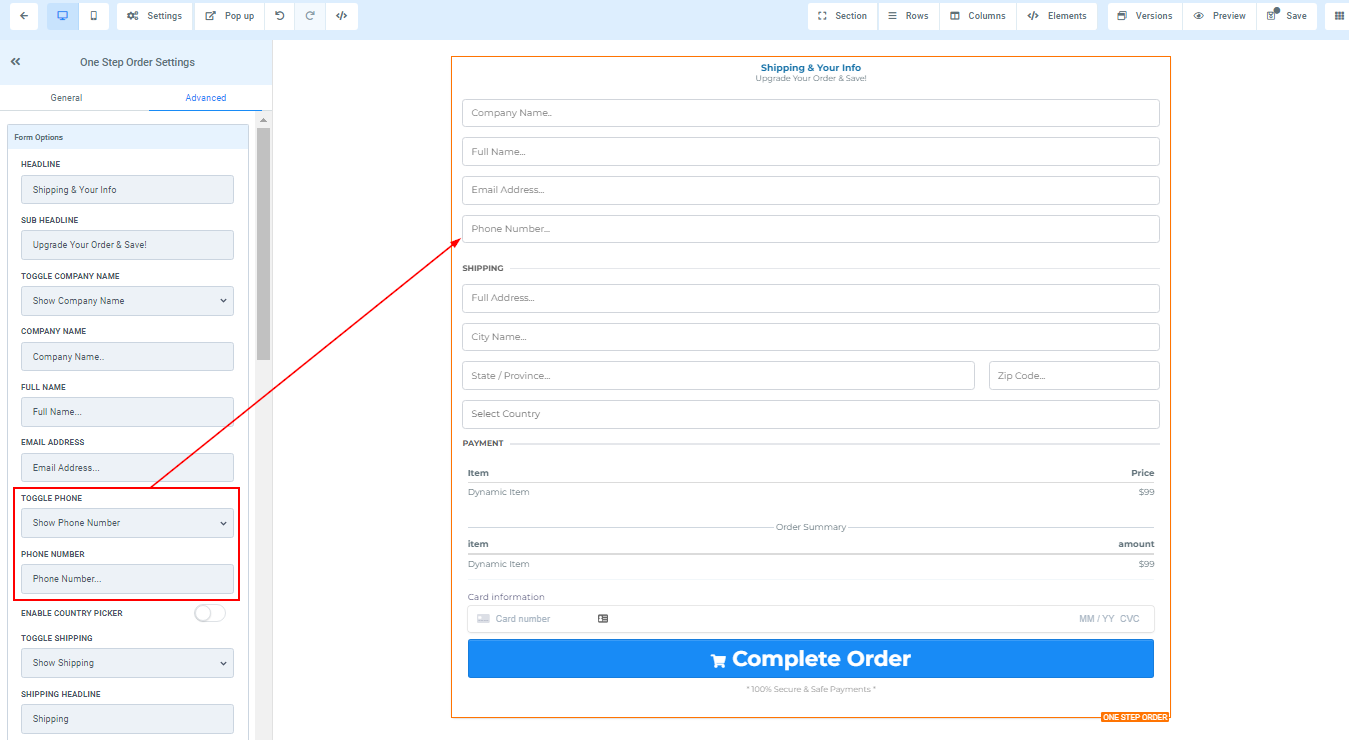
You can decide the size of the button from extra small to extra large.
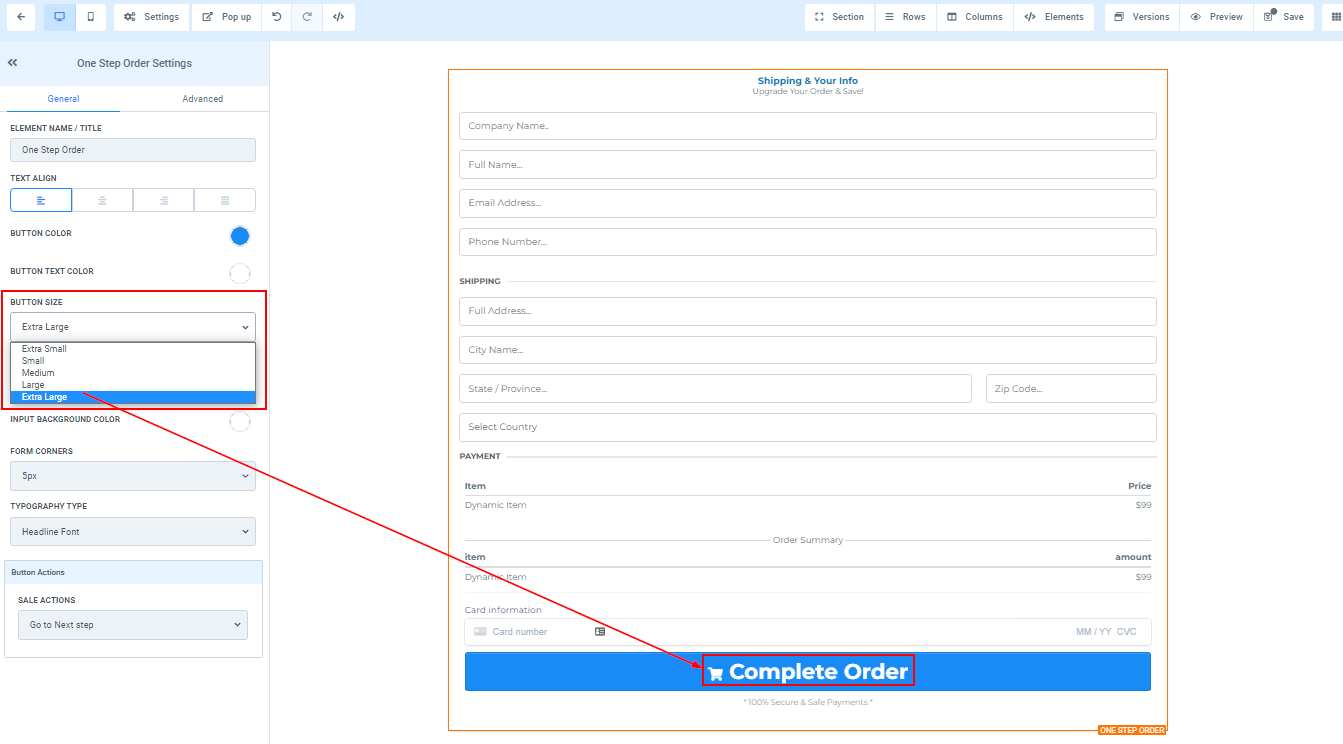
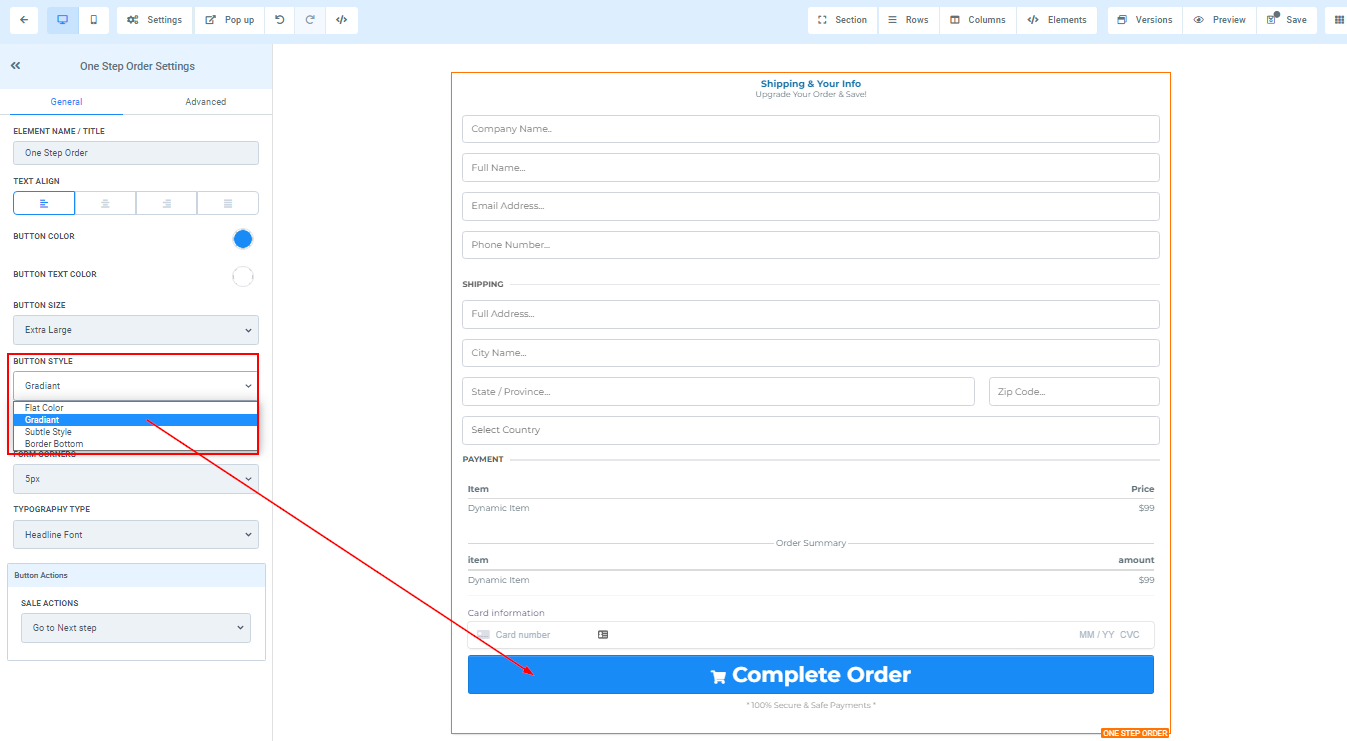
You can style the button color by selecting the style you prefer.
Input Background Color
If you want to input background color to your order form, you can do that by clicking on the color you want to change it to.