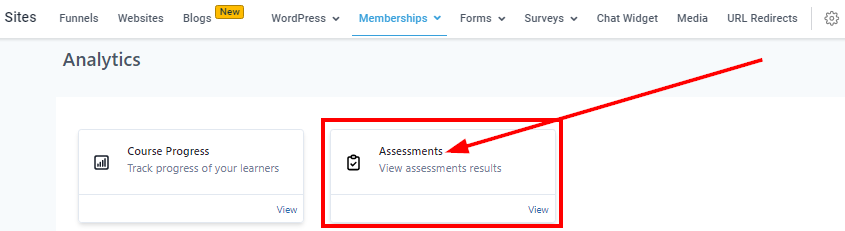
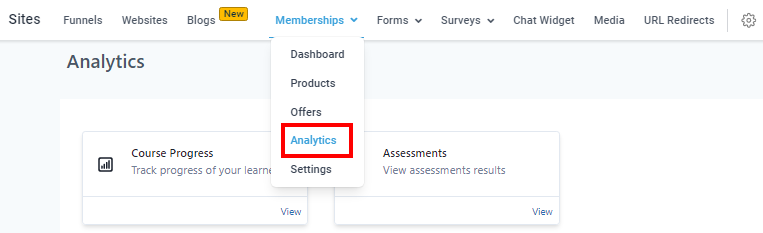
Membership Analytics
Product Analytics
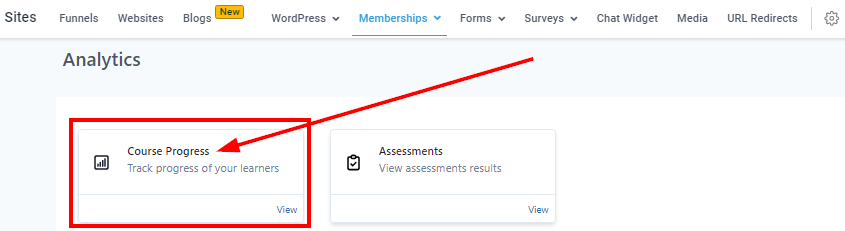
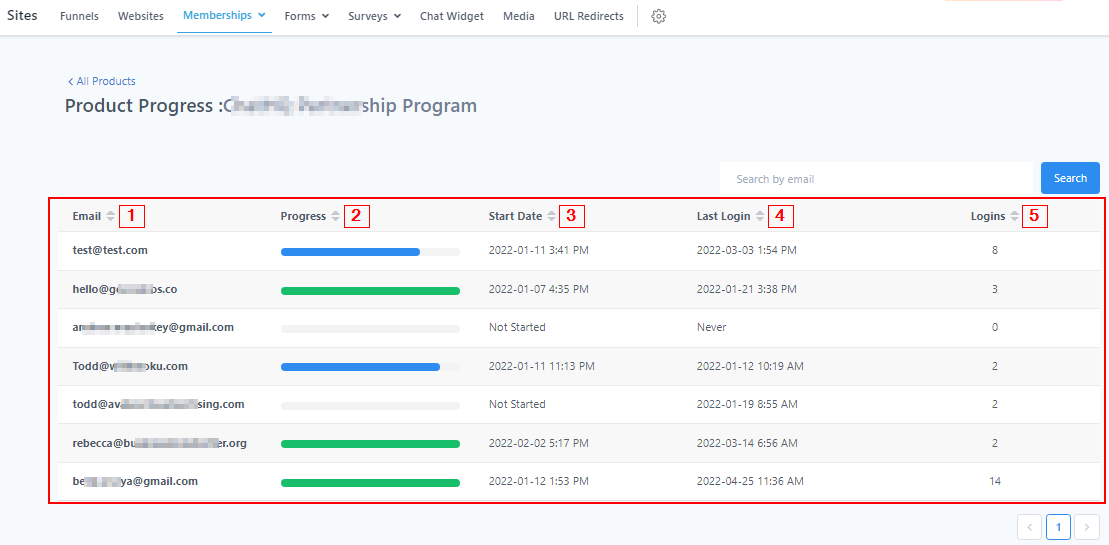
In this section, you will be able to view the progress of each of your courses and assessments. You can see their progress level (in percentage%), their first login date and time, the last time they visited the product, and the number of times they logged in.
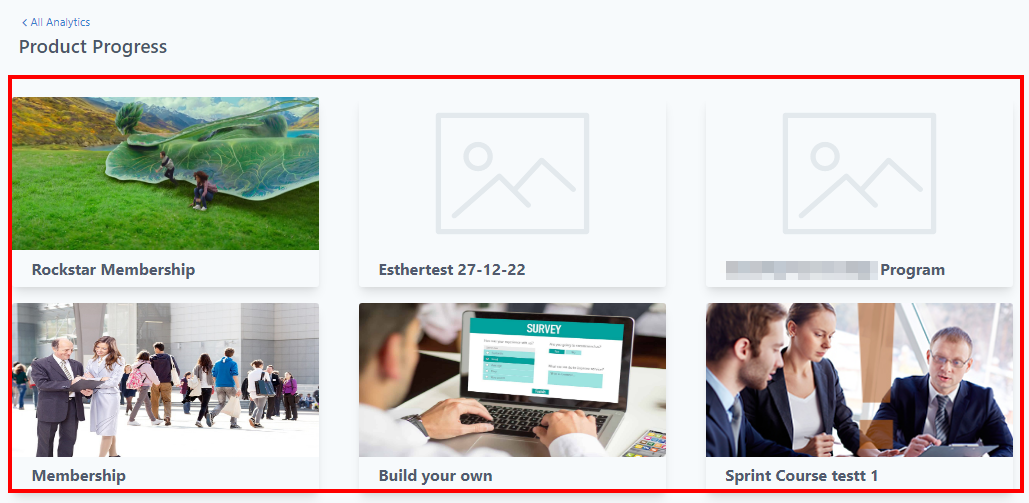
Product Progress
Once you’ve selected the course progress, you will be directed to this page where you can select the product you want to view.
-
1.EmailHere, you will see the email of the visitors that logged in to the product.
-
2.Progress ****In this column, you will see the progress of the product using a percentage; 100% means the visitor viewed the whole module of the product, any percentage lesser than 100% means the visitor hasn’t completed the module and a visitor without any percent bar means they haven’t opened the product at all.
-
3.Start Date This column shows the first time and date the visitor opened this product.
-
4.Last LoginHere you will see the last time and date they visited the product page.
-
5.LoginThis is the number of times the visitor opened this product page.
Search Filter
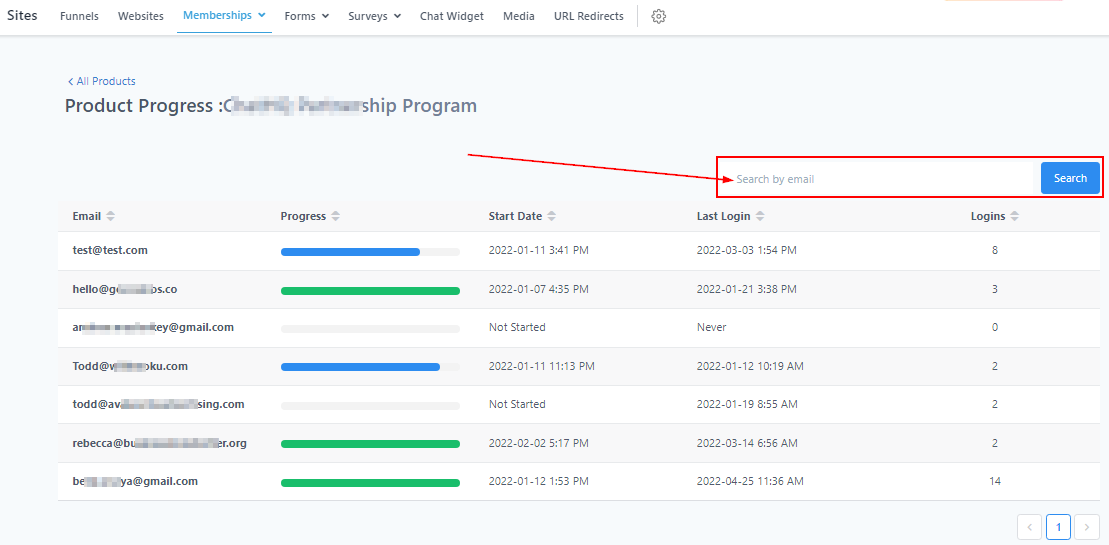
If you have a ton of visitors, you can just search for a visitor by filtering through their emails.
Members Progress
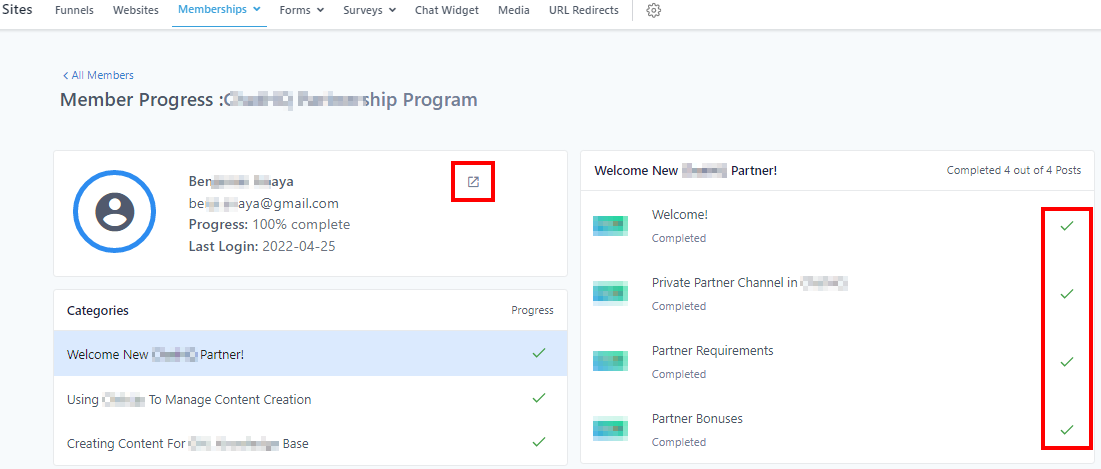
When you click on one of the visitor’s emails, you will be directed to the visitor’s overview page. It shows you the lessons the member completed and the ones they didn’t.
When you click on the “URL link” icon on the right side of the member’s profile, it directs you to the contact’s Conversation thread under the Contact section.
Assessment Analytics
If you want to view your assessment progress, click here to direct to the assessment progress table.