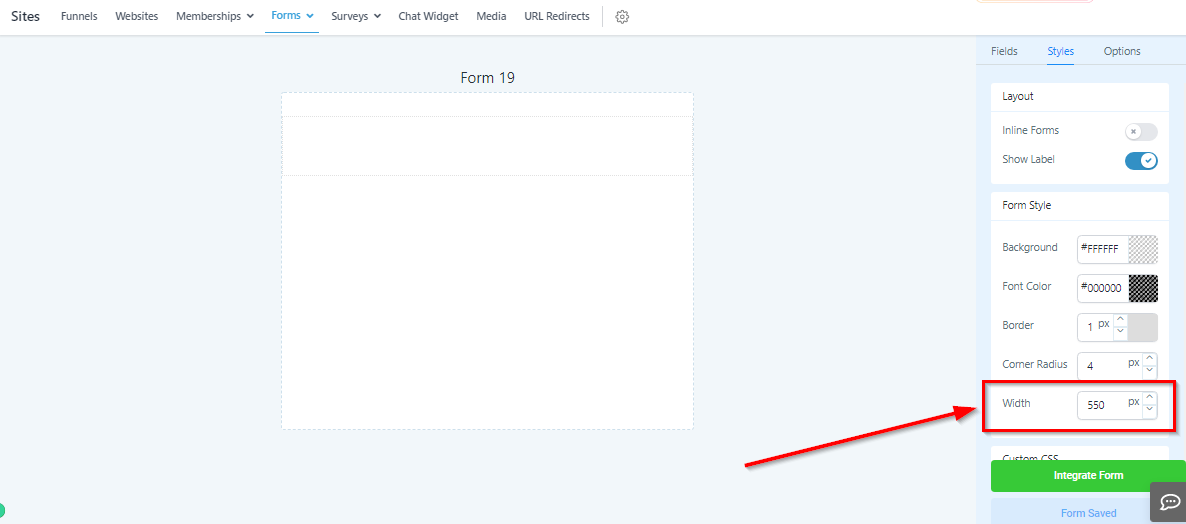
Styles Tab
Styles Tab
Use the styles tab to change the look and feel of your form.
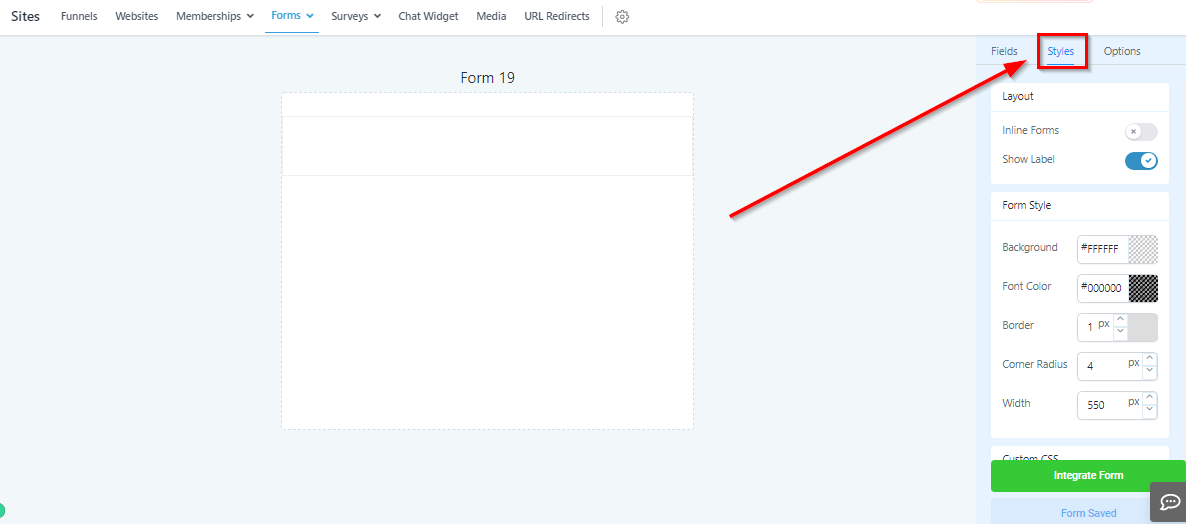
Layout Settings
Here you will find your form layout settings.
Inline Forms: Inline forms give you the ability to put form inputs side by side instead of all inputs being below one another.
Show Label: If you do not want to show the input field label, you can turn it off here.
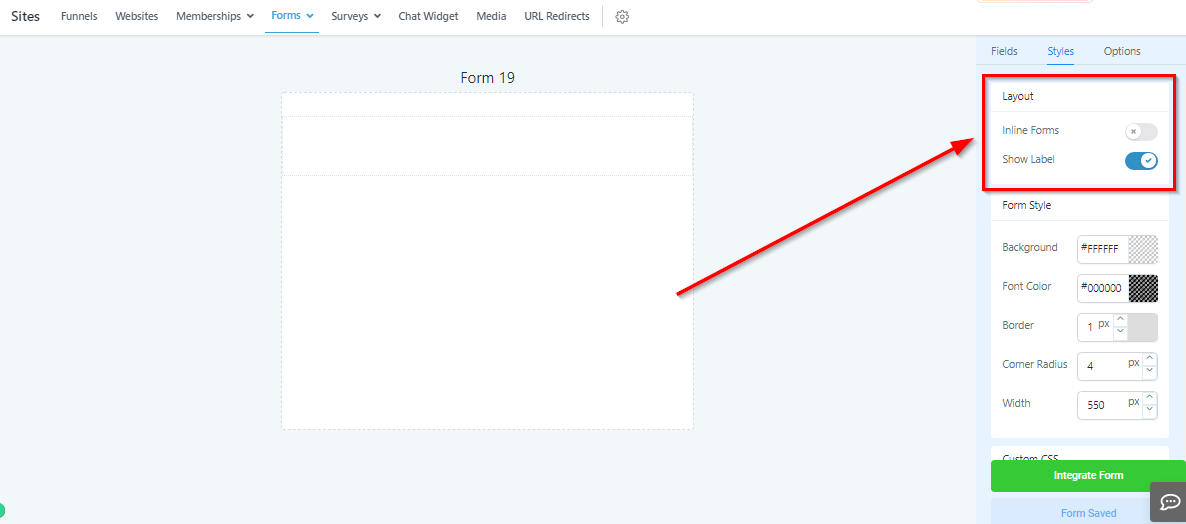
Form Style – Background
Change the background color of your form.
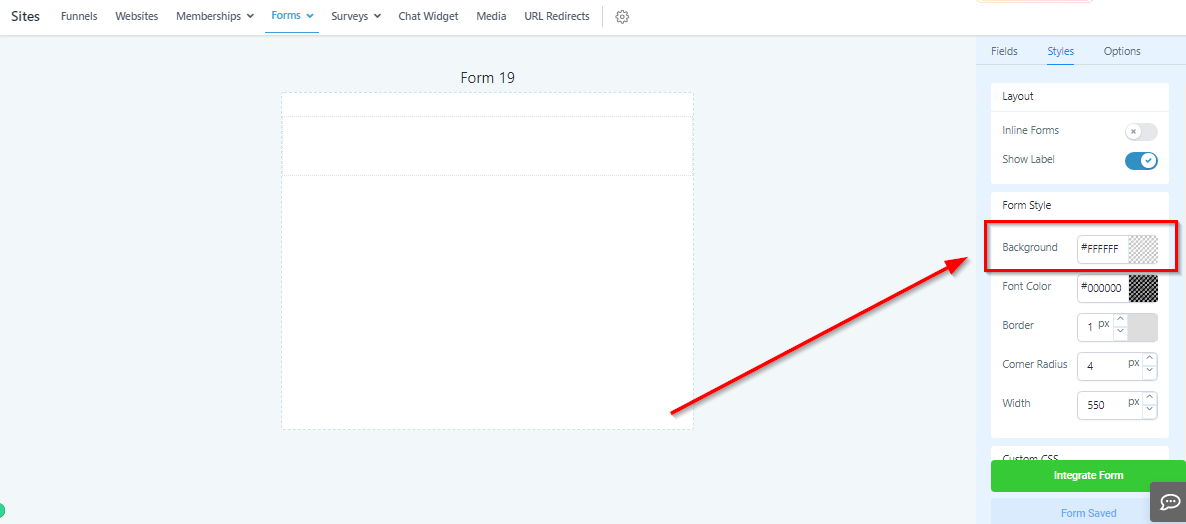
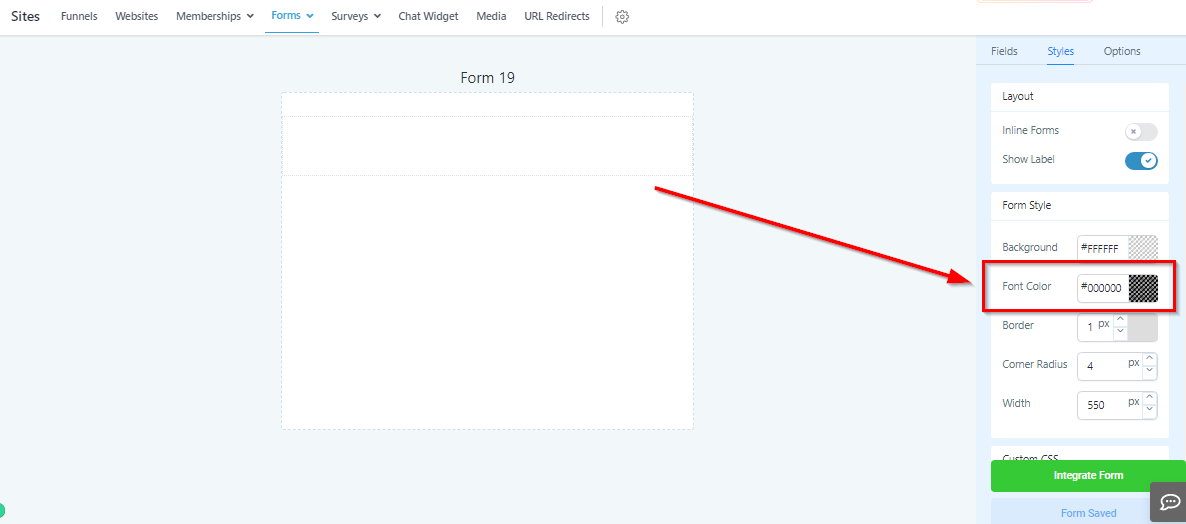
Form Style – Font Color
Change the font color of your form.
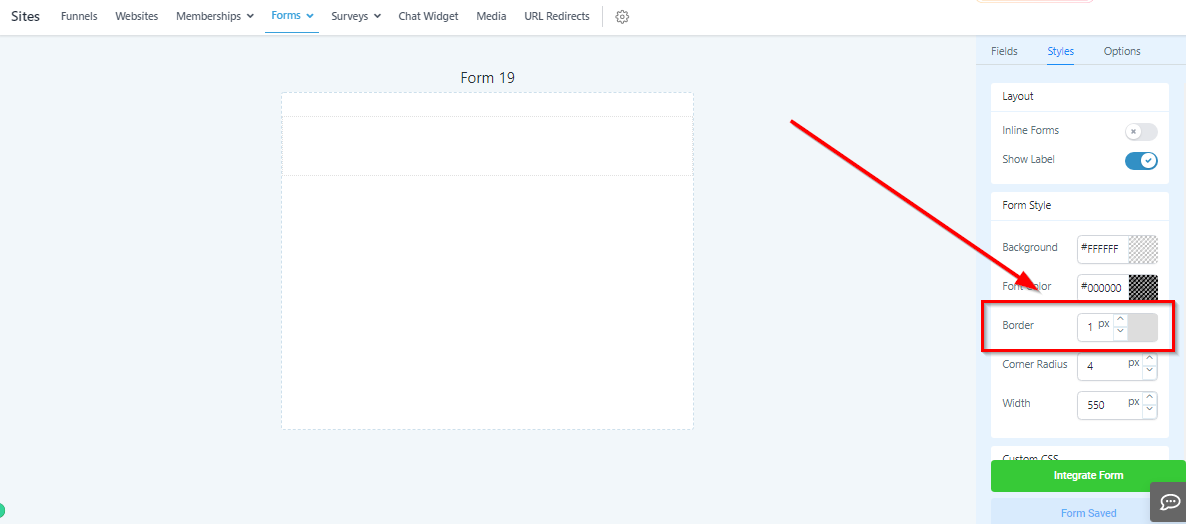
Form Style – Border
Give your form a border here by increasing the width of the border walls
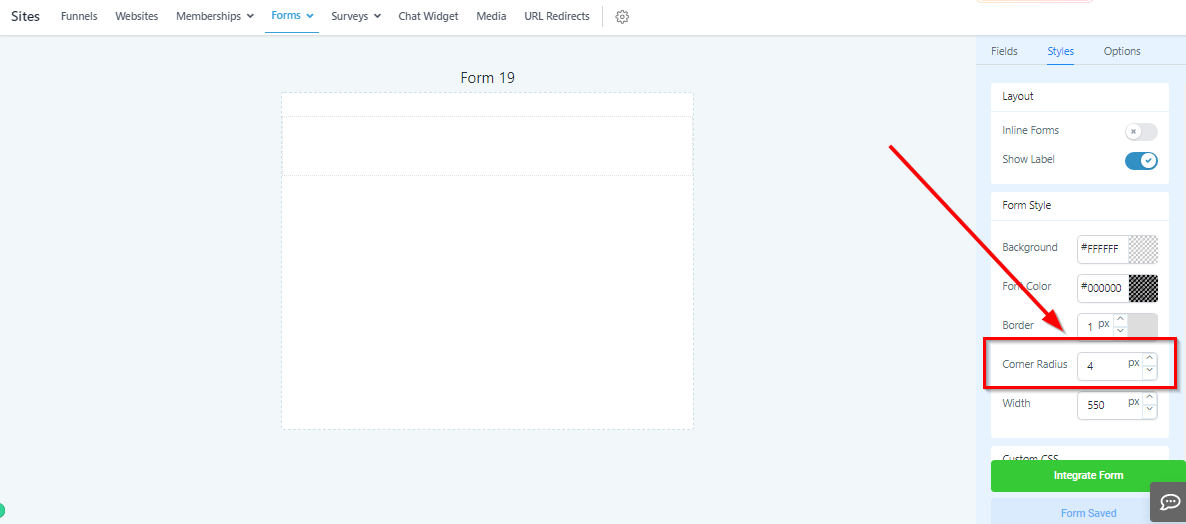
Form Style – Corner Radius
Corner radius will change the corners of your form from sharp and squared off. to rounded.
Form Style – Width
Change the total width of your form to better match the page you are embedding it in.