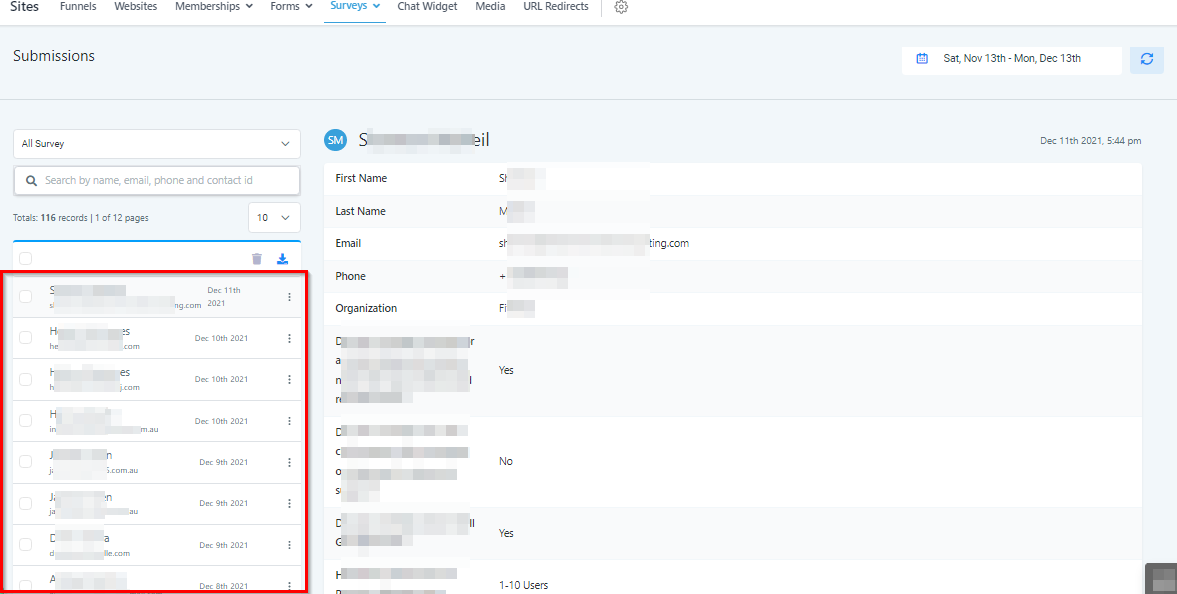
Submissions
Survey Submission Data
This section is where your CRM collects and organizes all survey submission data. You can analyze, download, and delete survey submission data from inside this section.
NOTE: Depending on your user permissions, you may not have access all of the components.
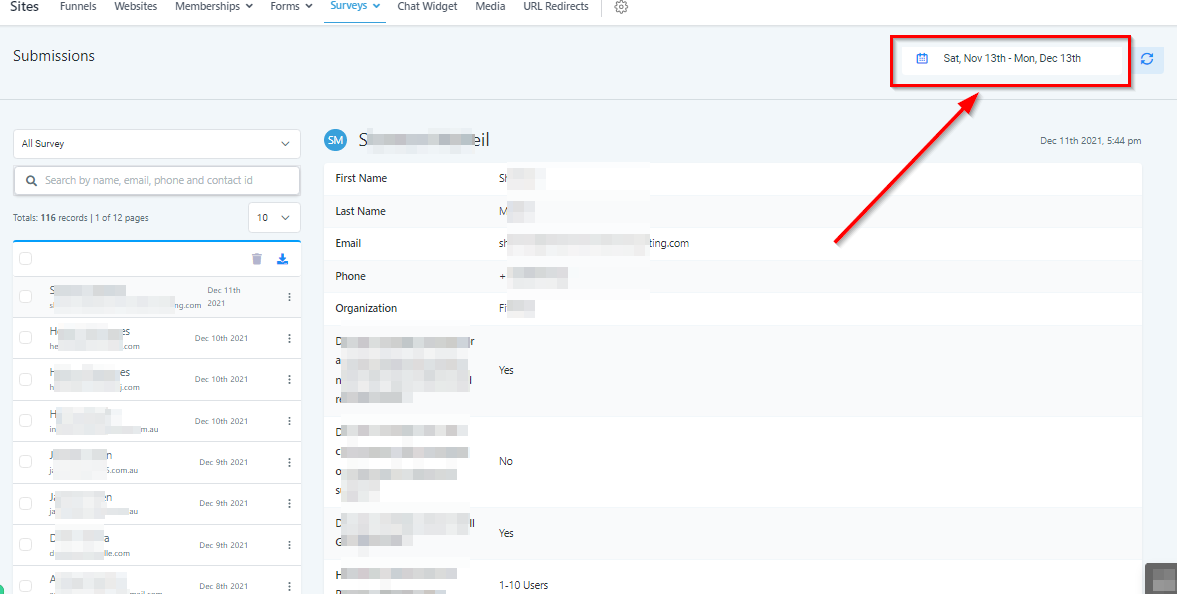
Date Range
Choose the date range you want to use when analyzing your form submissions.
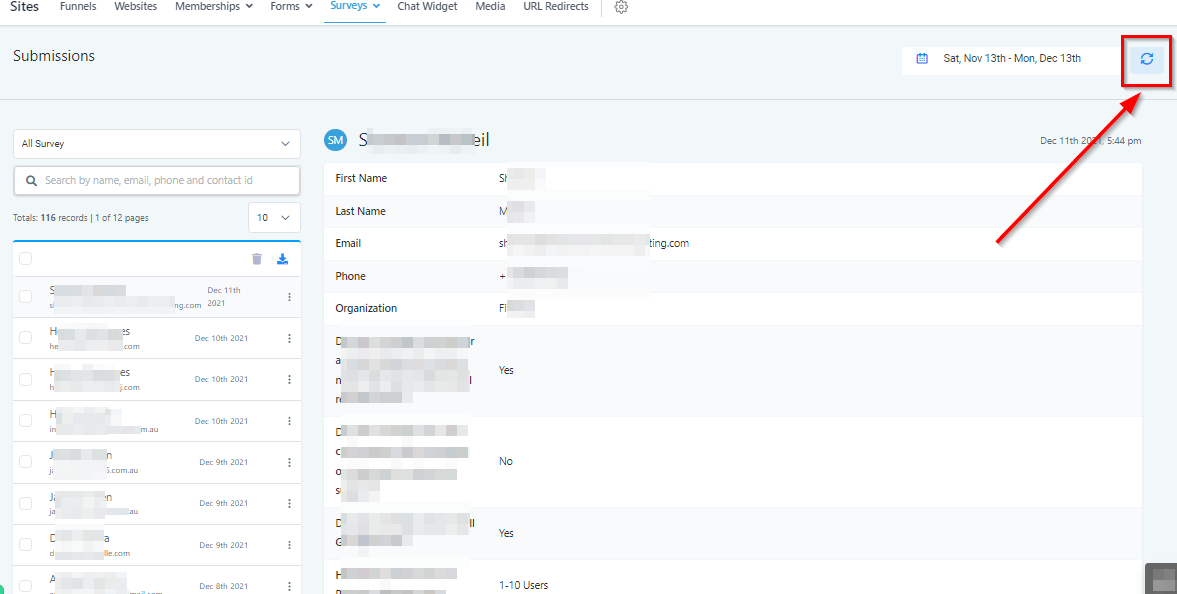
Refresh Submission Data
You can refresh the submission data at any time by pressing this button.
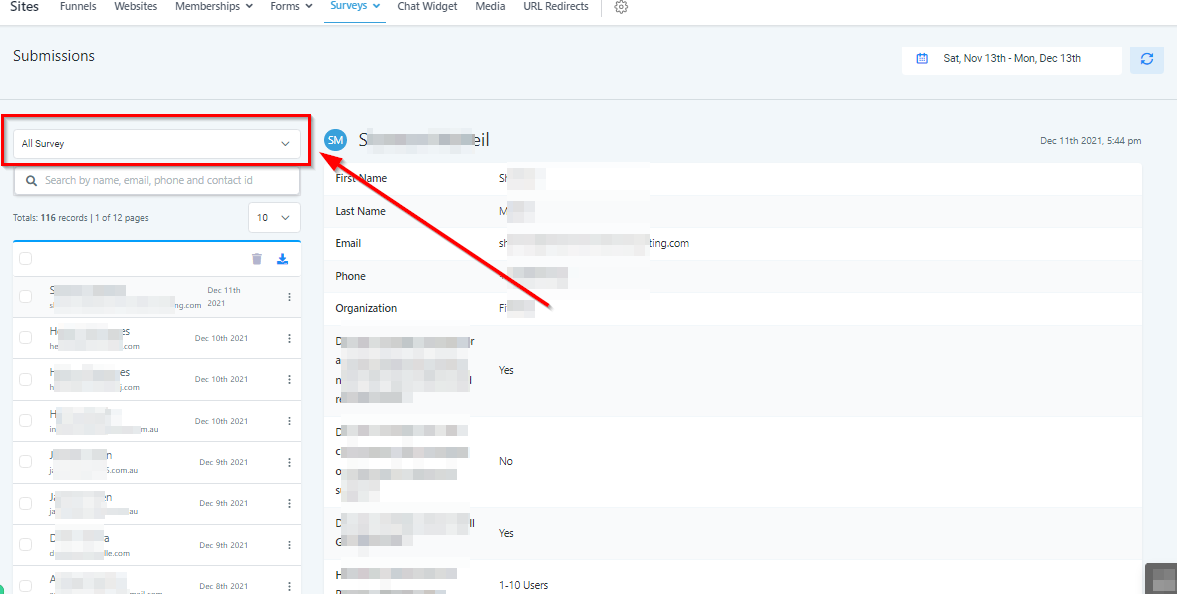
Select Survey
Choose from all of your surveys in order to analyze the submissions made on that survey.
Search Bar
After you’ve selected a certain survey, search for specific submissions by using the search bar here.
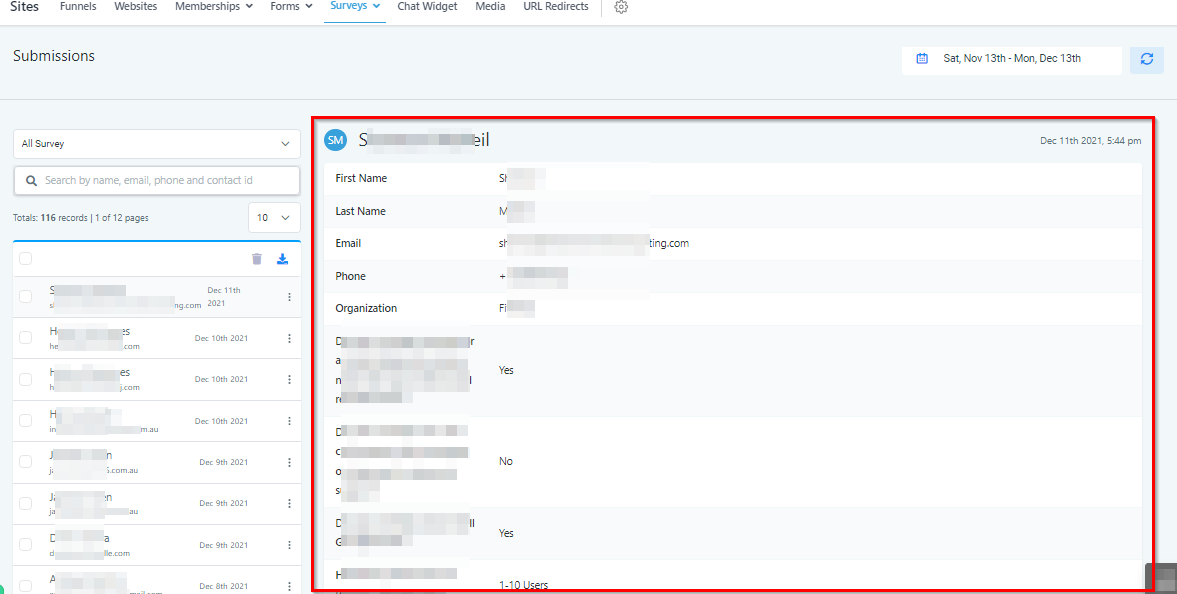
Submission Data
Here you will see all of the data submitted by the chosen individual who filled out the survey.
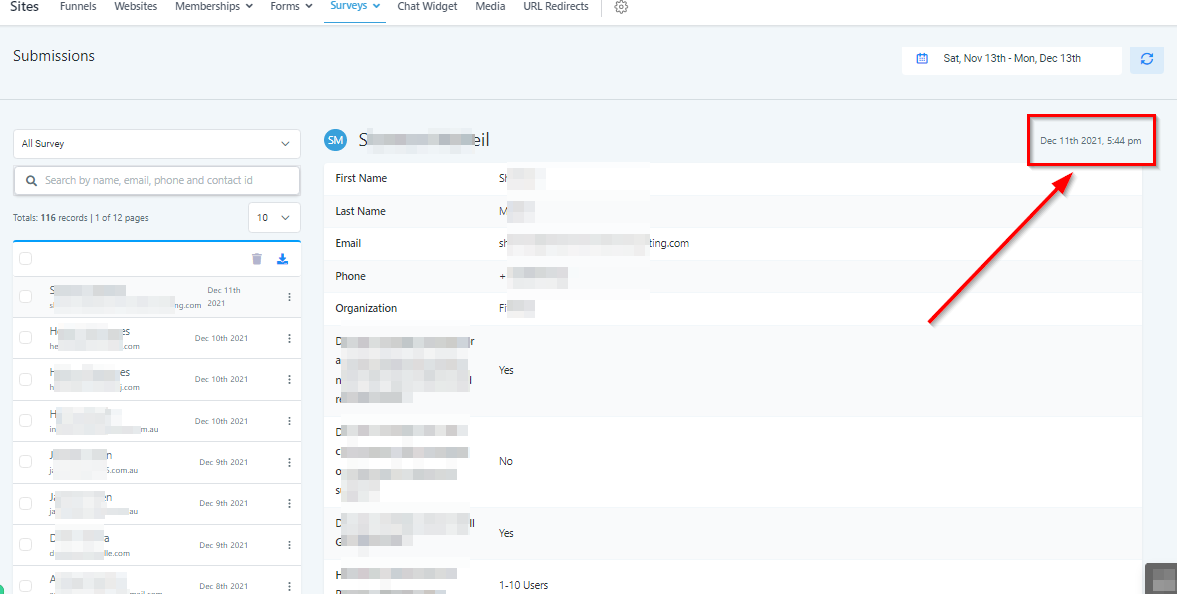
Date Submitted
You can see the date of each submission in the top right corner here.
Survey Submission List
Here is a list of all submissions for any particular survey.